Check the Transcripts
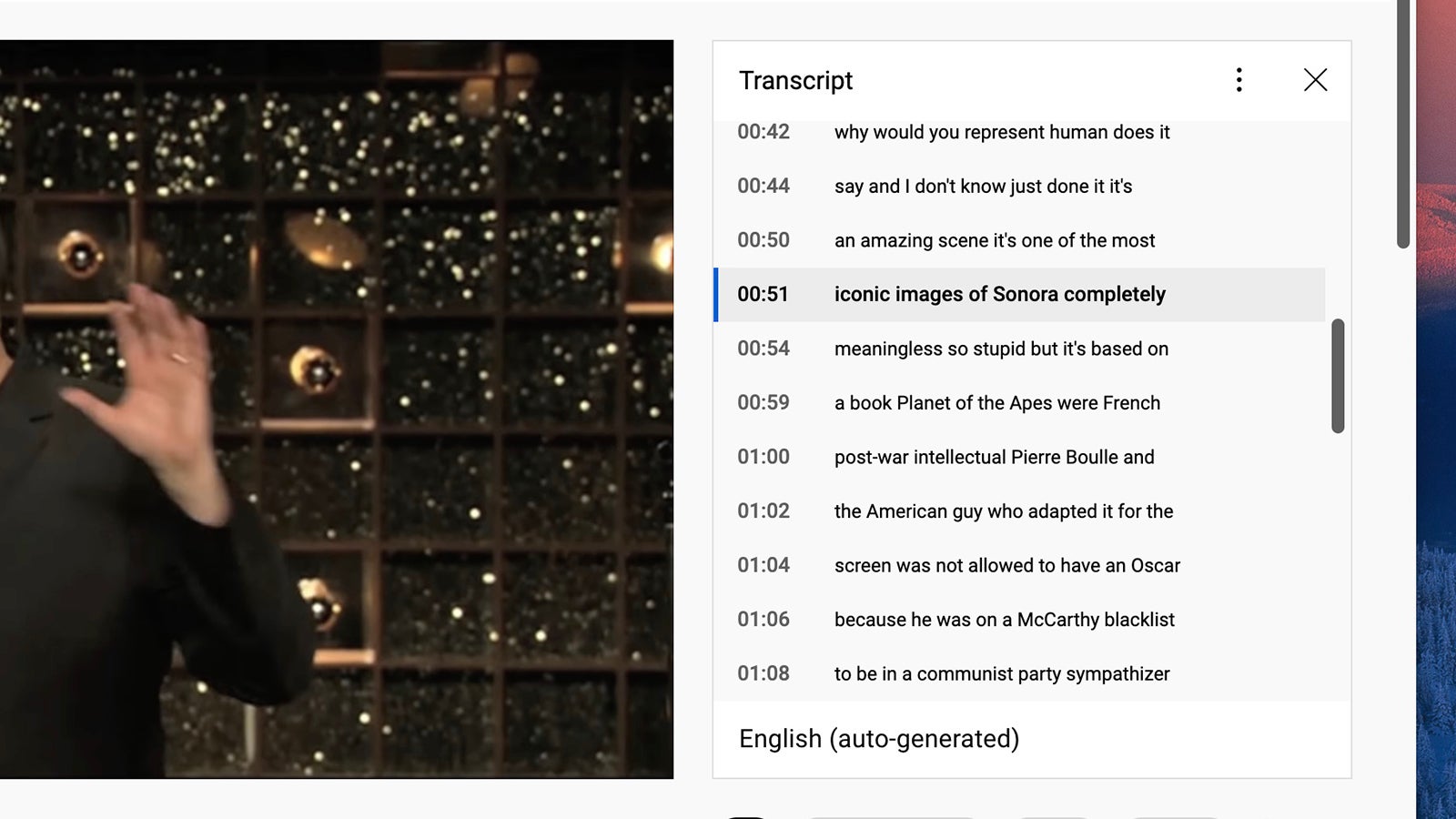
YouTube deploys some smart auto-captioning processing on most (but not all) of the videos that are uploaded, and you can find these on the web by clicking the three dots underneath a clip and then Open transcript. As far as we can tell, the transcribing is very accurate, and it comes with timestamps attached to make it easier to navigate.
There are a couple of reasons you might want to bring up a video transcription: You could, for example, use it to find a particular point in a video without having to scroll along the timeline. The transcript can also be helpful when you can’t listen to the audio of a clip, although it’s probably easier just to turn on the closed captions for a video instead.