Navigate With Gestures
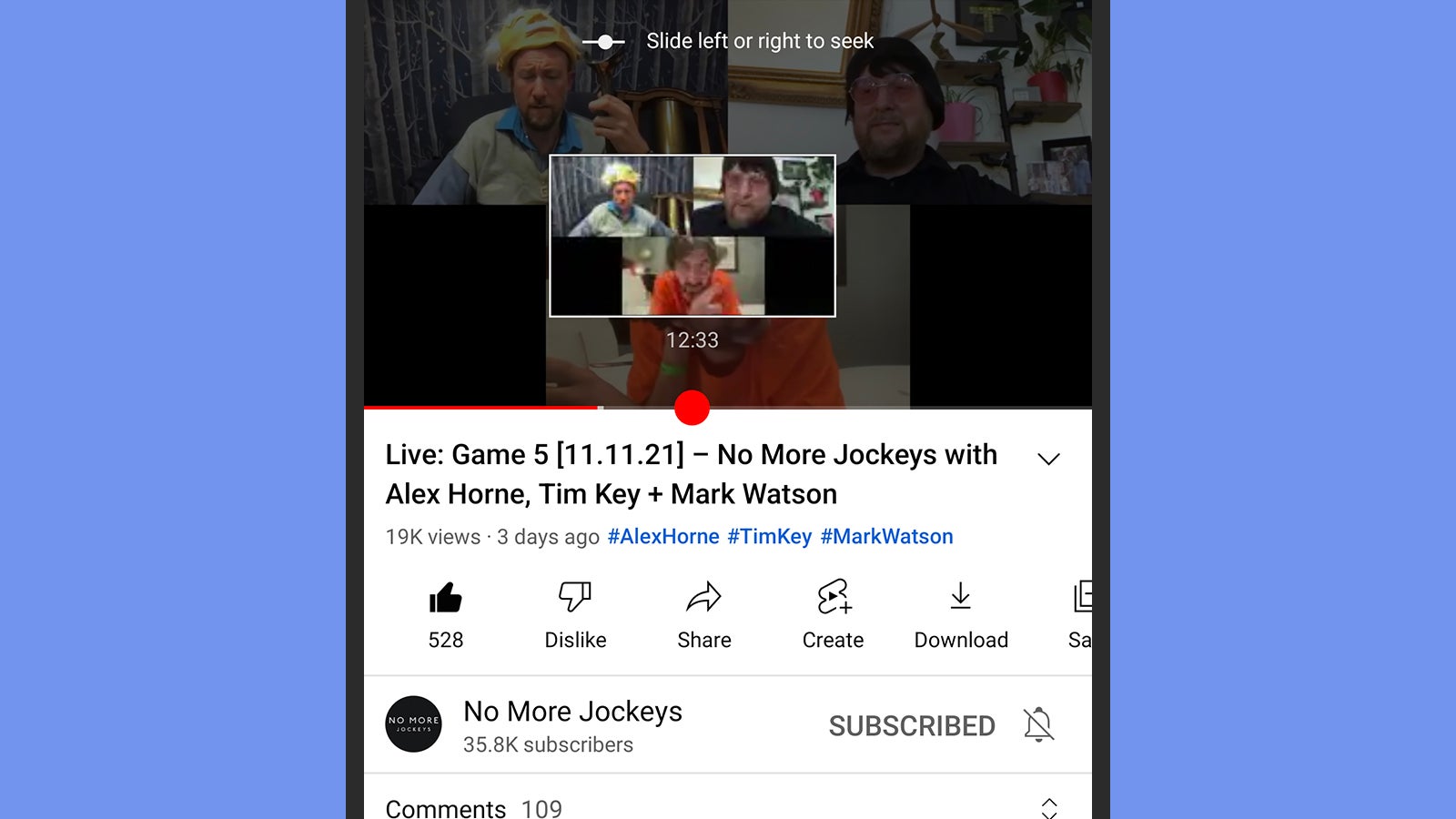
There are a couple of simple gestures that aren’t immediately obvious but which can really help you jump around YouTube videos on a smartphone or tablet. Tap with one finger and hold on the video as its playing, and you can then—with your finger still pressed down on the screen—swipe left or right over the clip to quickly scrub through the video’s timeline.
The second gesture needs two fingers: Tap two fingers on the left-hand side or the right-hand side of the video as it’s playing, and the clip will skip forwards or backwards 10 seconds. If there are chapters embedded into the video, then the same gesture will jump forwards or backwards through the chapters instead, making navigation a lot easier.