Go Incognito
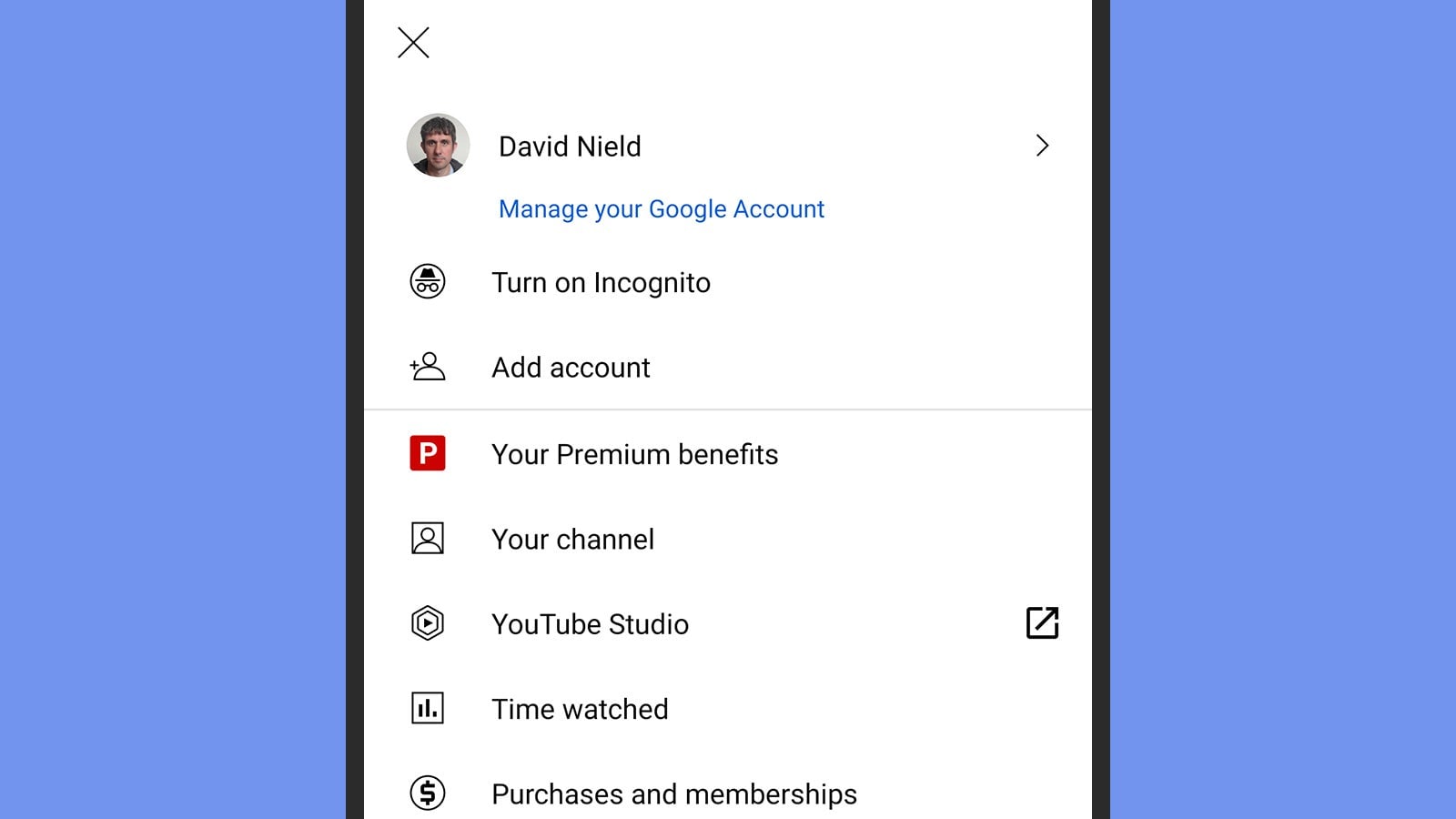
Perhaps you want to let the kids watch some videos, or you need to research something that you don’t want to muddy up your recommendations—for these and other reasons, YouTube on mobile has an incognito mode that you can enable by tapping your profile picture (top right) on the main Home screen, and then choosing Turn on Incognito.
Incognito mode works exactly as you might expect. Your viewing history won’t be stored, and the videos you watch won’t interfere with your recommendations. Tap the incognito button (top right) to turn it off again. There’s no similar option on the web interface, but you can just use a browser window in incognito mode for the same job.