18. Organize Email With Sub-Labels
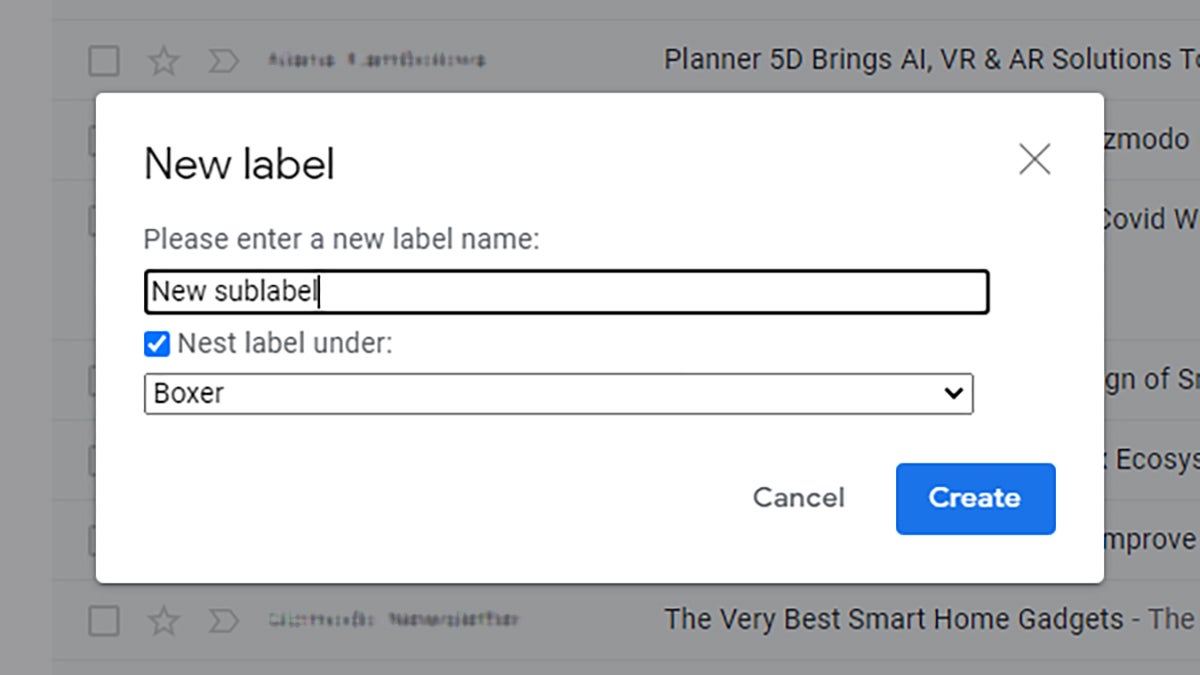
Many of us are using labels to keep our Gmail inboxes organized, but did you know you can create sub-labels too? You have to be on the web to create them, but they can then be accessed from anywhere. Click the three dots next to any label in the navigation pane on the left of the Gmail inbox, then choose Add sub-label to do just that.





