21. Change the Look of Gmail
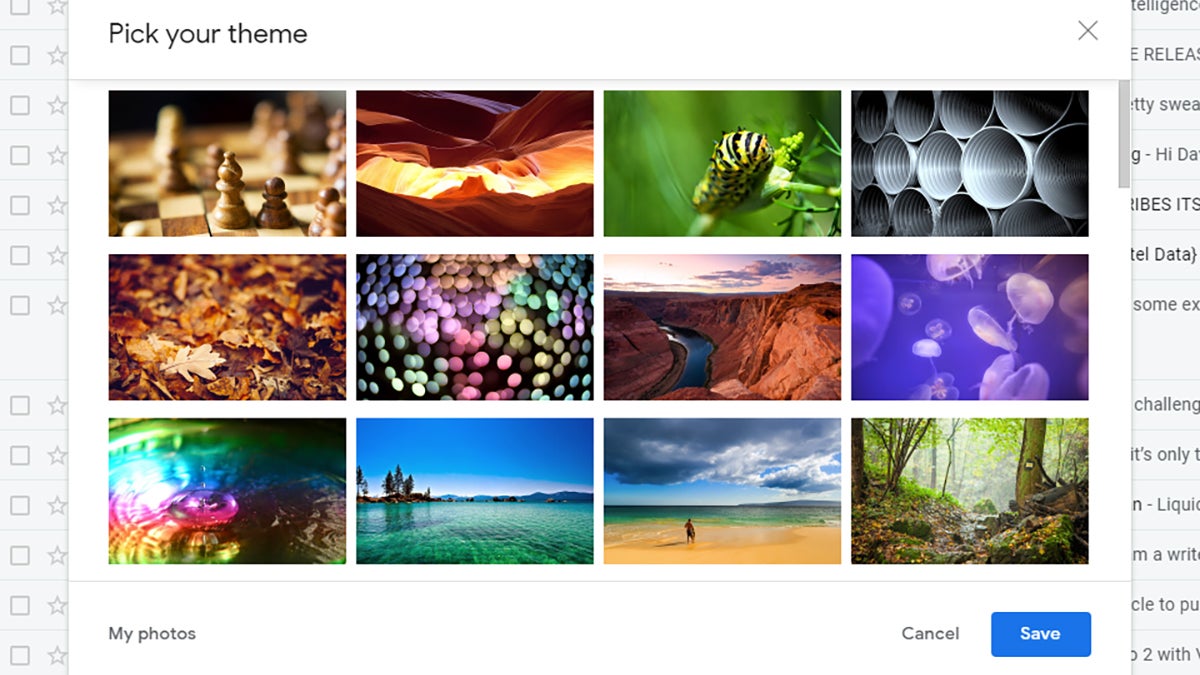
Gmail has a theme option which lets you drastically change the look of the email client in your browser—it’s like using a whole new app (almost). Click the Settings cog in the top right-hand corner, then choose View all next to Theme to pick something new. If you aren’t in love with any of the options, click the My photos link to create something yourself.





