6. Fit More Emails on Screen
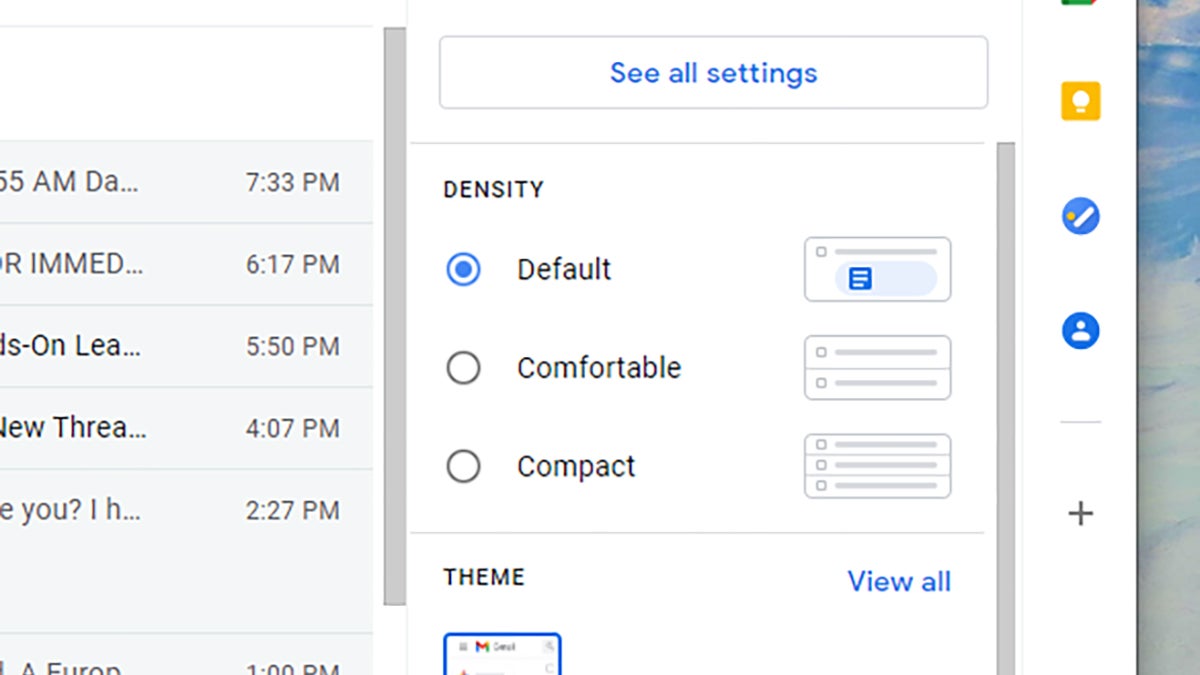
If you’re using Gmail on the web, you might not have noticed the three different density views you can choose from—you can see them by clicking the Settings cog up to the top right. Default gives you plenty of space, with attachment previews under email headers, Comfortable hides the attachments, and Compact squeezes everything up even further.





