Setup a roundabout Google Assistant Shortcut
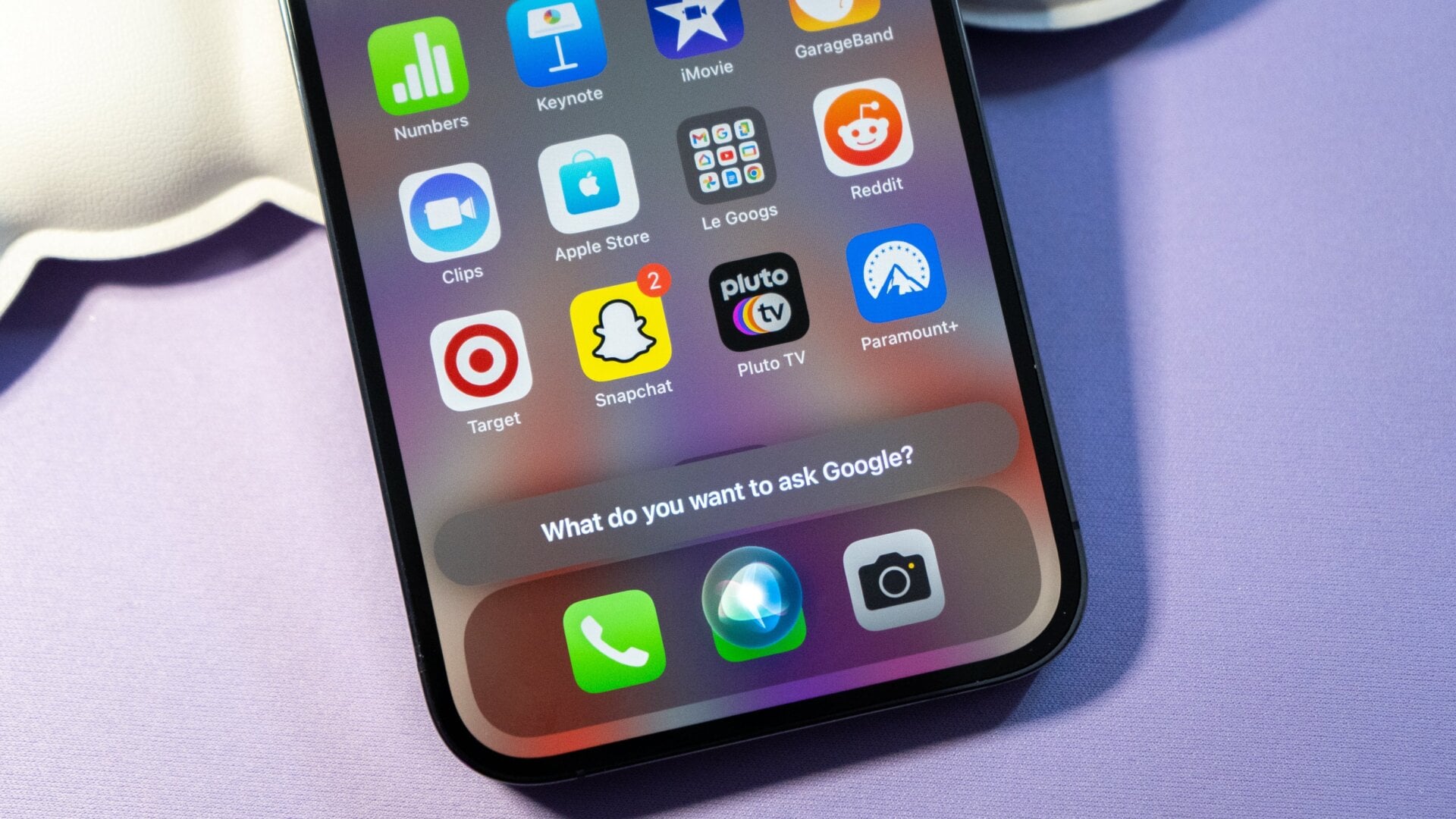
This isn’t the most streamlined way to spoof Google Assistant on an iPhone, but it’s quick. Using the iOS Shortcuts app, you can set a quick link to bring up Google Assistant when you need to ask a question or give it a command.
Download the Google Assistant app in the App Store. On the Shortcuts app, tap the plus sign, then tap Add Action > Apps, and scroll down until you see Assistant. From there, tap Ask Google. When you’re ready to talk to Googs, you can ask Siri to “ask Google,” and then relay what you need. You can also set up a widget tile with the shortcut if you’d rather tap and type to the Assistant the way you would on Android.