USB Hubs and Docking Stations
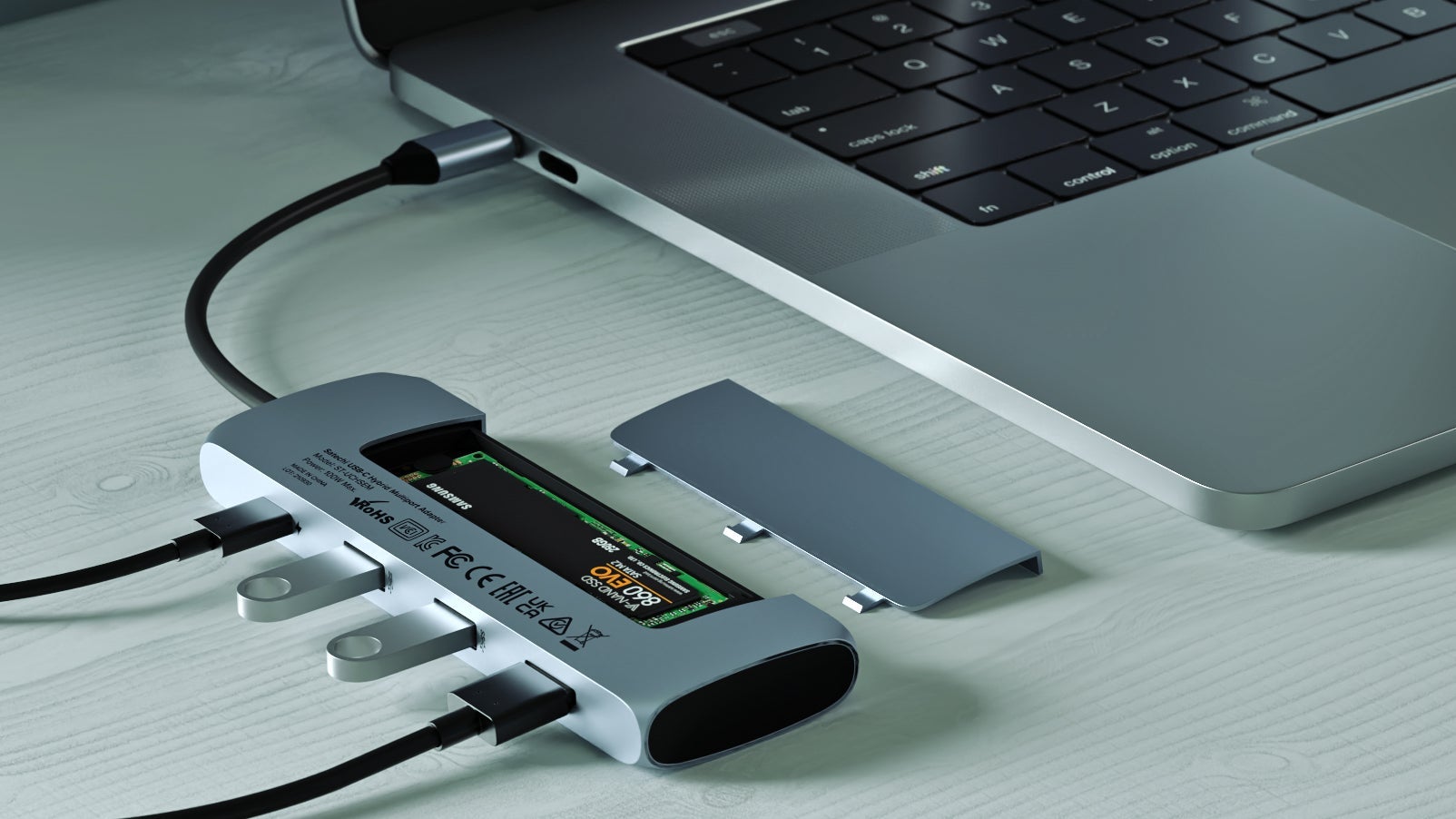
What better accessory to buy than the one that enables you to use more accessories? USB hubs and docks are a must for anyone who owns a portable laptop with a meager selection of ports, like the XPS 13, MacBook Air, and others of this breed.
It might seem obvious to augment your new laptop with a USB hub or dock, but it’s crucial you buy the right one. Really think about how you use your laptop before you start shopping. Do you connect it to your TV? Add HDMI to the list. How many peripherals—headsets, mice, or keyboards—need a USB-A? If you own a mirrorless camera or backup photos onto expandable phone storage then make sure your hub has an SD card slot. Make a list of all the I/O you need then buy the smallest (and ideally, most cost-effective) hub available. This Anker USB hub is an excellent option for most users because it’s small, contains the most popular ports, and even supports pass-through charging.
There are a few more important things to consider. First, does your laptop have a USB-A or USB-C port? If your device has a single USB-C port used for charging, you might consider connecting to a USB-A hub or buying a USB-C dock. As for the difference between a hub and a docking station: the former relies on your laptop to power additional devices while a dock—like this one from Dell—connects to an outlet and sends power to your laptop while also accommodating various ports. Docks, which are heavier and pricier, can turn your laptop into a desktop replacement, while hubs are great for travel.