Hate: Connection to External Display Isn’t As Easy as We All Know it Could Be
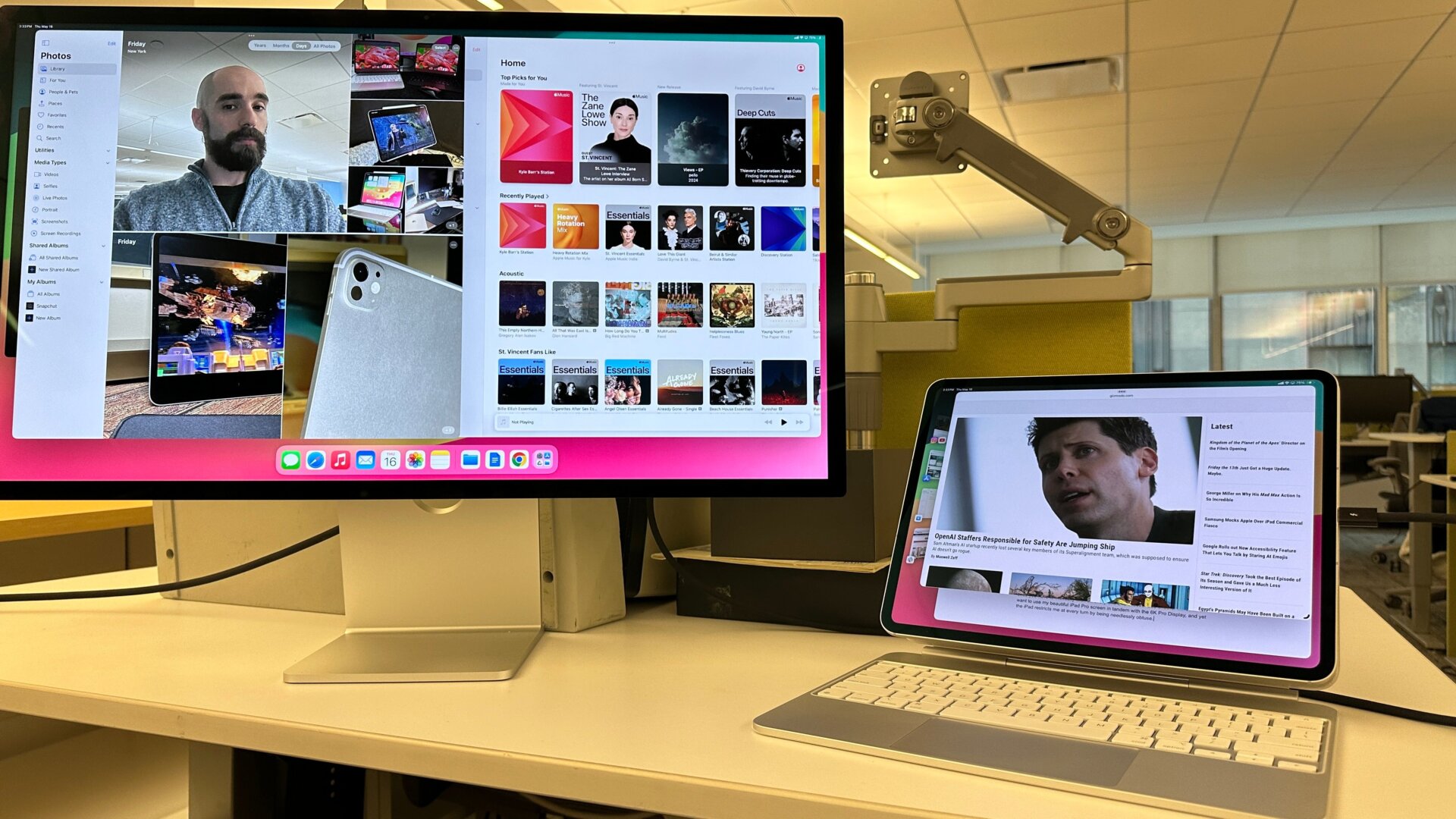
The iPad Pro features a Thunderbolt 4 USB-C port that should make connecting to an external monitor like Apple’s Pro Display a breeze, but don’t think you’ll suddenly be going HAM with all your apps and tabs open simultaneously. You have two options: a mirror view or an external view. It’s never as simple as bringing up a separate app that isn’t as clean as a Mac or PC, even with Stage Manager active. You want to have multiple apps on screen at once, but in order to have everything open at once, you have to manually click on everyone and choose “add another window.” I want to use my beautiful iPad Pro screen in tandem with the 6K Pro Display, and yet the iPad restricts me at every turn by being needlessly obtuse.