Find Your Lost Joycons With Vibration
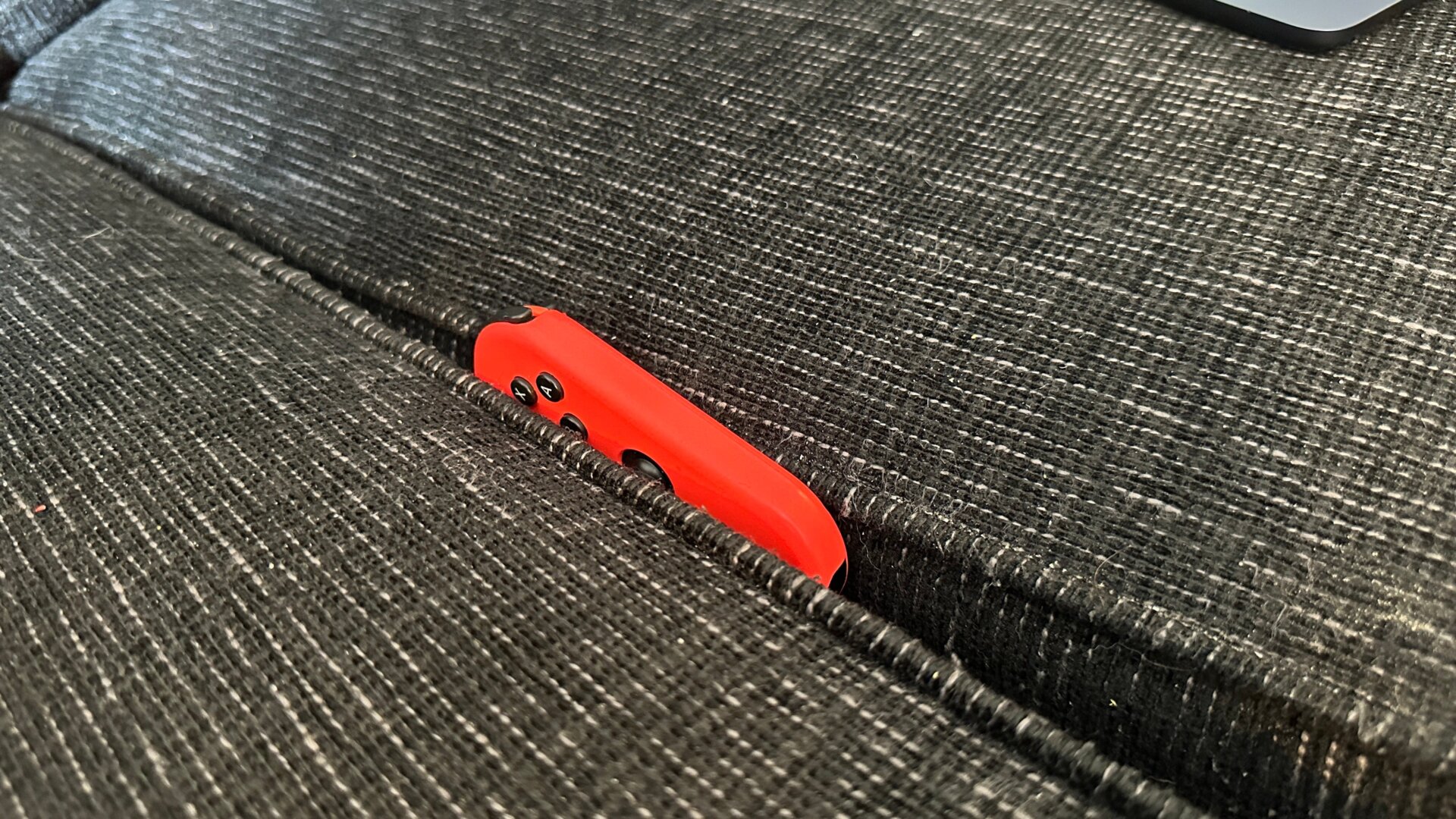
So the Joycon fell between the couch cushions again? Yeah, we’ve been there. But did you know the Switch has a feature that makes finding that damn slippery Joycon far easier? In the Controllers section of the main menu hit Find Controllers. This should give you a full list of all the Joycons and Switch-compatible controllers you’ve connected to. The controller should automatically connect and start vibrating if it is in range. You should be able to follow the sound of the controller to its current hiding spot. This isn’t exactly a foolproof solution, especially since you’ll still need to be close enough for the Switch to connect to the missing controller.