Split Screen
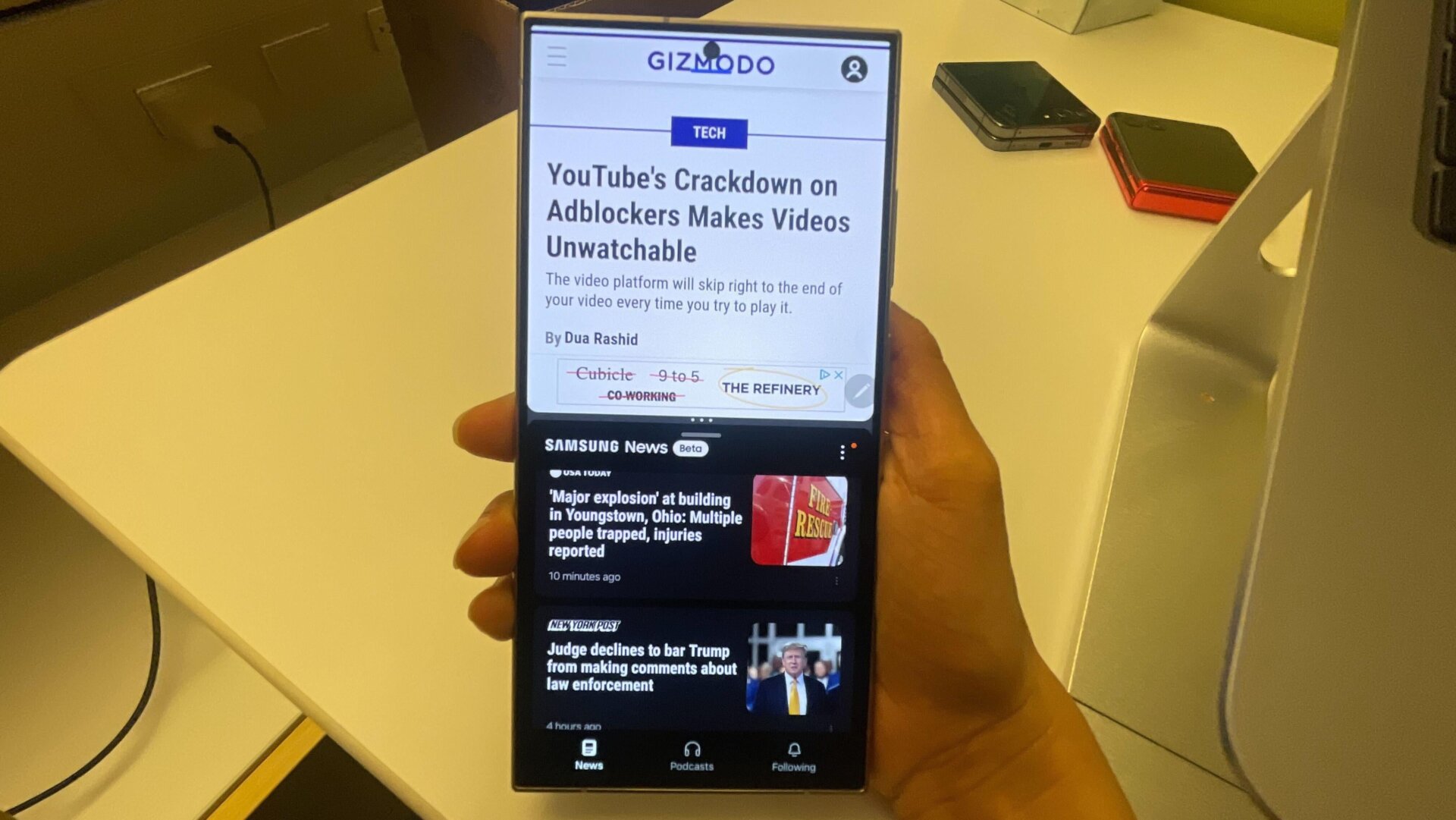
This is easily my favorite feature. Samsung’s OneUI 6.1 allows for seamless multi-tasking, where you can easily split the screen and handle two entirely different tasks simultaneously. This isn’t a Samsung-specific feature, albeit other UIs don’t match the seamlessness Samsung offers.
To enable it, you open an app of your choice and swipe up on the screen with two fingers to select your second app. You can resize the two windows according to your preference and swap their positions. It gets better. You can also favorite a specific multitasking combo that you often use and place it on your home screen. For instance, YouTube, your favorite drawing app, or Khan Academy and Google Docs.





