Mute with Gestures
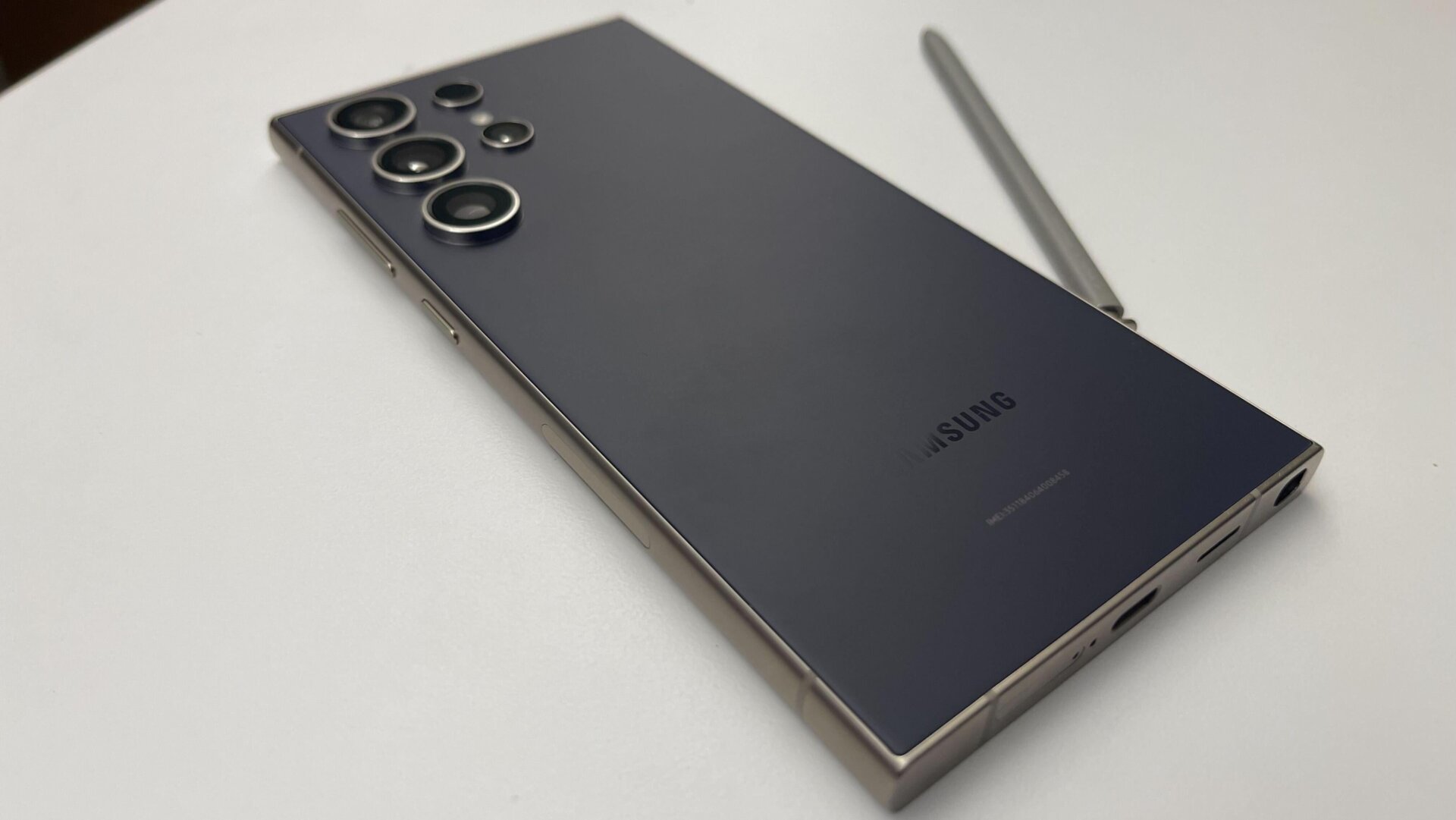
This one allows you to mute incoming calls and alarms by putting your hand over the screen or turning your phone face down. I don’t see myself doing the former for fear of accidentally tapping and receiving the call, but the latter sounds quite helpful. You can mute calls and alarms on an iPhone by pressing the power button once.





