The Few Apps Available in the Flex Window
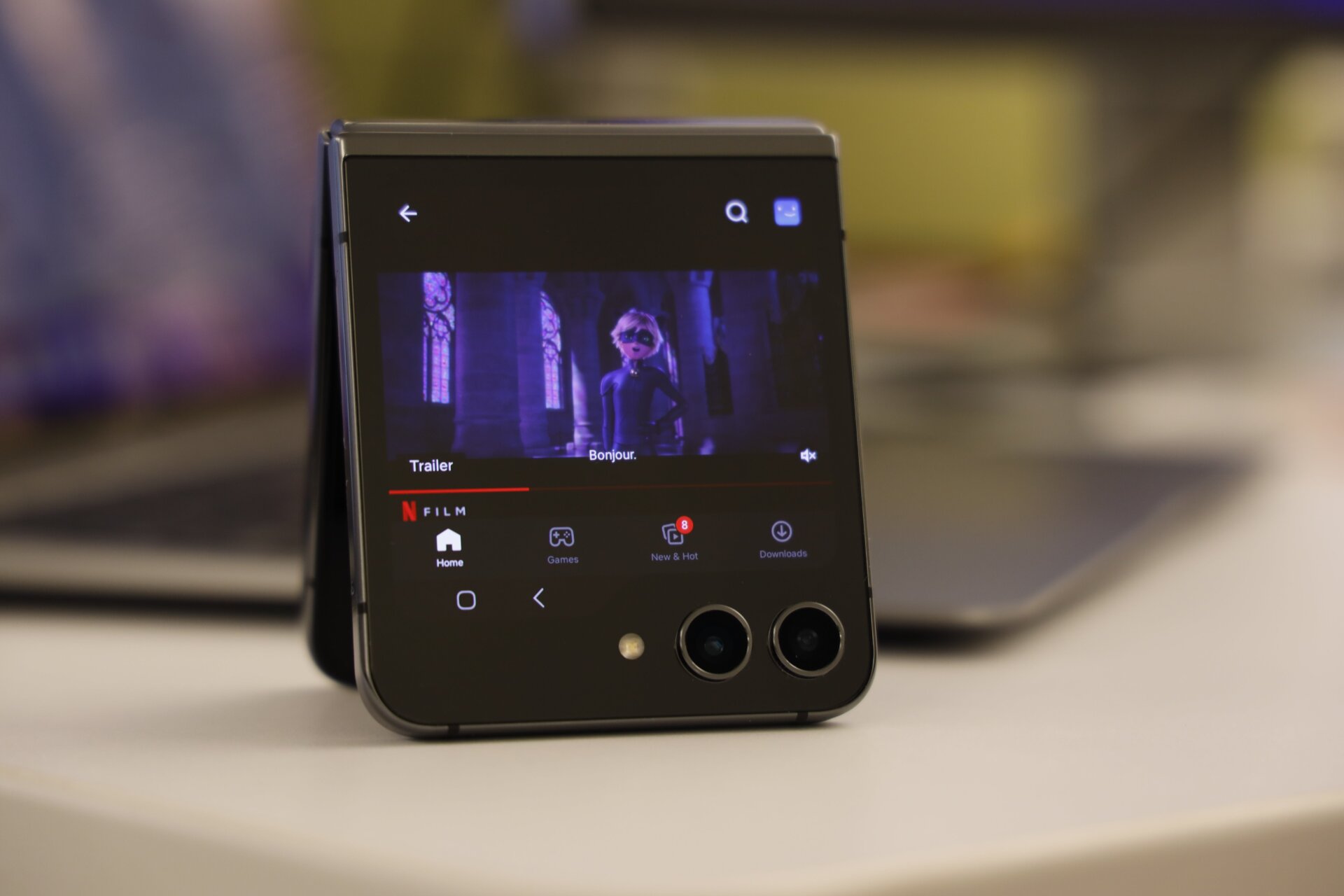
To start, Samsung only lets users access a few apps from the exterior screen, including Google Maps, Messenger, YouTube, and Netflix. Users need to go into Settings, Advanced Features, and the “Labs” tab in order to enable some of these apps.
Google Maps works like a charm, and it’s a handy app to have on as you can discretely check your location at a glance. YouTube is currently somewhat glitchy. I’ve seen videos appear at a tiny thumbnail sized aspect ratio when I tell it to go full screen. You can unfold the phone slightly to have it stand up to watch content on your desktop, but the phone’s speaker will be facing directly into the table, which means the audio quality isn’t exactly top tier. Then again, you’ll find few people willing to watch content on such a tiny screen for very long.
Motorola’s Razr+ currently allows far more apps to work on the exterior screen, even the ones not explicitly built for that experience. While that can lead to some wonky app usage, I would much prefer to have the option to use more apps from the get-go.