Flex Mode Offers Some Interesting Control Options
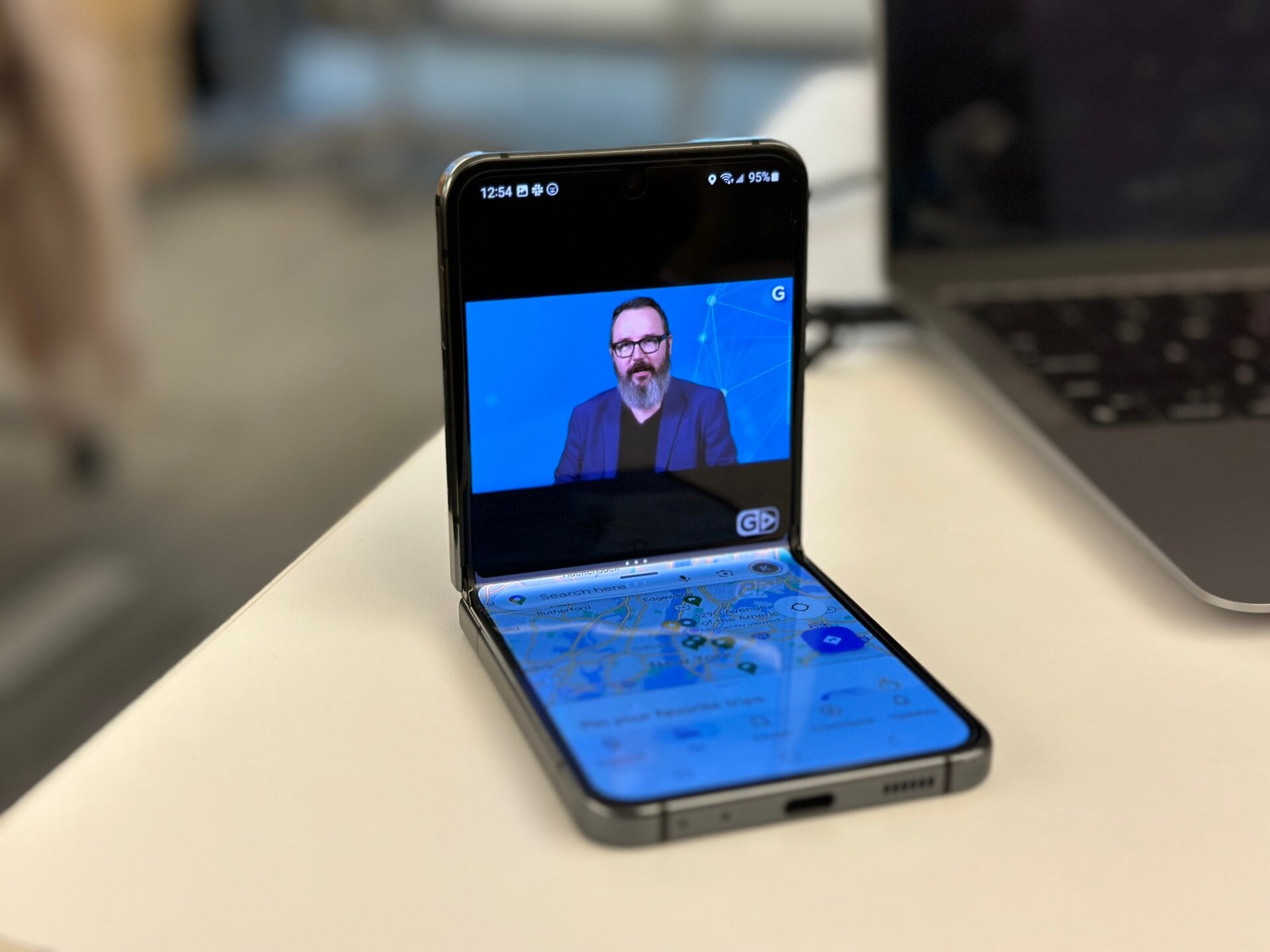
The Z Flip 5 has introduced some small improvements to its Flex Mode compared to previous iterations. The feature only works when the phone is bent at between 75 and 115 degrees, but it does allow some apps to show content in the top portion of the screen and app controls in the bottom.
Users need to enable Flex Mode Panel in the Labs setting, but after you can lie the phone on a table at a bend, you’ll see a small icon in the bottom left screen corner. This lets you access a control panel that comes stock with a touchpad if you’re desperate to use your phone with a mouse cursor. You can then select a separate app to run in the bottom portion of the screen, or even in a windowed mode.
The interface is essentially the same as the Galaxy Z Fold 5, and users can press the small, blue bar at the top of the bottom app to make it full screen or swap it out for a different app.