Tip #7: Flip The Camera
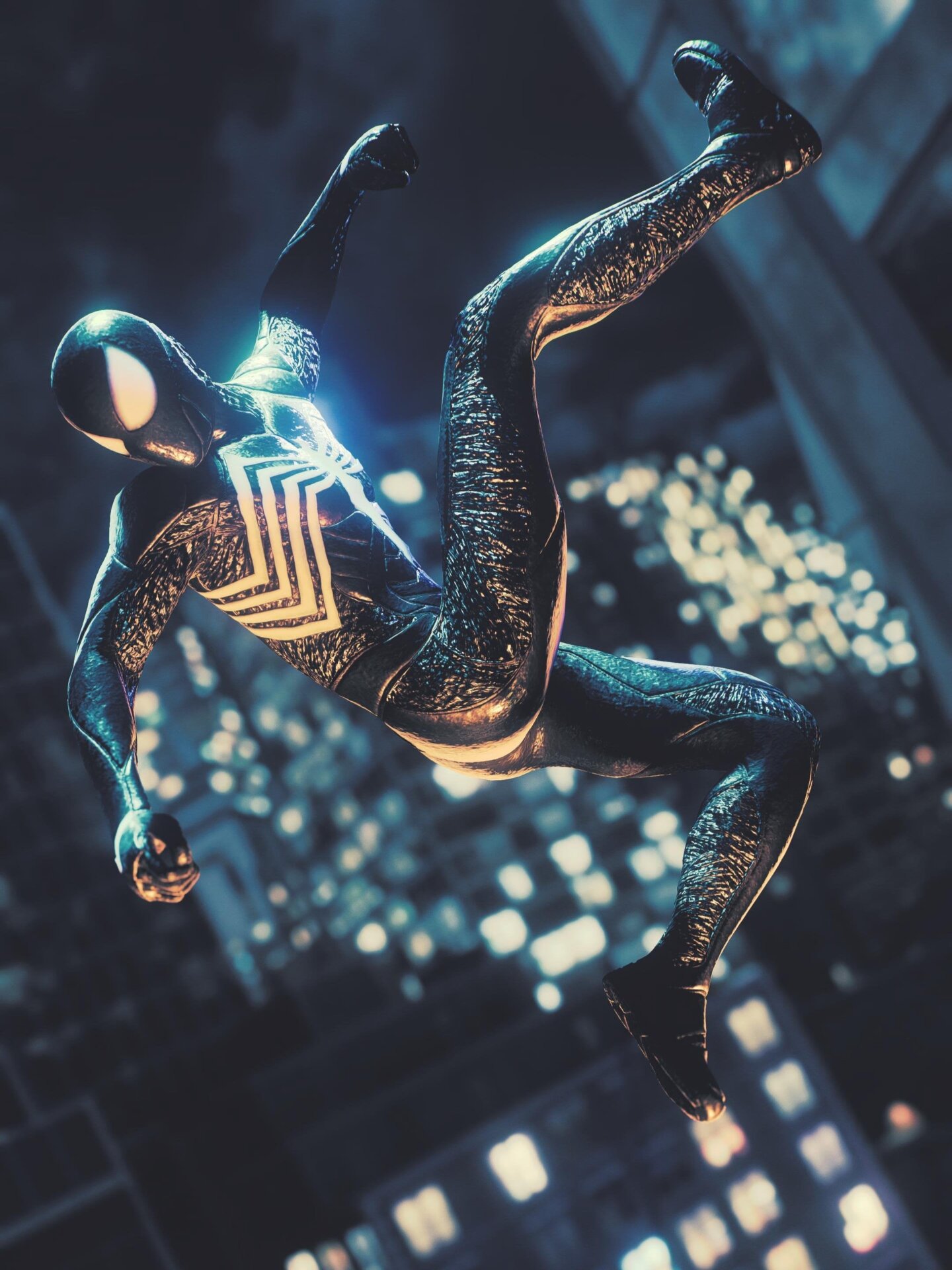
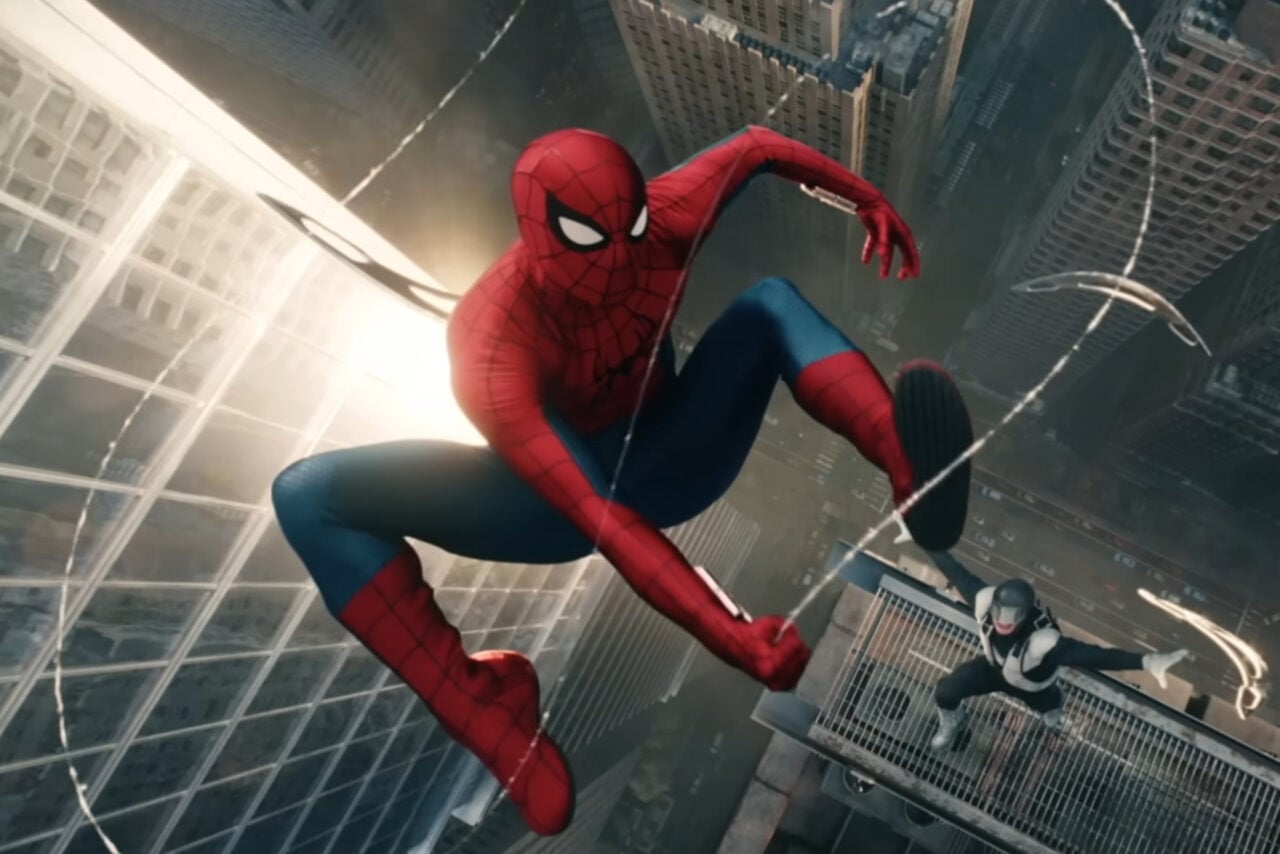
By default, most pictures you take in Marvel’s Spider-Man 2 will be horizontally aligned. But sometimes, it’s worth completely rotating your camera view 180 degrees and taking a vertically framed shot. It can be used to amplify height and scale, or draw a focus on a slim-profile like a webswing or a character portrait. Hell, sometimes it’s just nice to change it up a bit. While saving screenshot to your PS5 will always save it horizontally, you can use the PlayStation app on your phone to save captures locally and use external apps and photo editors to rotate your image to the desired framing. You can also use those apps to crop vertical images to an aspect ratio smaller than 16:9 of you want.
If you’re anything like me, you can, and will, develop a crick in your neck tilting your head to one side or another staring at your horizontally aligned TV while tweaking this as you can’t rotate the menu to match, so… don’t be dumb like I am.