Photo Mode 101: Lighting Mode
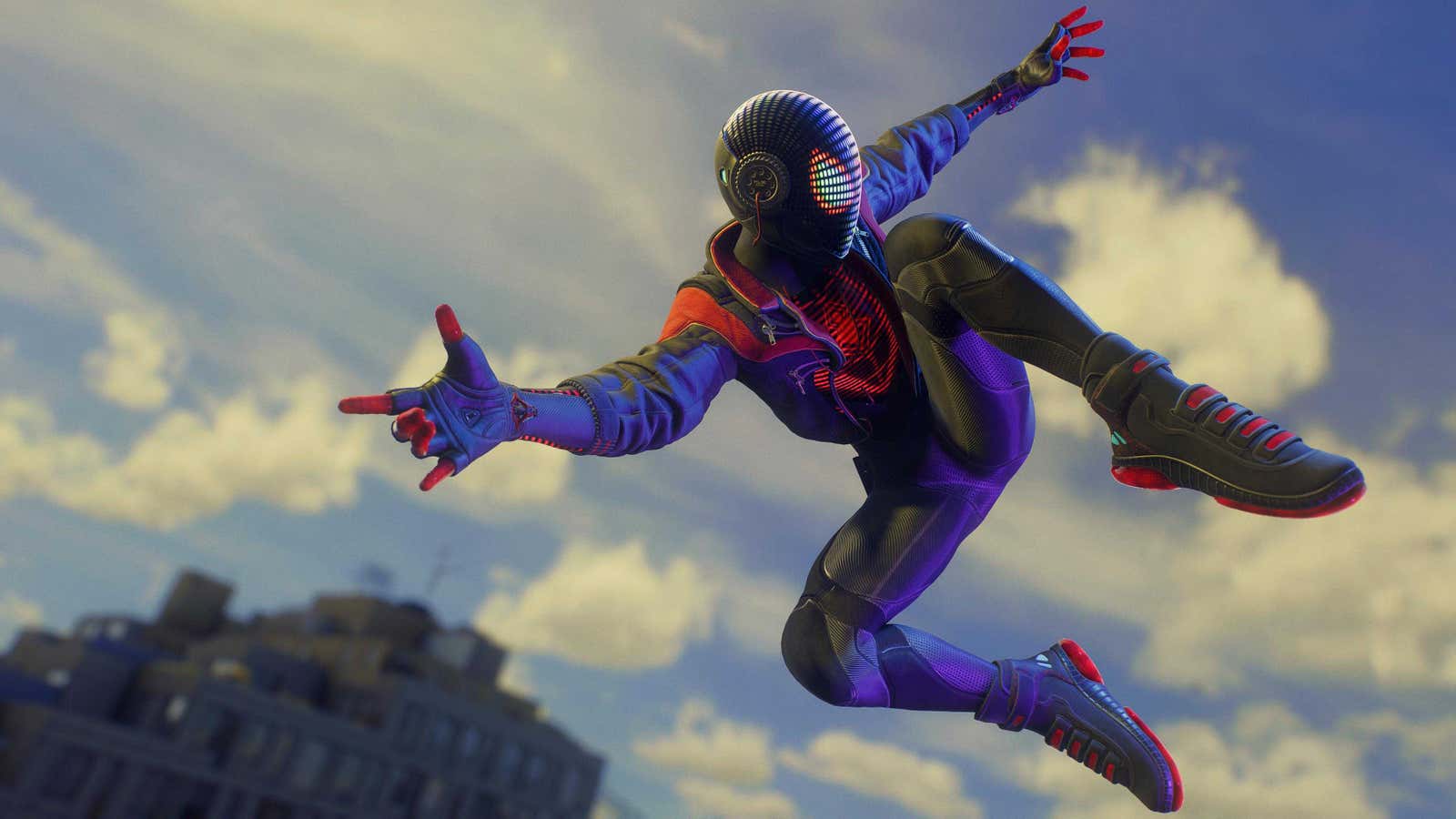
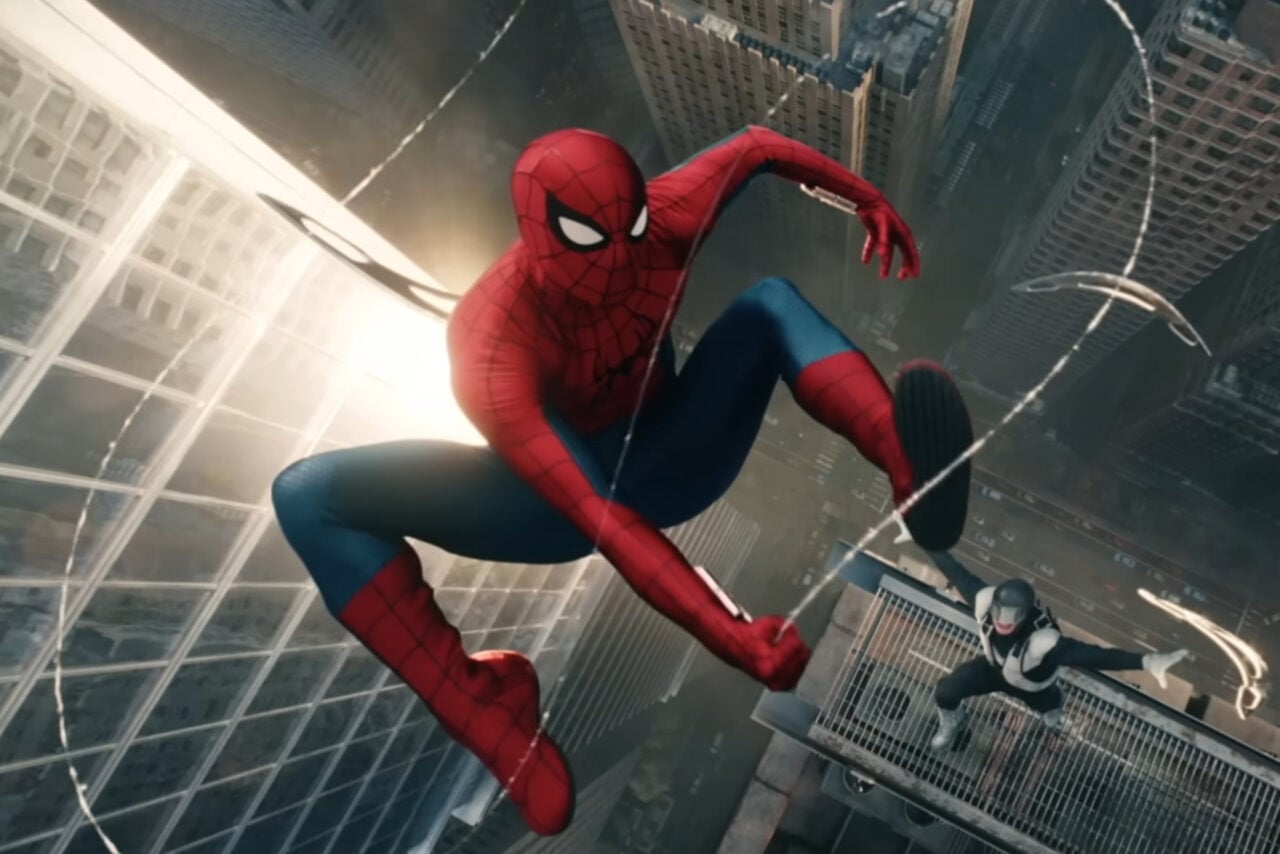
Lighting Mode is where you can either manipulate the actual natural lighting of a scene—by tweaking the rotation and elevation of the sun or moon and its brightness, or the level of ambient light—or place up to three artificial light sources around the space you’re shooting in.
These artificial lights can either be spheres of illumination, or spotlight-style light sources that you can use to cast more directional cones of light. You can change their color across the RGB spectrum, their intensity, and even the size of the area they cast their light in regardless of intensity, as well as toggle if they cast shadows on objects and characters in the world.