Tip #1: Assign a Photo Mode Shortcut
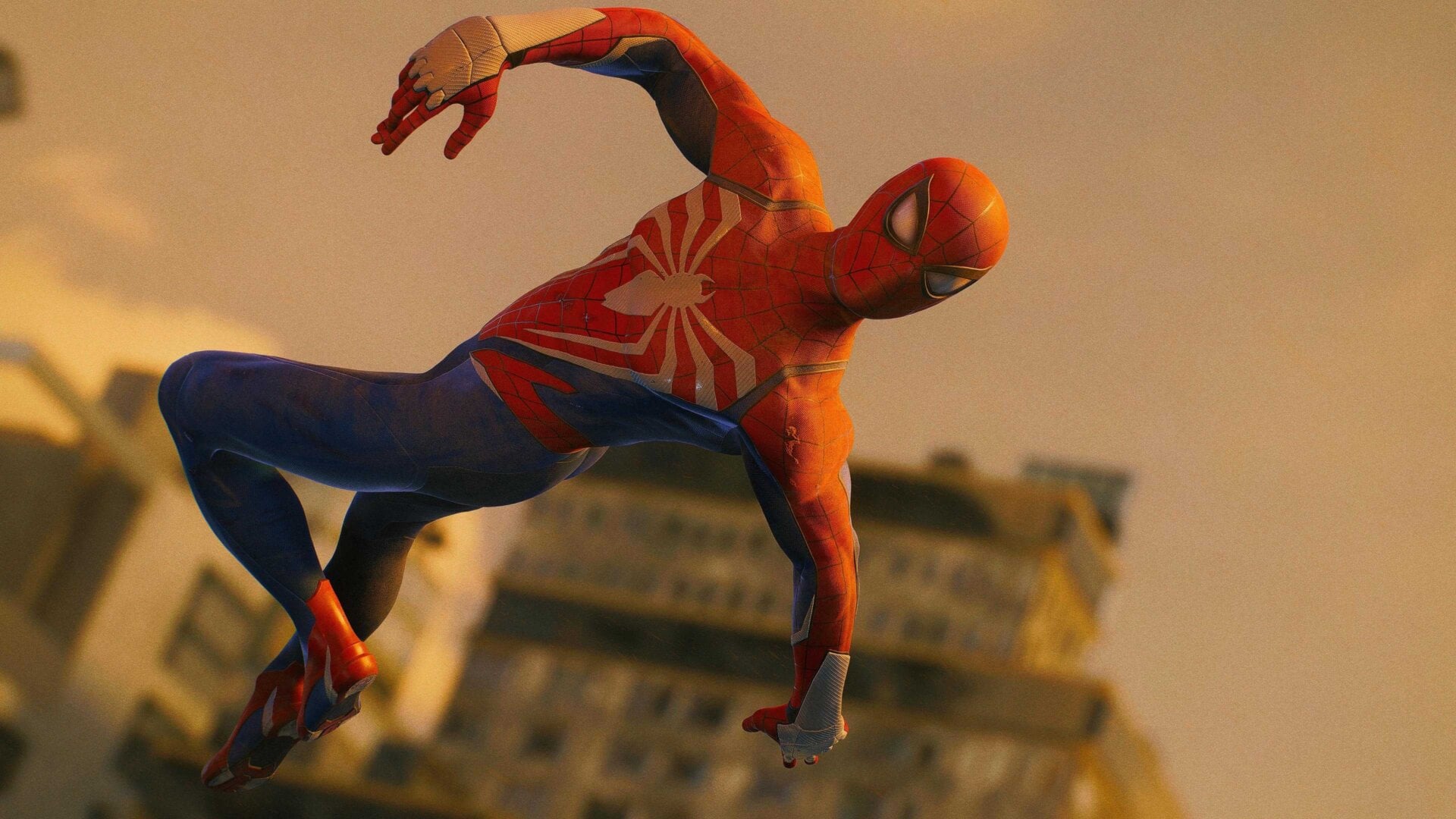
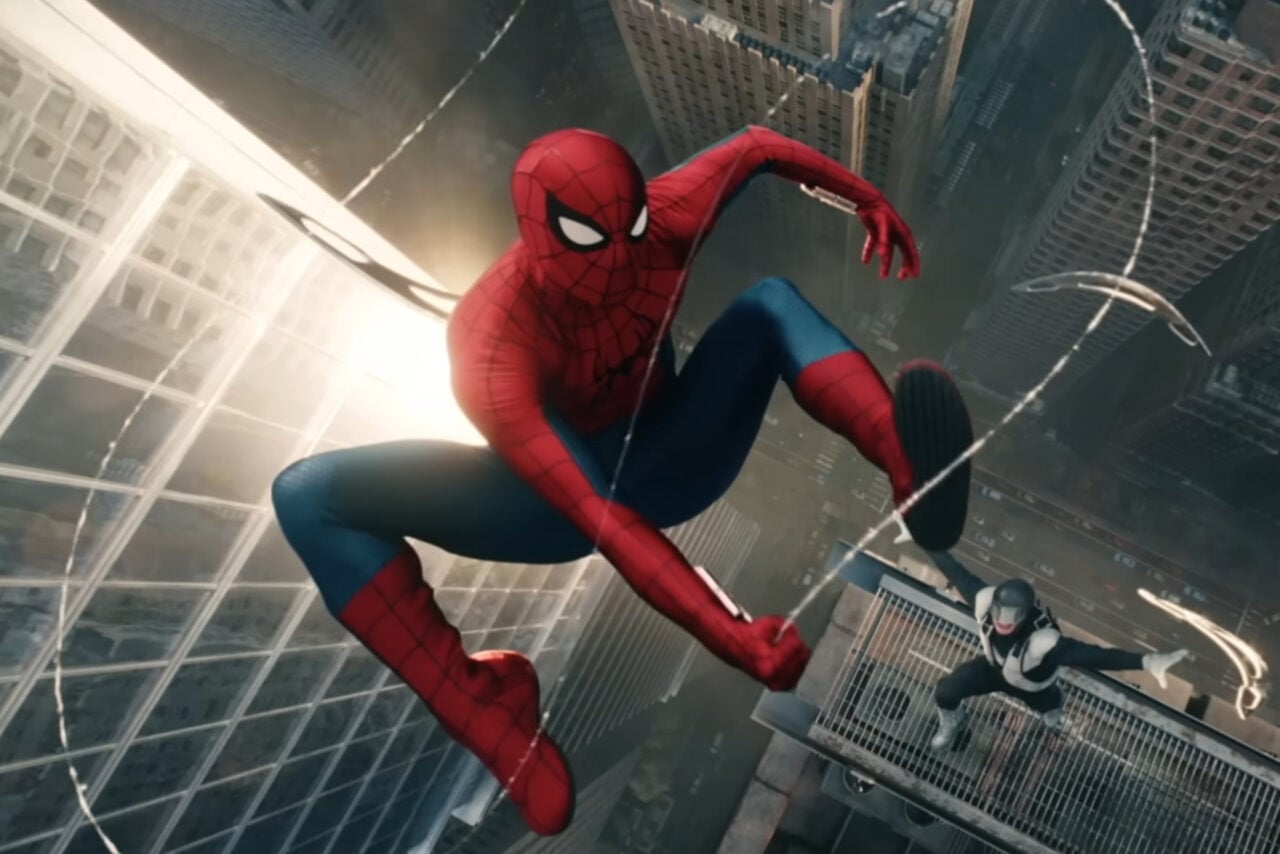
First things first: remember how we mentioned getting into Photo Mode was kind of clunky? You can make it much easier by going into the accessibility options in the menu and assigning Photo Mode to a shortcut button on your controller’s D-pad. Instead of having to pause and then go into a menu, that means you can get into photo mode in a single press.