Tip #3: Make Separate Saves for Different Times of Day

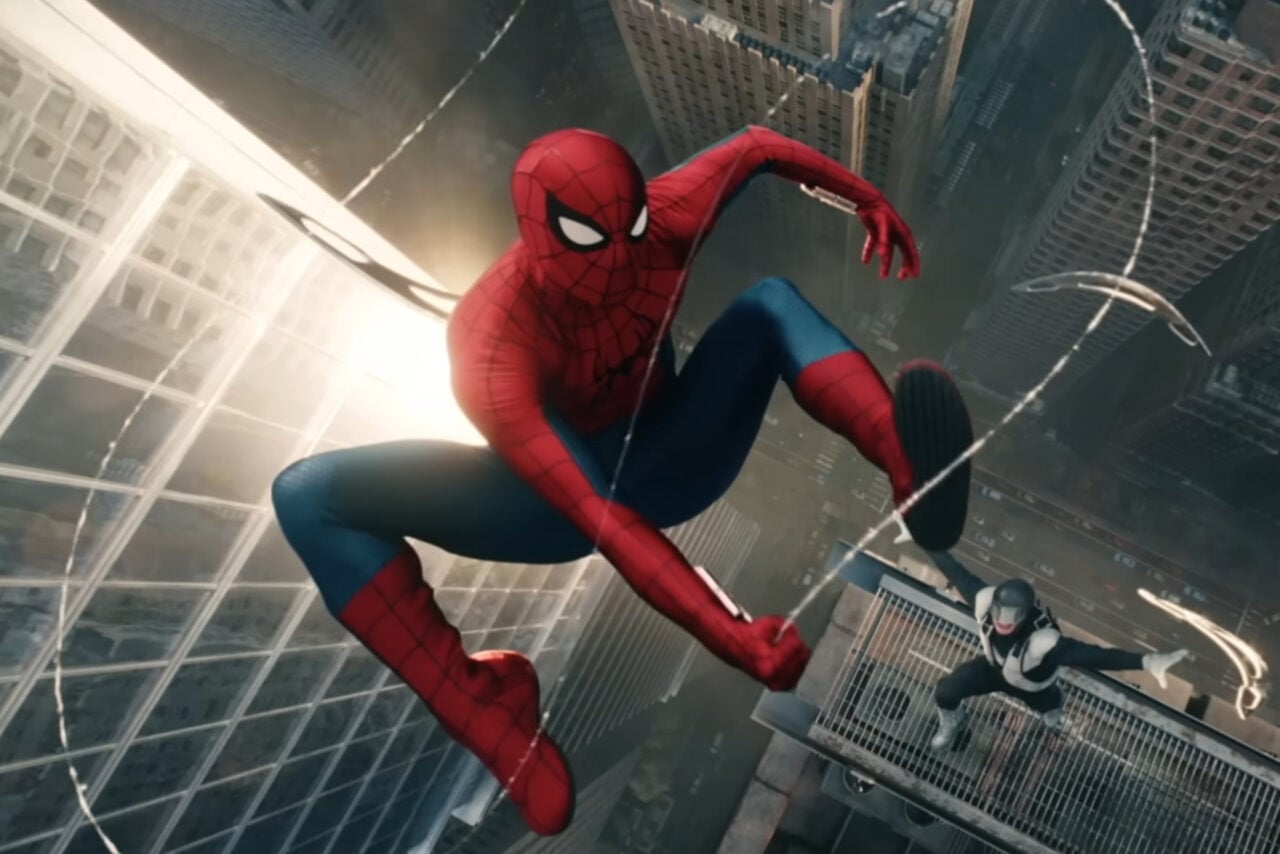
Unlike Miles Morales and Marvel’s Spider-Man and its remaster, currently Marvel’s Spider-Man 2 doesn’t unlock the option to change the time of day once you’ve finished the game, which means you’re left (incredibly mild spoiler for the status of weather at the end of Marvel’s Spider-Man 2) with the default, sunny mid-day setting. That may change in updates post-launch, but for now, if you’re a dedicated photographer of Spider-Men, create a separate save file in one of the available slots if you want to go back and shoot at specific times of day, like night or sunset.
This is also good advice if you’re coming up on a moment you want to revisit, like a big boss battle or a sequence where you’re playing as a character in their civilian-wear, as there is also currently not a way to replay missions after you’ve finished the game, or go into a “New Game Plus” save with all your unlocked costumes.