Listen to a conversation happening in a different room
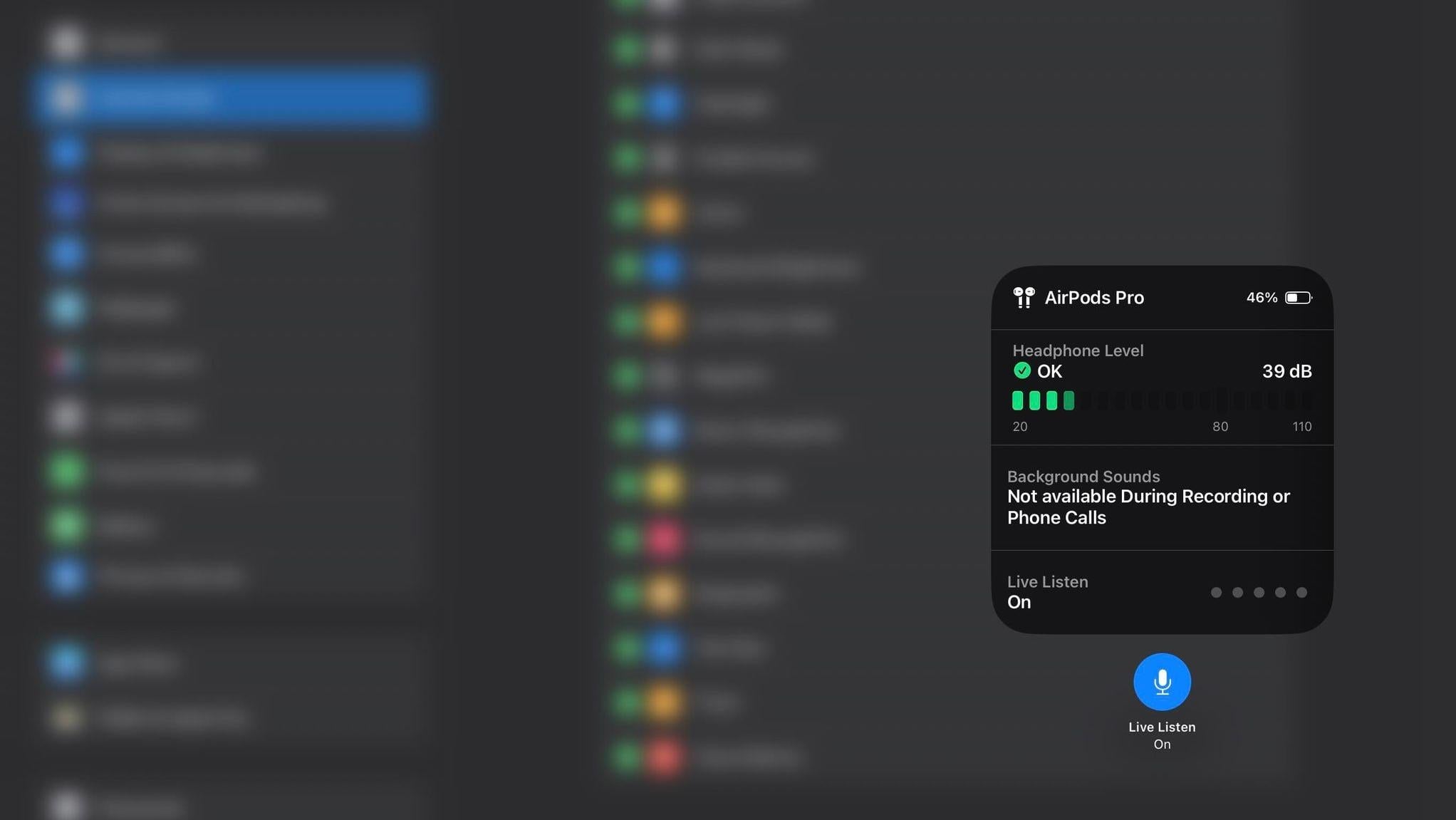
AirPods features a Live Listen feature that you can use to listen to a conversation happening in another room. This feature works regardless of your AirPods model. All you have to do is head over to Settings on your iPhone, navigate to Control Center, and tap the green plus icon next to Hearing on the list. This will make it easier for you to access the feature with just a swipe down.
Then, put your AirPods on, tap the Hearing icon in your Control Center, and tap the Live Listen button. This will enable live listening for you. All that’s left to do is place your phone in the room of your choice. This feature can help with attending meetings that are happening in another room.