Get Siri to announce all your messages
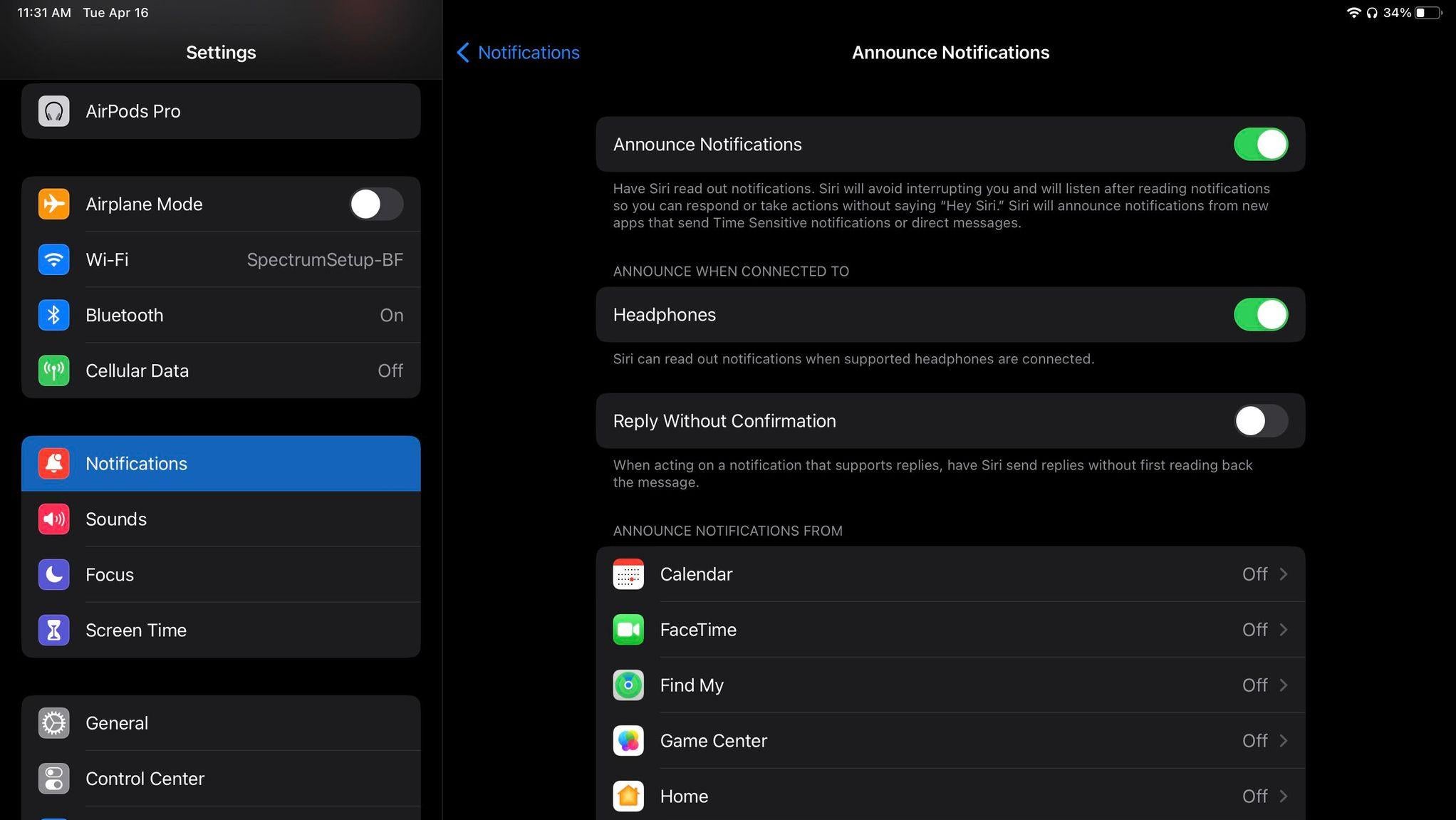
Siri can announce all your message recipients and text) and calls in your AirPods.
For messages, go to Settings > Notifications > Announce Messages with Siri and turn the toggle switch on. Siri will announce the contact name, followed by a message.
Navigate to Settings > Phone > Announce Calls > Headphones only for calls. The next time someone calls you, Siri will announce the contact name in your AirPods.