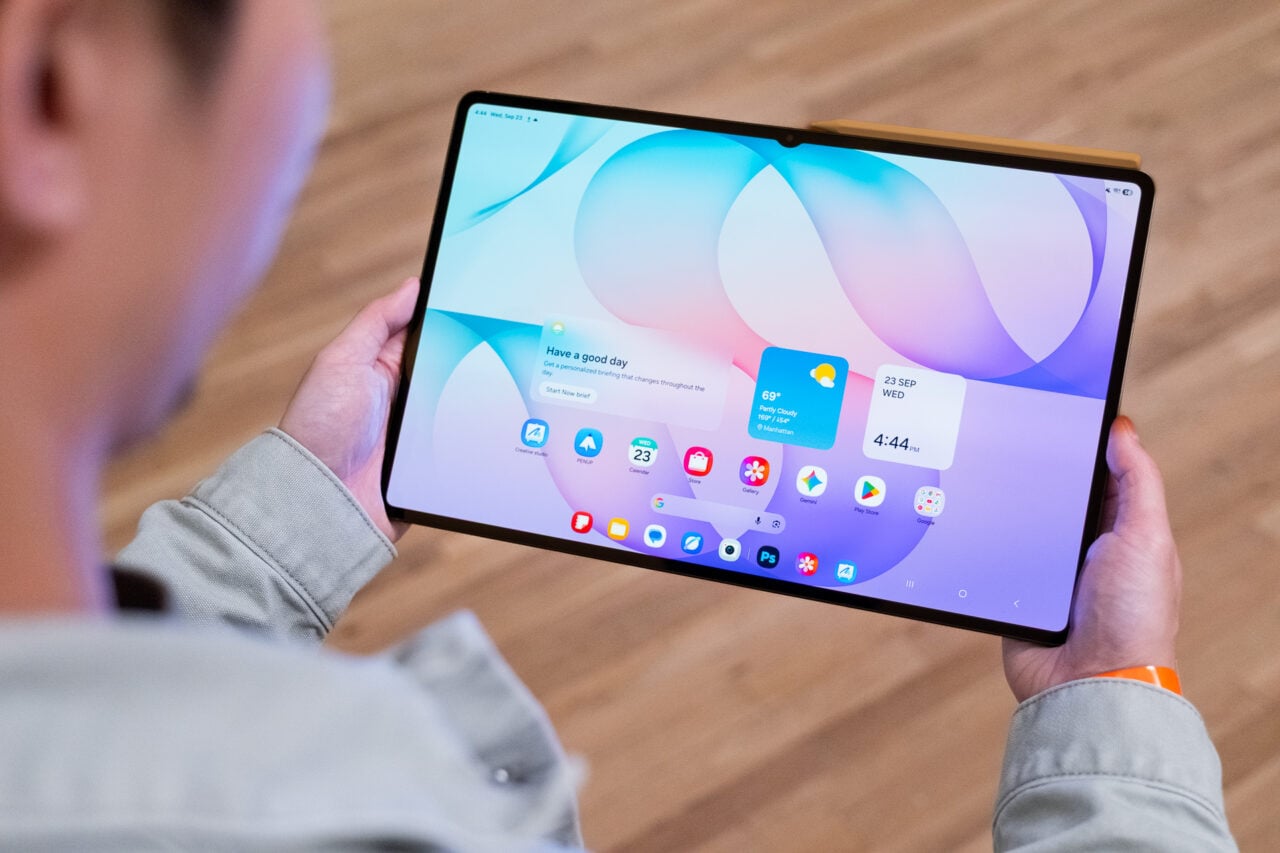
Despite what we and other media have hinted at, despite what Sprint itself is spending a lot of money trying to convey, the Samsung Instinct is not an iPhone killer. To be sure, Samsung and Sprint borrowed liberally from the iPhone playbook when it came to look and feel. But the comparison itself isn’t fair: The iPhone is a software platform that is growing every day, soon to have a host of applications that put it squarely in the smartphone category along with BlackBerry, Palm and Windows Mobile. The Samsung Instinct will never be mistaken for a smartphone. Then what is it? It’s the best carrier-centric feature phone I’ve ever seen, a delight to use for many—though not all—of its intended purposes.
https://gizmodo.com/sprints-samsung-instinct-at-last-a-decent-iphone-comp-374454
Due to business decisions Apple and the US carriers have made, most Americans are still not faced with the choice to buy an iPhone or not. They have to pick the best “feature phone” that their carrier has to offer. That is, a phone that costs somewhere between $50 and $250, built first and foremost to make voice calls, then serve additional social purposes—messaging, photos, etc.—and, finally, offer data connectivity to the web but more importantly to e-mail.
In this array of duties, there are some where the Samsung Instinct falls flat on its kiester, but there are an unusual number of ways in which this phone makes life easier. I’ll start with them, then get to the grimmer stuff:
Snappy Interface: Other touchscreen phones we’ve seen have annoying split-second lags. The Instinct, for the most part, does not. Some of its visuals were obviously borrowed from Apple, such as pop-up option screens, lists of settings, etc., but at the same time it has features that are original, albeit inspired by Cupertino: When a call comes in, you tap the center then slide up to accept or slide down to ignore. Hanging up is a slide from left to right. (The phone interface has other cool features, too, like “personal” call history for each of your contacts—so don’t go cheatin’—and the ballyhooed visual voicemail, which unfortunately wasn’t available to test at this time.) The UI only got stuck a couple of times, and never permanently. As with any other “natural” interface, it takes a few minutes to figure out the physics of the system, but once you do, it’s intuitive.
Favorites: The Home button actually takes you to one of three panels, Favorites, Main and Fun. When you get the phone, the Favorites pane is blank, but you can add all kinds of stuff. As you can see up top, I’ve added Weather, E-mail, Alarm, Camera, Navigation and Settings, but it can get so specific, you can have a Favorites button for sending text messages to Brian Lam, cuing up your “I’m So Sad” emo song playlist, or launching Gizmodo.com. This sounds retardedly obvious, but I can’t think of a carrier phone that lets you do it. Certainly not the Voyager, the Glyde, the Venus, the Rumor or any other Verizon or Sprint phone that comes to mind.
E-Mail: Feature phones most typically have bad e-mail programs, some of them hidden away where you can barely find them. The message? Do Not Use! But on the Instinct, the e-mail program is really easy to setup, with all the major webmail providers preconfigured for instant log-ins. You can put in more than one account, naturally, and easily jump from one to the next. The mail’s vertically oriented view is great, with header frozen in place at the top of the screen and the message itself scrolling along with an iPhone-like flick of finger. And you are alerted to new e-mails with a blue star on the top of the phone’s screen.
Web Apps: I’ll get to the web browser down below (yes, in the “grim” section), but first I want to sing praises for the numerous web apps on the phone. Weather, News, Sports—your typical need-in-a-hurry information—have been organized in an attractive way that delivers maximum info with the least effort on your part. Sports in particular is amazing (and I’m not known for being a sports fan): You tap one of your pre-selected teams to see a schedule. Any game in progress will immediately show a score. Tap it and you get stats and a write-up from AP or another wire, plus other data breakdowns as necessary.
Photo Viewer: Another feature with some iPhone-like traits, the photo viewer lets you finger through your images in either a grid of shots or a Cover Flow-like stream of them. Videos you shoot are in there, too. You can add photos from your computer by copying them to existing folders or, better still, creating your own folders. This means you can have a nice organized gallery of pics, separated out how you want. You don’t just have to settle with looking at shots from the passable but by no means award-winning built-in 2-megapixel cam. (There’s an auto upload feature too, but it has PhotoBucket and MySpace but not Flickr, Picasa or Facebook, so I’m going to ask Sprint the deal with that.)
GPS Navigation: Usually, I’m down on cellphone turn-by-turn GPS navigation, but Telenav has finally gotten it right, ahead of everyone. AT&T and Sprint both use it, but this is the first time I’ve really been happy with it, even in areas of questionable phone coverage. It’s still an iffy proposition if you’re in the middle of nowhere, but it works better than any I’ve seen, and looks far better than Verizon’s sorry also-ran, VZ Navigator. (Hint to Verizon: Ditch your white-label software provider and pay a few more bucks for Telenav.) My only complaint is that the live map itself isn’t oriented horizontally, like portable GPS products are.
Voice Command: This is something that the iPhone lacks, and that’s a shame. I have been a fan of voice command for years, especially the stuff built by VoiceSignal (now part of Nuance, the Dragon NaturallySpeaking people). The better Samsung and Motorola phones use it, so it’s no surprise to find it here, but the good news is, it works. Not only can you dial people quickly, but you can pull up a text message or picture mail (“Send picture to… Dad”). Though you still have to tap the screen a few times after you’ve got your message cued up, the voice command eliminates a lot of menu digging.
There are a few features that work well in most instances, but have weaknesses that shouldn’t be overlooked:
Touch Typing: The typing feature looks a lot like the iPhone’s, only it doesn’t have the pop-up letters, and doesn’t let you shift letters on the fly or auto-correct. However, for some reason, when I’ve typed on it quickly, everything has looked good. It’s like the iPhone in that sense: When you just plunge ahead, results are better. In most scenarios, you can choose whether to type horizontally with QWERTY config or vertically with letters in alphabetical order. In some cases you can even get a third option: graffiti. Yep, like the Palms of yore, the Instinct lets you scrawl in characters one at a time. I can’t imagine why you would, and frankly this implementation isn’t very good, but it’s fun to know what’s hidden beneath the surface here.
Music Player: By the look of the thing, it should be fine. It’s got all the typical categories, and unlike some Sprint and Verizon phones, it was clearly designed to support your own files as well as purchases from the carrier music store (if anyone was dumb enough to buy music that way). It’s a decent player, but it has a potentially fatal flaw: It can’t read all MP3 tags, only most of them. That means your “All Songs” lineup will have tracks by artists you can’t see under “Artists.” The saddest part is that you can’t fix it with any hocus pocus either on the phone or on your computer.
Video Player: At the top of the TV/Video menu, there’s a “My Videos” option, where you can see stuff you’ve recorded or sideloaded. I dumped in four different kinds of videos, and while my .avi, .mov, and .mpg failed, the one that worked was a .mp4. It was a Postal Service video, and it looked really good. The file type gave me hope that my vast iPod/iPhone-friendly video library would also be supported, but though the files show up in the queue, they do not play. That means a buttload of time consuming file conversion for yet another device… yippee!
The semi-bungles above can be tolerated, either by working with them or just totally ignoring them. But the Instinct gets one big ole check-minus in particular:
Web Browser: I gotta say it: The Instinct’s browser is an ABYSMAL failure of design. It’s not that I’m surprised. Nobody has pulled off the mobile browser quite like Apple has. But for some reason, despite Sprint’s EV-DO Rev. A network, the browser is slow slow slow, too slow to do much of anything. Beyond that, the interface is streamlined almost to the point of unusability. I can’t figure out a way to add a current page to favorites, and zooming in and out requires a tap of a button, that increases or decreases the page—again, very slowly—to an arbitrary size. As you can see in the gallery below, it’s junk, and I don’t see myself using it.
There are some other issues that I had with the phone: I turned off the vibration feedback, since it seemed out of sync with the visuals and was frankly just annoying. As you probably guessed, you still can’t make your own songs into ringtones, and you can’t even turn Sprint’s Music Store songs into ringtones either (full 3MB song download for $1.99 vs. 500KB partial song download for $2.50—you do the math). The ringtone-getting process was a bitch, partly because it’s based on that slow-ass browser. I mentioned the camera wasn’t award-winning, and I will stress that again, though in video mode, it seemed to do the trick in most well-lit cases.
The last thing I want to mention is that the phone has an all-you-can-eat service price of $99 per month that includes EVERYTHING. That is to say, everything but song downloads and some very peripheral video-on-demand options. Most streaming vid and music is included, all data for e-mail, all messaging including video mail, unlimited use of the GPS navigation, plus unlimited talk time. I believe that’s a pretty good price when you consider all of the features. The key with a plan like that is to have a phone where those features can be used. That’s what the Samsung Instinct is, to me—the best feature phone option for people who don’t mind playing in Sprint’s walled garden of services, but don’t want to feel like a chump. I’ve been playing with it nonstop for days now, and it continues to impress me. And while I’m no iPhone fanboy, I’m not easily impressed. Now, if only Verizon would get something this nice…