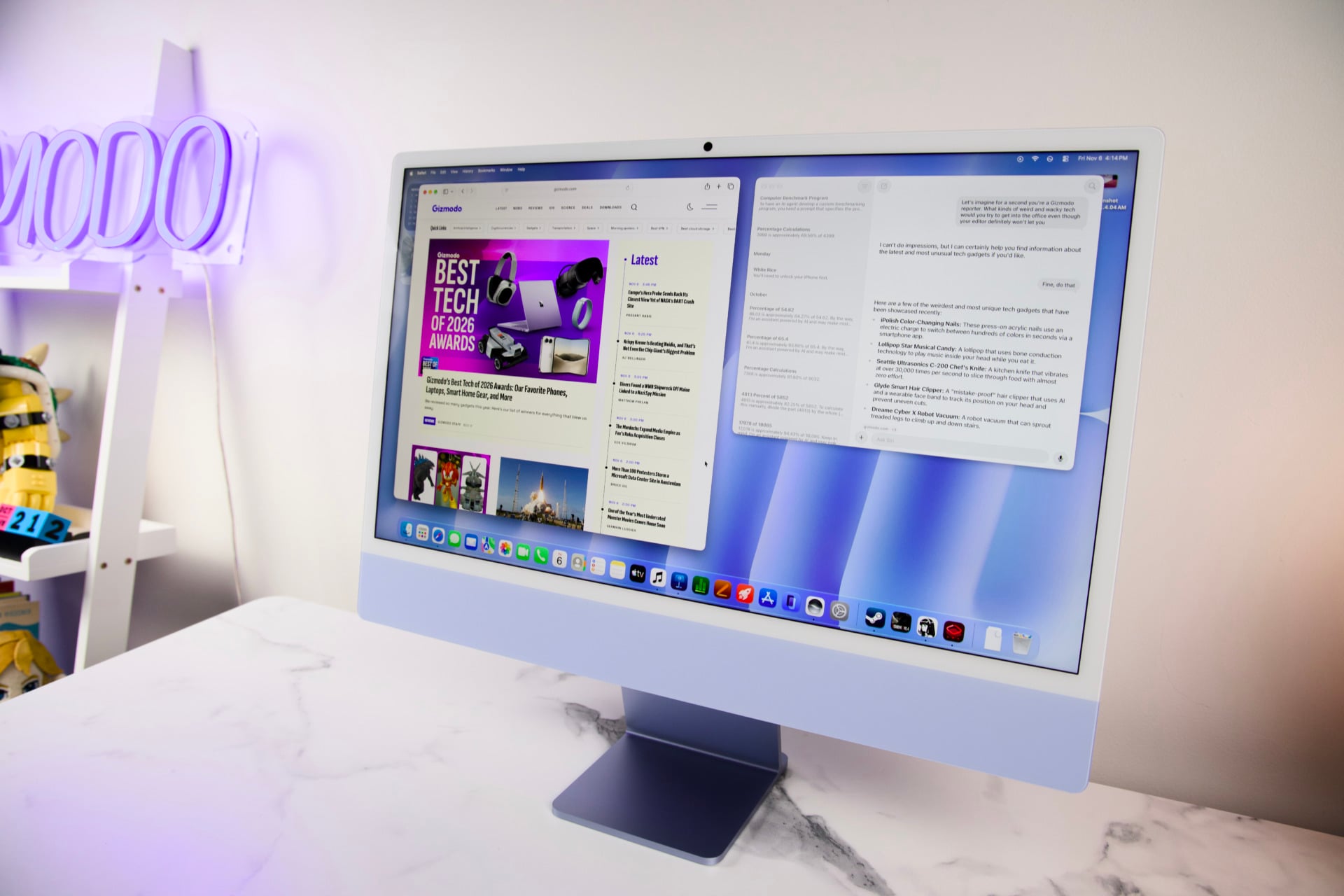
My first real job out of college (I say “real” as if I didn’t spend several long years working out of a Walgreens and Pier 1 Imports, in case you ever need boxes or furniture moved) was in a small local newspaper covering the north shore of Long Island. There, in that confined office where the ‘70s-era wood floorboards moaned underneath the ancient, never-vacuumed carpet, we had the pleasure of completing our work on an assortment of then-recent 21.5-inch iMacs. They were the spot of newness in a place that felt lost to time. I wish I could say the same thing about the latest iMacs, now with M6 chips.
Back then, the iMac, even in the age before M-series chips, was a lifeline in those long, long hours of endless layout sessions. A decade since that time, the new M6 iMac feels like Apple’s most casual release of the year, a simple design that works perfectly well for most people, but it desperately needs refreshment with some amount of modernity to push it over the top.
M6 iMac
The latest iMac isn't a huge upgrade, but what's here is a great 24-inch all-in-one that requires spending too much for upgrades.
Pros
- Solid screen and sound
- Performance is enough for daily use
- Has gaming potential at 1080p and 1440p
- Solid webcam
- Damn cute all-in-one
Cons
- Paltry starting SSD
- Need to pay more for ports
- Awkward headphone jack placement
- RAM costs are steep
- Come on, give us an OLED iMac
The performance you get from the 24-inch M6 iMac is about right for its starting price of $1,499. However, the configuration you actually want with four Thunderbolt 4 ports and the extra CPU and GPU cores will demand at least $1,699. And here’s the worst part: Apple will only give you 256GB of SSD storage at its entry-level price. Going up to 512GB is going to be $200 extra. A standard 1TB of storage—something that is more of a necessity for modern-day desktop setups—is an additional $500.
An all-in-one needs to do more than just remove the need to buy an extra monitor for your desktop. It should excite the senses with a holistic appeal. The iMac is still easily one of the best all-in-ones available, and yet it feels all the more humdrum. The speakers are fine. The screen does the job. The performance is where it needs to be (if it is a little worse than an M6 Mac mini, despite size differences).
But when all you can offer in terms of physical upgrades from the M4 iMac from 2024 beyond the obvious performance is Wi-Fi 7 connectivity and faster SSD read and write speeds (so you’ll end up wanting a larger drive), then I have to wonder what could have been if Apple really went back to the drawing board.
Colorful is what colorful does
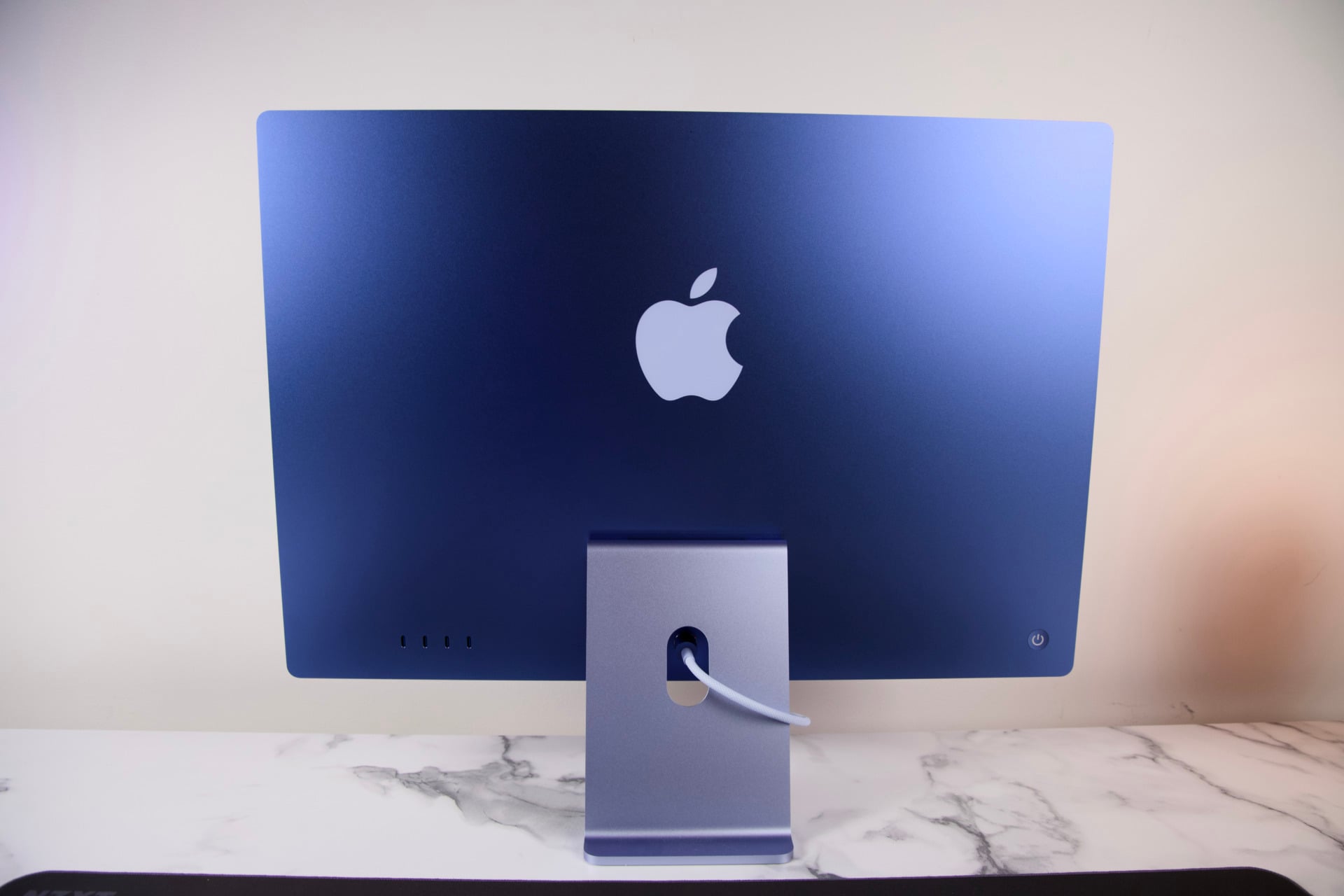
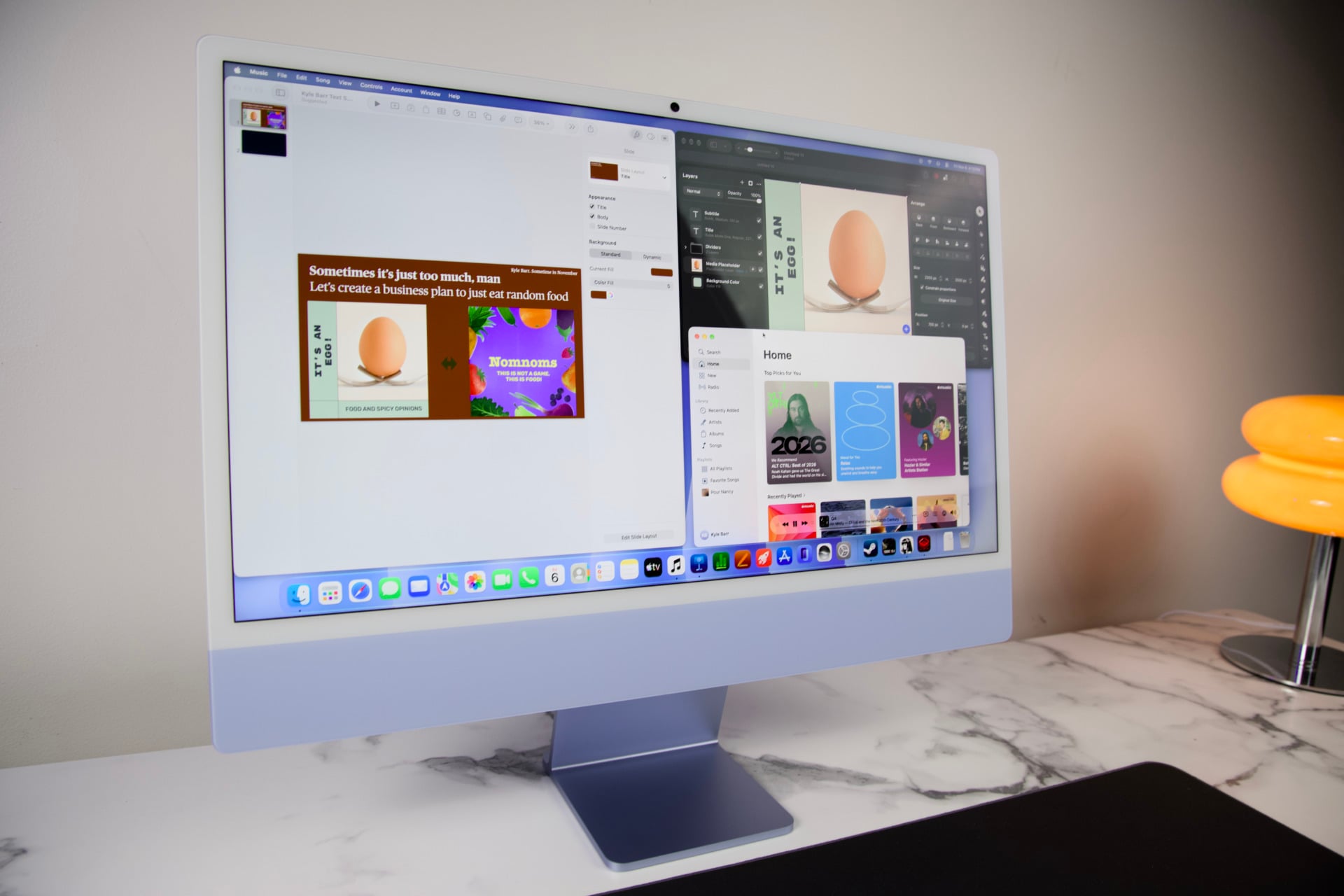
Apple, forever the masters of origami packaging, makes you feel like royalty as you first reveal the M6 iMac in its cardboard cradle. It looks so damn cute with its single bar of color and matching metallic stand staring up at you like a child in its crib. I personally don’t find the calming blue tone all that appealing. I’ve seen enough of these in person to prefer the warm orange tones. Even the green seems more personable. But Apple does better than most all-in-one makers by providing seven distinct colorways and matching keyboards and mice. Only Lenovo, with its latest ThinkCentre AIO PCs, can claim to make the desktop a little more personal.
With all that said, it’s still the same design as its predecessor, and that means there are no front IO ports that would blemish Apple’s pristine design ethos. There’s sense to that, especially when the iMac is supposed to be a centerpiece desktop that acts as an expression of yourself. You still have to reach all the way behind to access the two or four Thunderbolt 4 USB-C ports. The M6 chip still does not support Thunderbolt 5, which would facilitate faster data speeds for your connected devices.
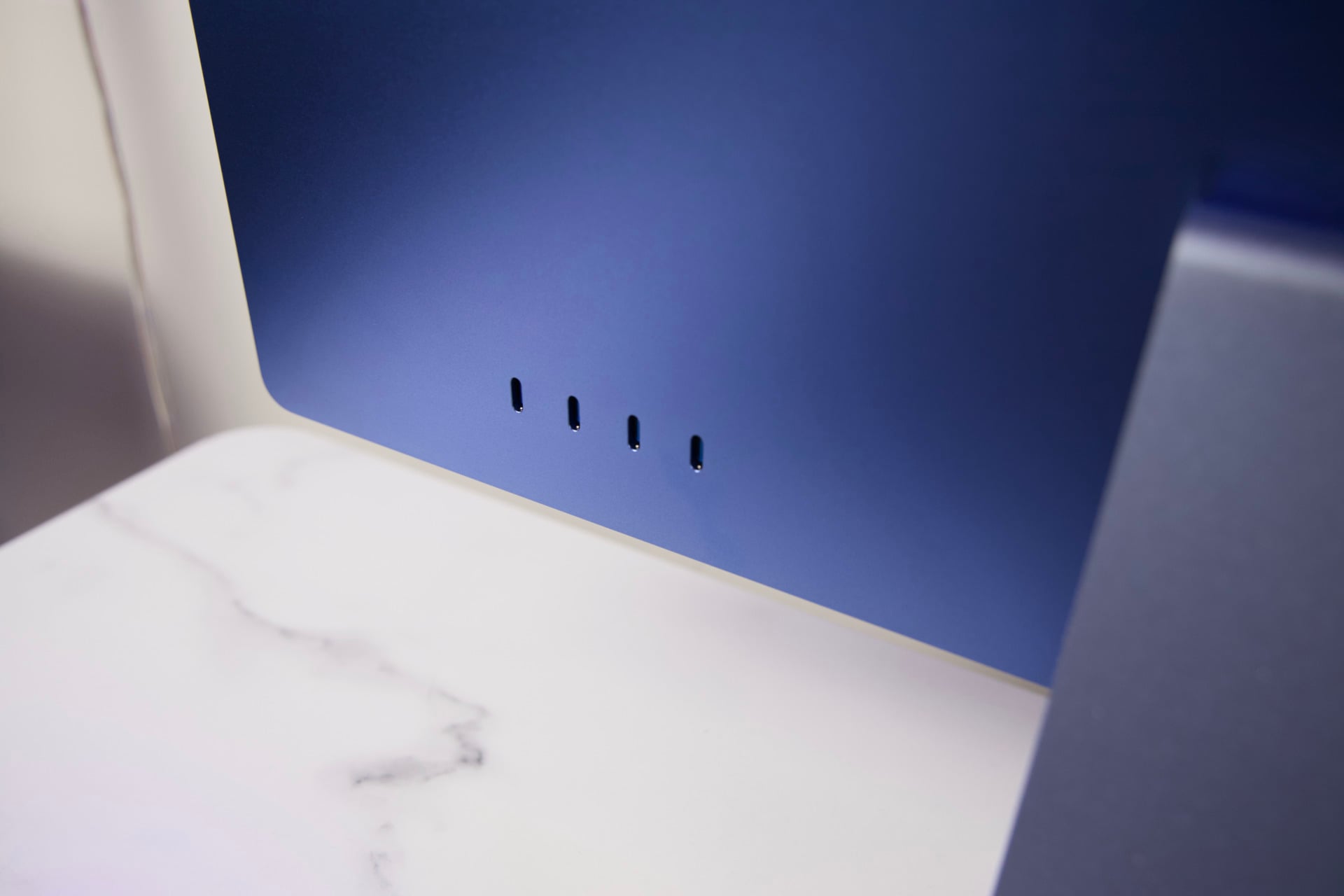
Additionally, Apple still offers the headphone jack on the iMac’s left flank. We’ve always known it was a bad place for it. If we could have even a spare few spots for input on the bottom of Apple’s lone all-in-one, we would all be better off. However, that’s where Apple exposes its exhaust grilles (and if you happen to be burning the midnight oil on a cold night, they’re a nice backup hand warmer).
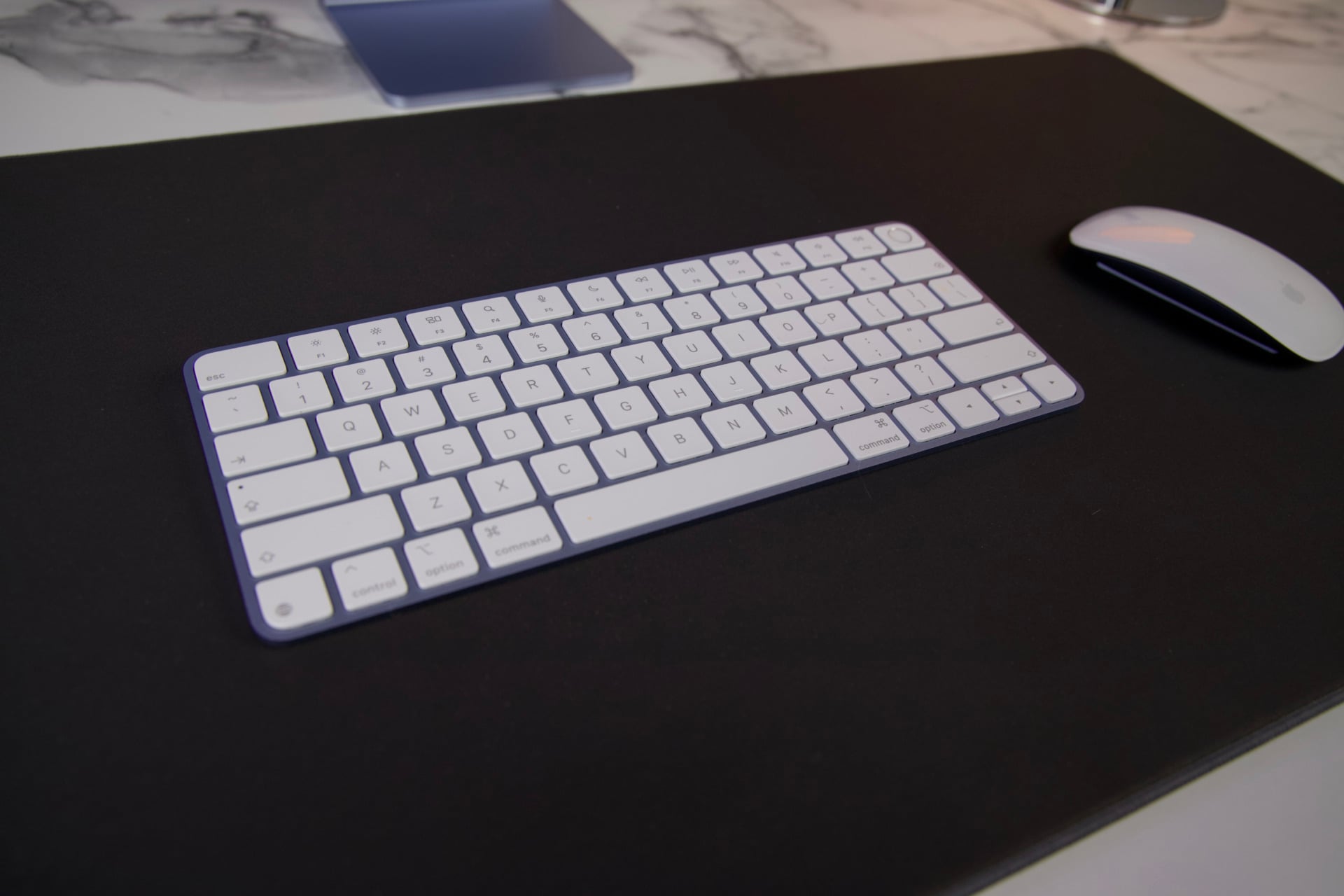
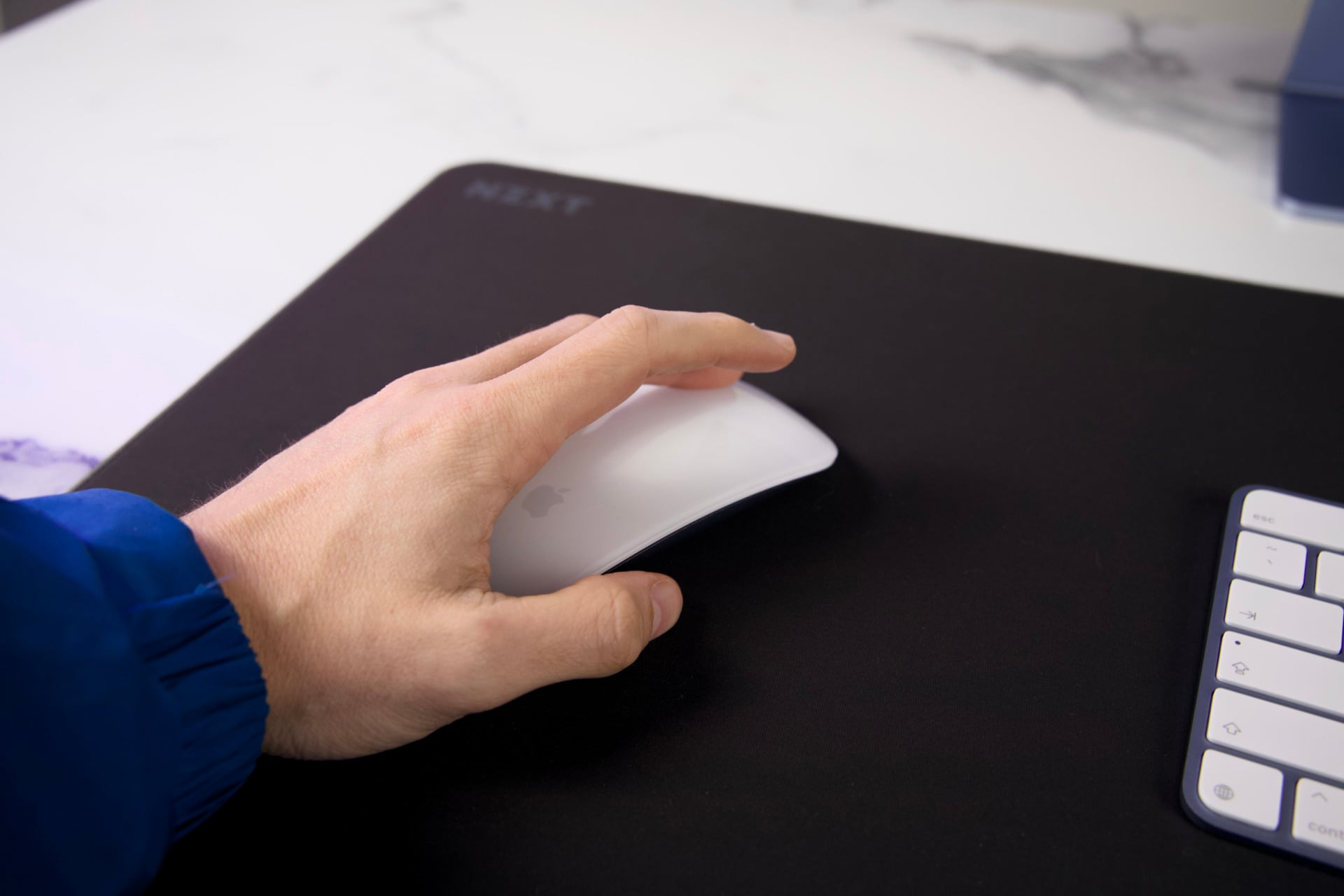
If I leverage any more complaints, I’ll have repeated everything we’ve already said in the past with the last two iterations of the iMac. I still wish it had any kind of swivel capability without physically rotating the stand. There’s not much more to say about the Magic Keyboard and silly Magic Mouse—a rodent design that’s awkward enough that even former CEO Tim Cook struggled to find a wholly positive thing to say about its legacy. I don’t know if Apple will ever create a mouse with a port that will let you charge and use the mouse at the same time. If I could have a separate right click—something that’s necessary for games that require you to use two buttons at the same time—I’d also appreciate it.
The upgrades do actually matter
As much as I can knock Apple for its limited upgrades, I can say that the improved disc read and write speeds are a significant improvement. As was the case when Apple took the MacBook to the land of M5, the newer chips support faster read and write speeds than previous M-series chips. Using Blackmagic’s Disk Speed Test, I measured 6537.9MB/s write speeds and 5836MB/s read speeds. That’s more than double the write speeds and significantly faster read speeds. This all just means the SSD will load files faster than before, and it’s something you can actually feel during your daily grind.
The Apple N1 chip enables the Wi-Fi 7 and Bluetooth 6 connectivity, though if you want it, there’s still a 2.5Gb Ethernet connection placed unhelpfully on the all-in-one’s power brick rather than on the iMac itself.
If you’re still using an M3 iMac or one of the earlier designs, the fact that all your peripherals are now using standard USB-C is more of a godsend than you may realize if your desk space is still cluttered with Lightning cables.
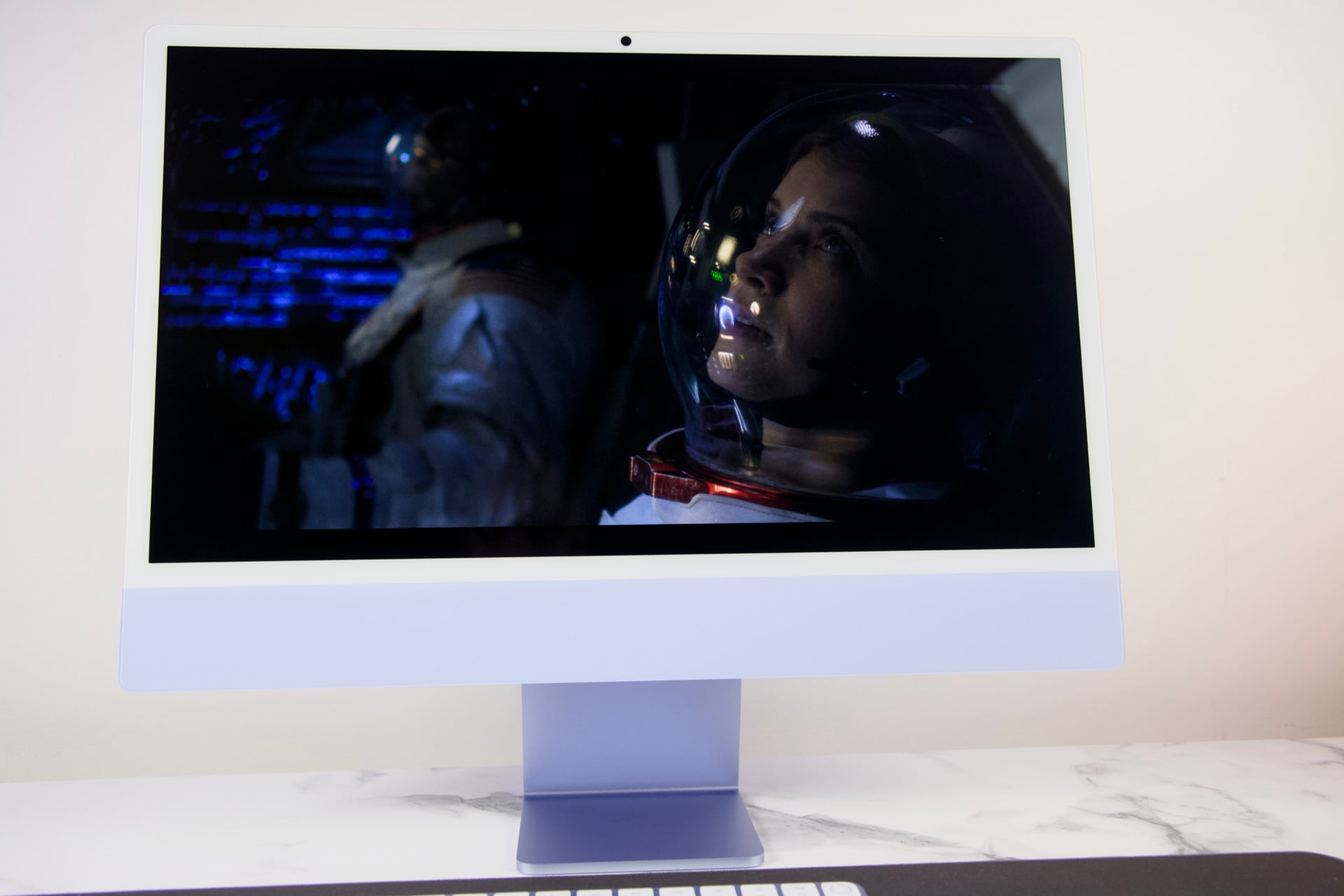
Really, the main upgrade is the chip. We’ll get to performance in a bit, but I first just want to talk about the screen. It’s a 24-inch display with the same large bezels you’ve seen on every iMac since the beginning. There’s a hole punch for a 12-megapixel Center Stage webcam that does the job of keeping your mug in view of your coworkers during endless team meetings. In my tests with the camera, my face appears detailed in most lights. It’s not bad for low-light late-night meetings too.
The screen itself is bright enough, big enough, and pretty enough for a day’s run of work. It’s Apple’s typical Retina LCD screen, maxing out at a 4,480 x 2,520 resolution, but that high resolution belies its 218 PPI (pixels per inch) pixel density. It doesn’t help that I spent the last week on its new MacBook Pro with PROLED XDR Display and its beautifully detailed 16-inch, 3,472 x 2,266 resolution tandem OLED display that maxes at 254 PPI. I know that I should not be complaining that this screen isn’t a Studio Display XDR with its obscene brightness, but if I’m paying upwards of $1,700 for an iMac, I would hope to see an improved display along with it.
M6 does what M4 doesn’t
There are two distinct flavors of Apple’s latest M6 processor you can get inside the latest iMac. The base model comes with a 10-core CPU and 10-core GPU. The next step up, and the version you’ll need to buy if you want to maximize your iMac, is the one with a 12/12-core configuration. Apple provided me the latter model for review, the one that starts at $1,699. I cannot say what kind of performance you could expect from the base model.
What you get from the 12-core CPU and GPU is still more performant than most everything you can get at this price point. In Geekbench 6, which tests the CPU’s overall generalized performance, the iMac scored 39% better than the Geekom A9 Max with an AMD Ryzen AI 9 HX 470 chip that was also released this year. It similarly flies ahead for creative work. In our Handbrake test, which measures how long it takes the CPU to transcode a 4K movie to 1080p, the M6 handled the test in 1 minute and 30 seconds flat. The Geekom took 3 minutes and 37 seconds.
In terms of how it performs against the M4 iMac, you shouldn’t be so surprised that this new all-in-one is a huge step up. In Cinebench 2026, which measures the CPU’s rendering capabilities, the new M6 iMac performed 20% better than its predecessor. And you may be saying to yourself, “Of course it would,” given that it’s running with two more CPU and GPU cores than the previous 10/10 M4 iMac. But still, the reality is the new iMac can hit 45% better scores in real-time rendering tests like 3DMark Steel Nomad.
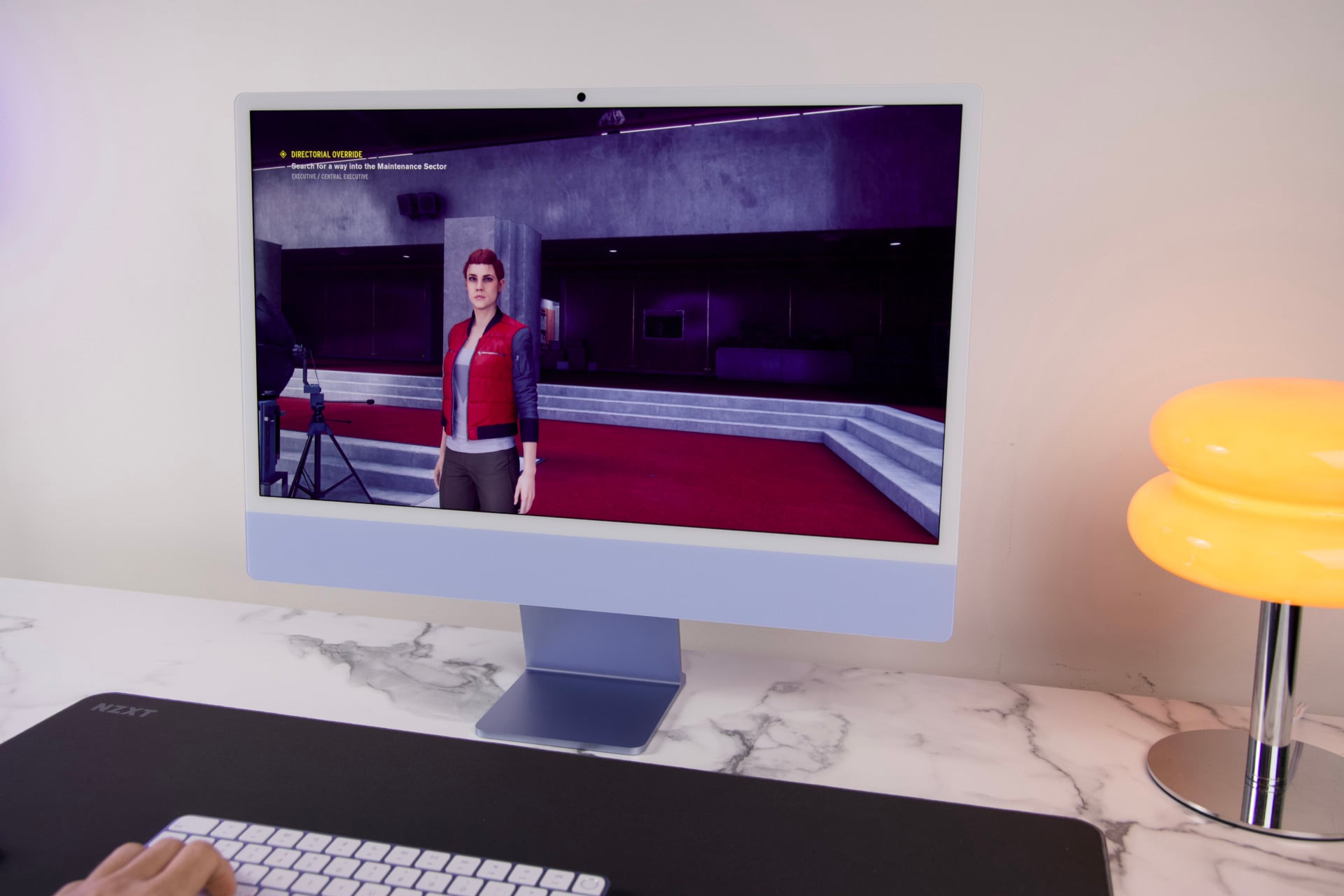
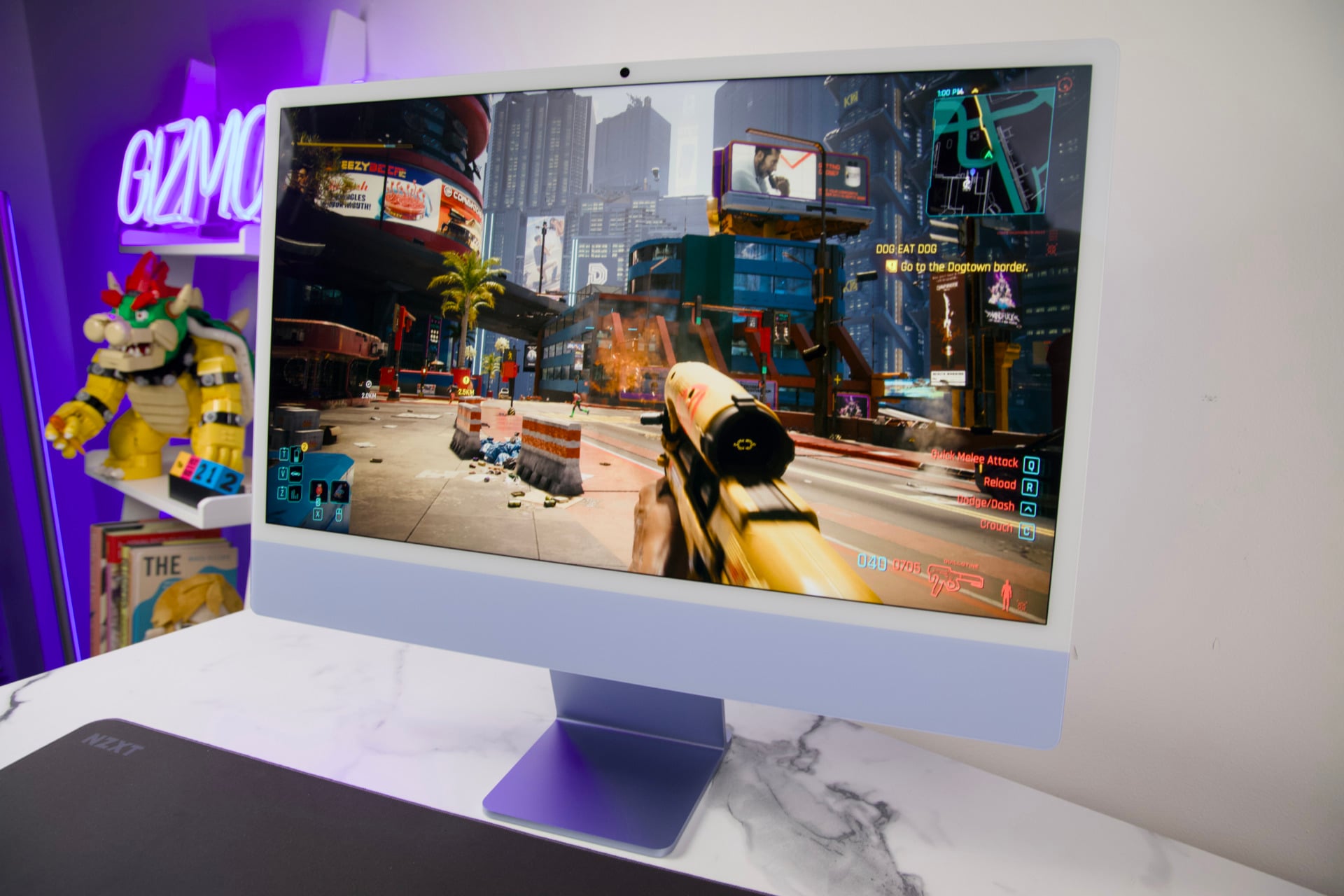
The new GPU capabilities are truly impressive. Beyond rendering performance, the iMac is managing itself as a great option for 1440p gaming. I ran several titles like Control and Baldur’s Gate III at that resolution and achieved framerates around 40 to 43 fps. Combine that with MetalFX upscaling, and you will be able to reliably game at around 60 fps. In a demanding title like Resident Evil 4, I could gleefully kneecap some Los Iluminados cultists at around 50 to 60 fps in outdoor environments without the need for upscaling. Although I have to warn you, it would occasionally dip to its 40s in demanding arenas, so you may be better off fiddling with your settings for the best result.
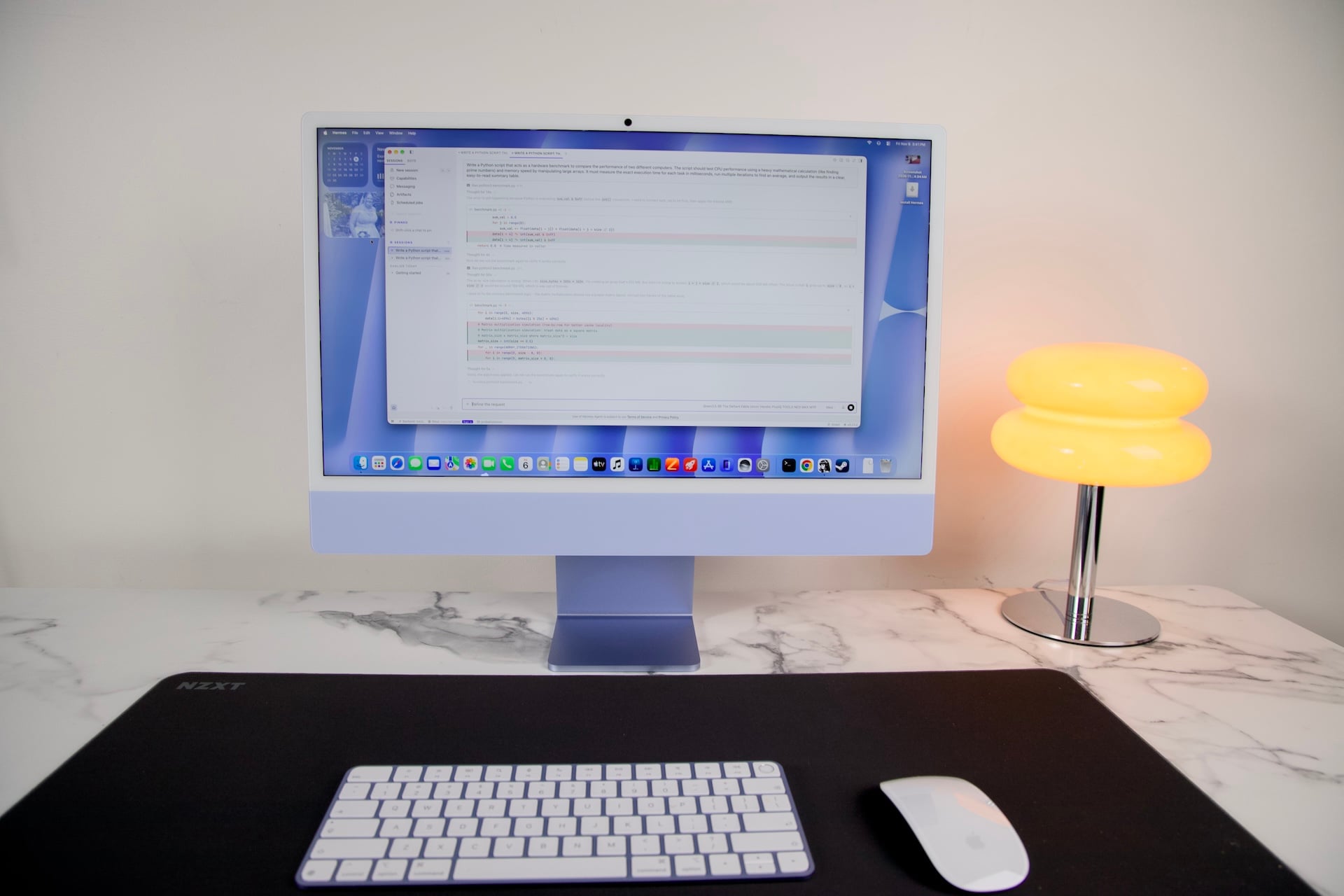
The major item Apple says has improved in the jump from M4 to M6 is AI performance. The new silicon is supposed to use its extra neural accelerators inside the GPU cores to push faster time to first token (the time it takes the system to start responding after entering a prompt). However, Apple’s iMac only features 16GB of RAM by default. That’s plenty for daily tasks, but that’s not really what you want for local AI. For instance, the open-source mid-range model Qwen 3.8 27B is not really usable unless you have at least 24GB of memory in your system. You’ll instead need to run lightweight models of around 7B to 12B parameters.
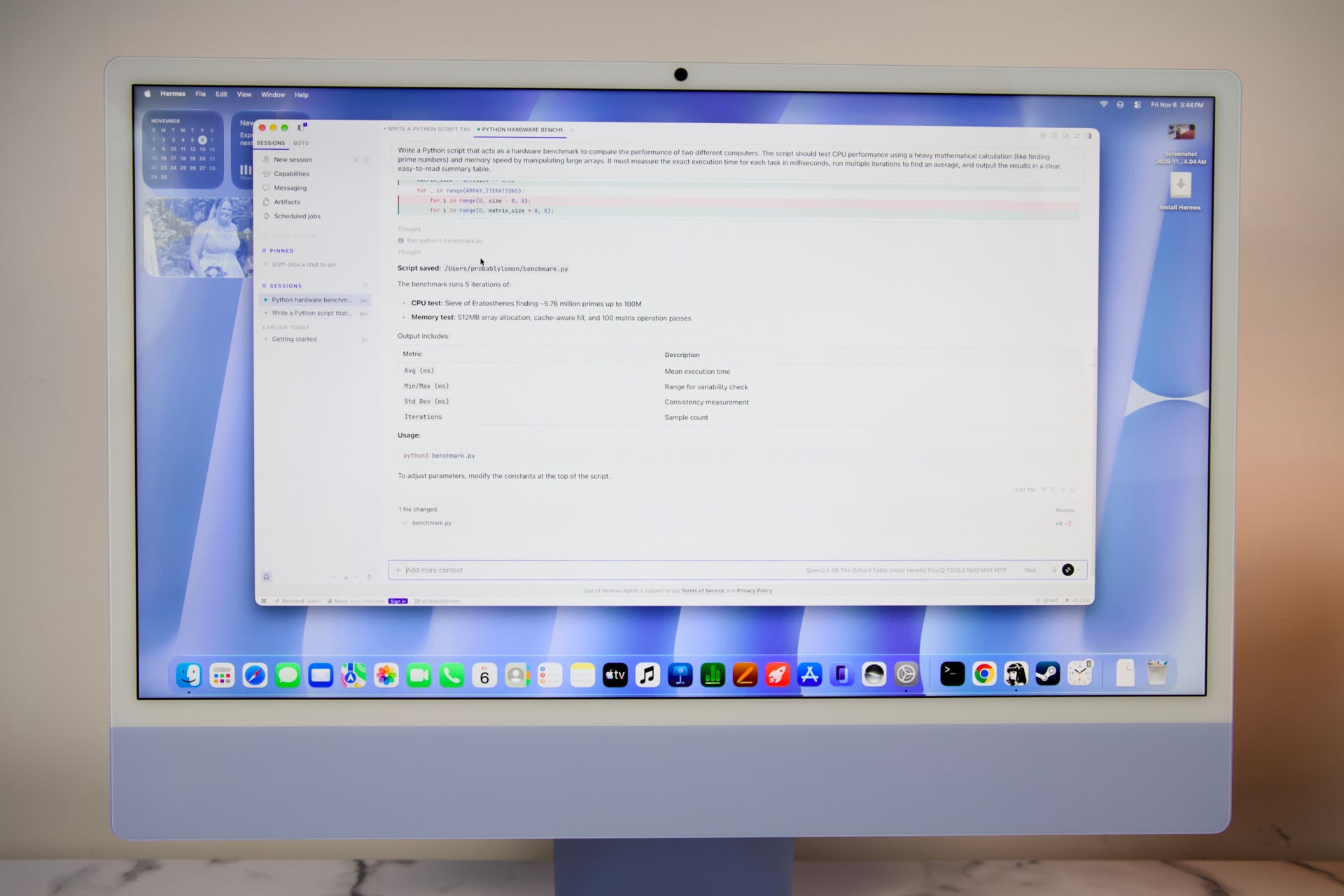
So that’s what I did. I plugged the open-source Qwen 3.5 9B model through Hermes agent and had it create some simple Python scripts. This works, though it’s not nearly as fast as you may expect from the AI-first Mac that the M6 is purported to be. I’ve experienced better with 24GB of memory on an M6 Mac mini, so unfortunately you’ll want to spend the extra money on the 24GB or 32GB upgrade if this is honestly one of the reasons you’re buying Apple’s latest all-in-one.
One item of note that came up in my benchmark tests was that the M6 iMac was actually scoring slightly below the M6 Mac mini that Apple released just a few short months ago. There wasn’t a massive difference between the two, but it was noticeable. The most obvious reason was because my review unit of the tiny desktop included 24GB of unified memory versus 16GB on the iMac. However, that can’t wholly explain the gulf of nearly 11% worse performance between the iMac and Mac mini. The iMac needs to power and cool both the screen and the processor, which may end up limiting the M6’s peak performance overall.
It’s a similar story to what I’ve seen with an M6 MacBook Pro compared to the M6 iMac. The all-in-one computer is getting short shrift compared to Apple’s other M6 Macs. None of that is to say this iMac is somehow worse than what’s also out there. For the sake of pure performance at this price point, the M6 chip is still better than much of what you can find in the PC space.
I’ll tell you what I want, what I really, really want
There’s a lot to like about this iMac, though I have to reiterate I’ve only used this one configuration. Going cheaper means you’re losing out on a ton of possibilities. For one, the base $1,499 model only supports one external display at 6K and 60Hz or 4K at 165Hz. The $1,699 version can support up to two displays at those same specs, or one external screen at up to 8K and 60Hz. Additionally, if you want a system with 32GB of unified memory, you need to spend for the higher-end iMac.
What you actually need your iMac to do and what it’s capable of doing are two very different things. The fact that there’s no option for an M5 Pro or M5 Max iMac means you’re stuck with a standard performance metric that may not match the qualities of having a large 24-inch display.
This iMac screen peaks at such a high resolution, but if I wanted to run games on this screen, I’m doing myself a disservice by forcing it to run at a lower resolution. At the same time, the M6 has horsepower enough for editing 4K video. But then I start wondering if it wouldn’t be better to purchase a new M6 Mac mini and a separate, prettier, and potentially larger 4K or 5K monitor for the same purpose. As I already mentioned, the tiny desktop actually runs slightly better than the iMac with the same tests.
In this case, the iMac is built for the casual Apple fan, but its price point—as yet another victim of RAMageddon—positions it as a higher-end computer. I wonder what could be if Apple tried to attract both the low- and high-end consumers with its next set of iMacs like it has with its recent MacBooks. Imagine if we stuck an iPhone chip inside a 21-inch iMac, as we did with the excellent MacBook Neo. That would be the perfect all-in-one for the majority of users.
Then, for the true Apple power users, we could supply the equivalent of a Mac Studio with a screen. A larger 27-inch iMac built with an OLED panel and some future processors like the M7 Max already sounds like an expensive, though drool-worthy, proposition for longstanding fans of Apple’s all-in-ones. Imagine if it had the same contrast ratio as the MacBook Pro with PROLED XDR Display. Call these two new Macs the iMac Neo and iMac Pro (or add a “with PROLED XDR Display” if you want my eyes to roll out the back of my head). I know it may not happen exactly in that way, but a boy can dream.