Your components need to be compatible
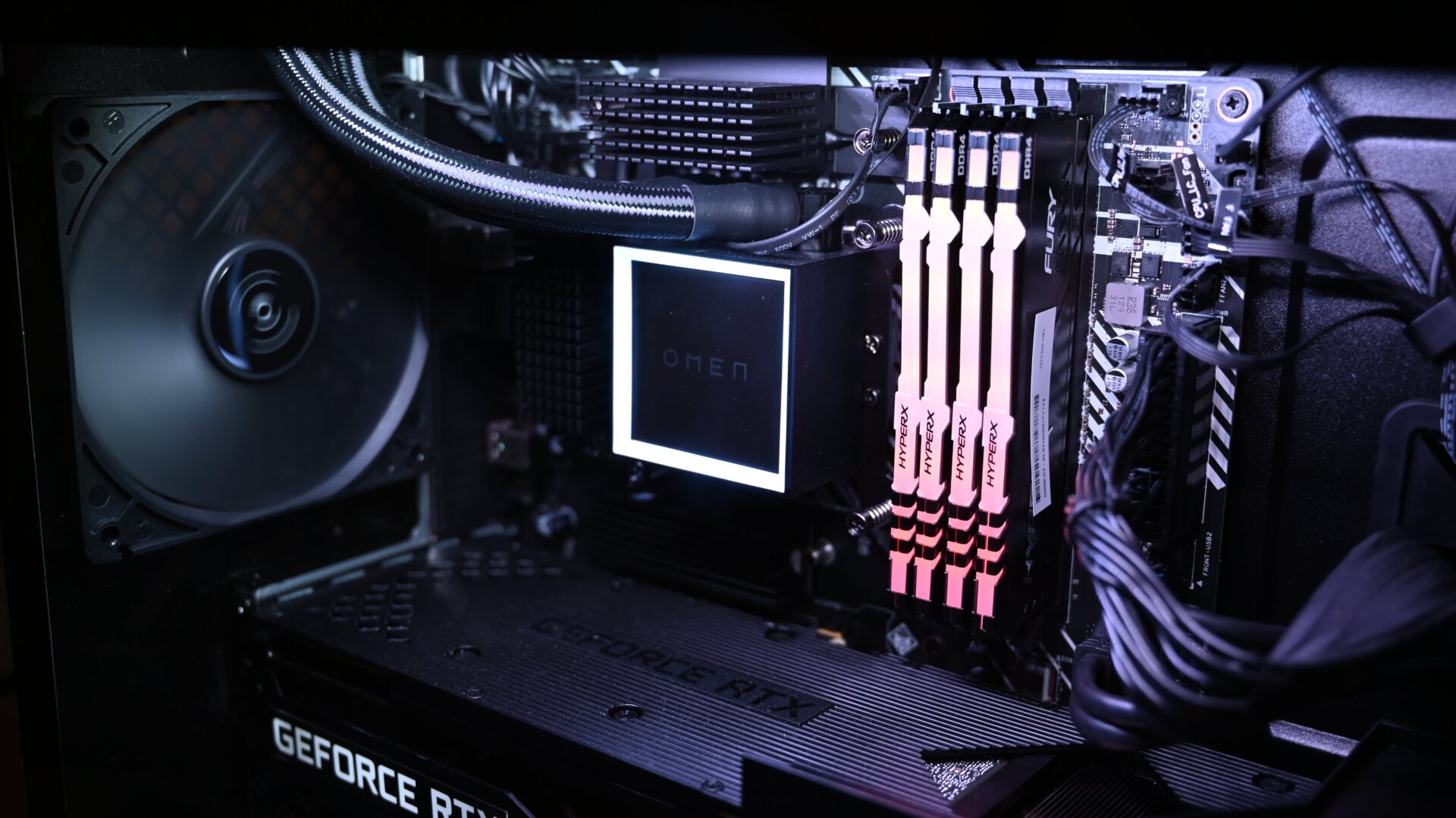
The last thing you want to do is spend a ton of money on a component only to discover that it isn’t compatible with the rest of your build. Fundamentally, a motherboard needs to be the correct form factor for your case (ATX, Micro-ATX, and Mini-ITX) and fit the socket for your Intel or AMD CPU.
If you’re using PCPartPicker, you probably won’t run into any issues, since the System Builder already filters out incompatible parts. However, if you’re freestyling this, then you need to do some research to ensure your CPU, memory, and motherboard are all speaking the same language. For example, if you’re splurging on the latest DDR5 RAM, you’ll need a motherboard with the proper slot—that means Intel 12th gen motherboards and those for AMD’s next-gen chips; anything older and you’ll run into issues. Another bit of advice is to spend a bit extra on connectivity, so your system supports the latest ports and wi-fi standards (unless you’re going wired).
You need to keep your budget in the back of your head as you’re mapping out these components. Typically, opting for the latest version of one component means you will need the latest version of another—a cycle that could end up costing more than you had anticipated.