10. Mirror Your Screen Wirelessly
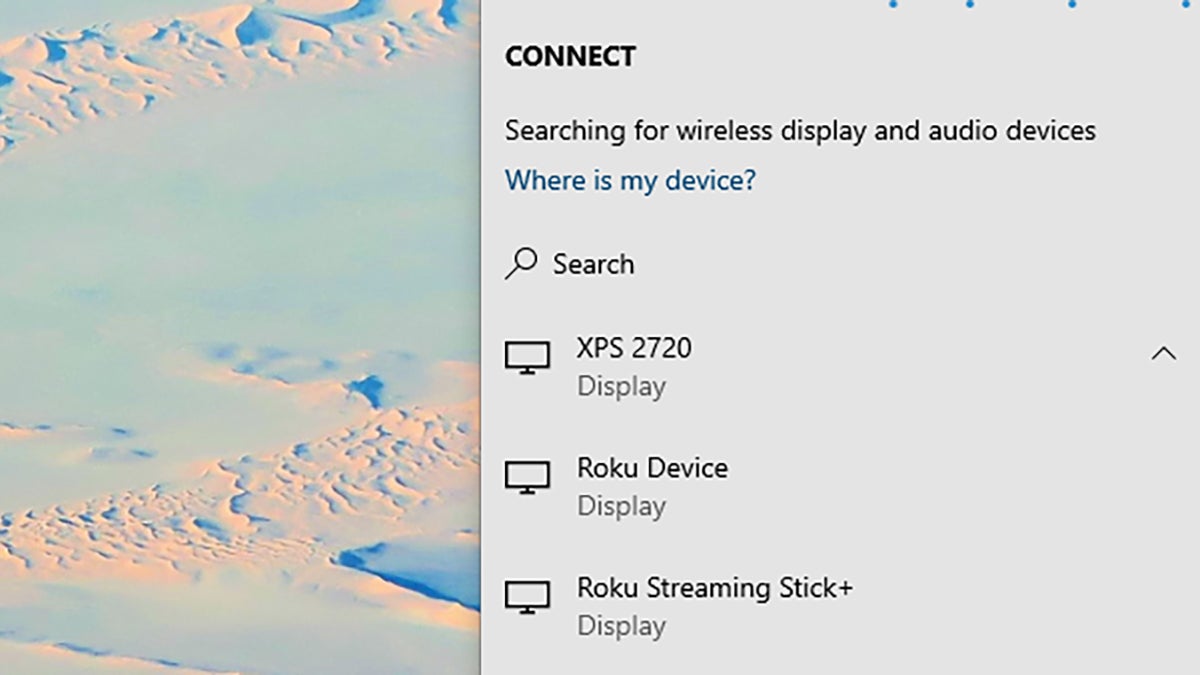
To get your Windows laptop display up on a big screen, you might not need a cable. Open the Action Center (the icon on the right of the taskbar), then choose Connect to see a list of all wireless devices supporting the Miracast standard (like Roku dongles, for example).
On macOS the protocol is AirPlay. Click the AirPlay button on the menu bar to see available Apple TVs and other compatible devices on your network. On both macOS and Windows, the Chrome browser can also mirror your display to any Chromecast device.