11. Speak to Your Laptop
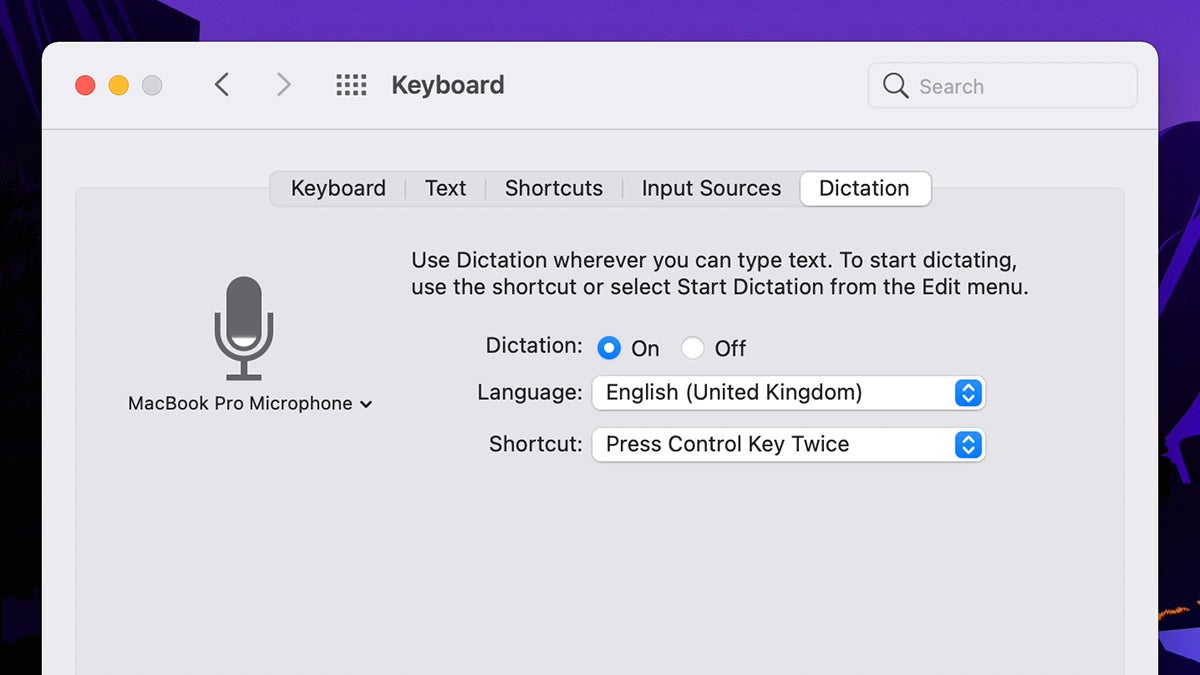
To save you from typing, you can dictate text to your laptop. On Macs, open System Preferences and pick Keyboard, then Dictation. The default keyboard shortcut for turning dictation on is two taps of Ctrl, or you can choose Edit and Start Dictation inside any app.
When it comes to Windows, dictation is set up through Ease of Access then Speech in Settings. With that done, it’s just a question of hitting Win+H whenever you want to dictate some text instead of typing it out—it should work seamlessly across all of your programs.