8. Annotate Your Screenshots
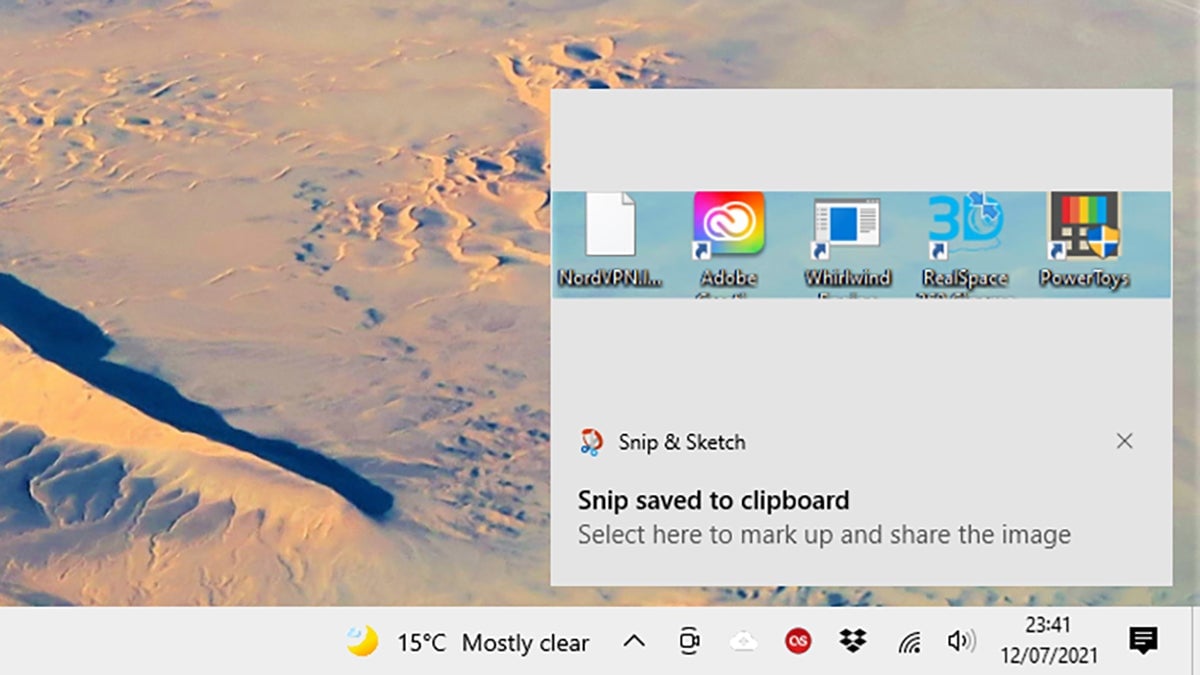
You’ve got a plethora of options for taking screenshots on Windows and macOS, but both now have added annotation options in the native screen-grabbing tools. Depending on what you want to do with your grabs, you might not need to use any other utility.
On macOS, hit Cmd+Shift+5, and make sure Show Floating Thumbnail is selected under Options menu—you can click this to add annotations whenever you take a screenshot. On Windows, hit Win+Shift+S, grab your image, then click the thumbnail to add annotations.