Share a Specific Part of a Video
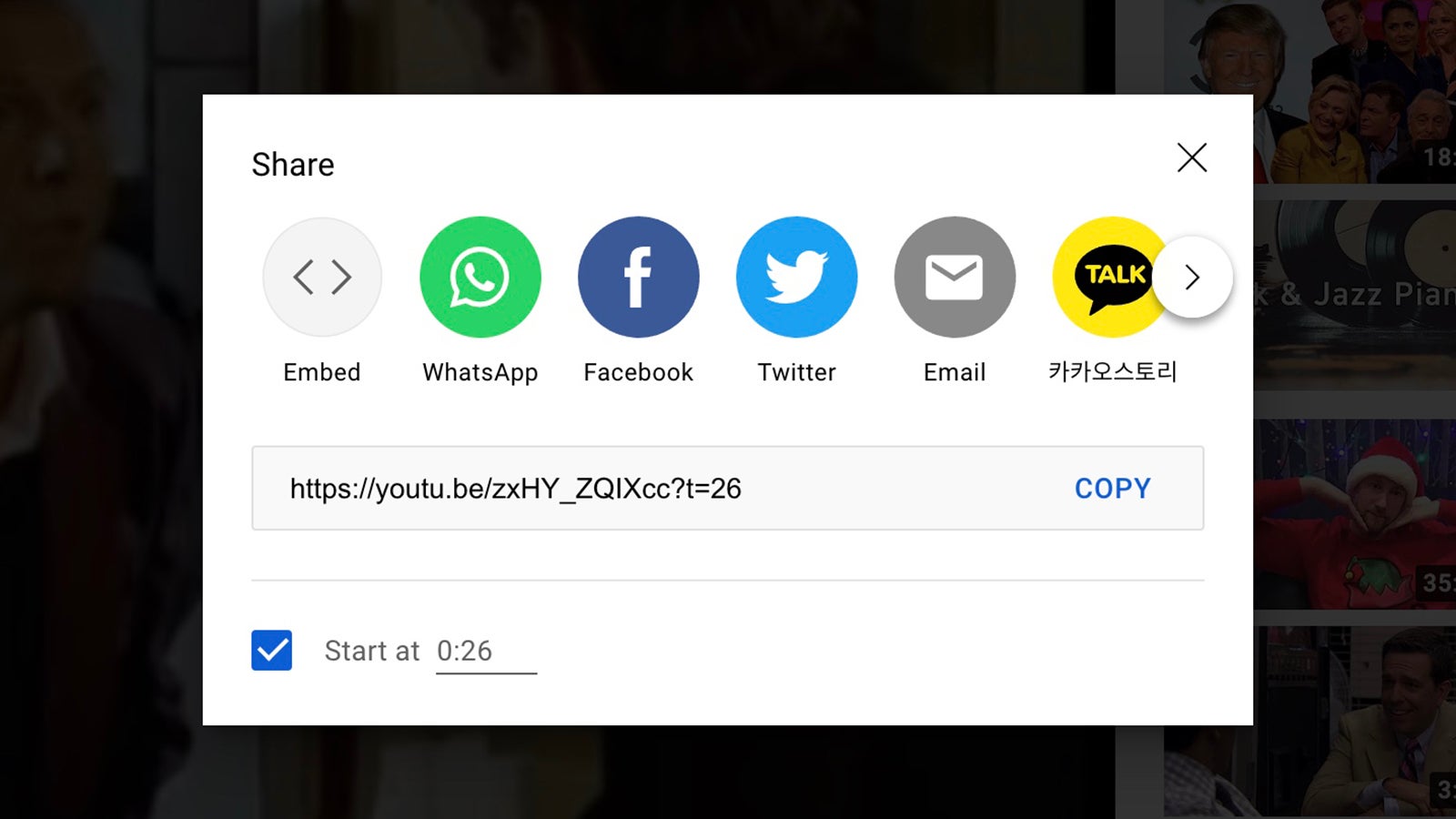
There may be times when you don’t want to share a video in its entirety, but rather one specific segment of it. To do this, you need to add a timestamp to the end of the original URL: If you click Share under a video on the web interface, you’ll see a Start at box where you can enter the time you want to jump to whenever someone clicks on the link.