Download Videos
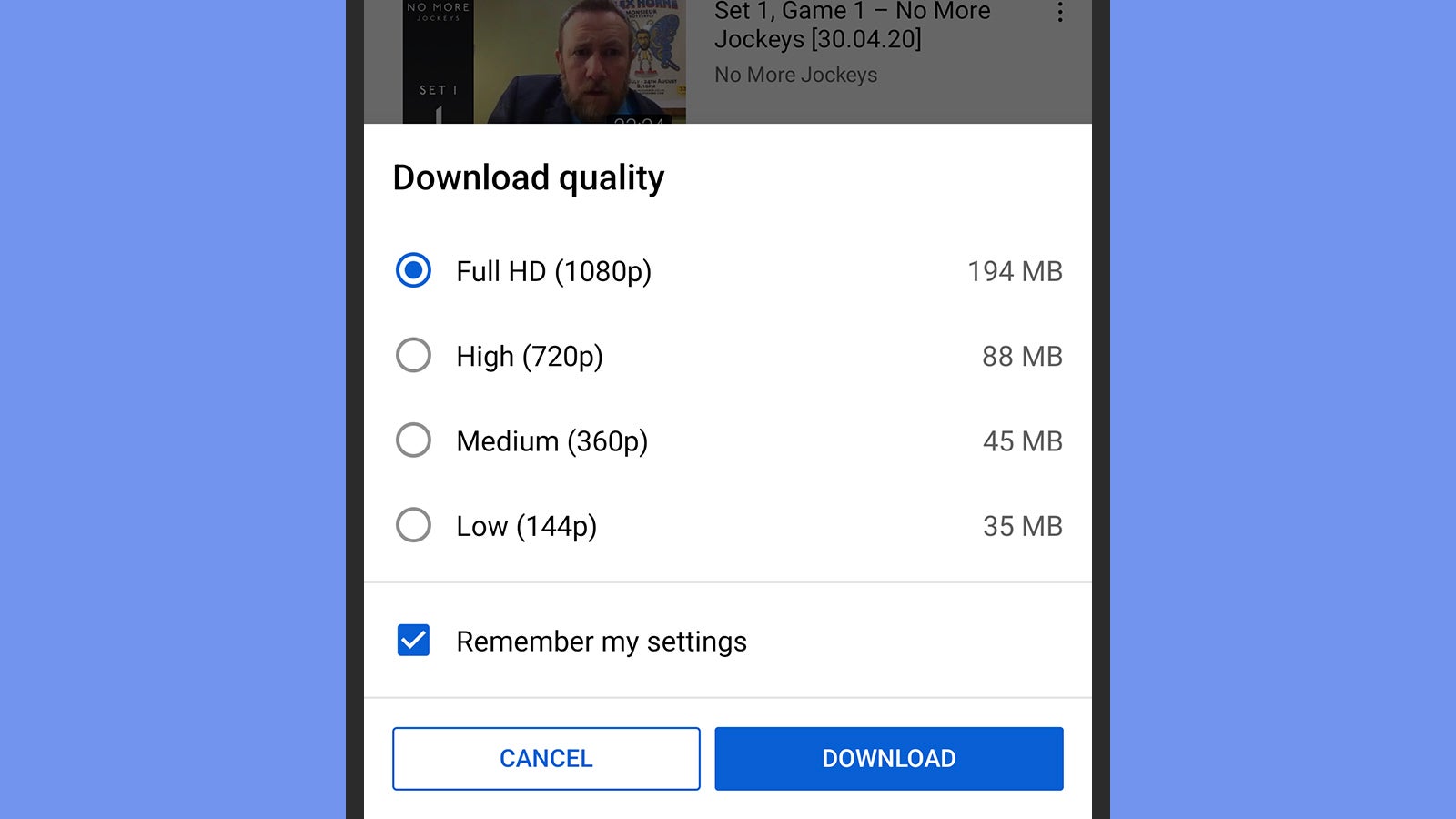
There is a built-in tool for downloading videos from YouTube, but only if you’re a paid Premium member. The Download button appears underneath videos when you view them, and you can find the same option if you click or tap the three dots by a clip. From the main navigation bar, choose Downloads (web) or Library (mobile) to find your saved videos.
On the downloads page on mobile, you’ll see recommended downloads (videos that YouTube thinks you might want to save for offline viewing) by default. You can also set the default quality for downloaded videos via Backgrounds and downloads from the Settings page on mobile, and via Downloads from the Settings page on the web.