9. Get Notifications for Certain Emails
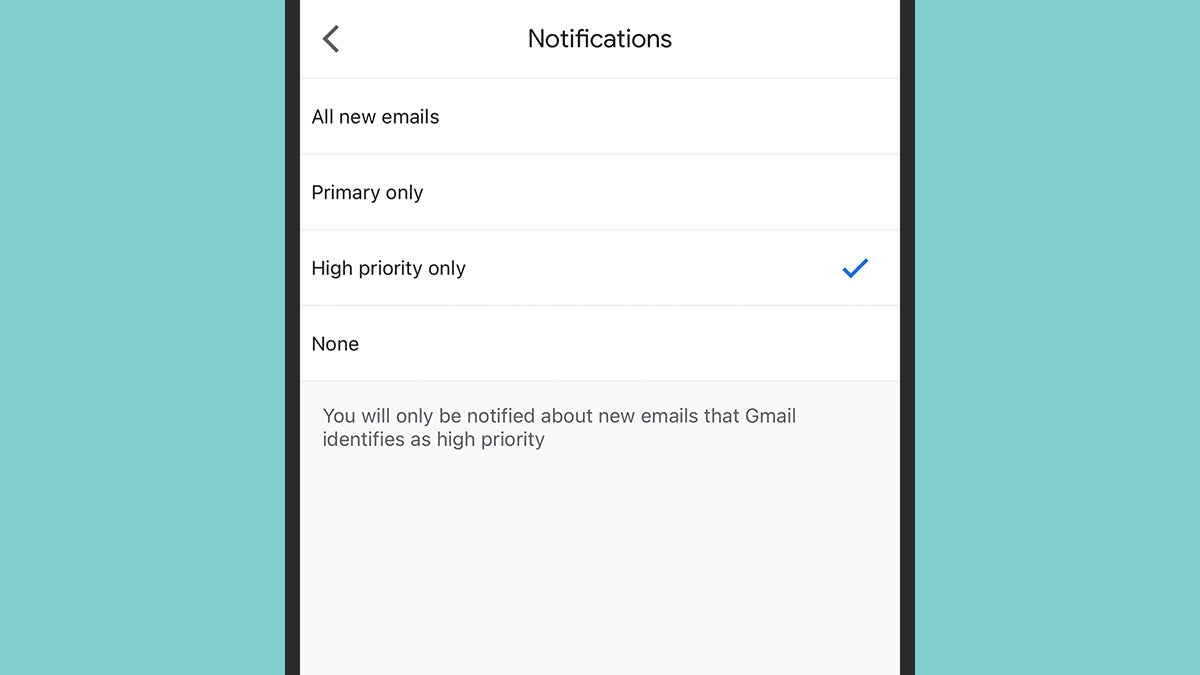
You don’t have to get buried under a mountain of notifications from the Gmail mobile apps. On iOS or Android, go into the Gmail app settings, select your email address, then choose Notifications. You can set alerts to appear for “high priority” emails only, and this works separately from the notification settings configured at the Android or iOS level.





