10. Mix Up Your Email Stars
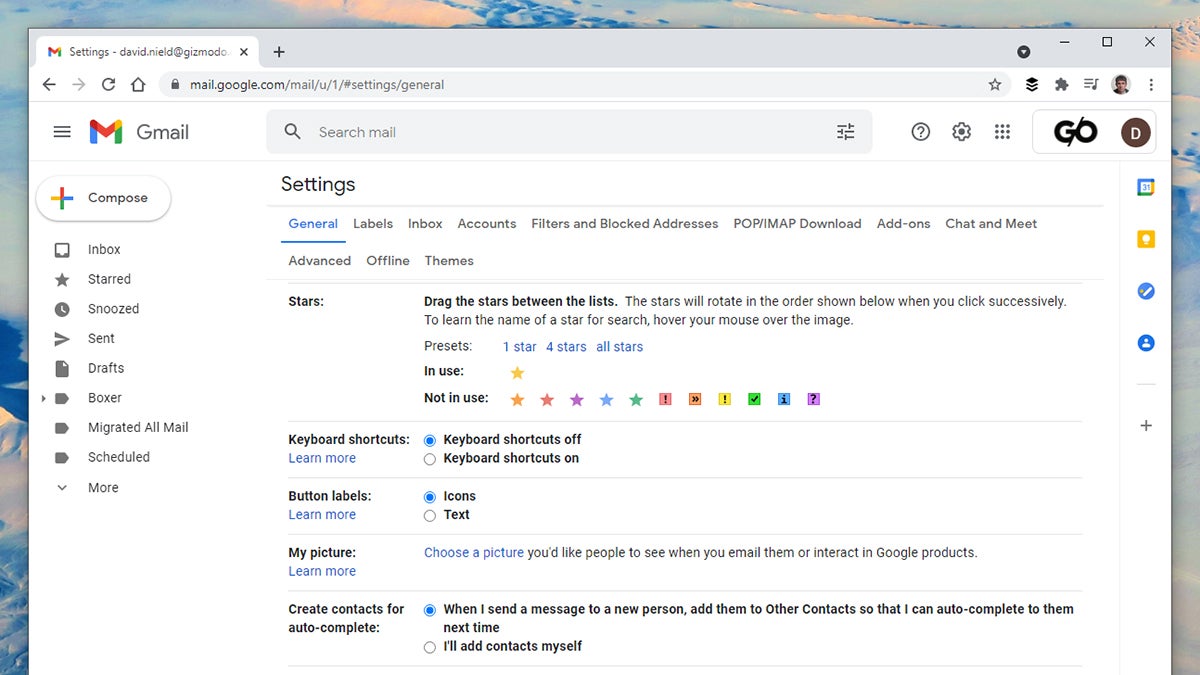
You don’t have to settle for the standard yellow stars when it comes to highlighting emails, because plenty more colors and symbols are available. Go to General and Stars in the Gmail Settings pane on the web to see what’s available. You can find stars with searches like “has:green-star” on the web, though all star types get lumped together in the mobile apps.





