11. Enable the Preview Pane
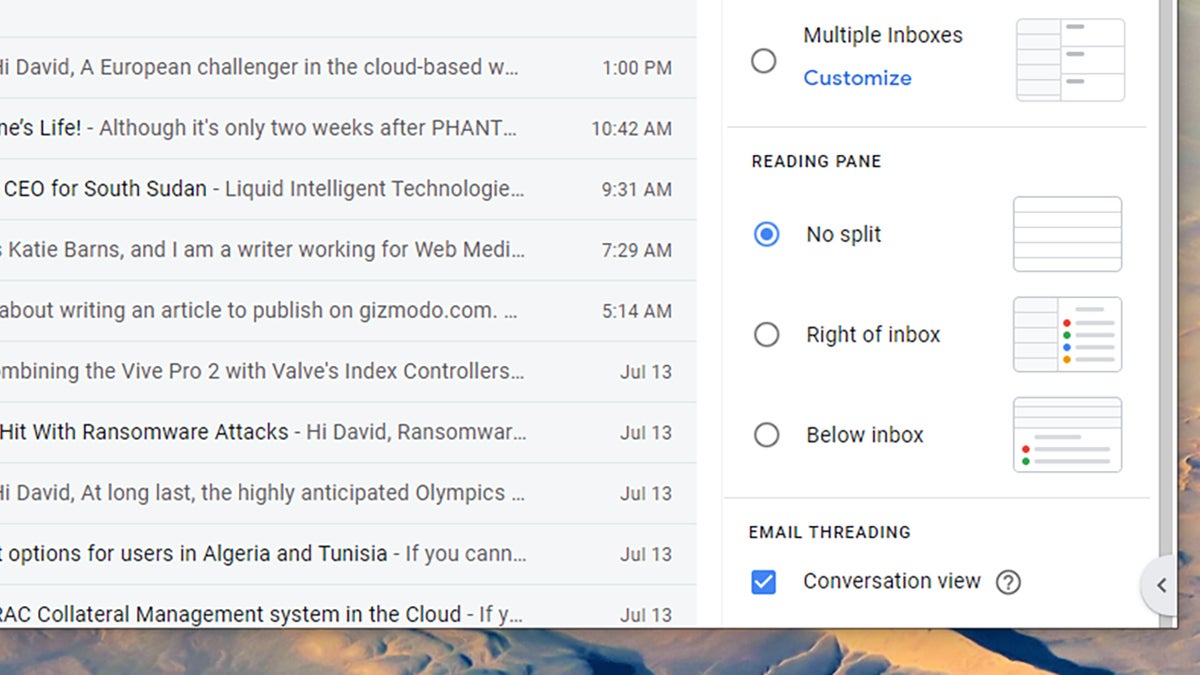
By default Gmail on the web just shows you a long list of your conversations, but if you prefer a more desktop client-style look to your inbox, you can enable a preview pane. Click the Settings cog up in the top right-hand corner of the interface, then look under the Reading pane—you can have previews to the right of your messages or underneath them.





