3. There’s Constant Popups for Microsoft’s Services by Default
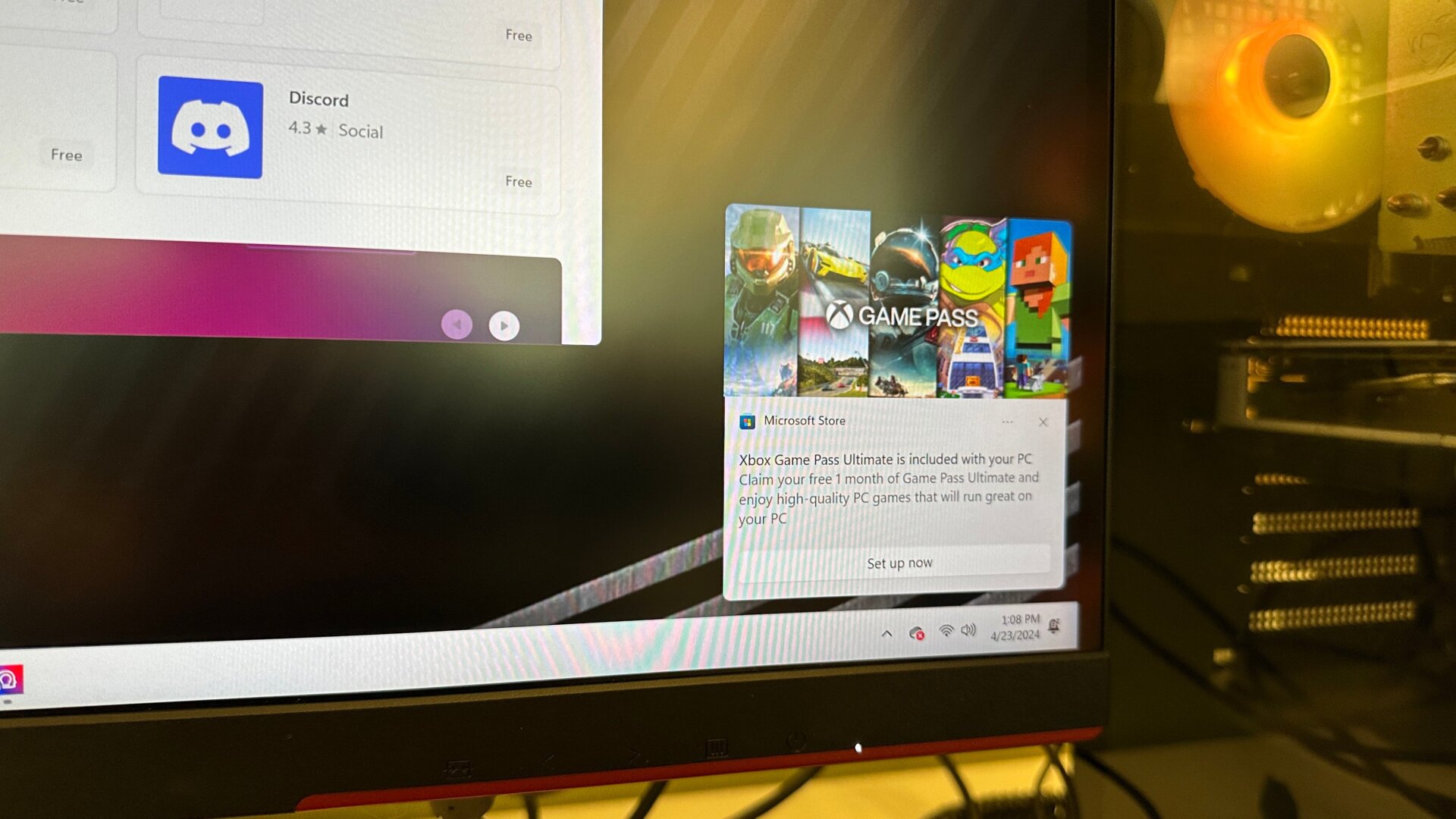
By default, Windows 11 showers the user with popups in the corner of their screens for more Microsoft services. It practically shouts at you, “Guess what? You need more OneDrive space,” even though that’s only because automatic backups filled up my default OneDrive account. It screams at me, “Xbox Game Pass Ultimate is included with your PC,” even though that’s only effectively a free 1-month trial for Ultimate and, not to mention, I already have an Ultimate subscription I use for review and testing purposes applied to the same Microsoft account I’m signed in with.
To turn off these popups, you have to go into the Notifications bar under Settings and System, then Notifications. You have to turn them off individually for the Microsoft Store, OneDrive, and all other banners from any other apps that might come default installed on your PC, such as those for Nvidia. As somebody who boots up a lot of new Windows PCs regularly, having to change these settings every time is way too annoying. However, that’s partially due to how I choose not to import preferences from my other PCs to make sure I have a clean experience each time. Then again, I would prefer not to have to log in to my Microsoft account to access Windows 11 at all.