Make full use of widgets

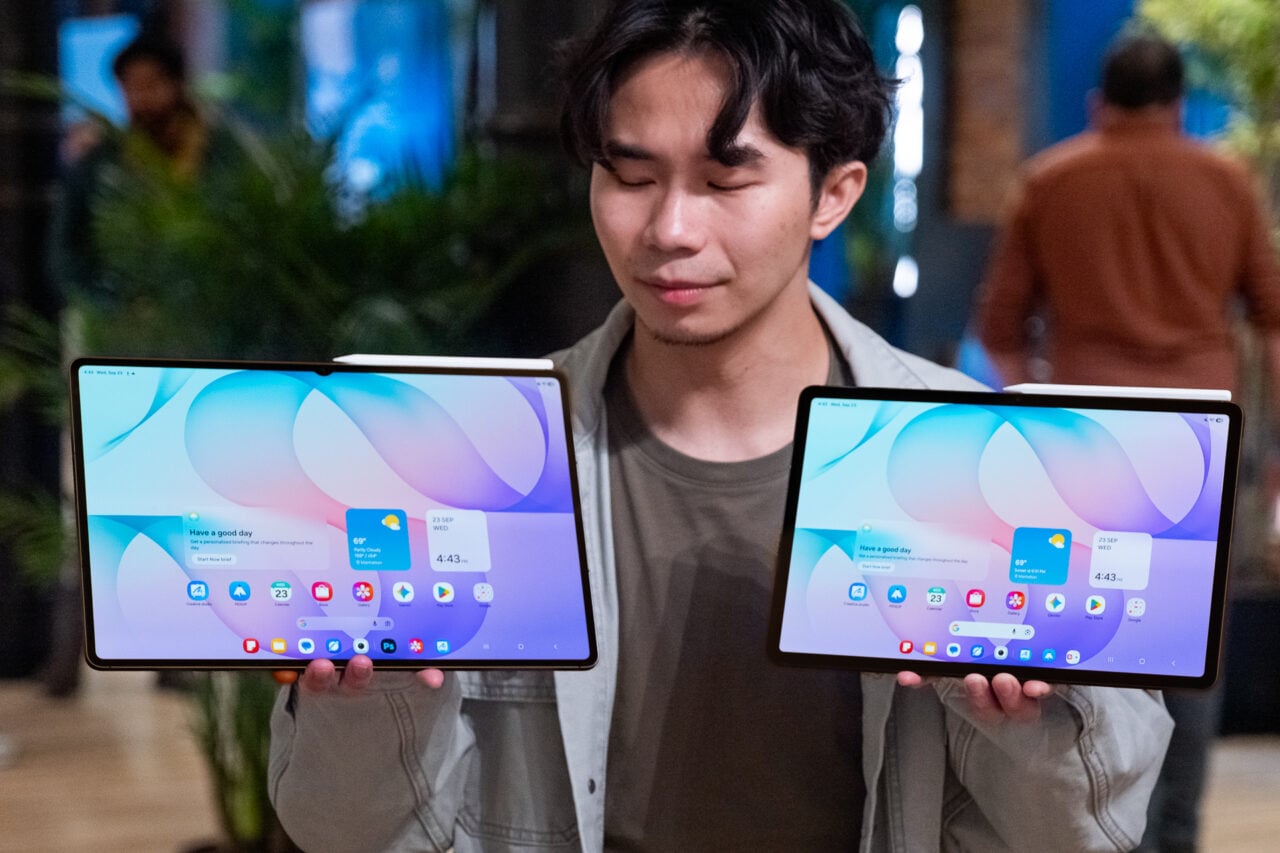
If you’ve never thought much about the configuration of your home screens, now’s the time to start: As well as conventional shortcuts to apps, you can create widgets for quickly reaching your favorite contacts, jumping to documents and websites, and more.
Long press on a blank area of the home screen, then choose Widgets to see what’s available: Pick Maps to get a quick shortcut for directions to your home or the office, for example, or Gmail to jump to a specific label in your inbox whenever you need to.