Check the defaults
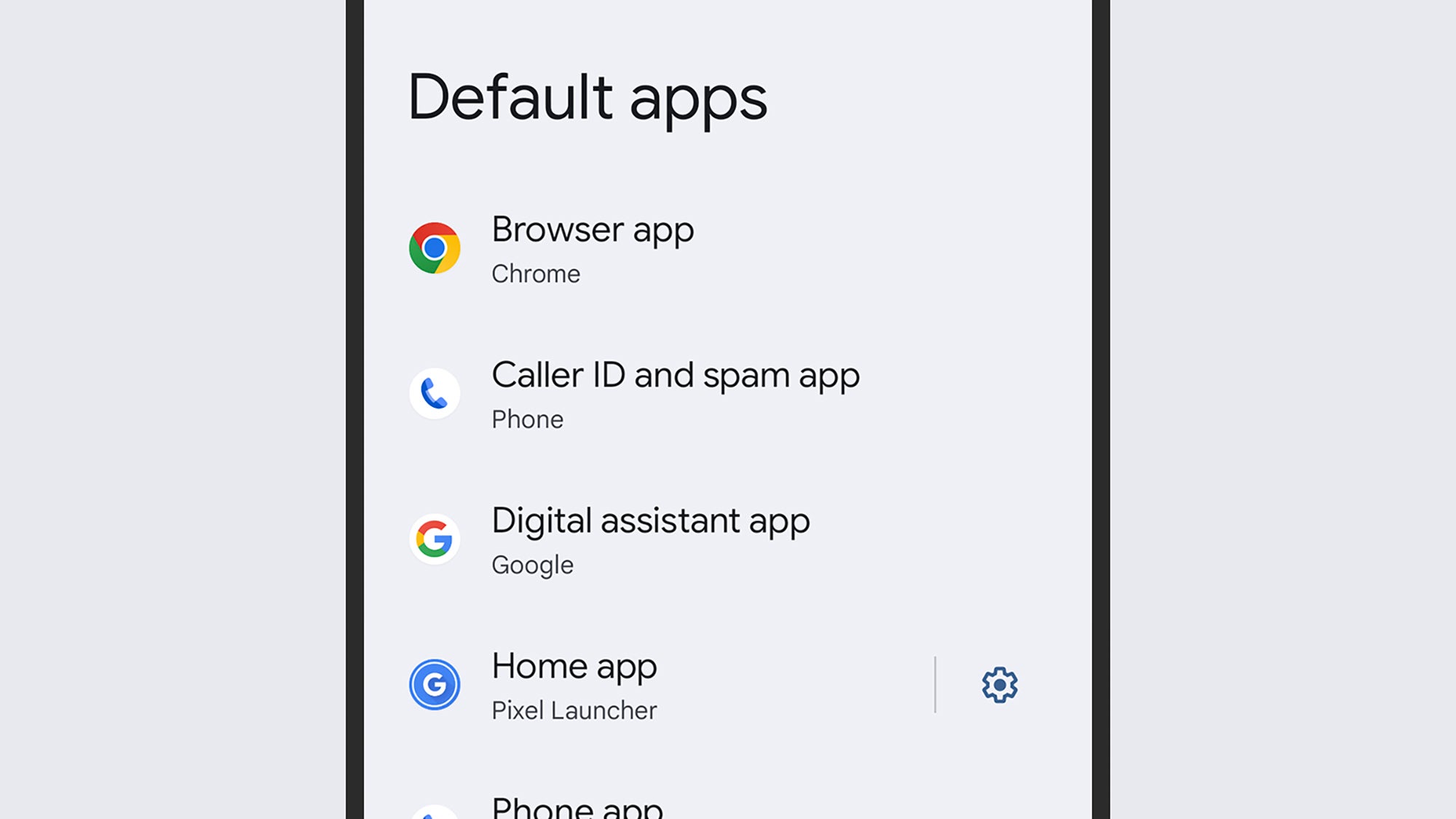
Just like Windows or macOS, Android has default apps that it’ll use to handle certain tasks—such as placing phone calls, opening up web links, and sending texts. You’re wasting time unnecessarily if you’re constantly switching between apps for these jobs.
From Settings on Android, head to Apps, then Default apps: You’ll see all the categories where defaults can be set, from the browser to the digital assistant app, and when you tap on a category, you’ll then be able to see all the apps capable of handling that specific job.