I only gave robot lawn mowers casual attention during my first years of reviewing smart home gear in 2020 and 2021. I’ve always resented having a grassy yard to deal with, and spending thousands of dollars on finicky, early-adopter robots that require a little (or a lot of) troubleshooting just to save some time and effort didn’t appeal to me. Having been back in the saddle of smart home reviews for the last year, though, I’ve been curious: are they good now? Can they handle trimming the lawns I hate?
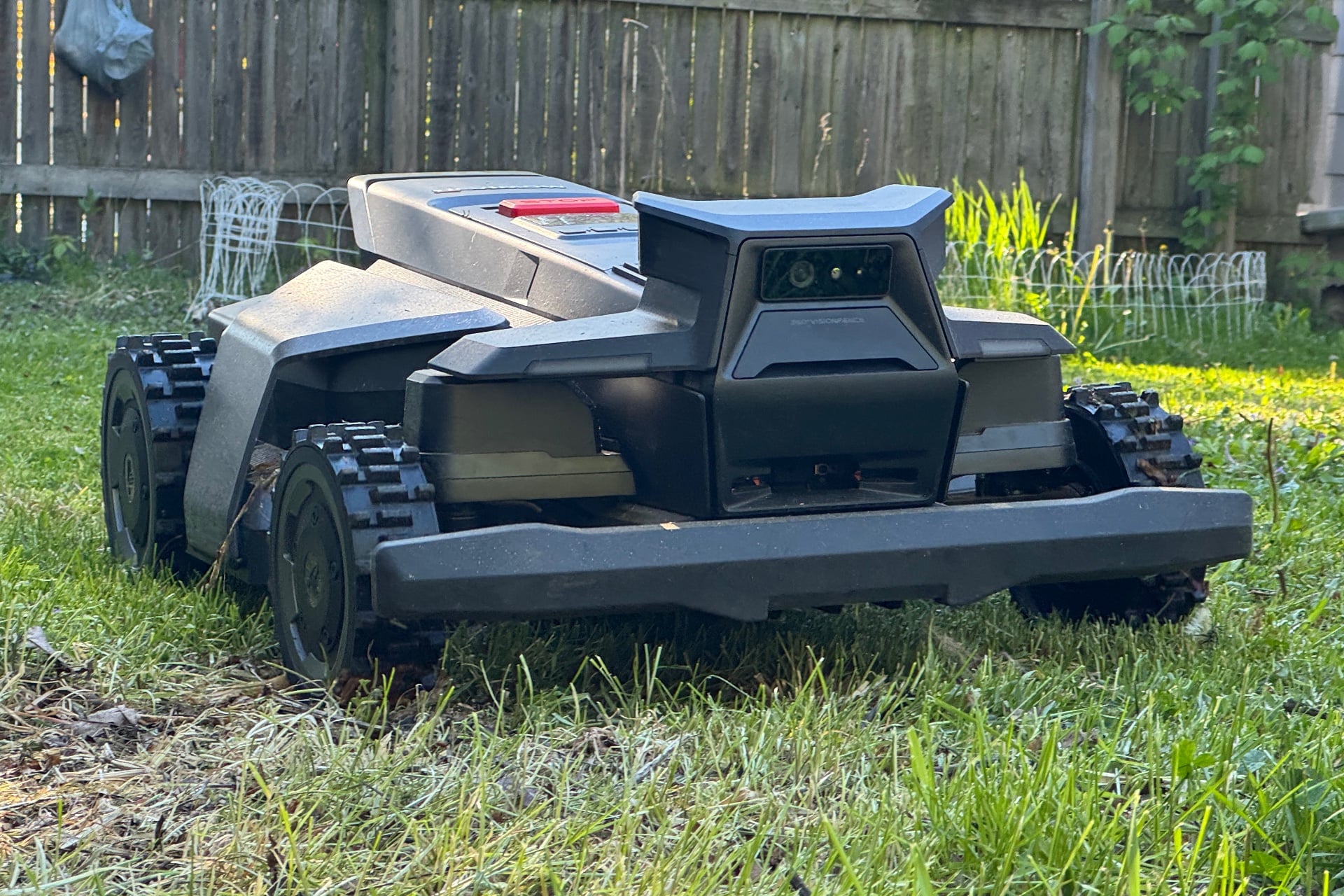
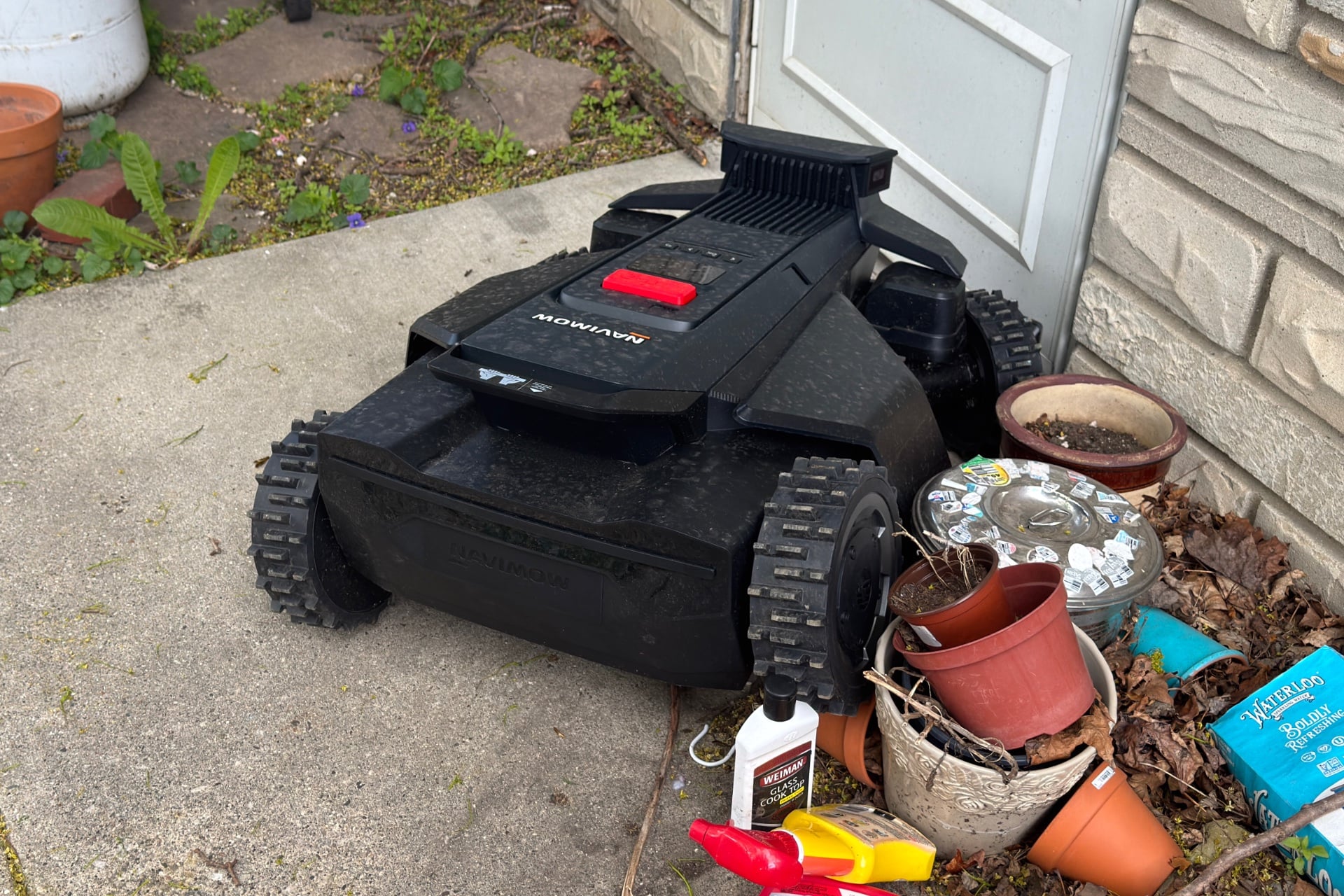
My first attempt to answer that question has involved testing the $2,500 Segway Navimow X430 for most of the last month. It’s a honker of a machine that looks a little bit like a cross between a go-kart and an F1 race car. It features knobby, grippy tires, two spinning blades beneath it, and a little “head” poking up in the front that has front and side cameras. It also navigates using built-in Network Real-Time Kinematics (NRTK), a technology that combines an internet connection and satellite positioning for centimeter-level accuracy. As such, there’s no need for you to install guide wires.
Somewhat to my surprise, the Navimow X430 proved to be a capable and fairly consistent mower, with accurate NRTK navigation that let it tackle my small front and back yards. Both are fairly complex, featuring lots of patio furniture, a stone-paved patio, dog poop, sticks, trees, garden boxes, and more, yet it handled them with remarkable ease.
Segway Navimow X430
A surprisingly capable lawn mower that can handle even cluttered lawns, if you set it up right.
Pros
- Very capable, even in challenging yards.
- Great battery life
- Super quiet
- Can handle steep hills
- Easy mapping
- No guide wires needed
Cons
- Too pricey for small yards
- NRTK navigation isn’t bulletproof
- Maps need a lot of tweaking
- Inconsistent object avoidance
- Doesn’t handle tight nooks well
Plan for a long setup process
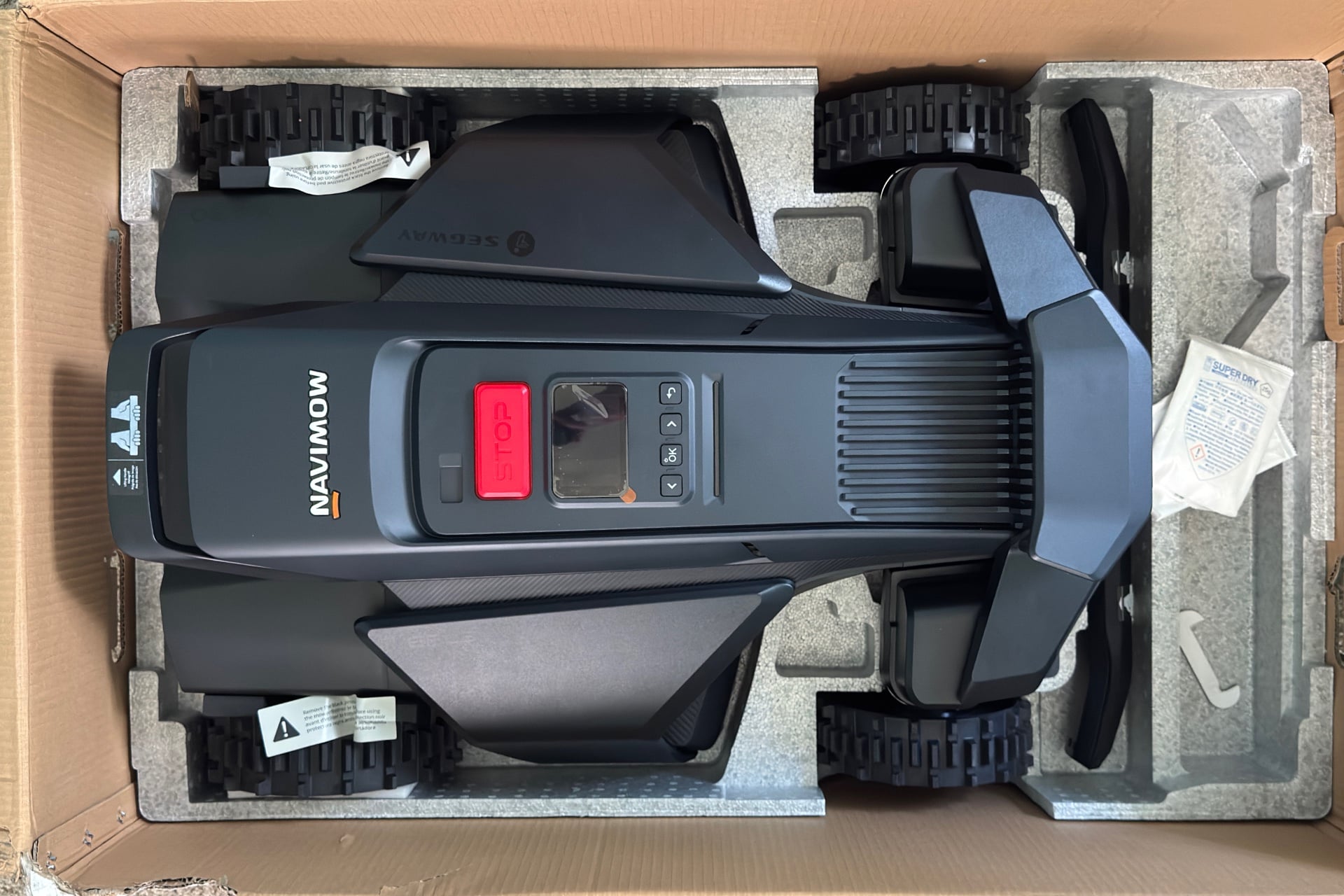
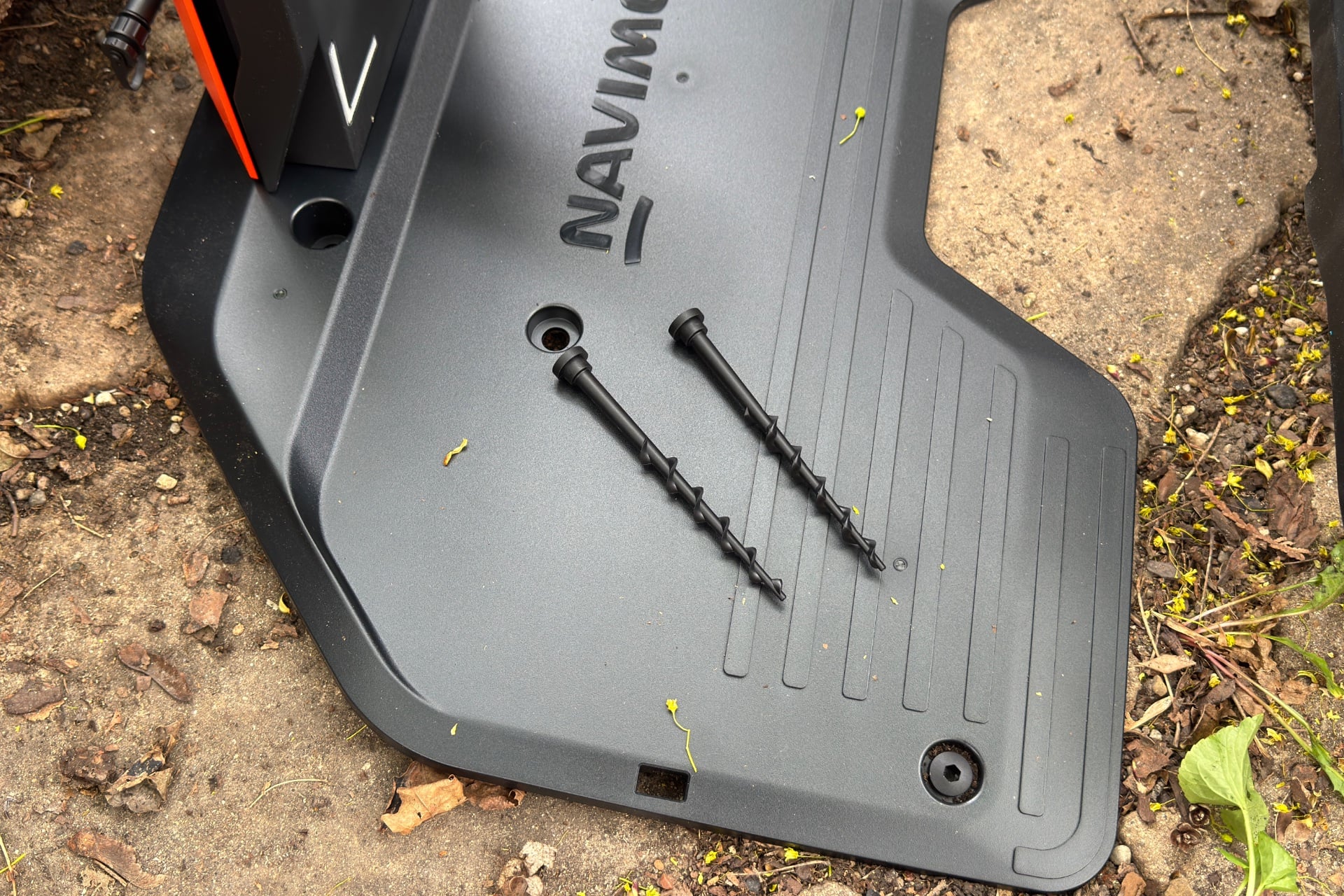
Upon opening the box, you’ll be greeted first by some accessories: the robot’s charging dock, boxes containing things like its power adapter and extension cable, plastic screw stakes to keep the dock in place, and a local RTK antenna for use in case the robot has trouble keeping a satellite signal, although the Navimow app says you won’t need it. (You might, though.)
Setting up the Navimow X430 took me about an hour, though I moved slowly and had to stop to mow my yard before it could complete its first run. It’s a real chonker that ships in a big box, and not easy to set up alone. The robot itself is only 33.5 inches long and 24 inches wide, but it also weighs 64 pounds, so it’s a good idea to get a friend to help lift it out of the box. Once I had it out, the rest was mostly easy once I found a spot that was close enough for the 10-meter power cable to reach and got good satellite signal.
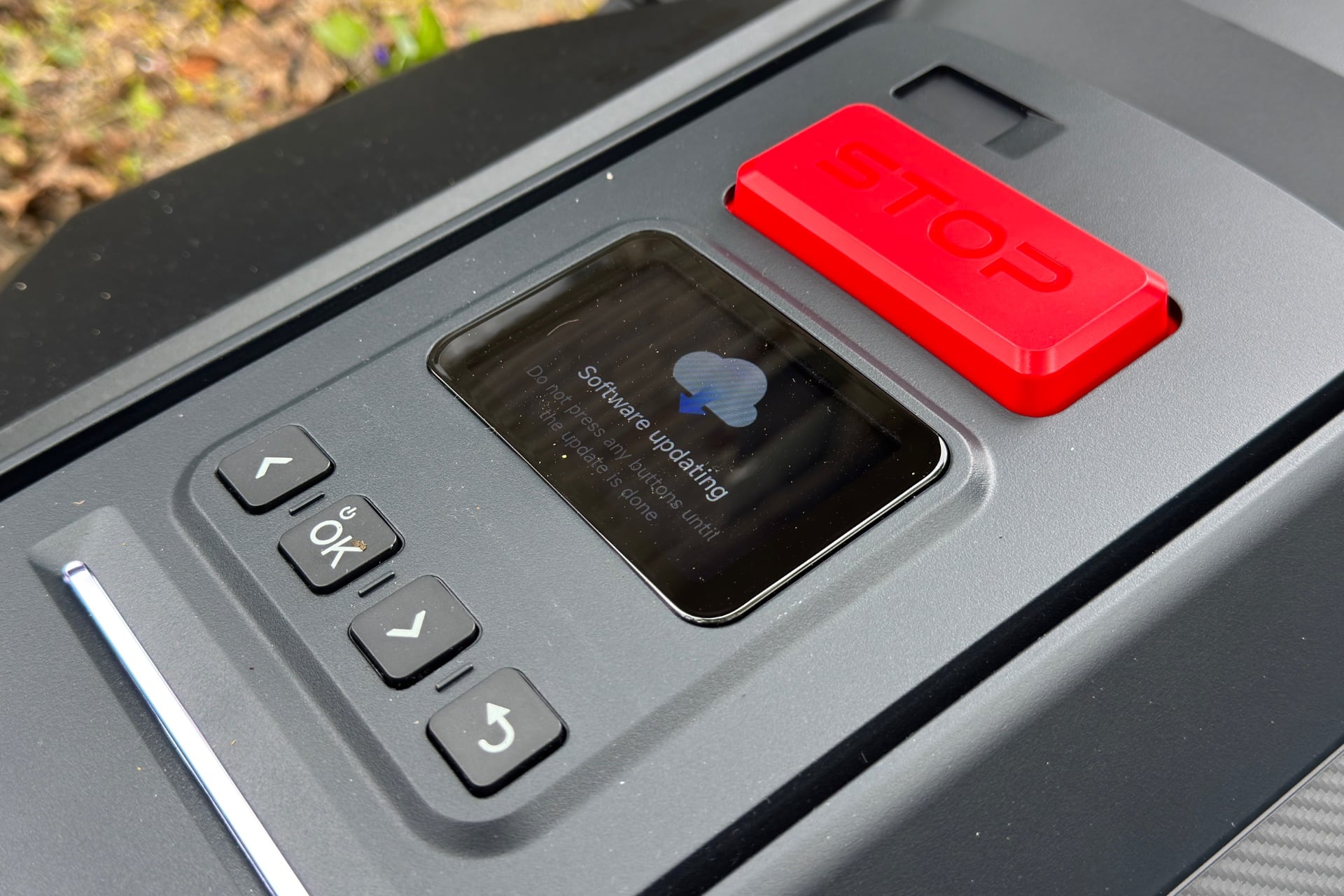
Once the robot was placed and I had done some basic setup in the Navimow app, it was map time. The Navimow X430 can theoretically map your yard on its own, but Segway only recommends that for simple yards with clear borders. That doesn’t describe my space, so I used the much more fun manual approach of driving the robot, like a huge RC car, around my yard’s perimeter with controls in the Navimow app. One trip around the yard is all it takes, although you might need to break your yard up into specific zones, as I found I had to do.
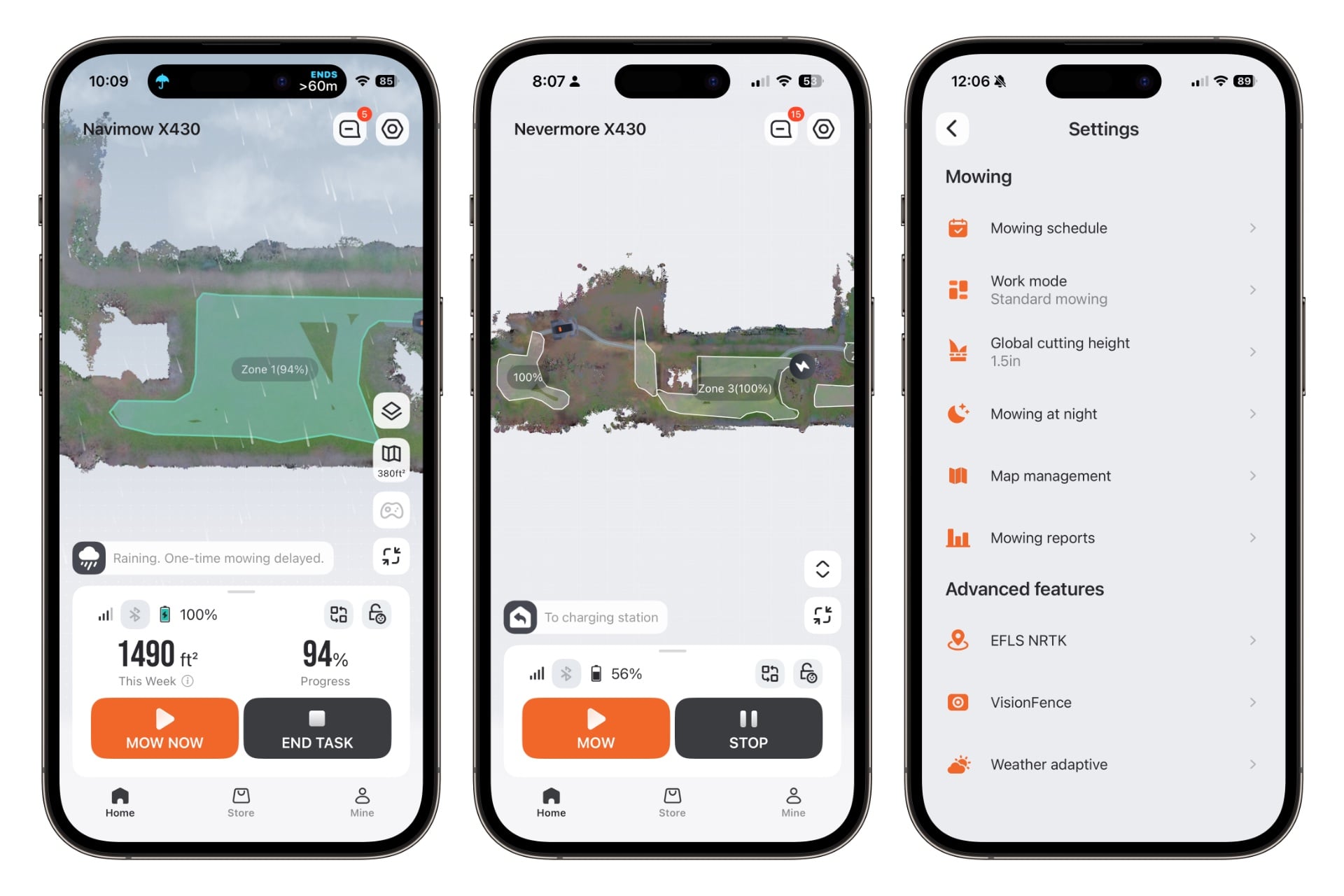
After getting my first map done, I sent the Navimow X430 on its maiden run, but it didn’t get far before encountering dandelions that had sprung up after recent rains, and stopped, interpreting them as obstacles. (The app had told me I’d need to mow first, but I wanted to see how it would react if I didn’t.) After a quick manual mow, I tapped “Mow now” in the Navimow app, selected the zone I wanted it to cover, and hit “Start.” When it mows, the X430 first does a couple circuits, one around the outer edge of a zone and one slightly inward, then crisscrosses the inside area until it’s done. Its first mow only took about 15 minutes and was issue-free.
See Navimow X430 Robot Lawn Mower at Amazon
Satellites willing, it will mow
The Navimow X430 comes with a lot of options after you’ve set it up. For instance, you can set a mowing height from 0.75 inches to 4 inches by tapping the Settings icon and selecting the “Global cutting height” option or entering the map-editing screen and changing the height for each. That section also lets you fine-tune the map, either by drawing on the screen or remotely controlling the mower to bisect an area.
Other map-editing options include defining areas you’d like the X430 to avoid, zones where you want it to turn off its cameras, and spots where you want the robot to create a “Doodle.” The doodles involve the X430 carving around the shape of either a precreated symbol, like a dog or a heart, or words you type out. Unfortunately, my yard was too small for either. No grassy F-bombs for me.
Like a robot vacuum cleaner, you can set the Navimow X430 to run on a schedule. To do that, you’ll fat-finger a start time on a weeklong calendar view, then adjust it with a wheel picker like the one you’d use to set an alarm in the iOS Clock app. Below that wheel, you can tap specific zones for it to mow or choose “All” and let it plow over everything.
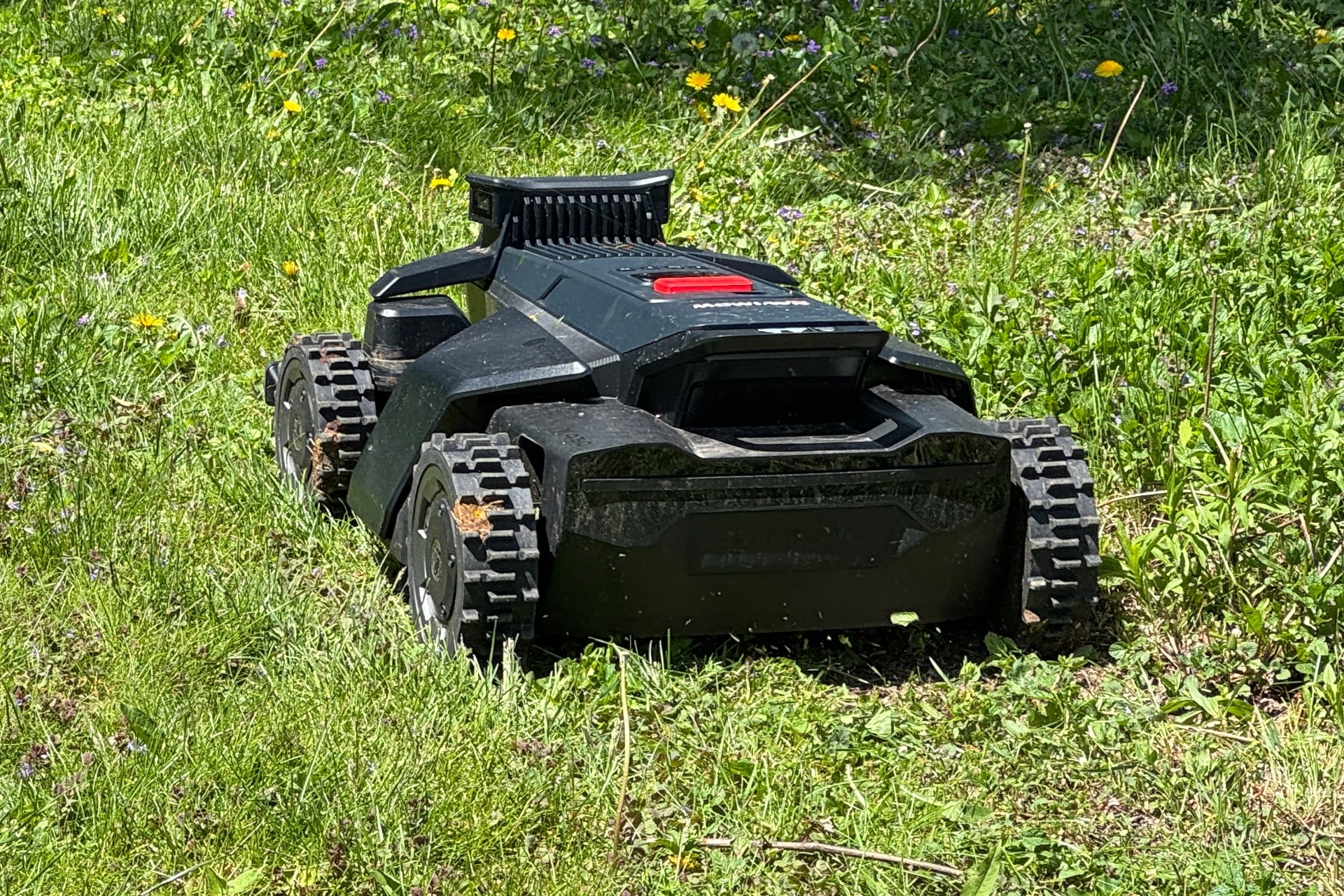
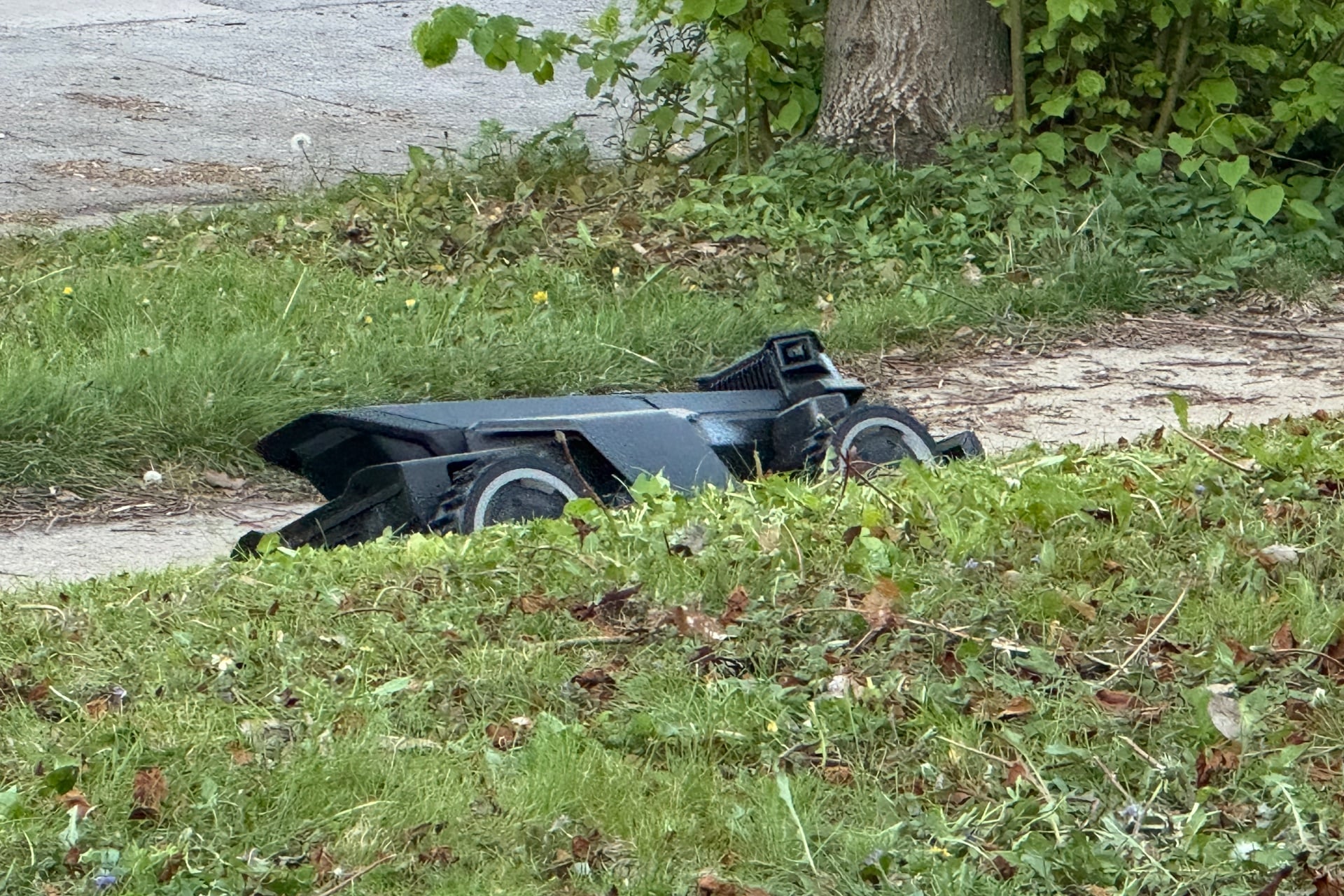
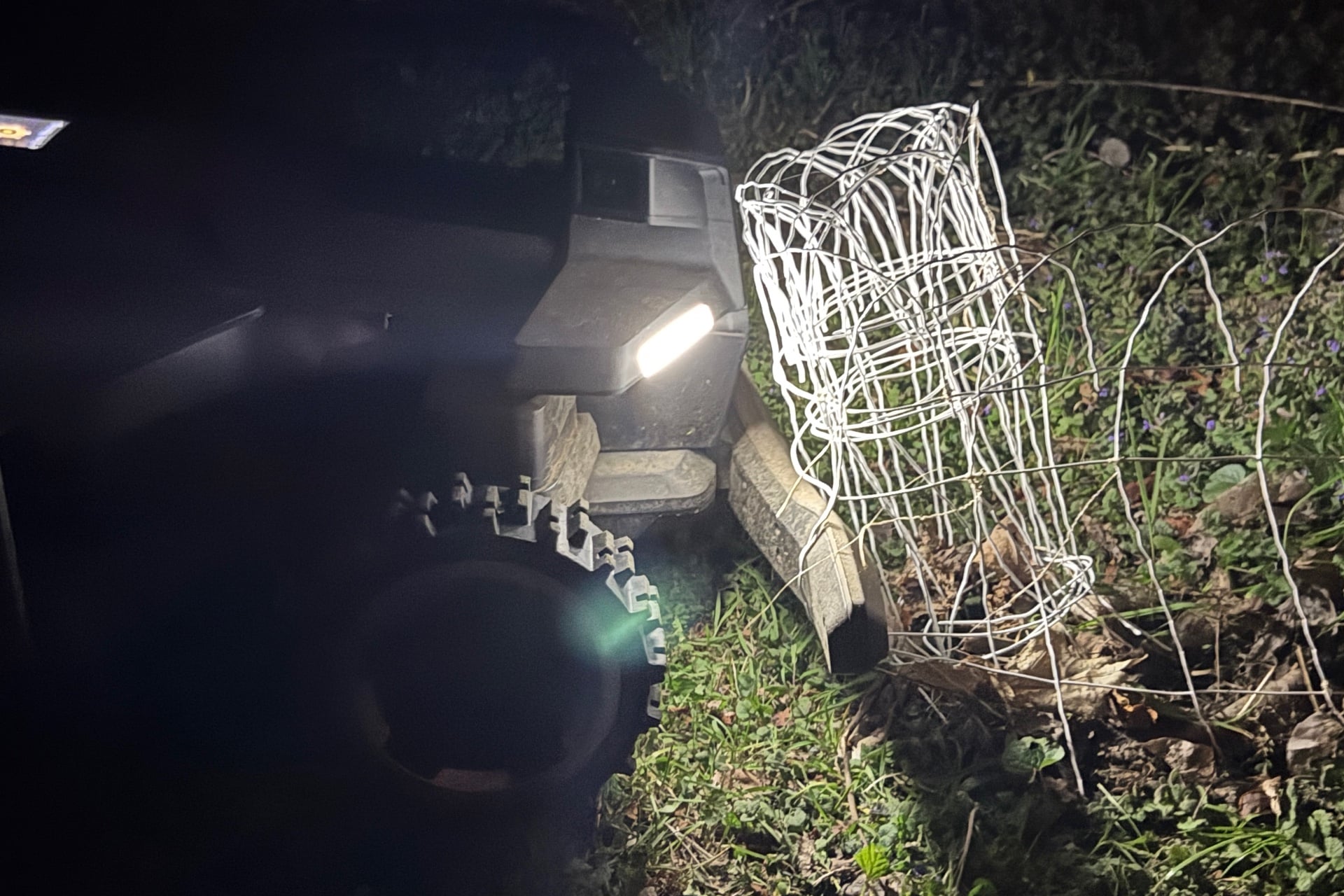
Oddly, the Navimow X430 skipped its very first scheduled run. While troubleshooting, I found the mower was set to Greenwich Mean Time—it didn’t mow because it was scheduled to run in the middle of the night, and I had night mowing turned off. Good thing, too, because despite its bright running lights, it almost immediately got itself tangled in a wire garden fence when I tested night mowing later. (It did finish the mow just fine after that, to its credit.) Once I fixed the time zone issue, the robot ran on time most days after that.
When the X430 didn’t mow on schedule, it was because it couldn’t get a reliable satellite signal or because of its “weather adaptive” feature. By default, the robot relies on data from the National Weather Service to decide whether to mow, a setting I kept until it failed to mow on a day when it did rain in my area but not at my house. You can also configure the robot to use only its rain sensor, as I did, or just accept that it might sometimes take a day off for no good reason. I can identify with that.
Okay, so the mower can mow by itself; that’s great. You can also take it over and control it from a short distance away by tapping the controller icon on the X430’s home screen. Doing so triggers a safety warning, then lets you drive the mower using a virtual onscreen joystick and a slider to activate the mower’s blades. The feature came in handy early on, when I wanted to trim areas outside of the map’s boundaries or deal with tall vegetation that had previously triggered its object avoidance. It’s also fun. Again, giant RC car.
Where things get complicated
Given my experience with so many robot vacuums that suck at dealing with complex environments, I didn’t have high hopes beyond the simple rectangle that is my side yard. When it did well there, I tried mapping almost all of my yard as a single zone in hopes of surprising myself.
That didn’t go great, but it did show me the limits of the X430’s camera-based object detection abilities. For instance, I watched the robot use its front bumper to shove aside bricks that blocked an area I’d hoped it would avoid, then back over plant pots behind it. It also got stuck in the back section of my yard, seemingly confused by the looming patio furniture. I was a little surprised that it even made it to the back part of the yard, but mapping the whole thing, patio furniture included, was clearly not the way.
Having learned my lesson, I replaced the big map with three distinct regions—the original side yard area, a strip between the patio and a raised garden bed, and the back area. Doing so required me to create “channels” between the areas by opening the map editor, selecting the channels option, and driving the mower along the exact paths I wanted it to follow.
As I wrote above, I needed to fine-tune the map after dividing it up and running the Navimow X430 a few times. It got tangled in the garden fence more than once, so I had to give that a much wider berth than I wanted to. And I had to cut out certain spots where the robot could get confused and stuck, like the patch of grass near my patio furniture that had paralyzed it, earlier.
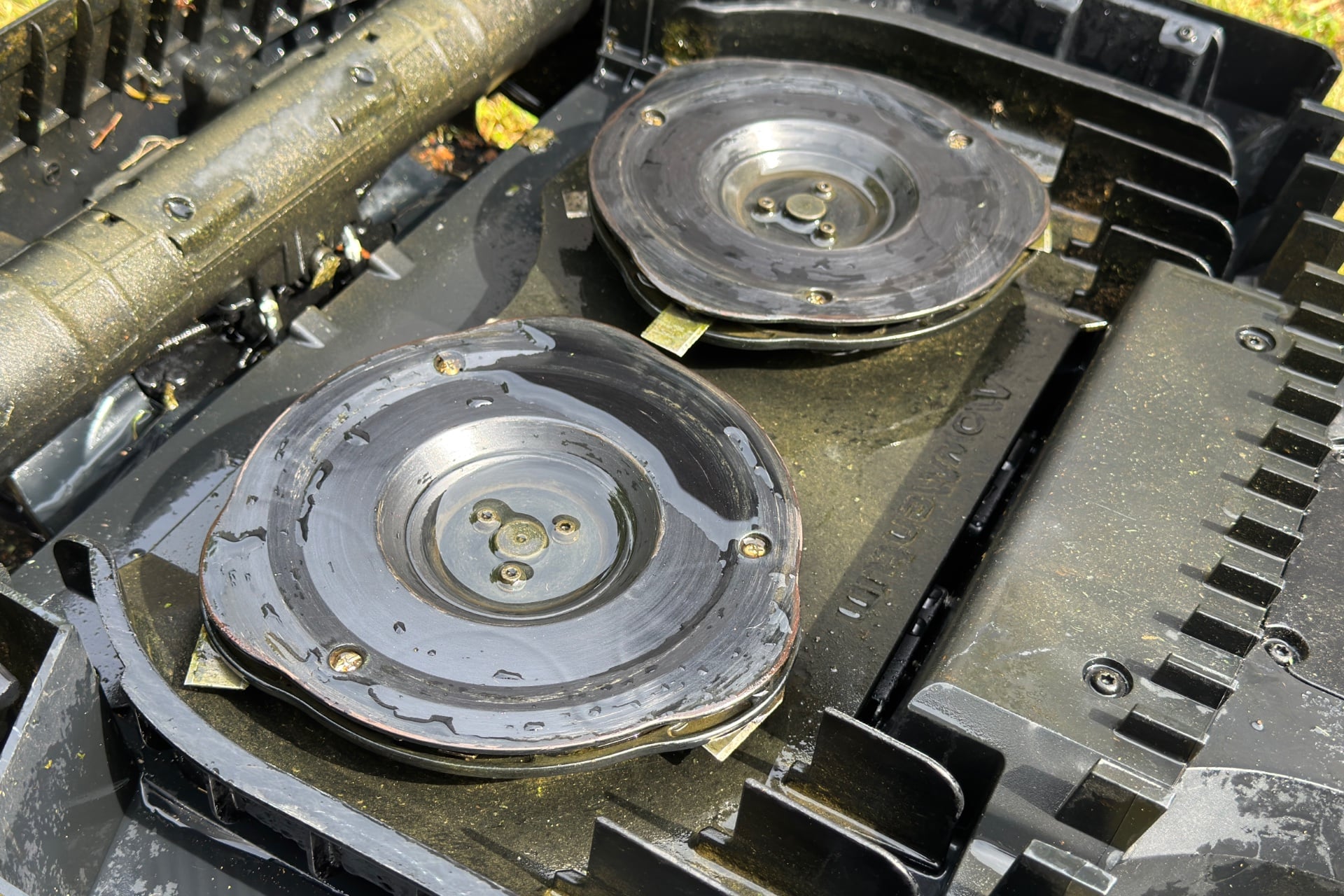
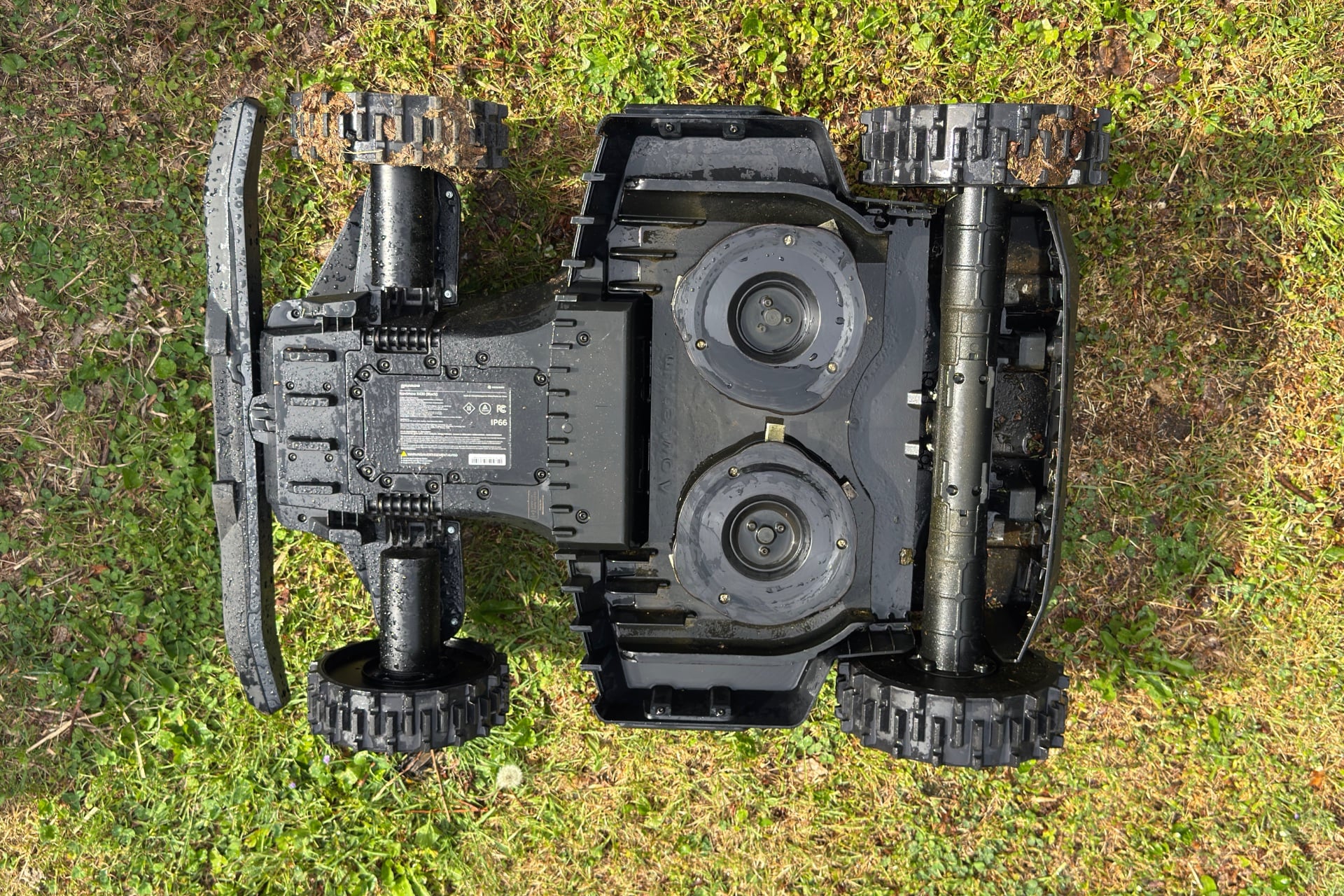
Low-to-the-ground sticks, at least, were never a problem for the mower. It regularly drove over even fairly large ones but never got jammed up by them. Something to be aware of: like most robot vacuums, the Navimow X430 is a mulching mower, meaning it chops grass up and redeposits it on the ground. But in an area around a cedar tree in my back yard, it had a tendency to launch the tree’s fallen sticks and needles backward, hard enough to sting when they hit my bare legs. I quickly decided not to walk right behind it, just in case it caught something more dangerous.
On the plus side, the Navimow X430’s knobby tires did a great job with my front yard, which features a short but steep hill that rises up from the sidewalk. The hill, which isn’t quite at the 45-degree angle that Segway says the robot is capable of handling, didn’t thwart my model at all on descents or ascents, and I never got the impression that it was about to tip over.
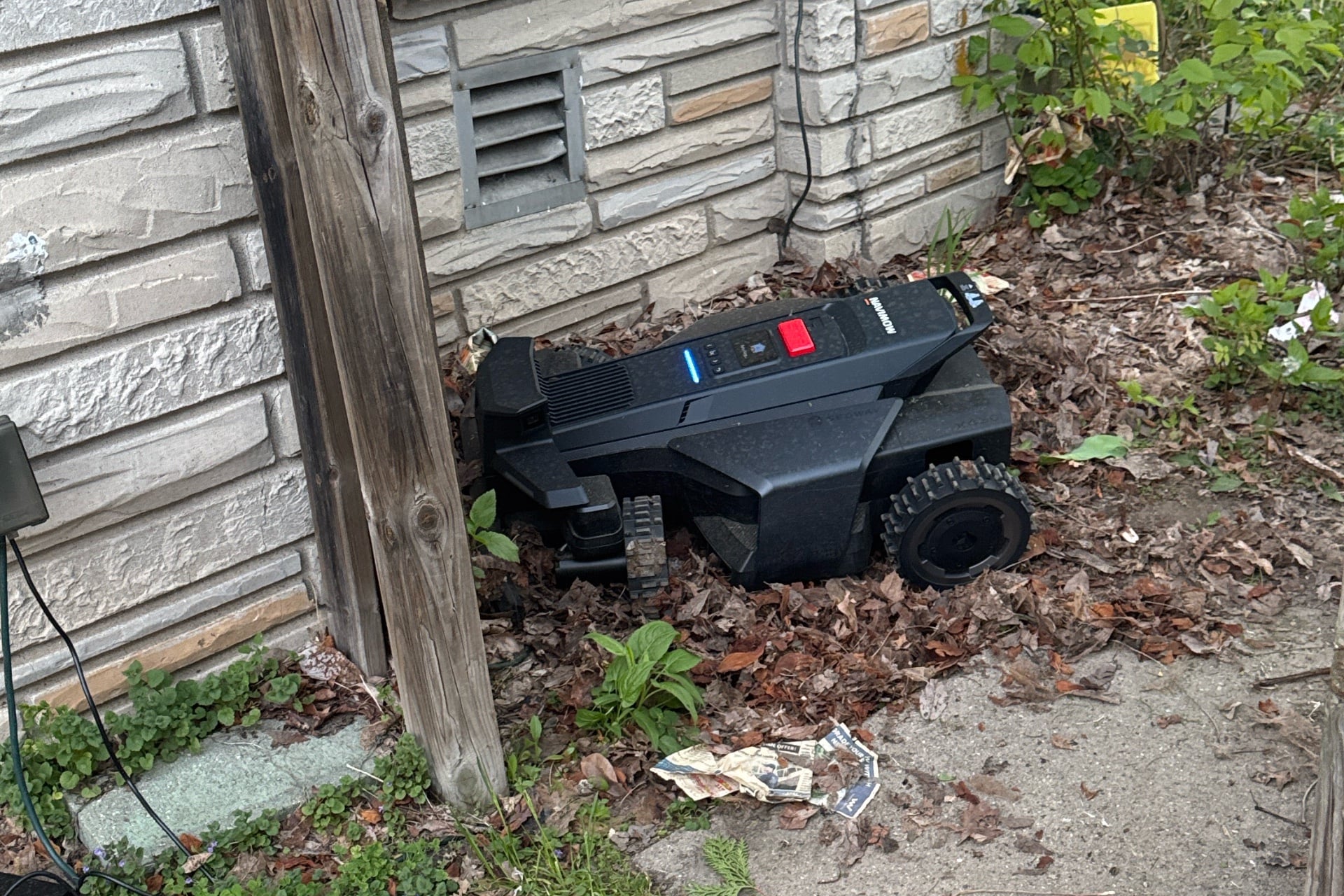
One thing no amount of map editing fixed was that the X430 could never make it back through the fence to my side yard without first going through several long pauses, lurching around like it was trying to find another way through, and getting mired in a loose pile of leaves in the garden bed next to my porch. It always made it eventually, but witnessing the scene was like watching a blackout-drunk college student clumsily trying to unlock the door to the wrong apartment.
The problem with NRTK navigation
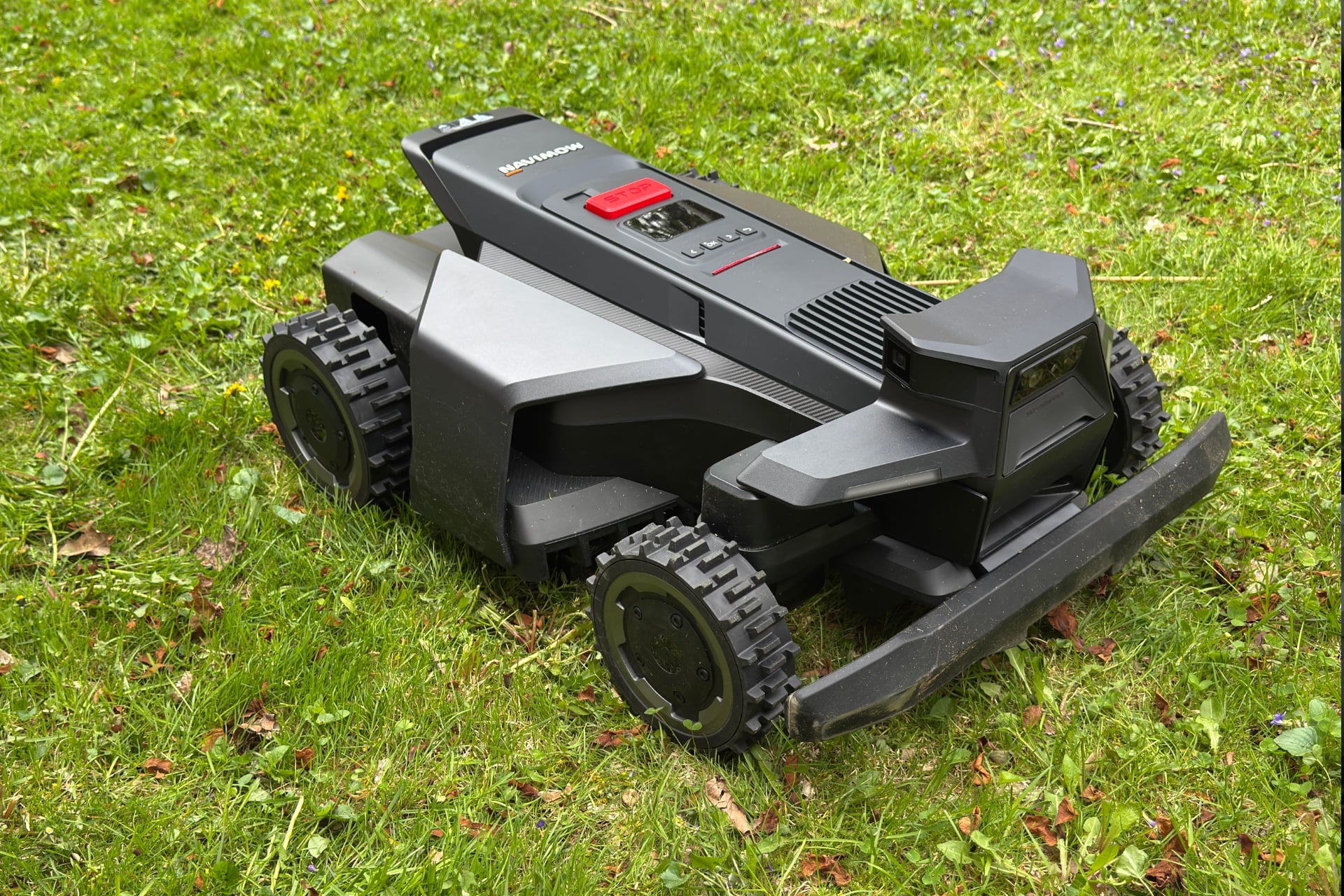
My yard was a fine test of the Navimow X430’s obstacle avoidance and navigation in complex areas, but I wanted more data. So I asked a friend if I could bring this little automaton to cut his grass. At a tenth of an acre of mostly open space, his backyard alone is about twice the size of my front and back yards combined. Ideally, this would be a better battery test, show me how it did in a simpler yard, and maybe even let me try out a doodle.
Of course, few things are as easy as you hope. For one thing, the Navimow X430 doesn’t really support multiple properties—Segway recommends its Terranox commercial robot mowers for that sort of thing—so for this test, I had to factory reset the mower and set it up as new. As much as that stuck in my craw, a bigger problem was that my friend’s house is apparently a satellite signal dead zone. After mapping the yard, I couldn’t get the mower to run for more than a few minutes without stopping, with a red LED strip on top indicating it had lost signal, and the Navimow app reporting positioning issues. I could get the mower going again by either restarting it from the app or physically pressing the big red stop button on top of the chassis, then using buttons next to a small, hard-to-see-in-direct-sunlight display. But it would always stop again seconds or minutes later.
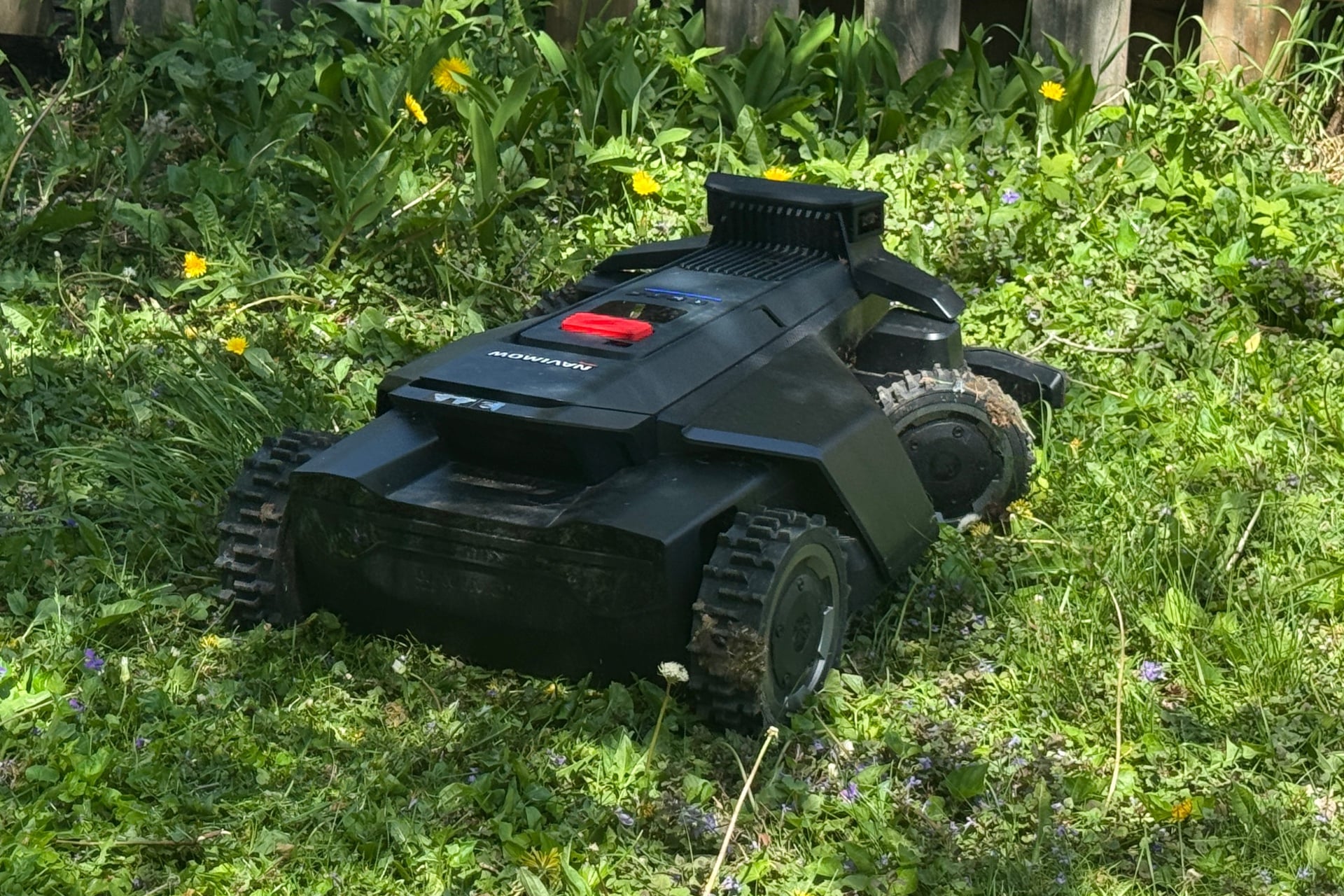
Throughout all of this, the Navimow X430 also seemed to lose track of the borders of both its map and the dog-shaped doodle I’d picked for it to make. In the end, I had to leave my friend with an apology and a partially mowed lawn featuring the mangled outline of a not-dog carved into it.
The local RTK antenna included in the Navimow X430’s package (which the Navimow app says is unnecessary and instructs you to set aside during setup) might have resolved those issues if I’d remembered to bring it with me. Segway says it can cover a radius of up to 656 feet, provided that it’s in a large, open area with a clear view of the southern sky, which nowhere in my friend’s yard seemed to have. For situations like that, Segway sells a $50 mounting kit for attaching the antenna to a building.
On the plus side, the Navimow X430’s battery held up well. I screwed around with it for about two hours in my friend’s yard, and the battery fell from 82% to 23% over that time. That bodes well for large yards. At my own house, the robot lost at most 10% of its battery after mowing roughly 2,400 combined square feet of my front and back yards.
You might still have to mow, sometimes
Is the Segway Navimow X430 actually good? This being my first robotic lawn mower, I can’t say how it stacks up against others until I’ve tested more. But as a product, it’s handy, and I enjoyed using it. Segway has done a solid job creating an intuitive, thoughtful software experience that never left me confused about the robot’s capabilities, and the robot was a surprisingly good lawn mower. Also, I’m a sucker for the RC car-ness of its manual control feature. They should sell these things with physical remote controls, for funsies.
The X430 is still not the kind of plug-and-play experience you might want if you aren’t poisoned by the urge to tinker. It required a lot of tweaking on my part over the first few runs, and not everyone will have the patience for that. Still, as a former Texan who knows the misery of mowing and dripping sweat sometimes twice a week, I really liked walking out to a mostly trimmed yard every day.
Would I buy the Navimow X430 for $2,500? Not for my small lawn. But it could be a great purchase if you have one of those big, clean, simple yards filled with vast, unbroken expanses of the world’s least useful crop.