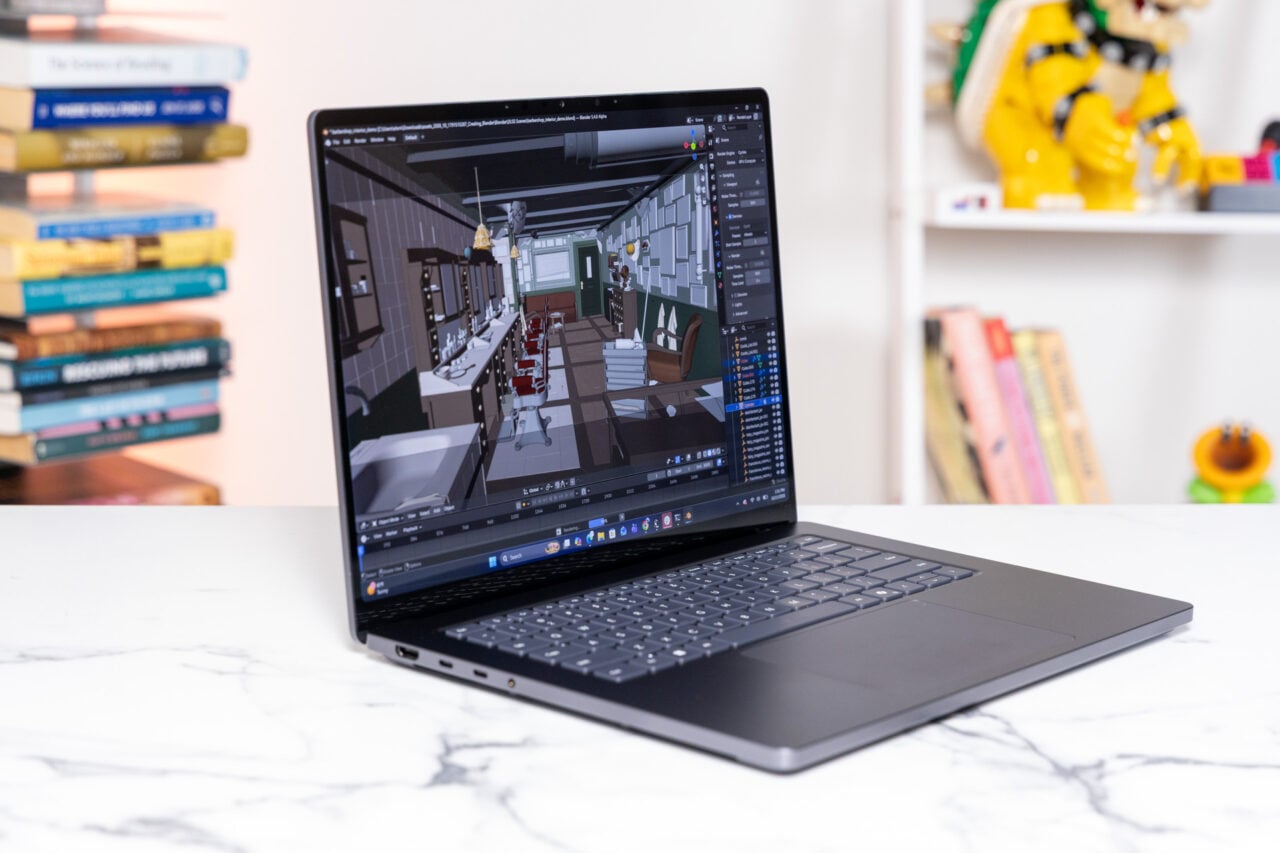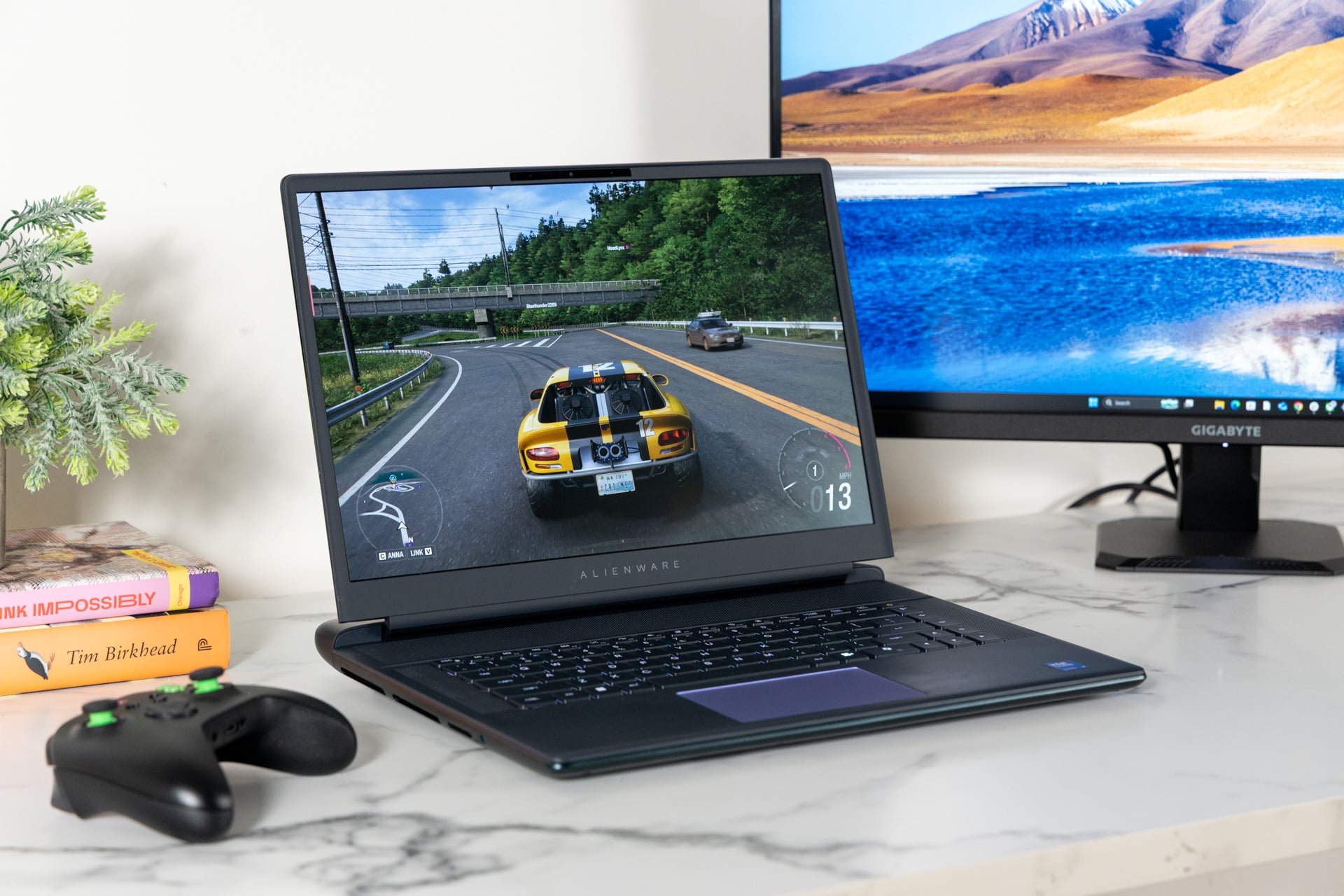

The Alienware 16 Area-51 (2025) didn’t need much to become an impeccable gaming laptop. Now, a year later, nearly all my major nitpicks have been resolved with the introduction of an OLED display. And for the sake of a laptop that may become your one true gaming desktop replacement, you’ll now have to spend at least $4,000 to hold this sucker in its peak form.
To put that into perspective, when I reviewed the 2025 Alienware 16 Area-51, a model with 32GB of RAM, an Nvidia GeForce RTX 5080 laptop GPU, and the Intel Core Ultra 9 275HX CPU, it cost $3,250 (now $3,680 because of the ongoing RAM shortage). The refreshed 2026 model has Intel’s upgraded Core Ultra 9 290HX Plus CPU for slightly enhanced gaming performance and the aforementioned improved screen.
Alienware 16 Area-51 (2026)
An OLED screen combined with my favorite laptop keyboard are enough to recommend the Alienware 16 Area-51 (2026), but the price stings hard.
Pros
- Excellent typing experience
- Beautiful OLED display
- Anti-glare keeps reflections at bay
- Great performance with high-end specs
- Quality speakers
Cons
- The obscene (and rising) price
- Hefty and large
- Atrocious battery life
- Poor webcam quality
My review unit for testing came with a 2TB SSD. The storage, along with the other high-end specs, makes this laptop cost $4,700 through Dell’s web store. Unfortunately, we’re in the era of the RAM apocalypse, baby. Nobody’s safe. Everyone’s screwed. Dell’s latest XPS 14 and XPS 16 laptops now cost close to $3,000. A new Alienware 15 laptop with bargain-bin configurations starts at $1,300. TL;DR: these upgrades alone are not worth a near-20% markup.
Still, I adore the Alienware 16 Area-51 (2026) despite the obscene price and some typical faults. I can’t think of any other laptop I’ve used recently that I would want on my desk more than this 16-inch behemoth.
Workout for the arms and a joy for the fingers
When I sit down to review a laptop, I have to analyze the product with a degree of separation. I am not the customer who wants a giant workstation PC, and I have a greater soft spot for gaming-focused products. Let’s put it like this: when I was around 13 years old, my father gave me a hand-me-down Dell laptop. I was so determined to game on that chunky laptop that I would play Team Fortress 2 on PC at 20 fps, and only then by forcing the game to use DirectX 7 settings, which made every character in Valve’s classic shooter look like a vague blob of jagged edges. That’s how much I was determined to make PC gaming work.
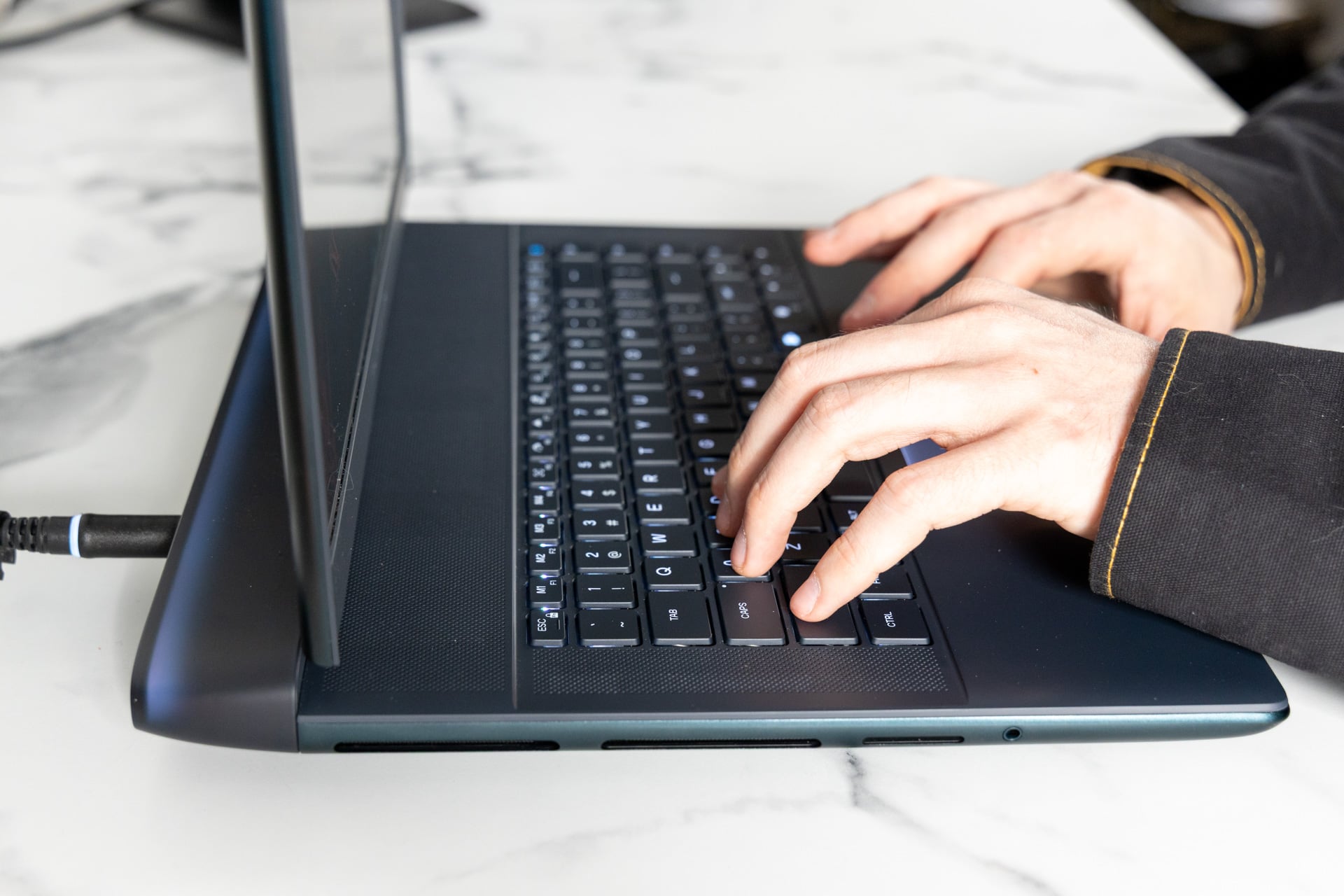
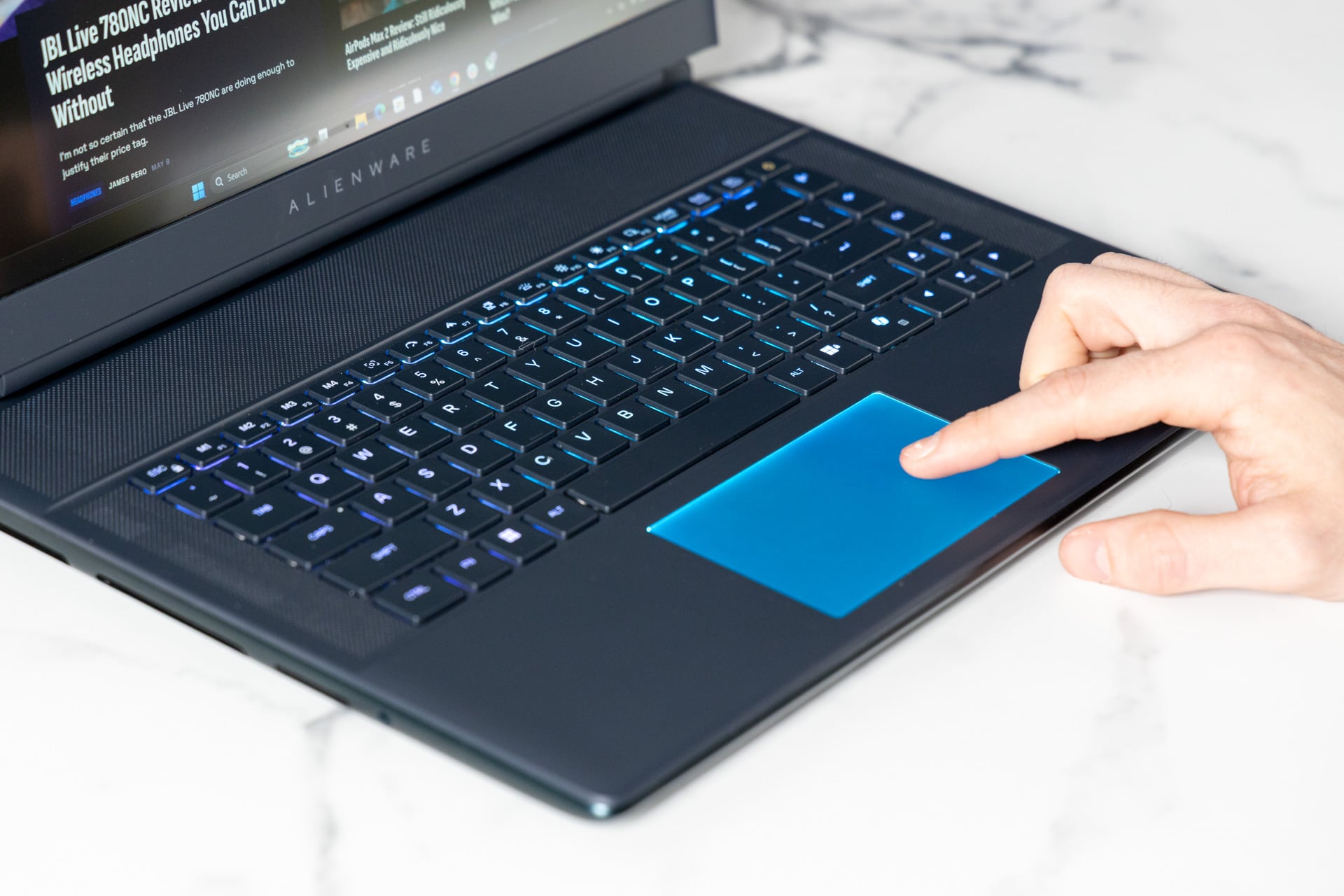
As an adult, I have other needs than mere performance. Specifically, I write—day-in and day-out—for 9 or 10 hours every day. I’m used to pounding on a MacBook Pro’s thin keyboard, so I’m in need of a more visceral typing experience. I was immediately in heaven after I tossed this hulking, 7.5-pound behemoth of a laptop up on my desk and started clacking away on its mechanical keys.
The keys on this model are Cherry MX ultra-low-profile switches, similar to what I saw on last year’s MSI Titan 18HX. It’s the kind of keyboard that’s built for the flow state, where every word fits into the next with the satisfaction of a Lego slotting into place. Alienware has the benefit of a keyboard and a haptic trackpad that feel perfectly sized for writing, not just gaming. I’ve noticed a concerning trend where companies keep making their trackpads larger without fixing palm rejection issues that lead to accidental misclicks (I’m looking at you, Asus and Acer).

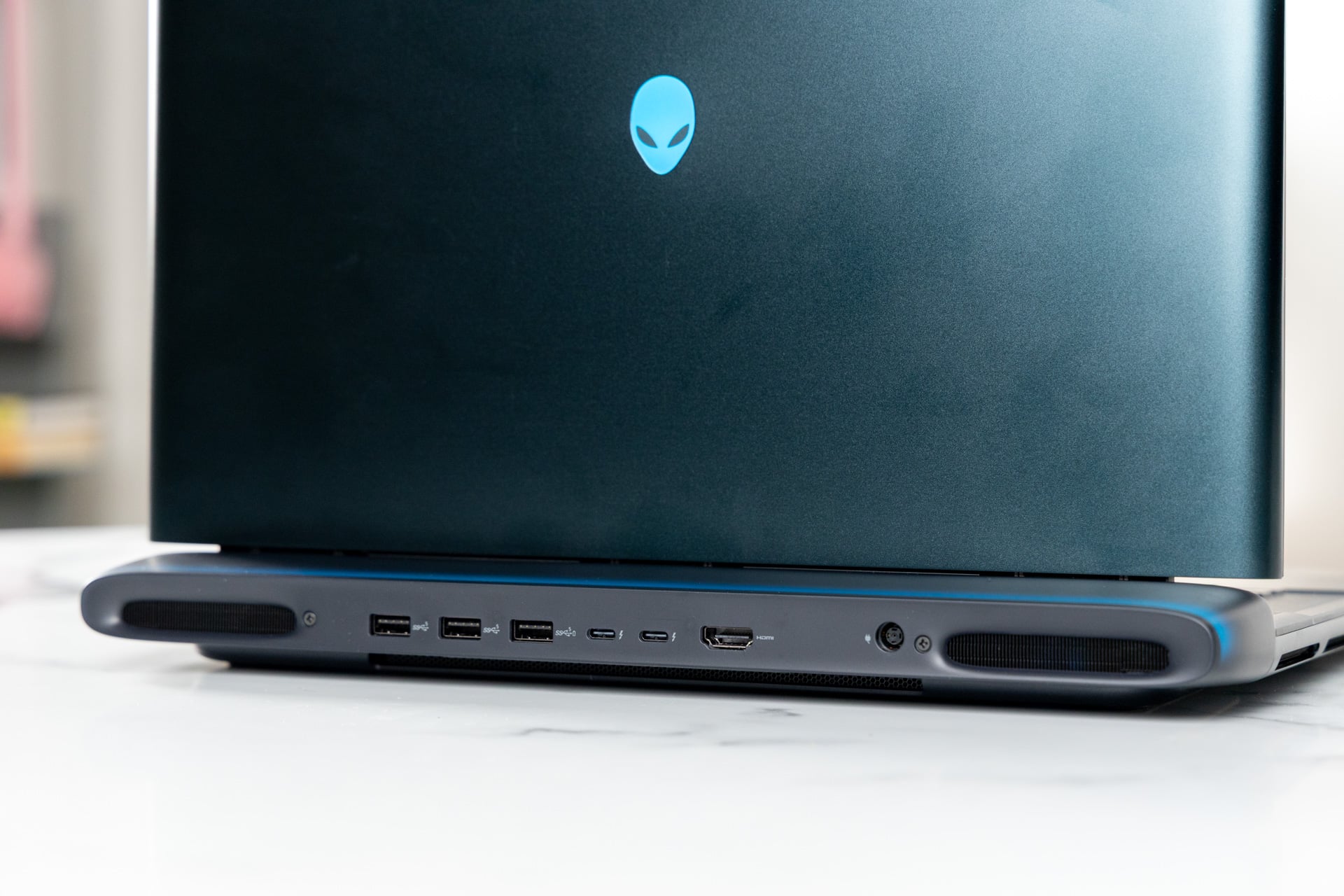
That doesn’t mean this is a perfectly premium device for $4,000. There’s a small but noticeable amount of flex on the keyboard and palm rest if you press down hard enough. It’s a flaw that’s more easy to forgive thanks to the wide selection of ports. The 16 Area-51 comes with a full SD card slot on the left side next to its headphone jack, which means I can get some fast photo editing done in a pinch.
The rear I/O includes the proprietary power adapter port alongside two Thunderbolt 5 USB-C ports, three USB-A, and HDMI. These ports are found directly behind the laptop’s thermal shelf, so it can get toasty in the back. I would have preferred a few USB ports accessible on the sides.
I would have also preferred it if the new 16 Area-51 was easier to transport. At just under 14 x 11 inches, the 16-inch laptop would not fit into any of my backpack’s laptop holders. When lugging it around, I felt like that kid that prowled the halls of every high school with every single textbook inside his bag, forever hunched in Quasimodo fashion.
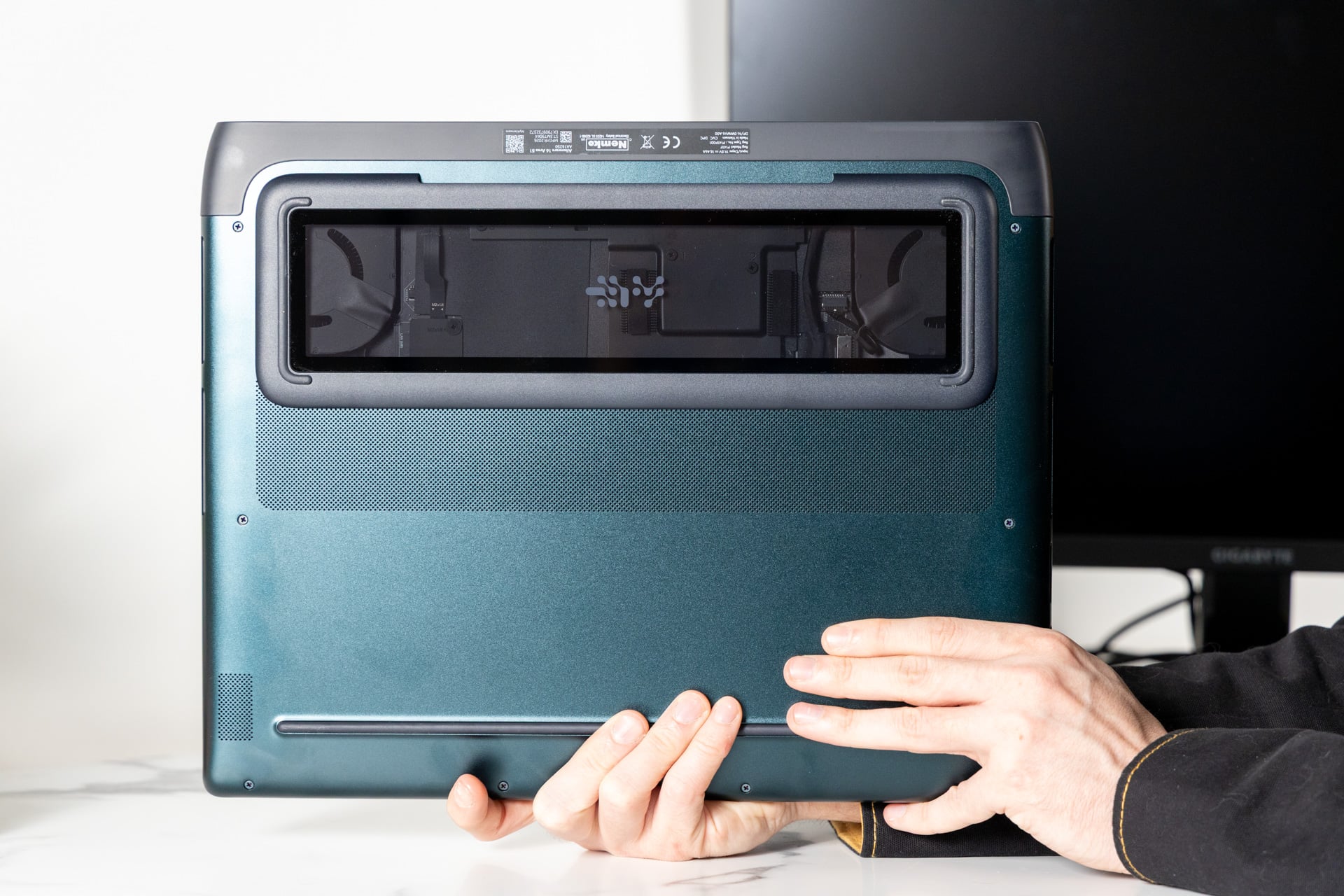
The 16 Area-51 (2026) feels closest to what the Alienware brand is. Once upon a time, the Dell-owned gaming brand made products you could not find anywhere else, with outlandish, occasionally even hostile designs that stood out from the crowd. The poisonous green finish on the laptop shell fits that theme, though it’s a mere accent to the overall design compared to the large windowpane underneath the chassis. This cutout does nothing for performance or repairability. Nobody else would even know it’s there unless you pick the whole laptop up, but you’ll know the window exists. It’s your own excessive, gamer-fueled secret you can keep for yourself.
Finally, Alienware has OLED
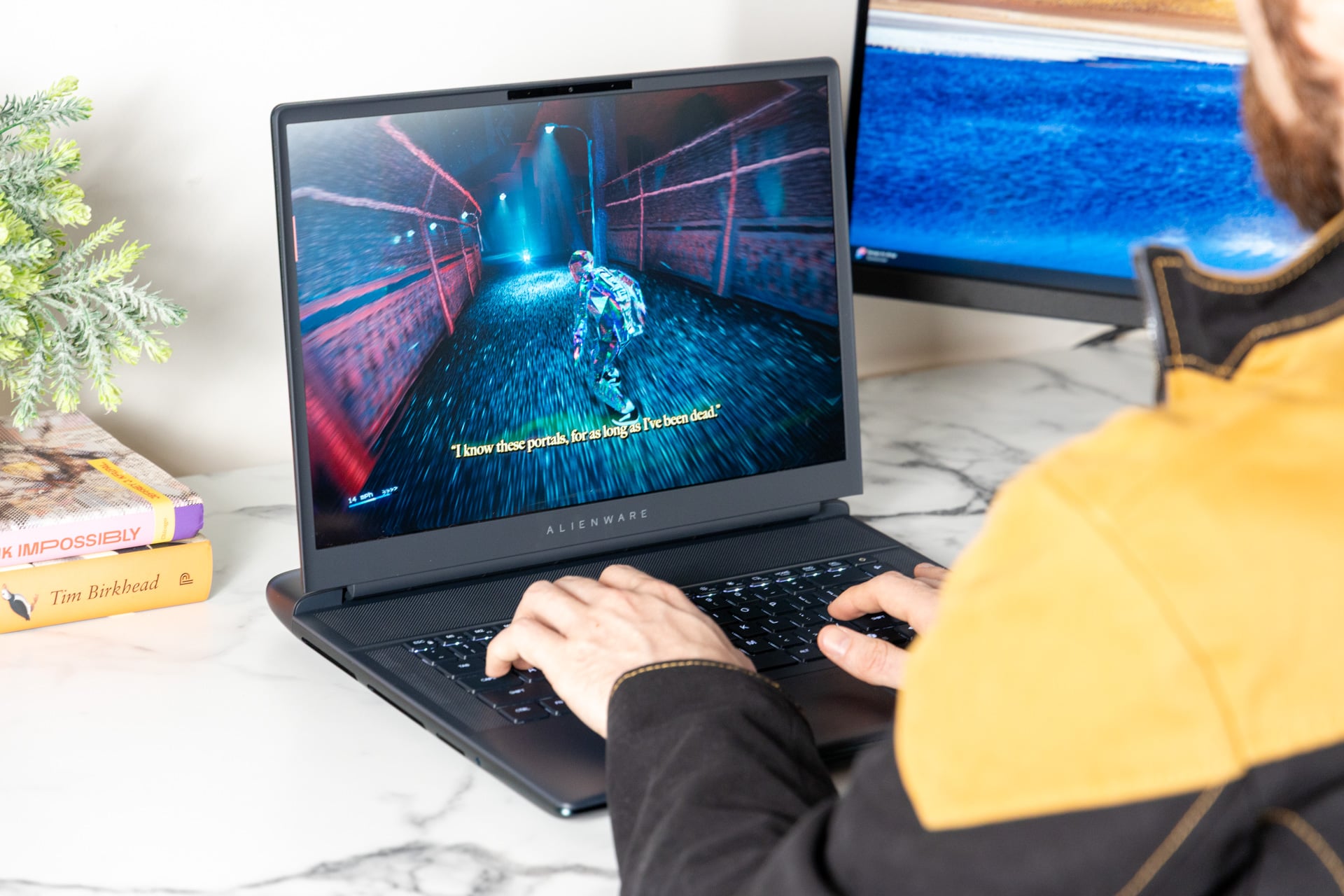
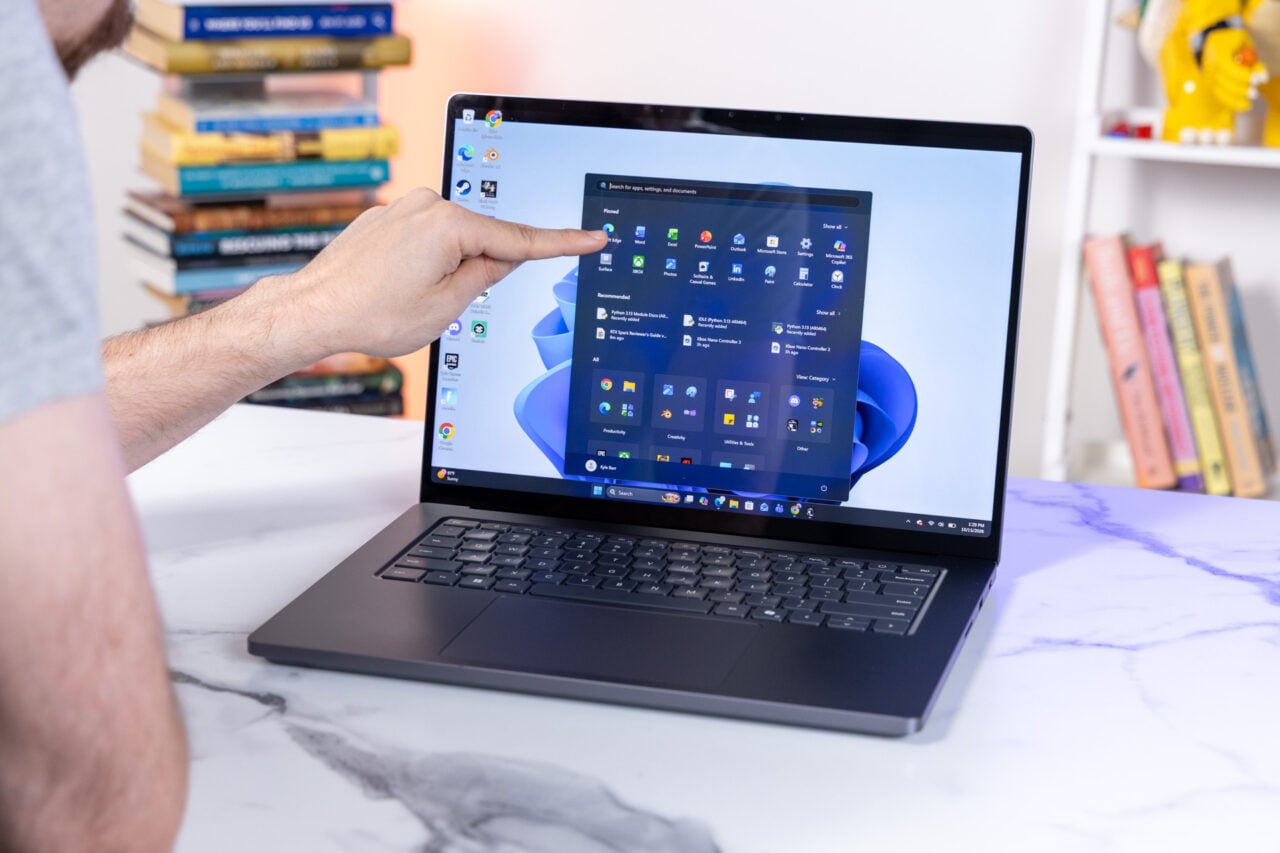
You really can’t beat OLED displays for gaming in this day and age. Organic light-emitting diode screens and their array of self-emissive lights allow for practically infinite levels of contrast, so your games will look more vibrant. They also feature near-instantaneous pixel-to-pixel response times. Couple that with a 240Hz refresh rate, and the 16-inch screen on the 16 Area-51 (2026) is capable of making any game you throw at it look good.
The laptop also supports Nvidia G-Sync, which matches the display’s refresh rate to a game’s frame rate and prevents awkward screen-tearing issues. Alienware’s OLED screen also gets bright at a total of a purported 620 nits of peak HDR brightness. That’s relatively high for an OLED, and I was able to use this laptop near floor-to-ceiling windows without risk of hurting image clarity.
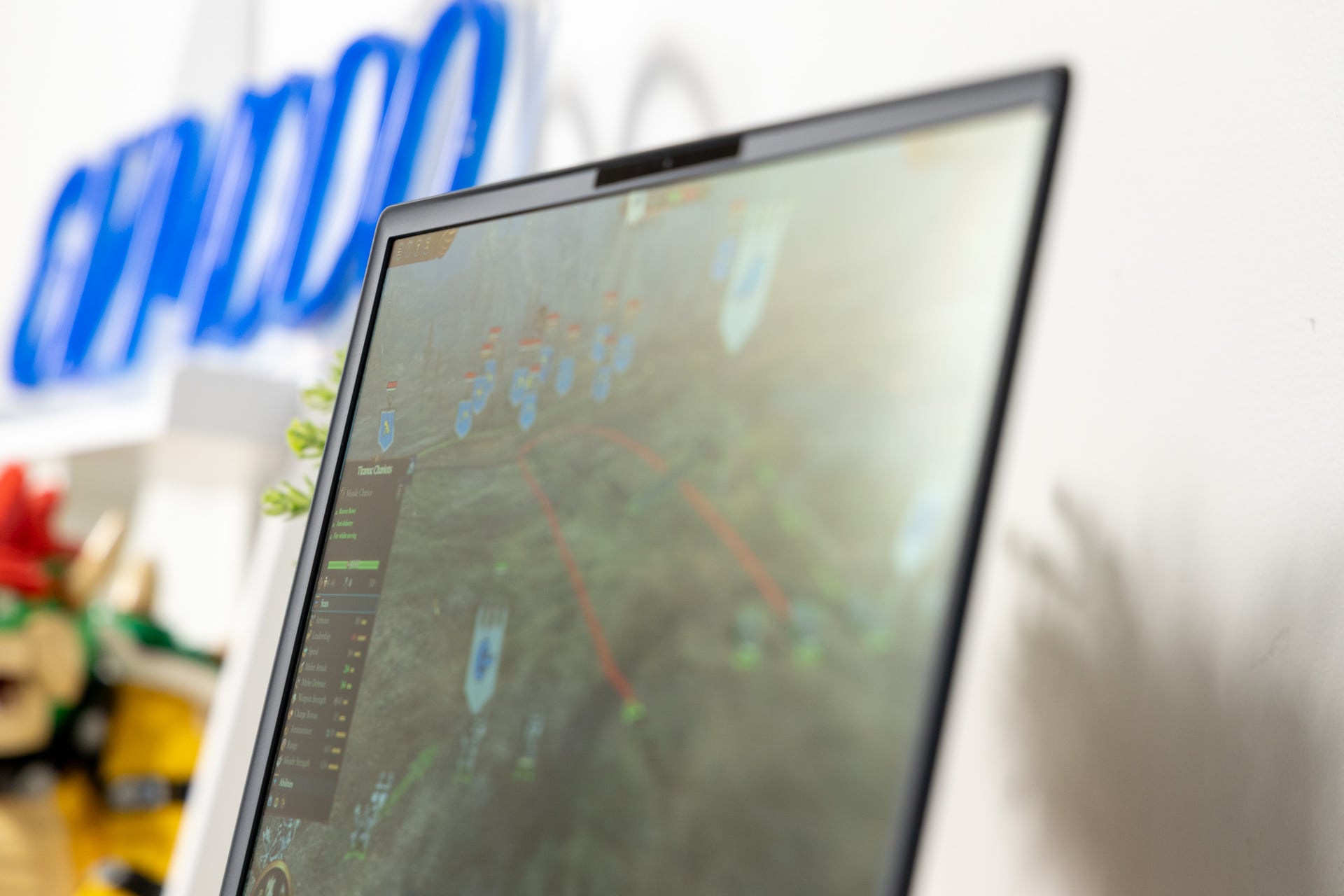
Unlike other OLED screens on hulking laptops like the Lenovo Legion Pro 7i (2025), the new 16 Area-51 has an anti-glare filter. This reduces reflections and annoying wayward light at the risk of potentially hindering the contrast. The filter sits at a nice middle ground, not dulling the screen too much until you lose all definition in visuals.
Since nothing on this laptop has changed from 2025 but the CPU and screen, the rest of what I enjoyed before remains. That includes the speakers. With two 2W tweeters and two 2W woofers, the 16 Area-51 (2026) can support a full range of audio with enough bass to feel noticeable when playing games or watching content. It just doesn’t get too loud, which seems especially noteworthy considering the large size of the speaker grilles flanking the keyboard. The laptop’s speaker setup also won’t replace any soundbar or pair of headphones of even moderate quality.
A better chip isn’t the be-all, end-all
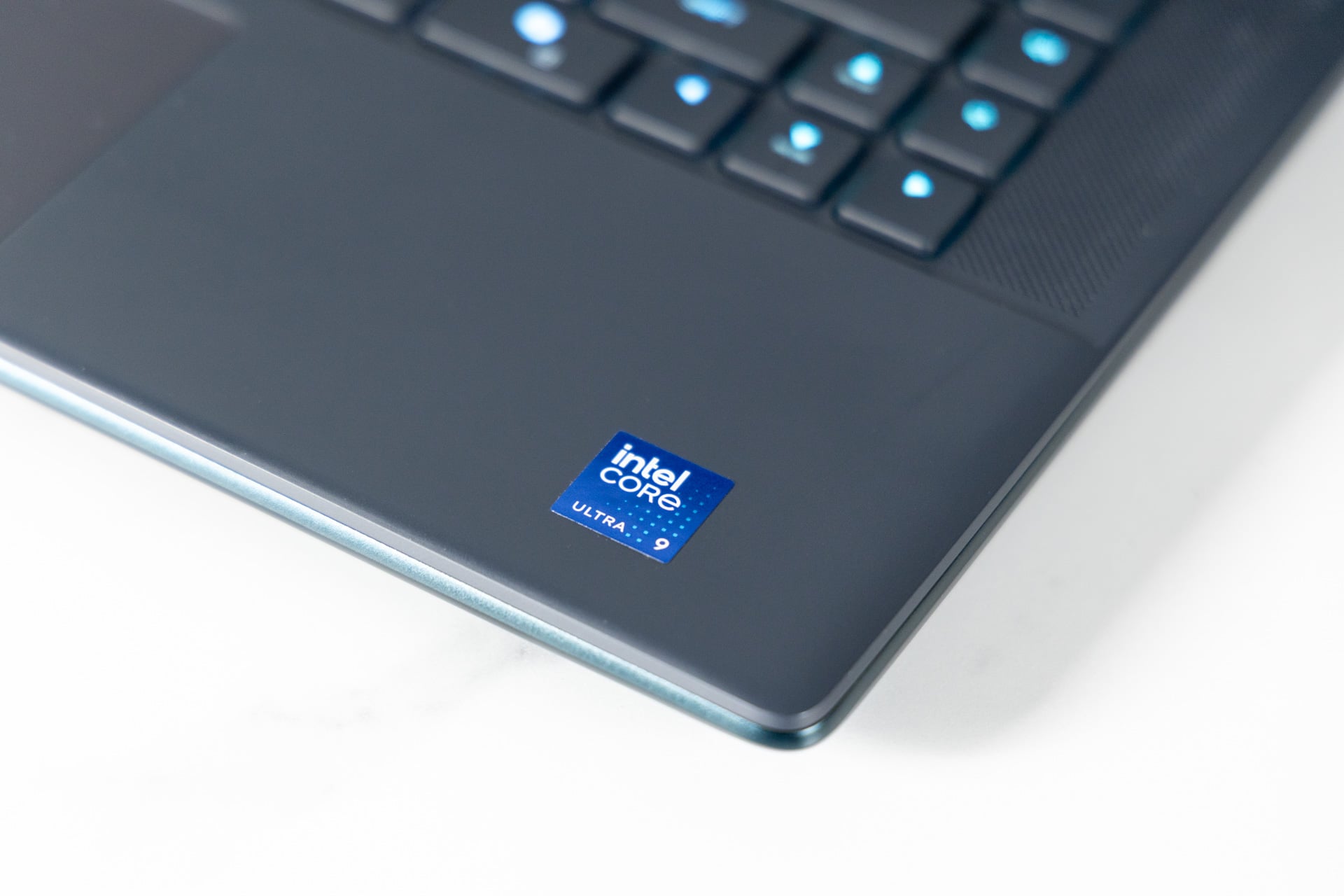
The Alienware 16 Area-51 packing the latest Intel Core Ultra 9 290HX Plus CPU, an RTX 5080 laptop GPU, and 32 GB of RAM will beat similar laptops running on a lower-end Intel Arrow Lake chip from 2025. That’s practically a given considering the new processor’s improved die-to-die frequency, but actual improvements in your games and apps will still prove a relatively close shave.
For instance, in Geekbench 6 scores that test a CPU’s overall capabilities, the 16 Area-51 (2026) gets 9% better scores in single-core and just 6% better compared to the same laptop from 2025 with the Intel Core Ultra 9 275HX. It was a similar difference in Cinebench 2024 benchmarks, which tests the CPU’s rendering capabilities.
Intel’s Arrow Lake chips for laptops are still very powerful even a year later, but they’re also not the most capable. Qualcomm’s latest Snapdragon X2 Elite Extreme chip inside an Asus Zenbook A 16 will beat Intel’s peak Core Ultra 9 chip by 9% in Geekbench 6 multi-core scores. Apple’s M5 Max chip inside a MacBook Pro 14 wins by 28% in those same tests.
Gamers who are obsessed with owning “the best” will imagine 8% average improvements in frame rates are worth the money. Listen, I’m not here to yuck your yum, but I should also remind you that synthetic benchmarks never tell the whole story. For games, how much additional performance you’ll see will heavily depend on the titles you’re interested in. In synthetic real-time graphics tests, the Alienware 16 Area-51 (2026) with the same 5080 laptop GPU as the one I tested in 2025 performed just 3% better in 3DMark’s “Steel Nomad” and “Steel Way” benchmarks. The delta was closer to 8% in 3DMark’s “Time Spy,” a more CPU-dependent test.
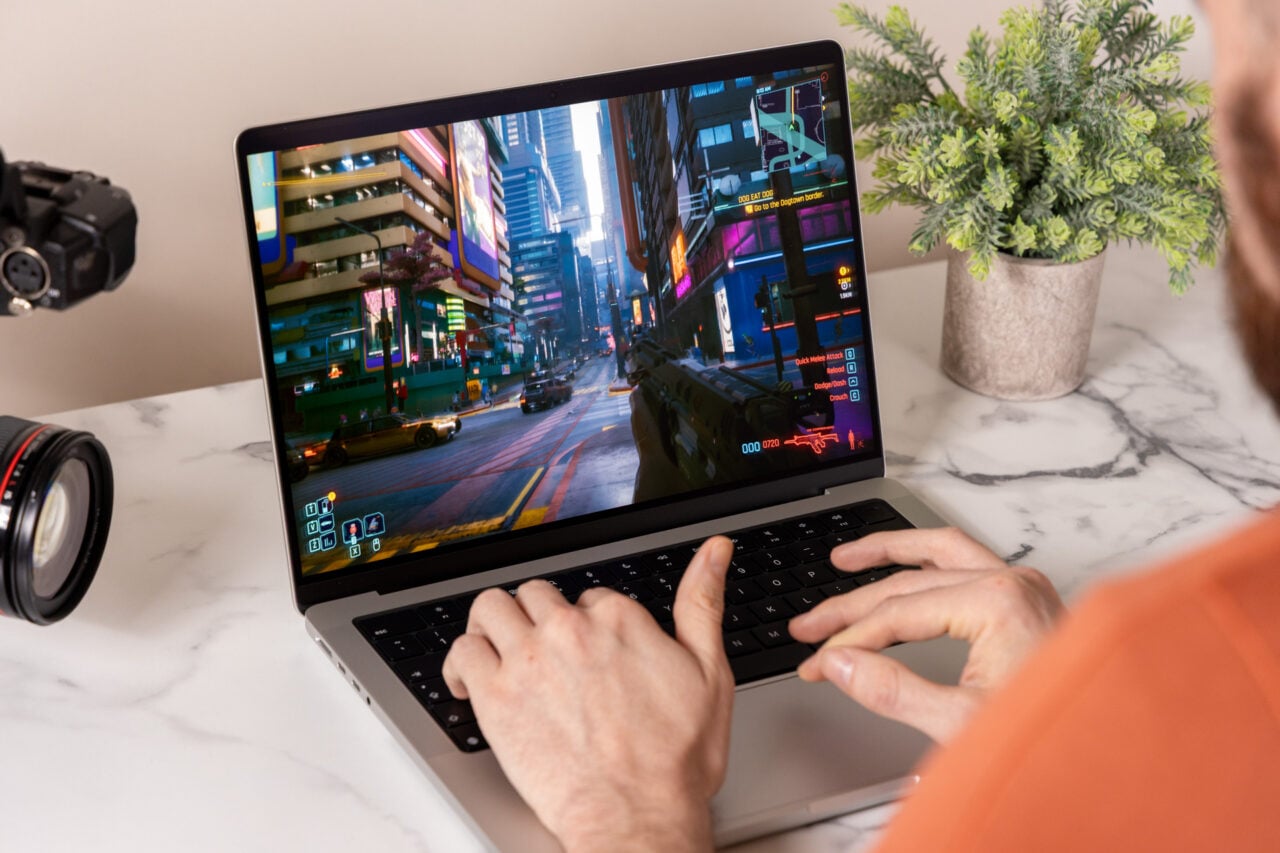
This relatively small performance uplift translates to games as well. When playing at the system’s max 2,560 x 1,600 resolution, I got an average of 92 fps in Cyberpunk 2077’s in-game benchmark on Ultra graphics settings, which was around 9% better than before. If you add in ray tracing, I got closer to 81 fps. That’s still much better than what I could get with the recent Asus ROG Zephyrus Duo, which could muster just under 60 fps with the same settings (and that was with an RTX 5090 laptop GPU).
If you want to play Cyberpunk 2077 with Ray Tracing Overdrive graphics settings to see it at its peak, you’ll need to enable DLSS to even hope to get close to 60 fps. That’s not to knock this laptop’s gaming chops. The 16 Area-51 (2026) can handle all your ray tracing dreams, so long as you don’t mind upscaling to push frame rates into playable territory. In a game like Black Myth: Wukong, I could almost get a steady 54 fps even with Cinematic graphics settings and ray tracing turned up to max. That was only with propping up the game with DLSS.
However, in a well-optimized game like Forza Horizon 6, I was able to get just below 60 fps even with the game on max settings and the ray tracing lighting enabled. Of course, the game looks absolutely gorgeous. In that case, DLSS exists just to get you over the hump toward consistent frame rates. If you get the Alienware 16 Area-51 (2026) with these specs, you can expect the right amount of performance you’ll need to maximize all your favorite titles.
The 16 Area-51 will never leave your desk
This 16-inch laptop isn’t the peak of what Alienware’s design can handle. The 18-inch Area-51 will likely max out games even easier thanks to its 105W peak TDP, or thermal design power, compared to the 16 Area-51 that maxes out at 65W. The 16-incher will net a total of 240W of total gaming power flooding to the CPU and GPU, but the 18-inch model will get 280W. The only major downside to the 18-inch laptop, besides its larger size and weight, is that it currently doesn’t have the option for an OLED display. There’s not even an available mini LED display, at least not yet.
Big or small, the Area-51 isn’t straying far from your desk. Battery life on the Alienware 16 Area-51 (2026) is atrocious. I didn’t have to spend much time testing it. In less than two hours of using this laptop for typing up this review, I was almost out of juice. That’s on balanced power settings and medium brightness, enough to actually use the laptop. Even with the 360W charger plugged in, the 16 Area-51 (2026) does not refill the 96Whr battery fast enough for you to top it up during a quick Starbucks pit stop.
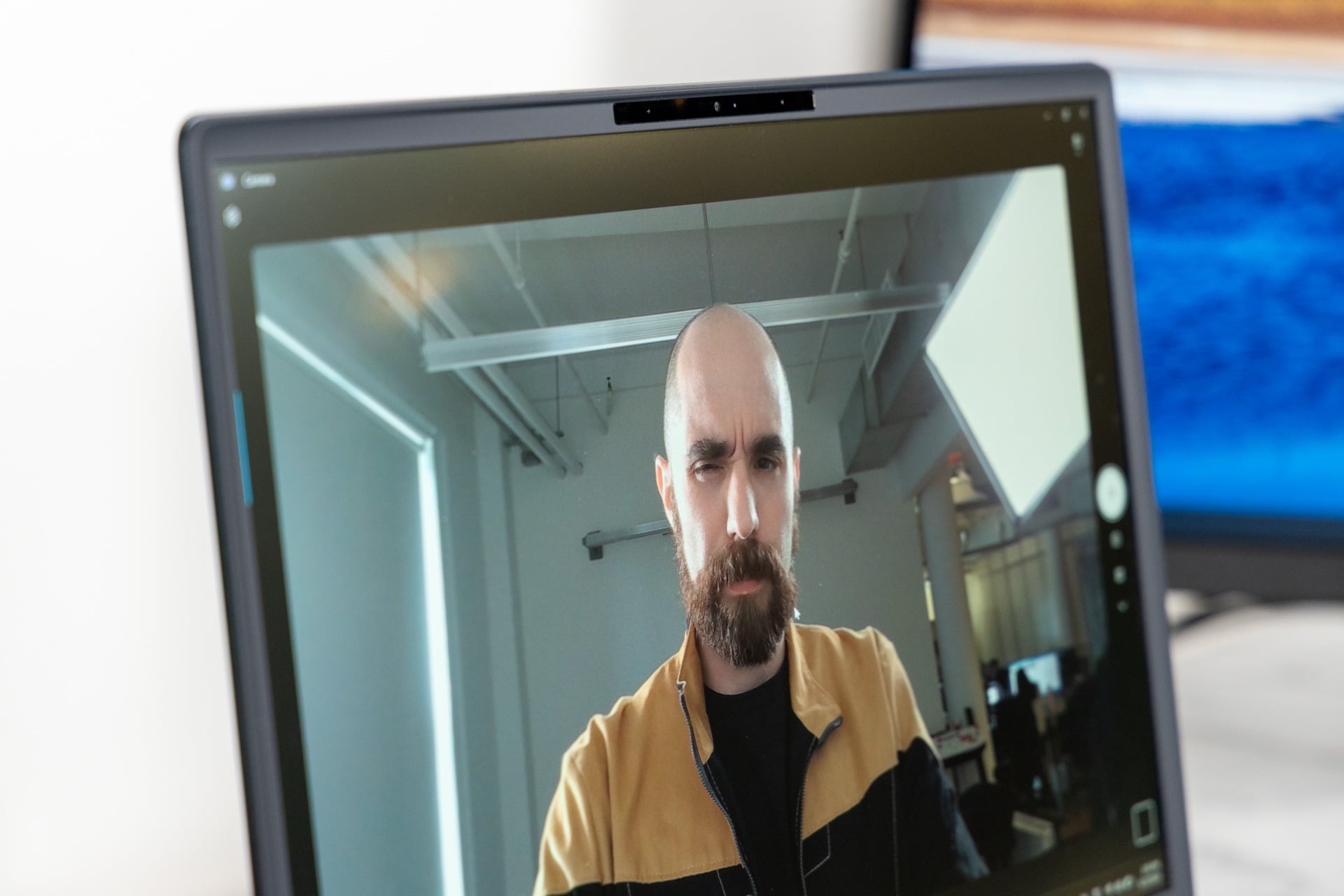
And as much as the 16 Area-51 (2026) is destined to be a desktop replacement, you may miss out on some features you would want from your mainline PC, like a better webcam than the 2-megapixel 1080p camera that made me appear extra pixelated on Zoom. This laptop can also get warm under your palms when plugged in. Merely browsing on Chrome, I registered around 102 degrees Fahrenheit in the center of the keyboard using a laser thermometer. Once the fans fully kick in, it doesn’t get much hotter than that. Still, during a recent New York City heat wave, this laptop was expelling enough heat to make my Brooklyn apartment even more unbearable.
The Alienware 16 Area-51 (2026) runs relatively quietly and coolly and is so overtly powerful that the laptop will kill it for gaming. That power will similarly decimate any chance of battery life that goes longer than a few measly hours. I know where it would fit into my life, but there’s a good chance it won’t work in yours. And it comes at such an expense that only those really considering a desktop replacement should even think of getting one. Damn me and my wallet to hell, then, because I never want to stop typing on this humongous, overexpensive, and beautiful laptop.