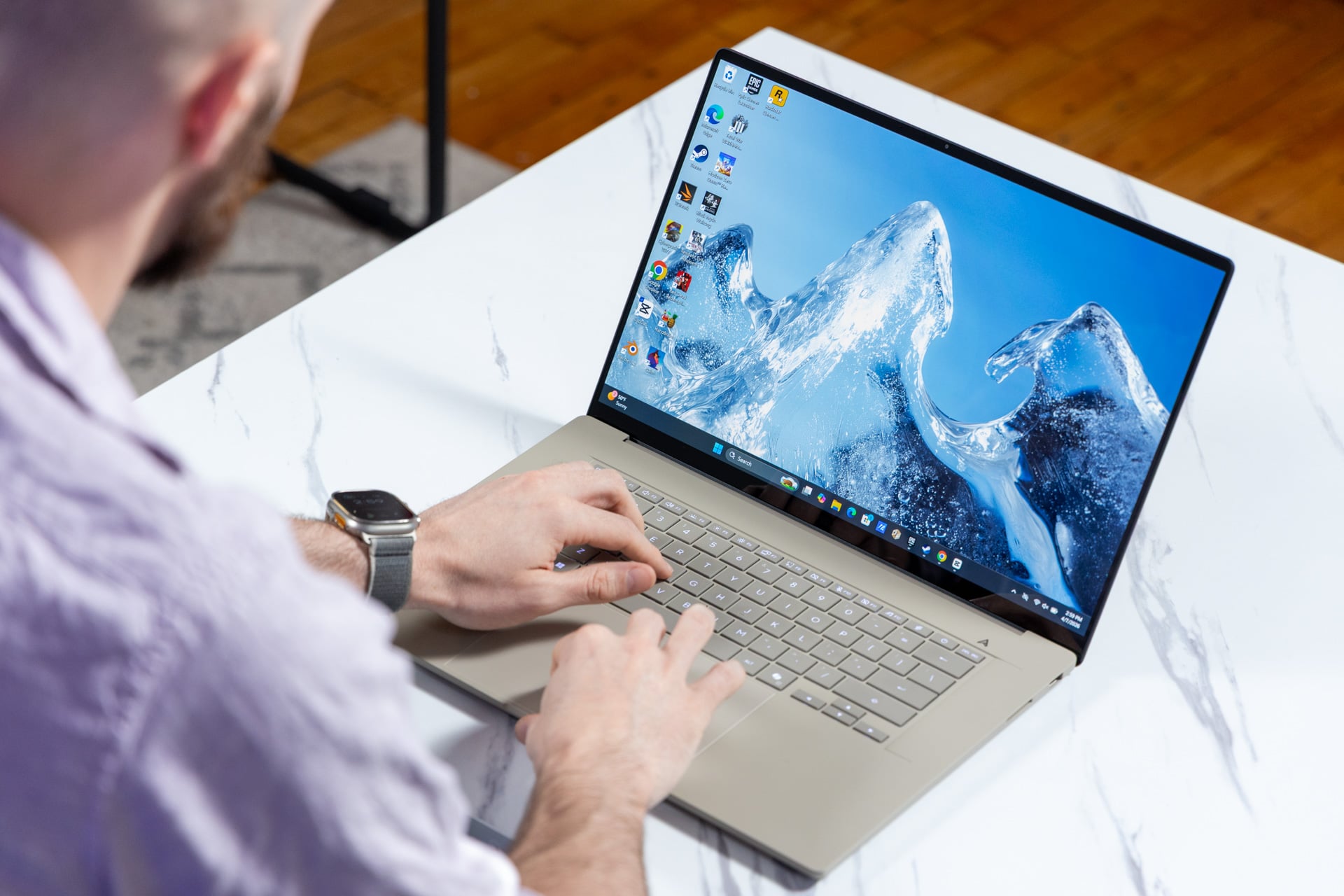
Asus’ revised Zenbook A16 isn’t just a thin sandstone brick in a box. It’s a laptop with a small spark of life that comes in the form of a question. It asks whether you can accept small, chip-based concessions for the sake of such a lightweight and genuinely powerful laptop that comes at a reasonable price, for once.
This 16-inch laptop costs $1,700. A year ago, I would not say that was exceptional. The problem is today’s competing laptops are not what anybody should consider cheap. A Dell XPS 14 with an OLED display will cost at least $2,200. That laptop comes with Intel’s midrange Core Ultra X7 358H chip, the same found inside a $,1700 MSI Prestige Flip 14 AI. MSI’s laptop has a relatively dim screen with a less-than-stellar resolution. On Apple’s side of the fence, a 14-inch MacBook Pro with M5 chip and 16GB of unified memory costs $1,700. The Zenbook A16 comes with a great touchscreen OLED display and a whopping 48GB of fast LPDDR5X-9600 RAM.
Asus originally told Gizmodo the laptop cost $1,600. Less than eight hours after launch, the Best Buy pricing was “corrected” to $1,700. RAM prices continue to wreak havoc. But, hey, the Zenbook A16 looks and feels great—so what’s really the problem?
Asus Zenbook A16
An excellent, pretty, and light laptop that offers some great CPU performance for the price. You'll still encounter oddities from its ARM-based chip.
Pros
- Ultra light and thin 16-inch chassis
- Bright, pretty OLED screen
- Excellent CPU performance
- Fewer app compatibility issues
- Great battery life
Cons
- GPU performance is not stellar
- Mid rendering and gaming performance
- Software update issues
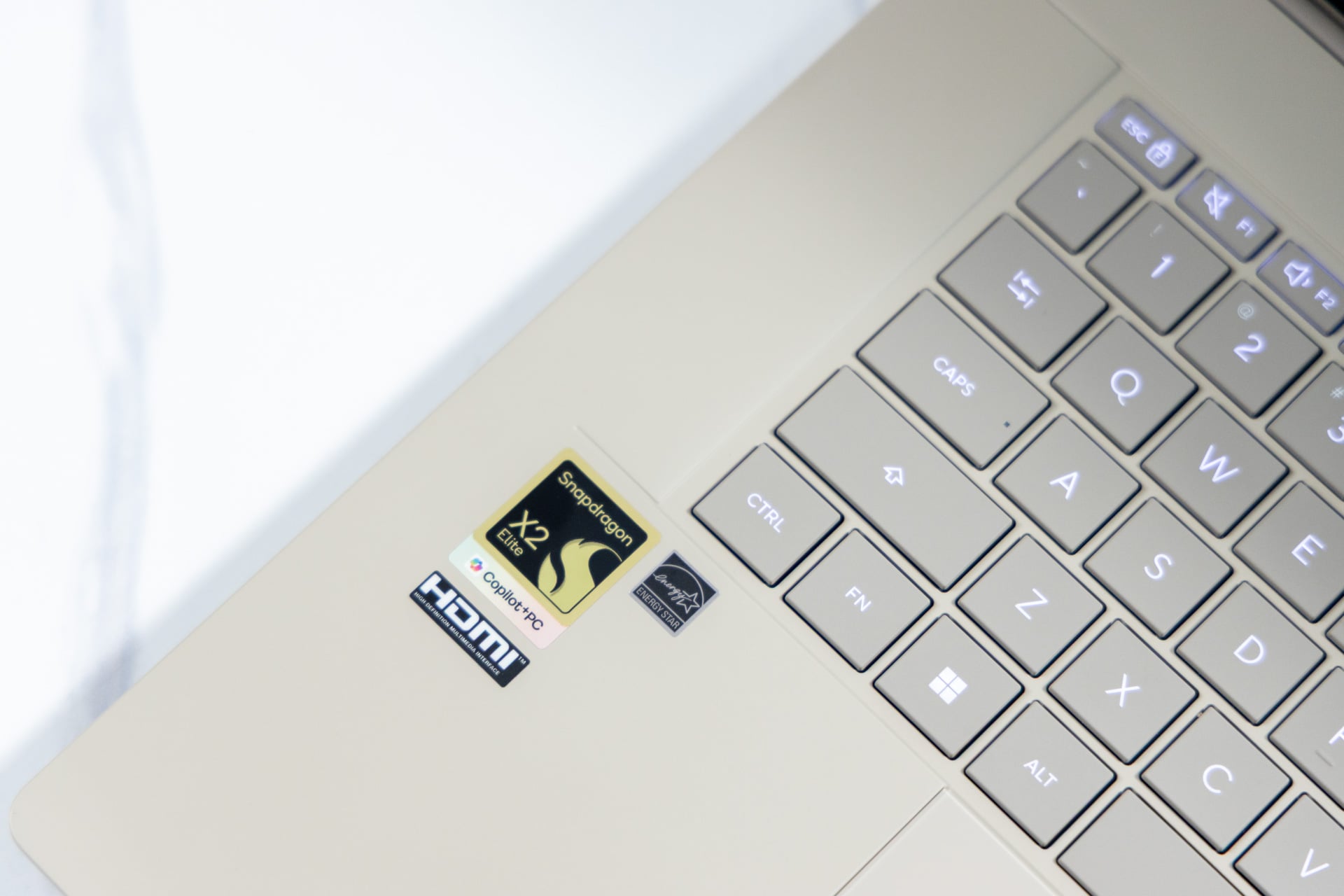
Just as with Qualcomm’s first pass with Windows in 2024, the issue is still the chip. The Snapdragon X2 Elite Extreme’s Adreno GPU isn’t offering everything you want. It’s good enough for productivity tasks. Then compatibility takes its toll. Inevitably, relying on emulation for some apps will make them run worse than a native counterpart on an x86 laptop. Even apps that are supposed to work without using emulation still suffer. Blender, for instance, still won’t let you render a scene exclusively using the GPU for much faster render times.
It’s a mixed bag, but a bag that comes at a price point you just won’t see from some of the existing competition around right now. Maybe that will change. Memory prices will likely keep getting worse as we push later into 2026. The Zenbook A16 has more memory than practically every other new notebook this year at this price point, and I can’t imagine that Asus can possibly maintain a $1,700 baseline for Qualcomm’s top-end laptop chip.
The strange state of Snapdragon
Finally, two years after Qualcomm and Microsoft first introduced us once again to ARM-based PCs, we’ve reached the point where you may just call them usable. Not usable in the sense you won’t inevitably come across some driver that will keep you from accessing your old printer. There’s still a chance you’ll encounter an app that isn’t running natively on the Snapdragon X2 Elite Extreme chip.
When Qualcomm first launched its Snapdragon X platform in 2024, users found a number of issues with app and driver compatibility beyond a staple of apps that didn’t work like they should have. Gamers were especially miffed at the lack of compatibility.
Time doesn’t heal all wounds, but it provides a fair few band-aids. In 2026, there are far fewer applications that won’t work on these laptops. Apps like CapCut and Blender now have native support. Other apps, like the 2026 version of AutoCAD, recently created ARM-based versions. Qualcomm has claimed it’s working with other companies to quash any lingering compatibility issues. In the drudgery of everyday life, the Zenbook A16 with the Snapdragon X2 Elite Extreme chip is more than usable. For any other software that isn’t native, Qualcomm relies on Microsoft’s Prism emulator to force an app to run in a simulated x86 environment. Yes, this even works with gaming.
Qualcomm and Asus are still working out the kinks for this style of laptop. During more than a week of use, I experienced several issues keeping the Zenbook A16 updated. Qualcomm wants you to use its Snapdragon Control Panel app to keep your graphics drivers up to date. Every time I loaded the app, it told me I needed the latest February 2026 graphics drivers, even though I had already installed them. During the review period, Qualcomm added an extra BIOS update to fix some issues with performance on battery power. The laptop took the update and then froze after a restart, requiring me to hard reboot it.
I reached out to Asus about these issues, and we’ll update this review if we receive word about any fixes.
It’s ‘ceraluminum’ not regular aluminum
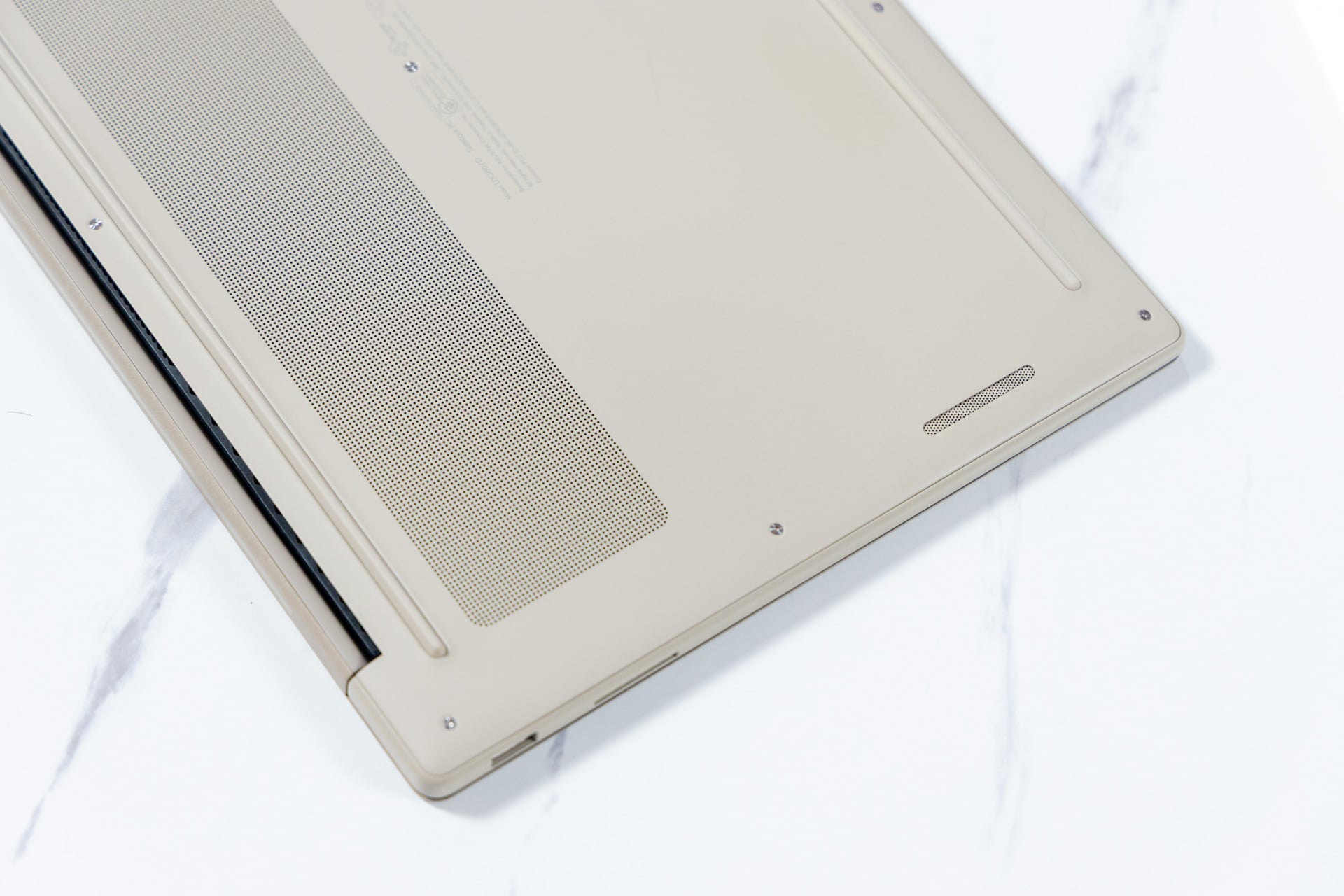
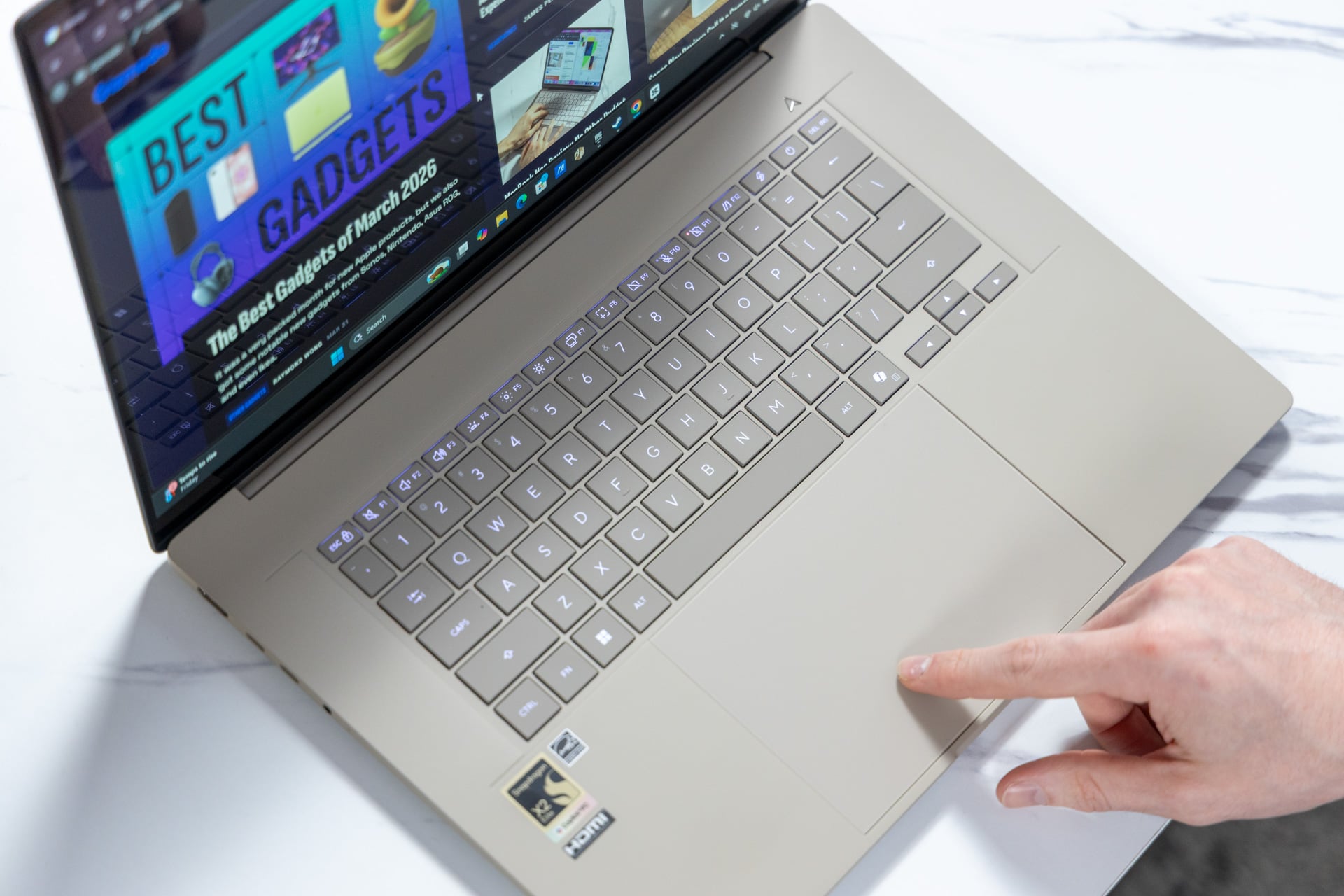
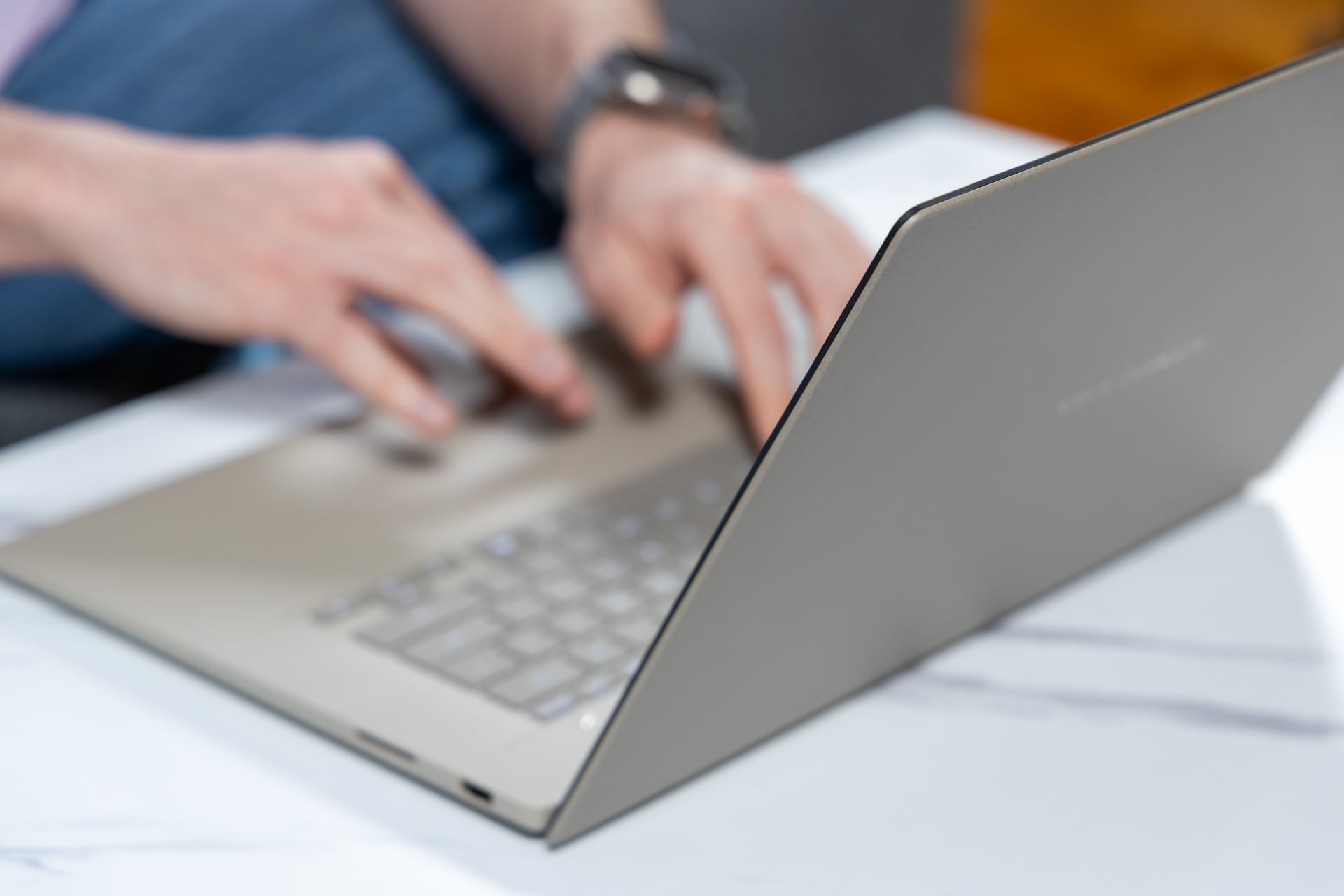
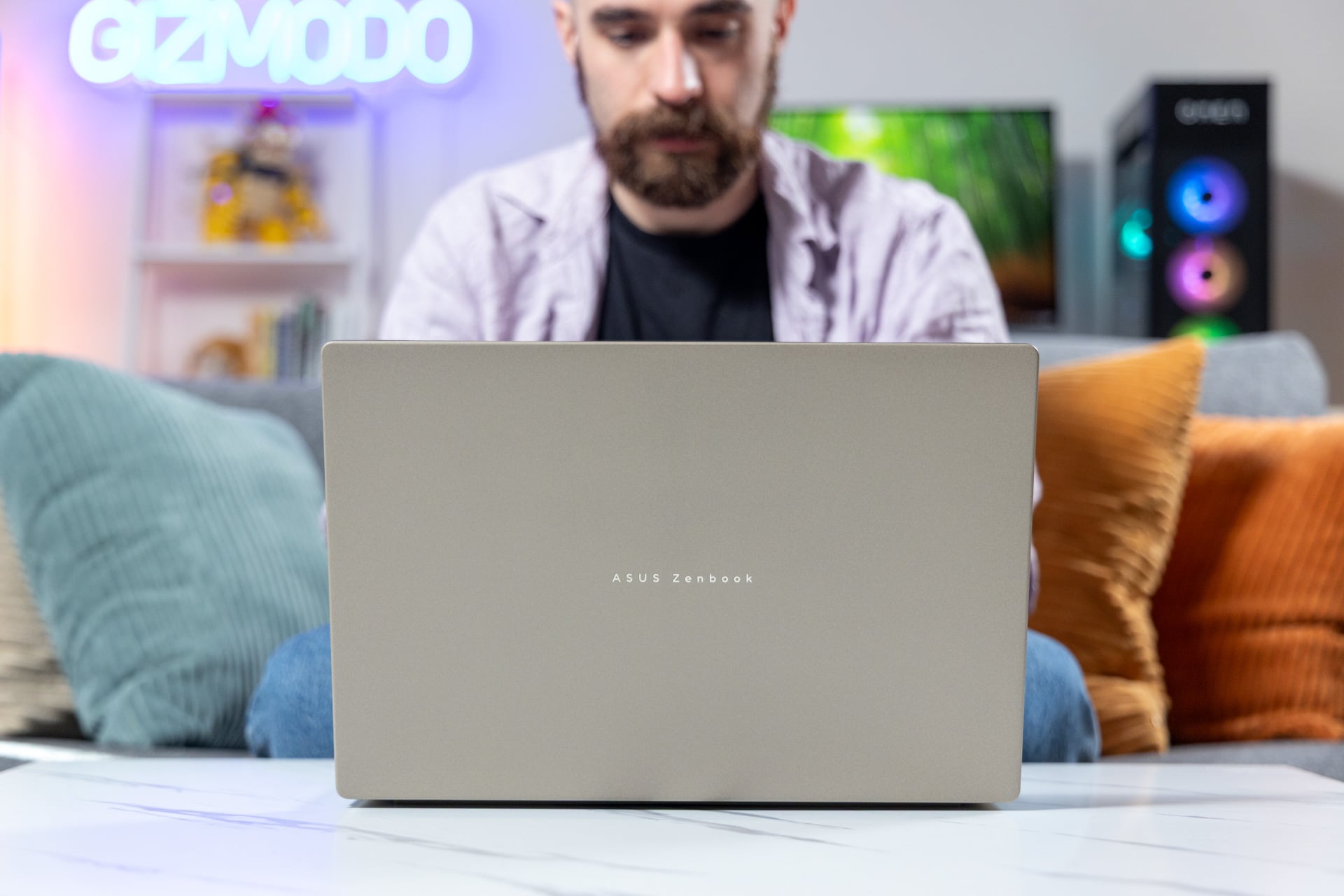
There’s nothing else available that feels like Asus’ new Zenbooks. It’s all due to a unique material that the Taiwan-based laptop maker has continued to refer to as “ceraluminum.” To summarize, it’s a type of anodization technique that lays a kind of ceramic texture on a plane of aluminum. Asus had previously used the material on a laptop lid. This time, it went with “magnesium aluminum” rather than a heavier, sturdier aluminum underlay. Now, every inch of its surface, save for the screen, keyboard, and trackpad, all sport a pleasant texture that feels less industrial than your typical slab of aluminum, plastic, or steel.
The color choice, a so-called “Zabriskie Beige,” adds to this sense that I’m typing on an elegant laptop. Thanks to the special material and overall design, this 16-inch laptop weighs only 2.87 pounds. That’s just a little more than a 13-inch MacBook Air, and you get far more screen real estate. It’s not thick either at just 0.65 inches, so I had no issue slotting it into my backpack’s laptop holder, where it felt like it was making the slightest difference for the sake of my everyday carry.

The Zenbook A16’s keyboard, with the square keycaps and 1.3mm of key travel, is just good enough for prolonged typing sessions. I would prefer a keyboard with clackier keys. The extra-large trackpad has a glass-like texture that makes scrolling feel smooth. It also comes packed with the “smart gestures” that allow you to change brightness, volume, or some custom control without needing to tap on the function row. I turned these features off, as I often adjusted brightness accidentally when typing up my weekly reviews.
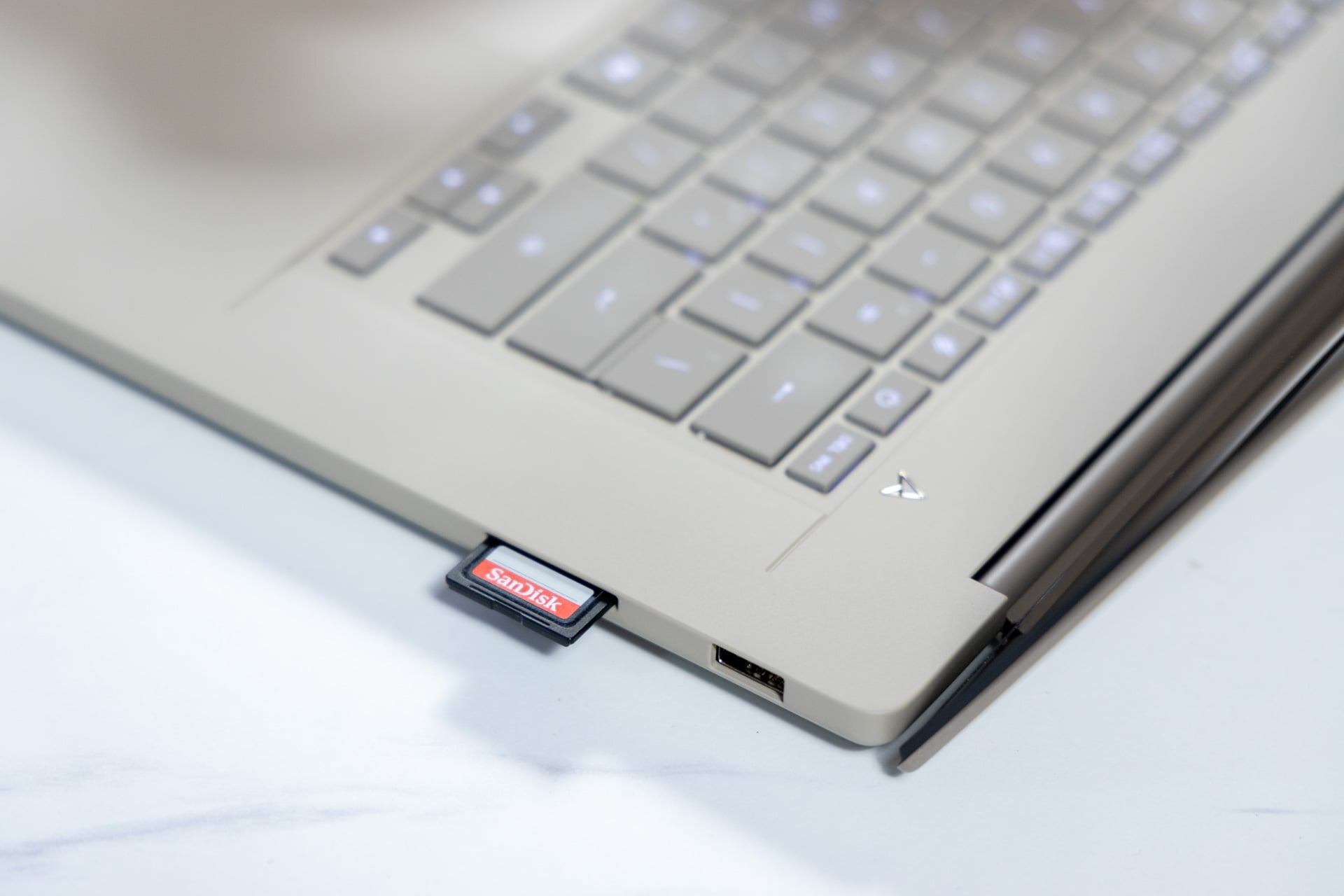
The laptop also has a good number of ports so you don’t need to carry any dongles for the most part. That includes an HDMI port, a headphone jack, and two USB 4 ports that max out at 40Gbps data transfers. You can use all these left-side ports to connect up to three external monitors. While I may miss Thunderbolt ports, which offer higher bandwidth than a regular USB 4, I was happy to find a full-size SD card reader and a USB-A port on the right-side.
One heck of a vivid screen
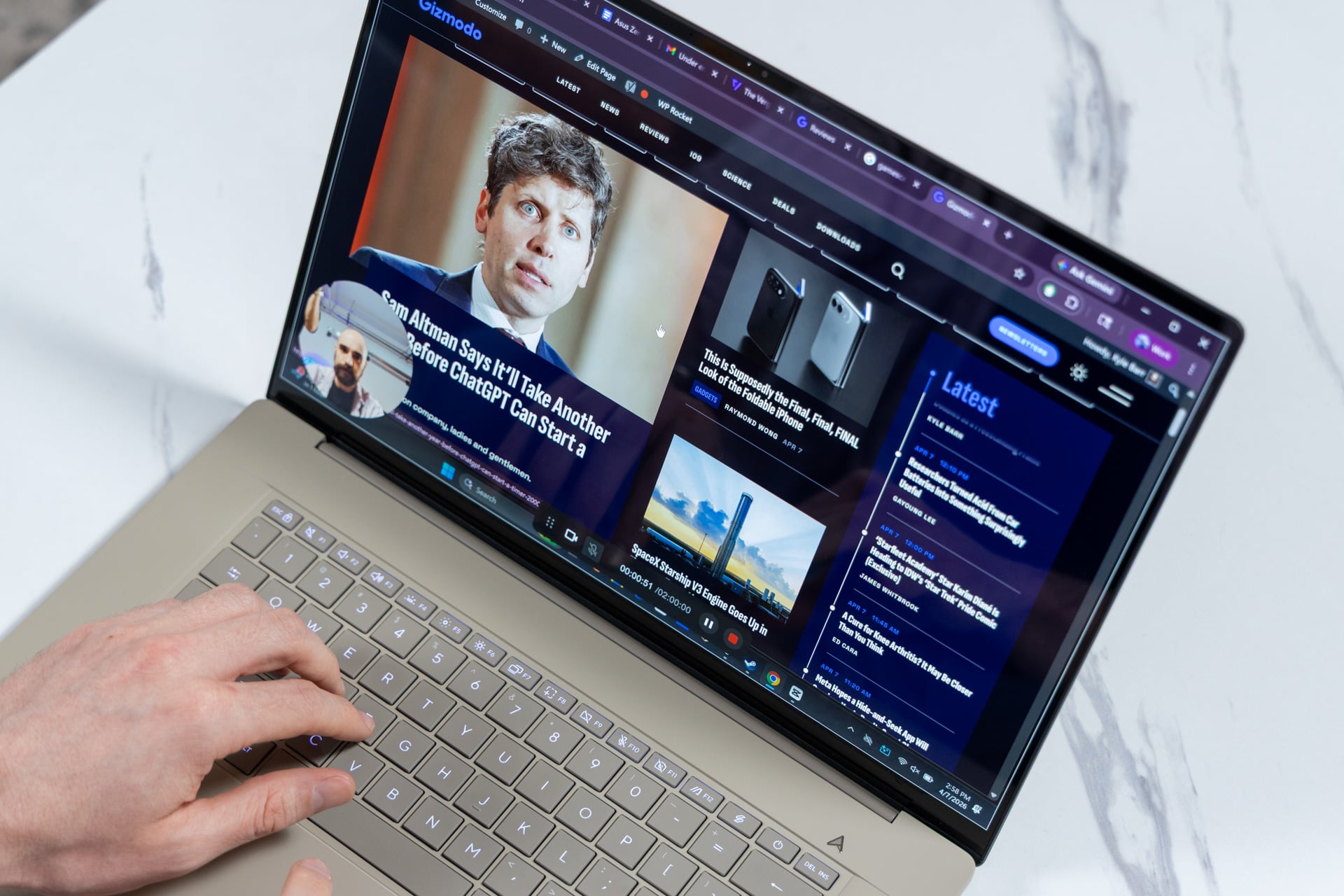
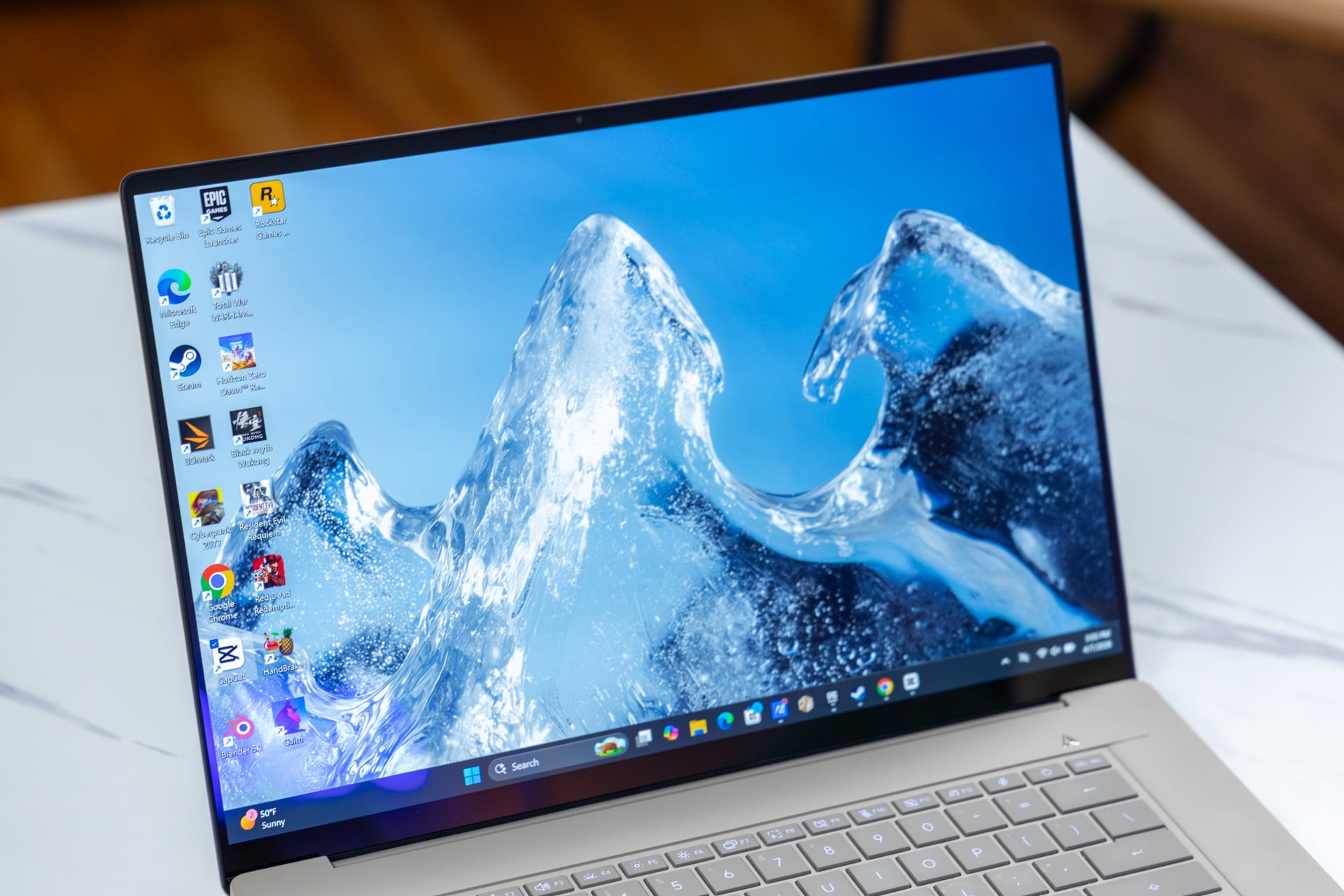
If the presentation wasn’t already striking enough, the laptop comes with a big, bright touchscreen OLED display. The screen has a 2,880 x 1,800 resolution and maxes out with a 120Hz refresh rate. Specs-wise, it hits all the right notes. I’m happy to say that the Zenbook A16’s display looks just as good when you have it in front of you.
OLEDs are known for their high contrast thanks to the self-emissive technology, though that usually comes at the cost of brightness. Asus promises the display can reach 1,100 nits in HDR peak brightness settings (usually measured at a small portion of the screen). In real-world use, the display can be bright enough for pretty much every scenario except for working in direct sunlight. The bigger issue than brightness is the glossy screen. This does result in some reflections and glare when you have the laptop facing light sources.
The screen’s bezels are relatively miniscule, only allowing a little extra room to fit the 1080p camera with IR sensor, which allows for features like Windows Hello face login. The camera does the job for your daily Zoom meetings at work; don’t expect anything special.
As for sound, this laptop isn’t a slouch. It’s just not exceptional. The Zenbook A16 has a six-speaker system through two grilles on the bottom. They can get loud if you intend to disturb your roommate through thin apartment walls. Otherwise, they offer relatively clean, balanced audio that is good enough to use to watch Netflix before bed.
Qualcomm nailed its CPU capabilities
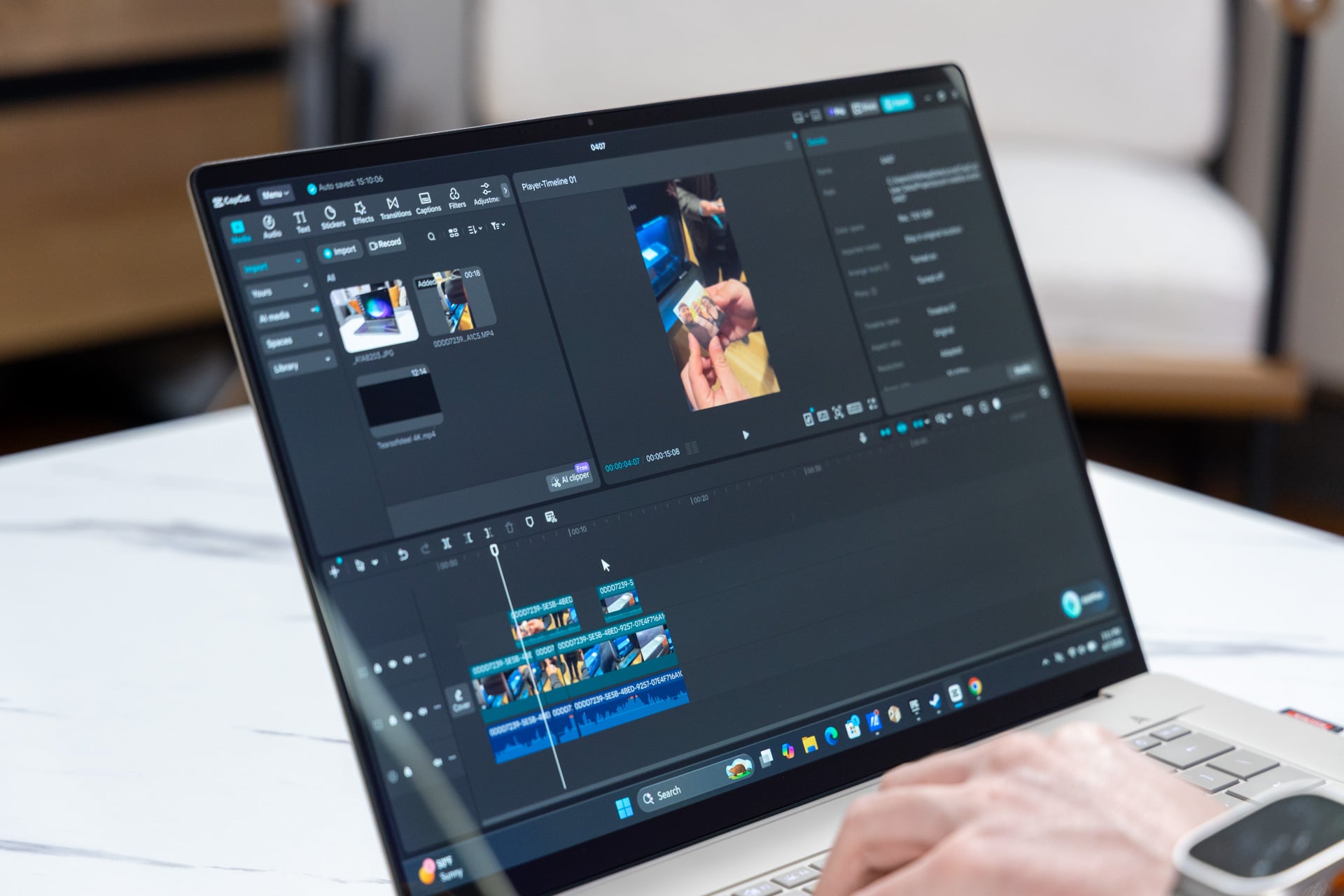
The Zenbook A16 is far more than just an alternative to a MacBook Air. The port selection is better overall, it includes a much prettier display, and comes packed with the kind of RAM that promises a better time with tasks that require more memory, such as work with AI or video editing.
In terms of pure CPU capabilities, the 18-core Snapdragon X Elite Extreme (X2E94100) outclasses both Intel and Apple around this same price point. The Zenbook A16 achieved nearly 28% better multi-core performance in Geekbench 6 compared to the MSI Prestige 14 Flip AI with Intel inside. It also had a similar 26% improvement over the 15-inch M5 MacBook Air. The chip’s single-core capabilities were the most shocking of all. It scored 3,801 points in Geekbench 6. That’s only beaten by the 14-inch MacBook Pro with M5 Max, which managed a score of 4,335.
A single-core score dictates how much performance you can get from low-end applications. The Zenbook A16 is going to be very speedy for browsing. Those impressive CPU capabilities repeated over my tests with the CPU’s rendering capacity, which relies far more on multi-core performance. I found the laptop was 25% faster than Asus’ own Zenbook Duo laptop running a top-end Intel Core Ultra X9 388H in Cinebench 2026 under multi-thread settings.
I also run all the laptops that I review through a Blender test where I time how long it takes the CPU to render a scene of a BMW. The Snapdragon X Elite Extreme chip managed a time of 1 minute and 19 seconds. That’s close to a minute faster than Intel’s chips. Even if the Snapdragon X Elite Extreme is not the top of CPU stardom, it’s only a few seconds slower than Apple’s M5 Max and AMD’s top-end APU (accelerated processing unit)—namely the Ryzen AI Max+ 395 inside an Asus ProArt PX13 laptop running a heaping 128GB of RAM.
Not the graphics titan you wanted
The problems start cropping up as soon as you investigate the system’s GPU capabilities. Qualcomm promised its Adreno X2-90 GPU housed on the X Elite Extreme SoC (system on a chip) could easily outperform a last-gen Snapdragon X Elite. The company further claimed gamers could expect 2.3x better frame rates in games. That’s a hard test, considering Microsoft’s Prism emulator only started supporting x86 Advanced Vector Extensions late last year. This is a necessary component of how Intel and AMD chips perform multiple processes at once.
Intel’s X7 and X9 chips with the extra 12 Xe3 GPU cores are still winning for graphics and gaming performance at this scale of laptop. In 3DMark real-time graphics benchmarks, the X2 Elite Extreme trailed its competitors by as much in high-end graphics tests like “Speed Way.” Even in CPU-dependent benchmarks like 3DMark’s “Time Spy,” the Zenbook A16 performed close to 37% worse compared to an MSI Prestige Flip 14 AI when connected to its 130W power brick.
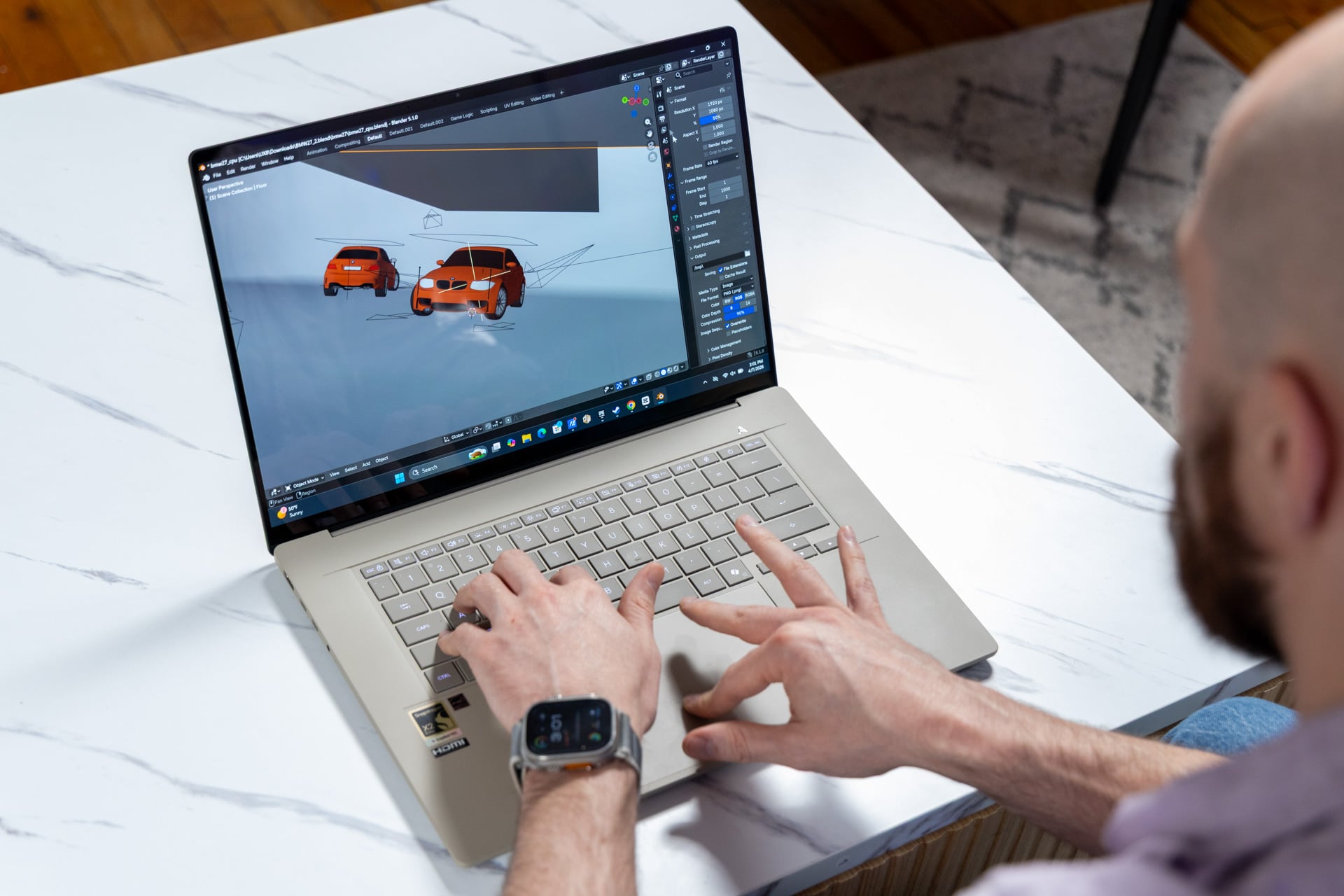
Even if Qualcomm ensured that apps like Blender work with the Snapdragon X2 platform, that doesn’t mean they’re best suited for this ecosystem. Blender still does not recognize the Adreno GPU. That means that almost any other Mac or PC with or without discrete graphics will do a better job for those tasks.
And so we arrive at the gaming conundrum. The latest lightweight laptops are proving increasingly capable of playing some hardcore AAA games at relatively high settings at 1080p resolutions or even better. The Zenbook A16 is similarly performant, just to a lesser degree because of the emulation layer.
Whereas the Zenbook Duo and its Intel X9 chip can hit 45 fps in Cyberpunk 2077 running on “Ultra” graphic settings at 1080p, the Zenbook A16 can only do 31 fps. And that’s one of the few games I could get running with any shred of playability. I could barely hit playable frame rates in Total War: Warhammer III. The Snapdragon Control Panel highlights games that will run on its machine, but it wouldn’t recognize games I had in my Epic Games Store launcher. Horizon Zero Dawn: Remastered, which I have through Epic, never got above 7 fps no matter what setting I chose.
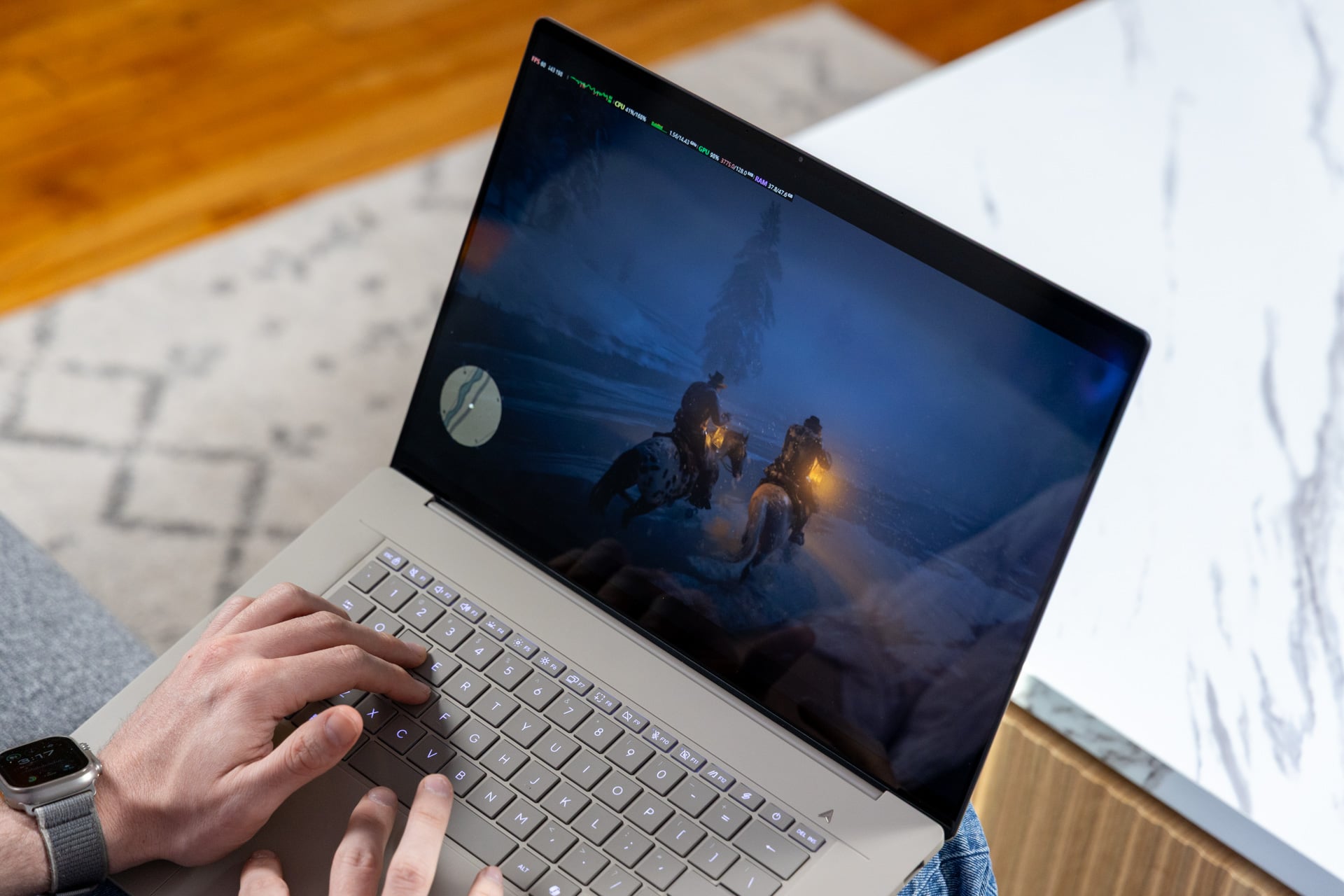
Asus’ laptops go one step further and let you allocate up to 44GB of the total 48GB of RAM for the GPU. You can change the setting through the MyAsus app, necessitating you restart the PC. This will enhance playability in some games. I could run Red Dead Redemption 2 at 1080p with graphics settings pushed to “High” at around 50 fps. Just know that you may not get as much out of your games as you may hope by allocating more RAM to the GPU.
Real competition for best battery life
ARM chips are known for better efficiency, so as you could already expect, the Zenbook A16 will last you through the day, and then some. My review unit lasted close to 7 hours for continuous work. That was on 50% brightness with the laptop on “Balanced performance” mode. I may not be like most people who use laptops. When I’m working, I’m writing and browsing at breakneck speed, so the fact I get as much out of this laptop in a full day is impressive, even when connected to an external display.
Neither Qualcomm nor Apple can particularly claim to be battery kings. Laptops with the latest x86 chips are similarly capable of running all day. One of the best laptops for battery life we’ve tested is the 2026 Dell XPS 14. The laptop has a special LG-made LCD screen that will lower to 1Hz refresh rates when displaying static content. Whatever battery benchmarks you may find online will not relate to real-world longevity, depending on how you use your laptop.
So you’re left with a choice. You could get this laptop knowing you’ll be constraining yourself. You may face unforeseen consequences. And yes, you’ll be limiting your gaming potential. And for all that, you may still have a great laptop that may get even better thanks to the Valve-endorsed Fex x86 on ARM emulator. Just know that if you don’t get it now, I can’t guarantee the Zenbook A16 will stay $1,700 for much longer.