The easiest home to smarten up is the one you own and need no permission to modify. Renters are a bit more limited, although there are plenty of non-invasive options for them. Things get tricky when you’re buying smart home products for your dorm room.
You’ll have to contend with the IT department, which probably (very reasonably) limits how many and which student devices may glom onto the building’s Wi-Fi. Even ignoring those limits, such a crowded place can make the 2.4GHz Wi-Fi band that most smart home products rely on horrifically congested. Congestion can make them, at best, frustratingly slow and, at worst, just inert hunks of plastic.
But tell me, college student, have you heard the gospel of Thread? It’s a wireless mesh smart home protocol that needs no internet connection and operates outside the bounds of the Wi-Fi spectrum. Most work with the universal smart home standard Matter, and such devices are ideal for your purposes. (Yes, there are arguably superior open-source alternatives and guides to using them, but they’re technical and outside the bounds of this guide.)
Before you start filling your digital shopping cart, a word of caution: it’s a very good idea to check with the IT overlords of your dorm to make sure the setup you’re considering will work.
8. HomePod mini
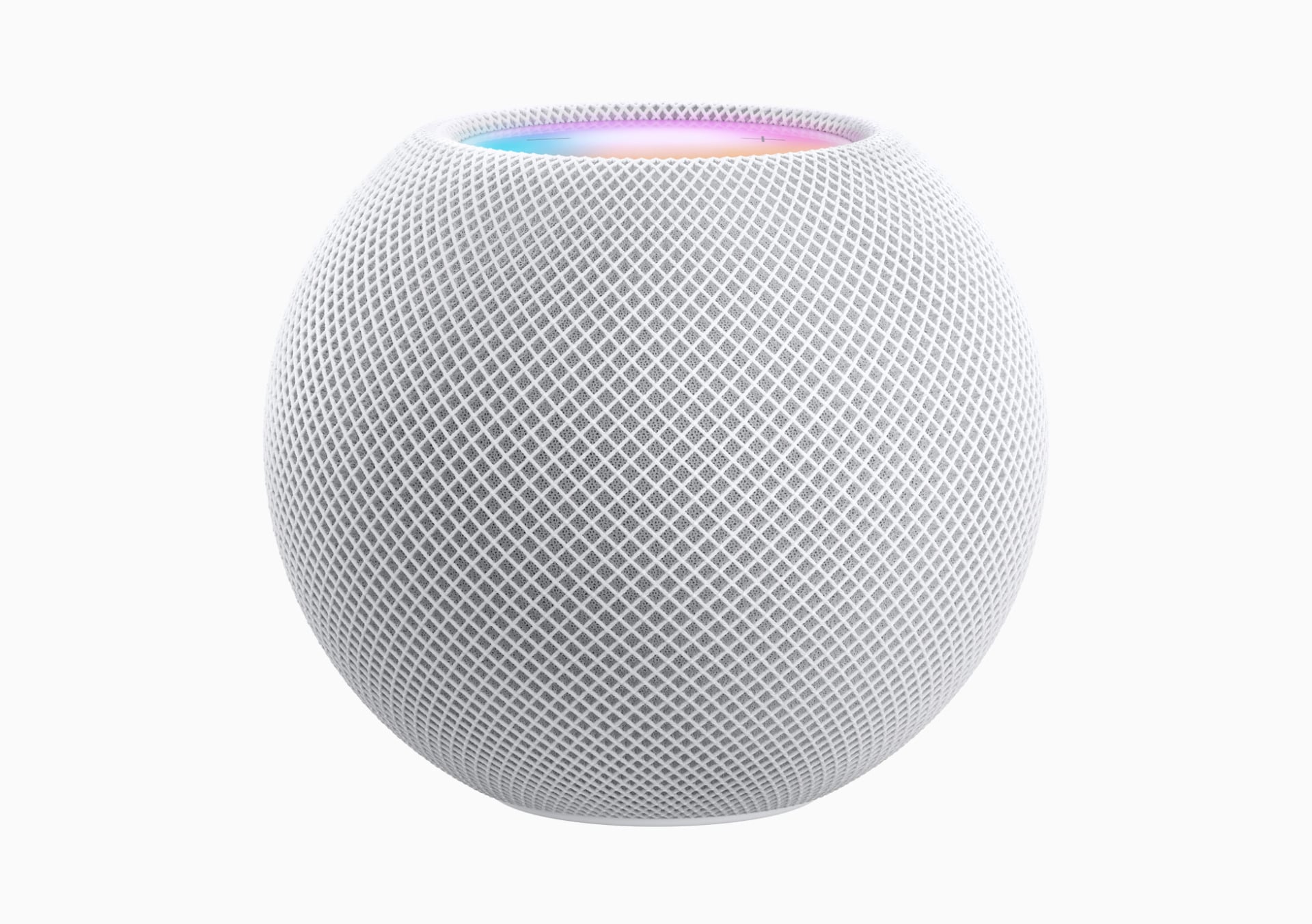
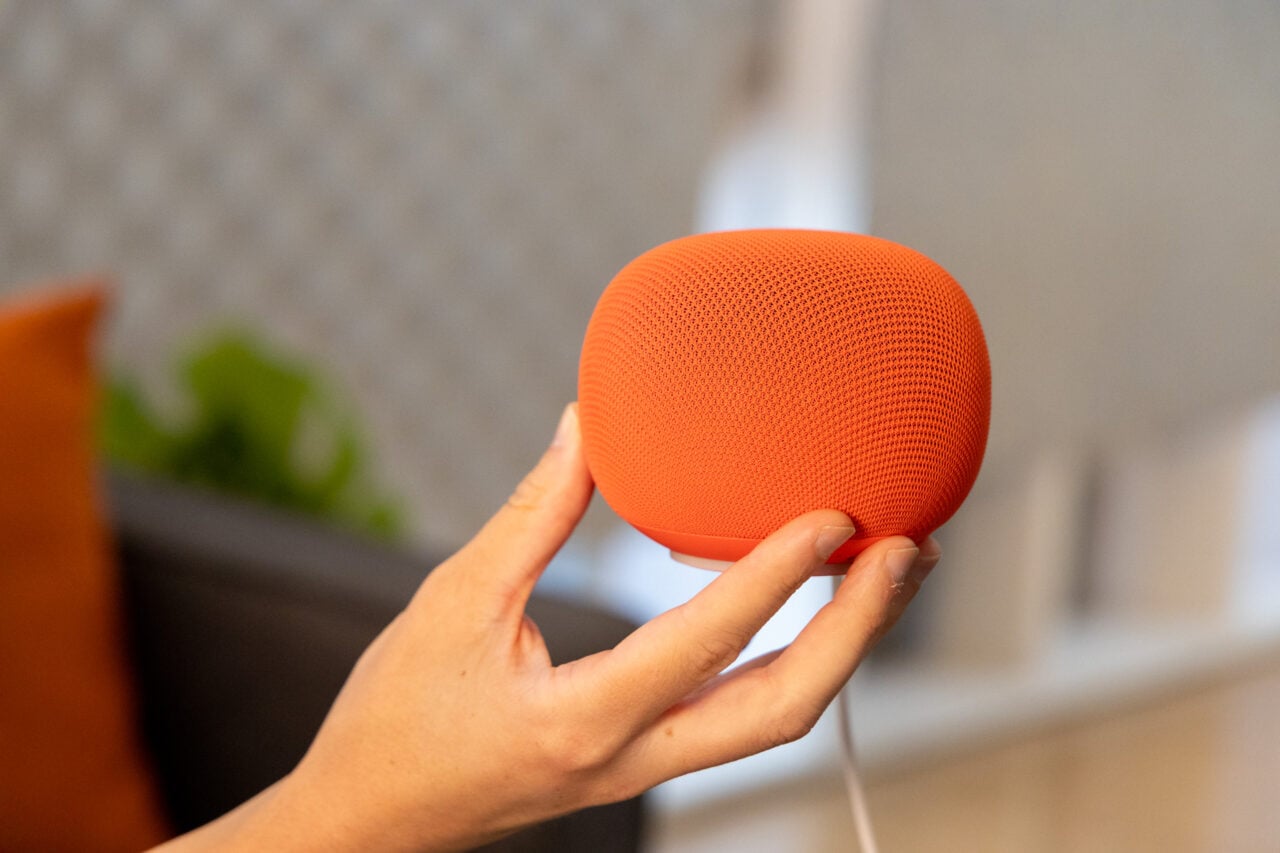
The starting point of any smart home is a hub like the $129 Apple HomePod mini. It’s compact, has surprisingly good sound, and can function as a Thread border router, a requirement for your Thread-based smart dorm. It also requires the Apple Home app, which you’ll use to add and control smart devices.
Therein lies the rub. Apple Home is very full-featured and intuitive, but it only works with iOS devices. The Android faithful will need smart speakers like the new Google Home Speaker or Echo Dot Max (which both also work with iOS). Whichever you choose, just know that the smart voice assistant part may be pretty useless. Controlling smart home devices with them can already be slow at times, even with good, fast Wi-Fi. In a crowded wireless environment, they might fail to control smart gizmos more often than not. Thankfully, using their attendant apps tends to be a lot more reliable.
7. Ikea Kajplats smart bulbs
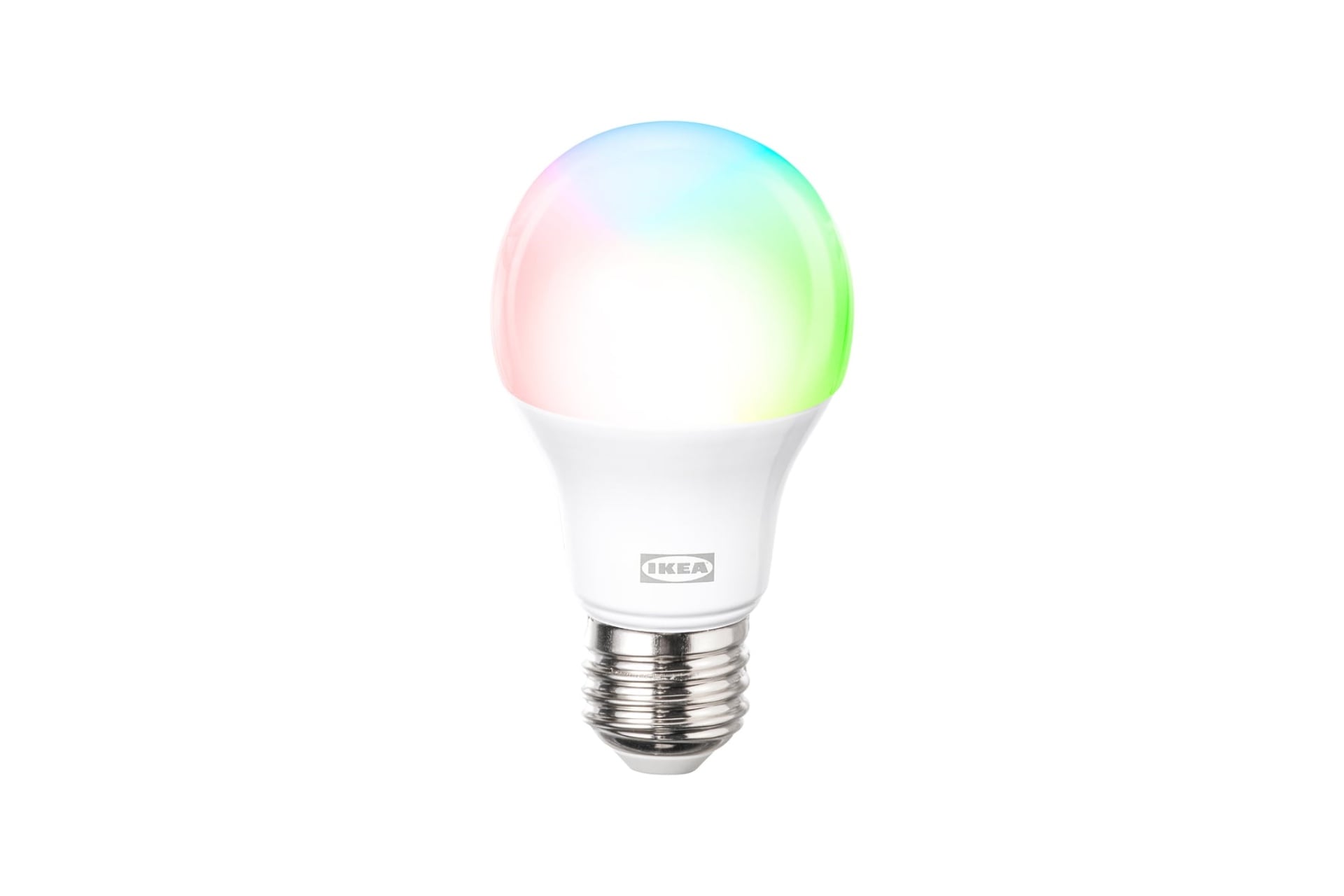
Smart light bulbs are the most obvious thing you can use in a dorm room without upsetting the collegiate powers-that-be, since all you have to do is screw them in, assuming you have enough college students to do so. And Ikea’s are among the very few that use Thread. The main two choices are a $6 tunable white light option and a $13 color version, the latter of which I’ve used for a few months and found to be responsive and bright, although its colors are a bit tepid. If you want to get fancy, Ikea sells a wall-mountable, Thread-compatible color LED lamp—the $100 donut-shaped Varmblixt. It’s not as practical as a solid lightbulb but is also one of my favorite smart lights.
Some folks have reported having issues pairing many of Ikea’s recent Thread smart home devices with their networks. I’ve tested a number of them and only had trouble adding one device: the hefty, 4-inch-wide Kajplats. Incidentally, I was able to add that one to a totally different Apple-based smart home without issue. The ways of the smart home can be mysterious, at times.
See Ikea Kajplats smart bulbs at Ikea
6. Ikea Bilresa light switch
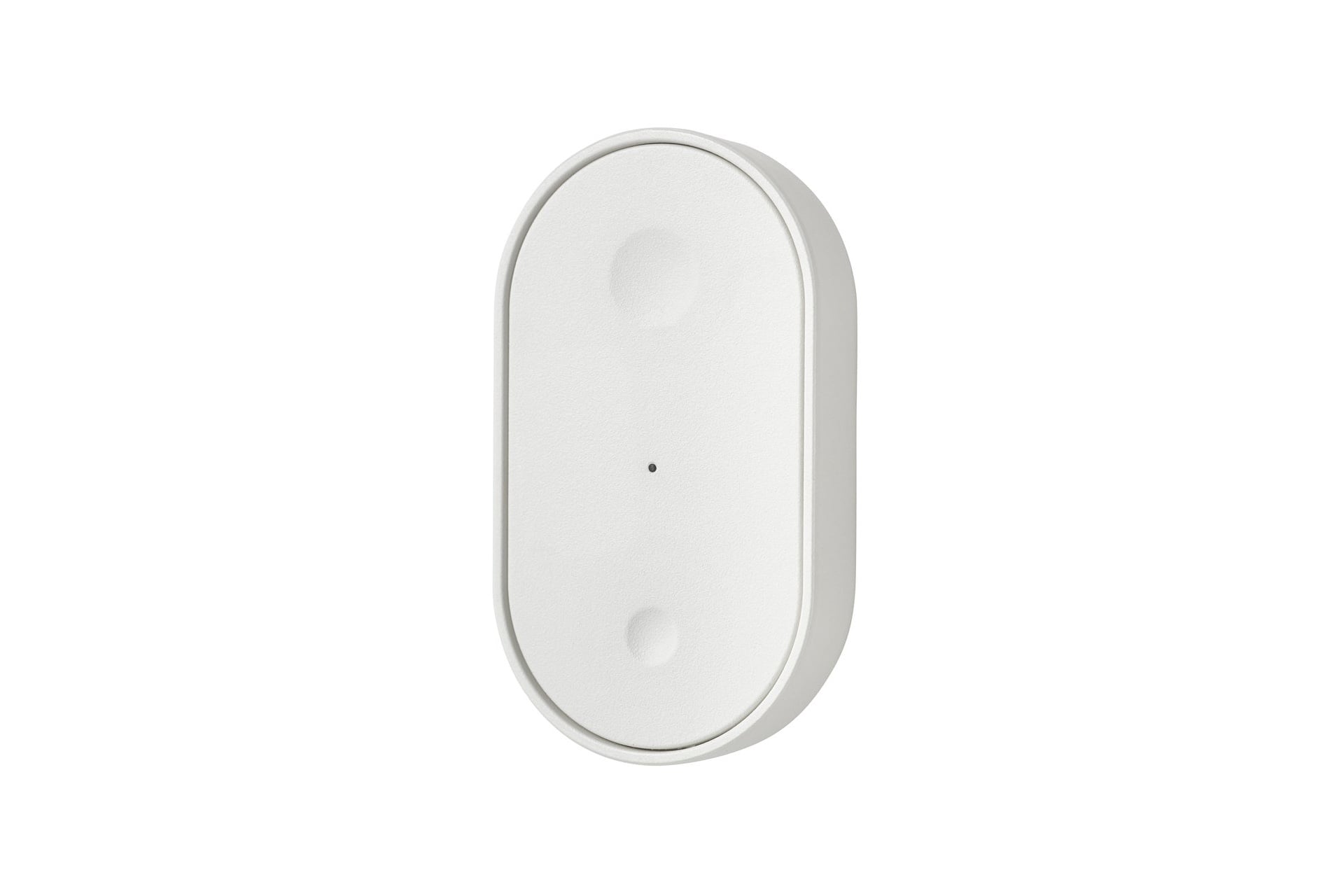
The best Matter-over-Thread light switch I’ve used is the two-button Ikea Bilresa. It works quickly and reliably, and I’ve never had connectivity problems with it. You can configure its two buttons to carry out up to six different automations, whether doing a single, double, or long press, effectively making it a six-button device. I like that it attaches magnetically to a small metal plate with an adhesive backing that lets you stick it to anything, but also lets you easily remove it to keep it on a nearby tabletop elsewhere in the room.
See Bilresa light switch at Ikea
5. Ikea Timmerflotte temperature and humidity sensor
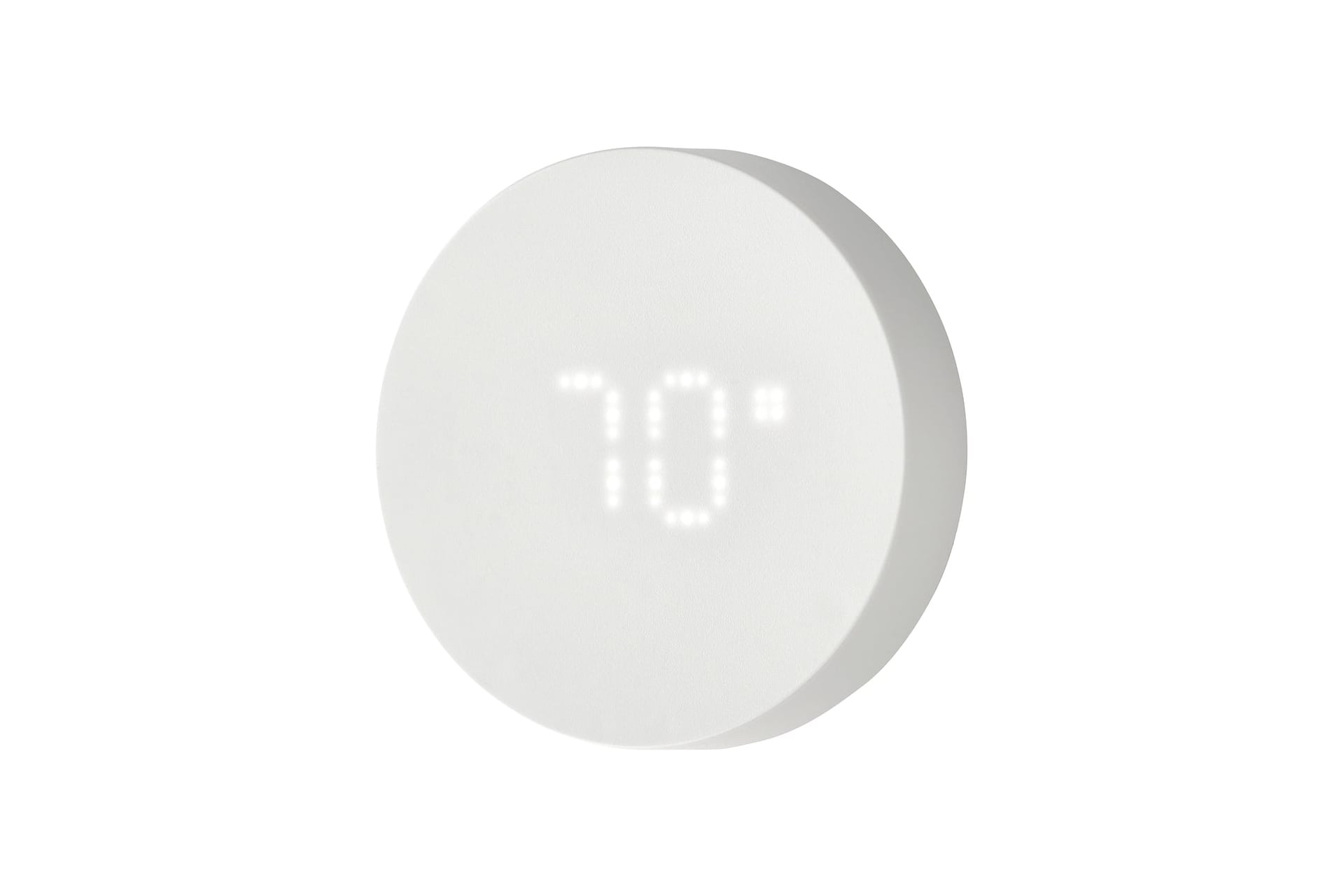
Okay, this is a somewhat Ikea-heavy list. Why? Well, earlier this year, the company released a slew of super-cheap Matter-over-Thread devices. That includes the Timmerflotte, a disc-shaped, otherwise featureless puck that’s adhesive for drill-free mounting. The Timmerflotte runs on two AAA batteries (you’ll need to provide your own). The one I have adhered to one of the legs of my work desk easily paired with my Apple Home network.
One very nice thing is that it doesn’t actually need to be paired to a smart home to be useful. Simply pressing its surface activates an otherwise hidden digital display that shows you first your room’s temperature, then its humidity. Honestly, that’s almost exclusively how I use it.
See Timmerflotte temperature and humidity sensor at Ikea
4. Eve Energy Smart Plug and Power Meter
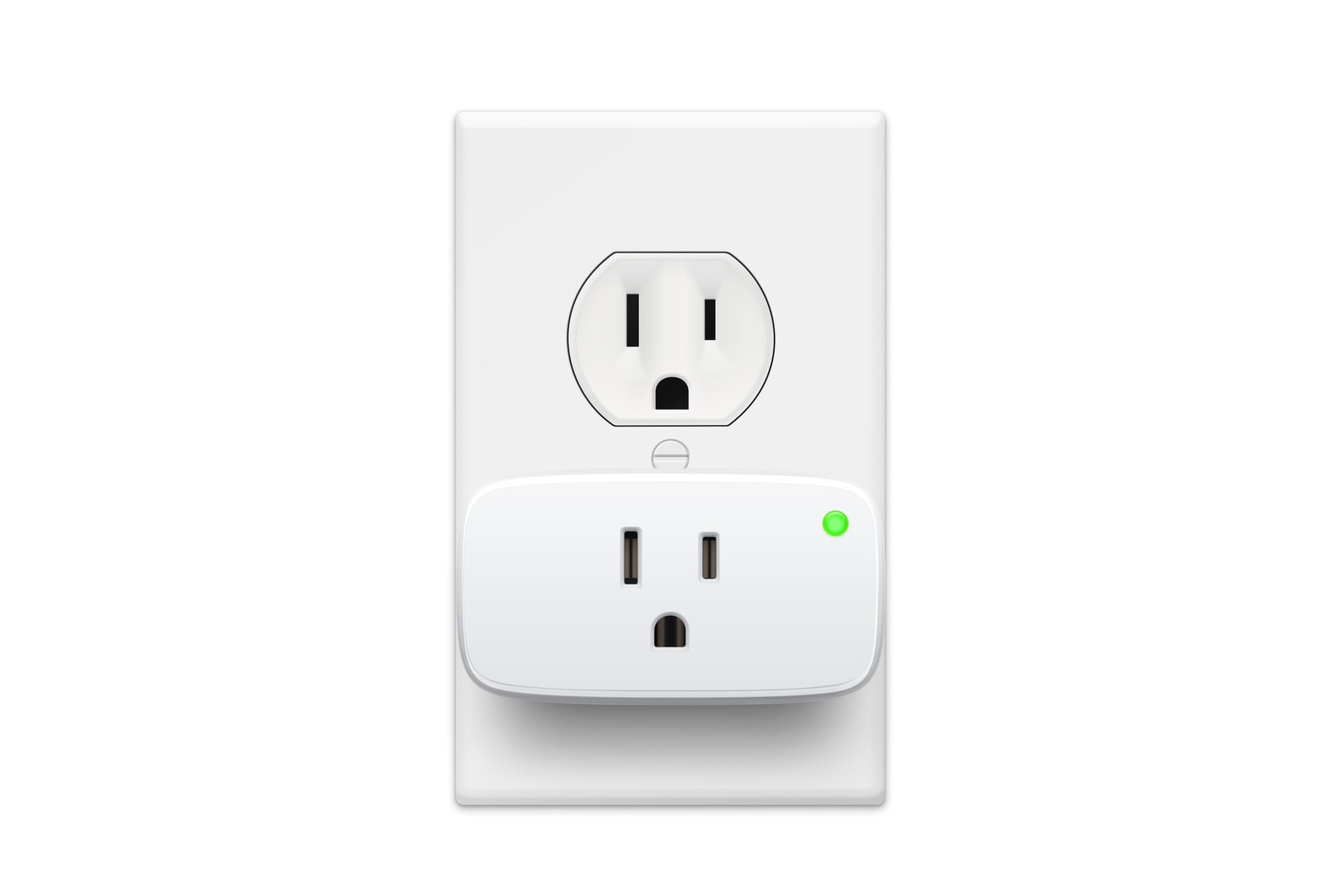
There are other, cheaper Matter-over-Thread smart plugs in the world, but my favorite is the Eve Energy Smart Plug and Power Meter. Just as a plug, it’s responsive and reliable, and it has a light-up button on the front that turns it on and off if you’re ever having connectivity issues (although that’s very rare, in my experience).
Paired with the Eve app, the Smart Plug and Power Meter gets better. That lets you check to see the energy use of whatever is plugged into it and how much that device could cost to power over the course of a year. The Eve app also has a handy map of your Thread network, showing what the mesh topography actually looks like. It’s also surprisingly handy for finding hidden Apple Home automations you thought you deleted but somehow still exist; the Eve app lets you delete them for good.
3. Meross Matter presence sensor
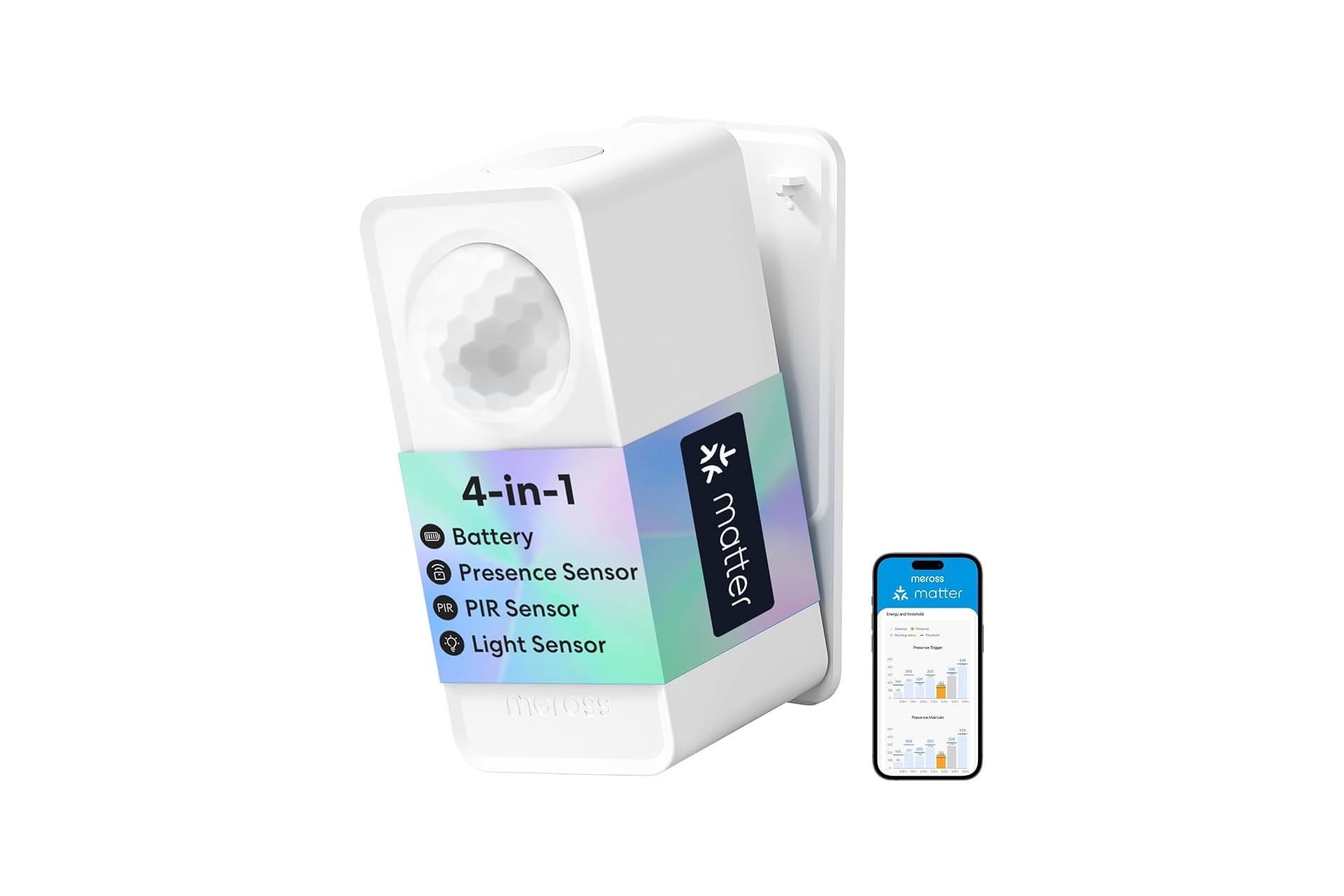
If you plan on fully automating smart lights to turn on when you enter a room and off when you leave it, there’s only one reliable way to achieve that: presence sensors like the Meross MS605.
If you didn’t know, there is a difference between motion sensors, occupancy sensors, and presence sensors. The first type senses snapshots of motion, not ongoing habitation. Occupancy sensors can tell if someone is around, but only if they’re frequently moving. Presence sensors, on the other hand, use a wireless sensing tech called mmWave (millimeter wave), which is sensitive enough to register a person who is breathing but otherwise still.
I have the MS605’s plug-in sibling, the MS600, mounted in my garage. It has always reliably triggered, with little delay, my garage’s overhead light to toggle on or off when someone enters or leaves. That model doesn’t use Thread, but the MS605 does, and Meross claims its battery will last up to three years per charge. The MS605 also supports up to three distinct “zones,” unlike my MS600. That means it can be configured to activate specific lights depending on where you are in a room, which feels very Star Trek-y.
See Meross Matter presence sensor at Amazon
2. Logitech Litra Beam LX
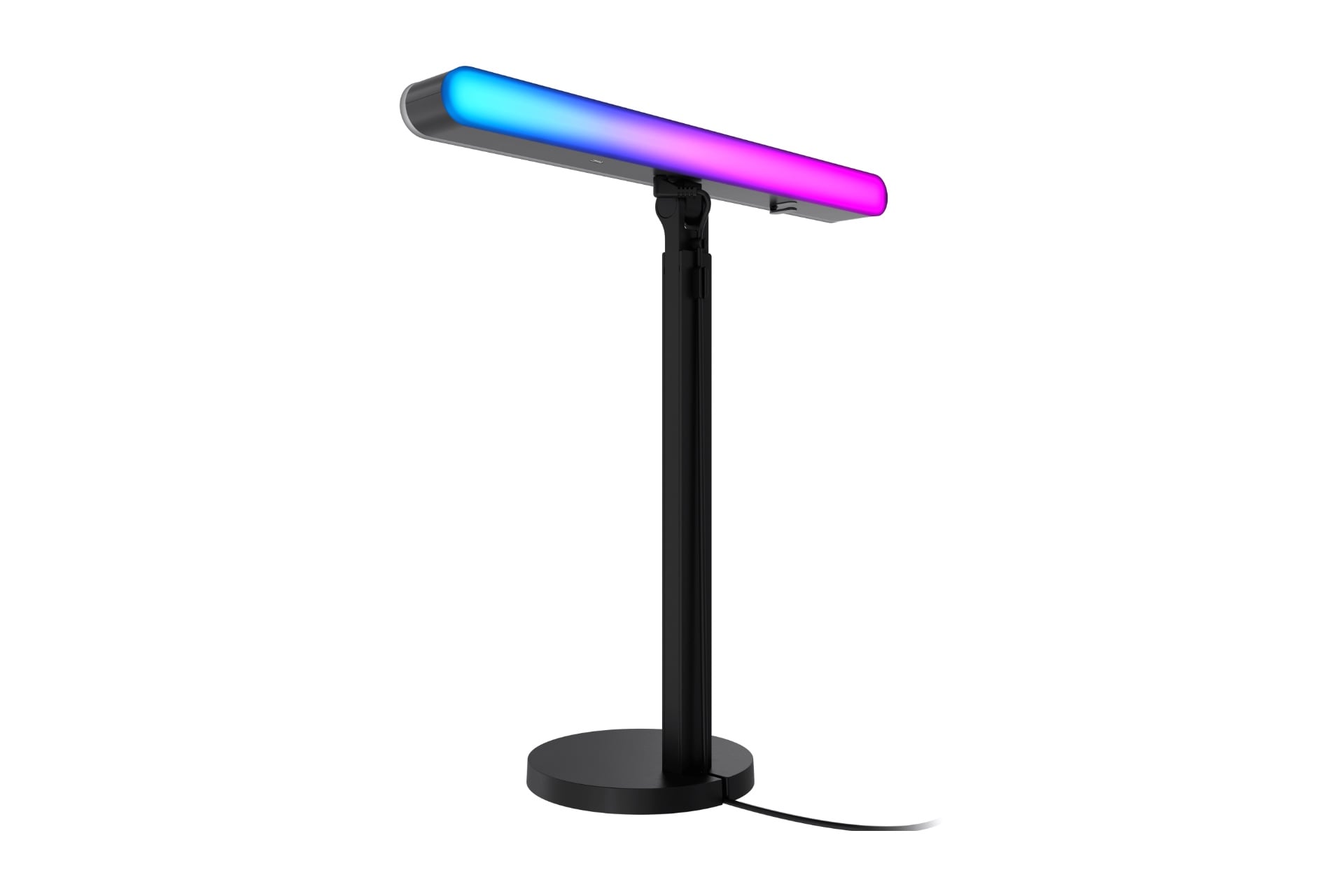
So this one isn’t a smart home product in the traditional sense, but it’s fun and fits the vibe. The $160 Logitech Litra Beam LX is a free-standing, double-sided LED light bar that’s mainly aimed at creators but is also a very nice desk lamp. It can be connected to and controlled by a PC or Mac using the Logitech G Hub app. On one side, the bar features RGBIC lights that show a full spectrum of colors across its surface, while the other side outputs a broad warm-to-cool range of white light.
The Litra Beam LX’s stand is height-adjustable and lets the light pivot 360 degrees, as well as tilt forward and sideways, letting you point it down when you’re working on a paper or get even lighting when you’re, I don’t know, making a TikTok. It can also sync with your computer monitor to create a color-matched backlight that some folks find more immersive when gaming or watching their stories. I’ve used one of these for a couple of years, mainly configured to automatically activate when my webcam activates for video calls. Logitech also sells a cheaper, white light-only variant for $120.
1. Matic robot vacuum
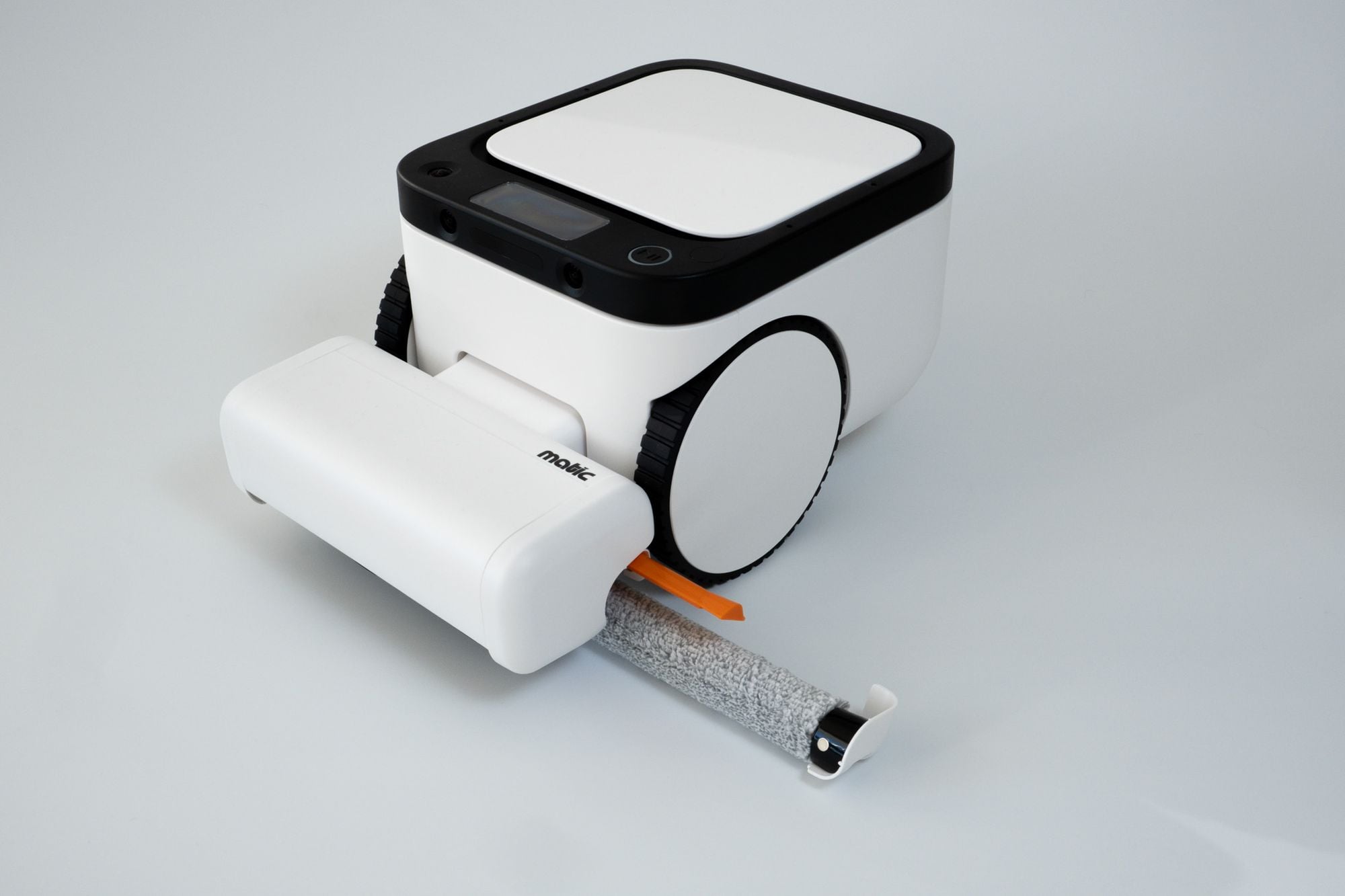
The Matic robot vacuum is a bit of overkill, given that it costs $1,245 (and is due to jump to $1,495 in September thanks to the ongoing, AI-spurned RAMageddon), but it’s also the only robot vacuum I’m aware of that lets you use all of its fantastic app-based features via Bluetooth, with no Wi-Fi connectivity required. That, its very good navigation, solid vacuuming and mopping performance, and no gargantuan dock to deal with makes it, without a doubt, my favorite robot vacuum. I don’t even care that it’s too tall to go under my couch.