There’s a hell awaiting any poor saps trying to buy a laptop in 2026. When you’re asked to comprehend the labyrinthine digital store pages from PC makers like Dell, Lenovo, and Microsoft itself, you’ll find more lower-cost PCs with conspicuous specs. More than ever, they are proposing you should buy a laptop that costs close to $1,000 packed with only 8GB of RAM.
Before Windows 11, in the pre-2020 era, 8GB of RAM would have been enough. It’s not the same case in 2026. Laptop makers are being screwed at both ends by memory prices, and they’re passing costs on to consumers. Some of the few “cheap” laptops available this year come with bare-minimum RAM specs. So you need to know if a typical PC user can make do with 8GB of memory. I’m here to tell you, it’s certainly doable. Is it the smooth experience you truly want? No, not at all.
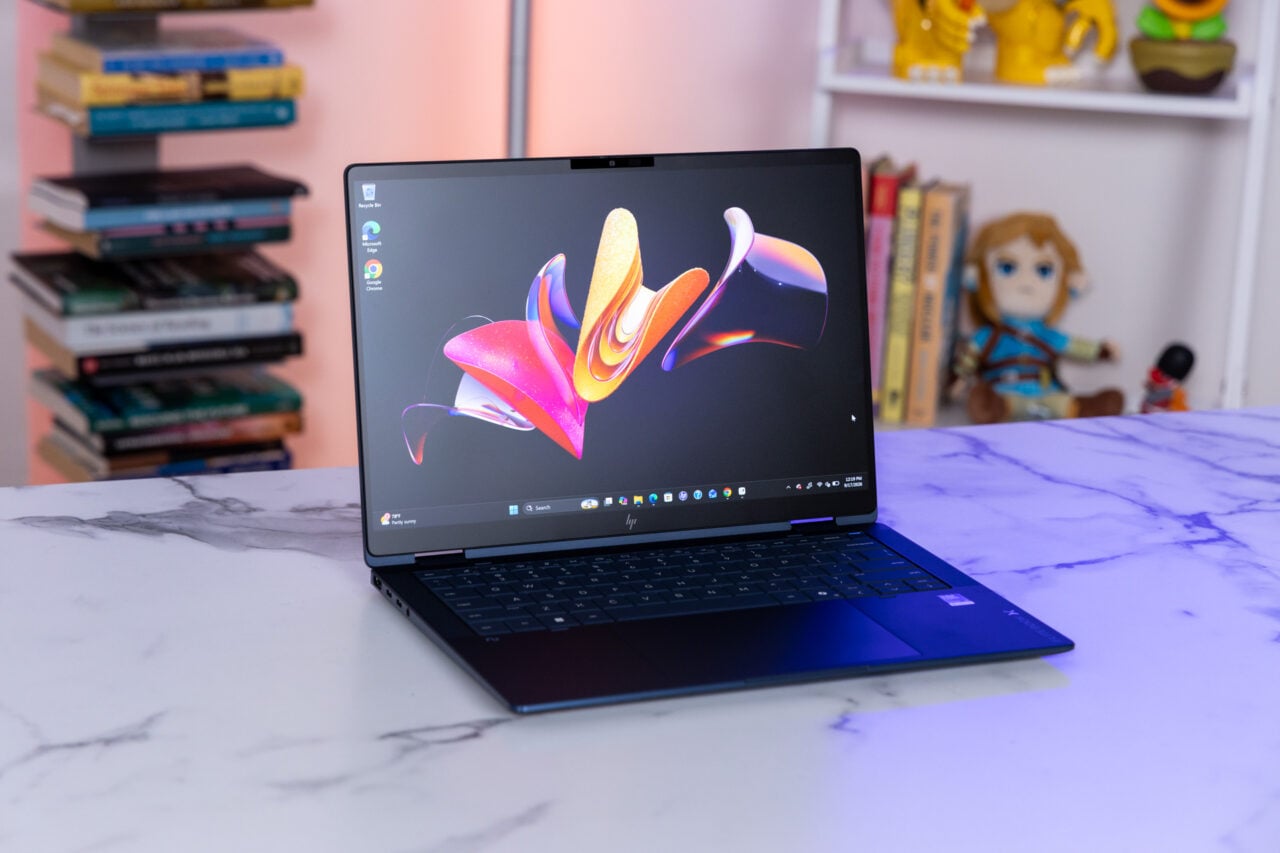
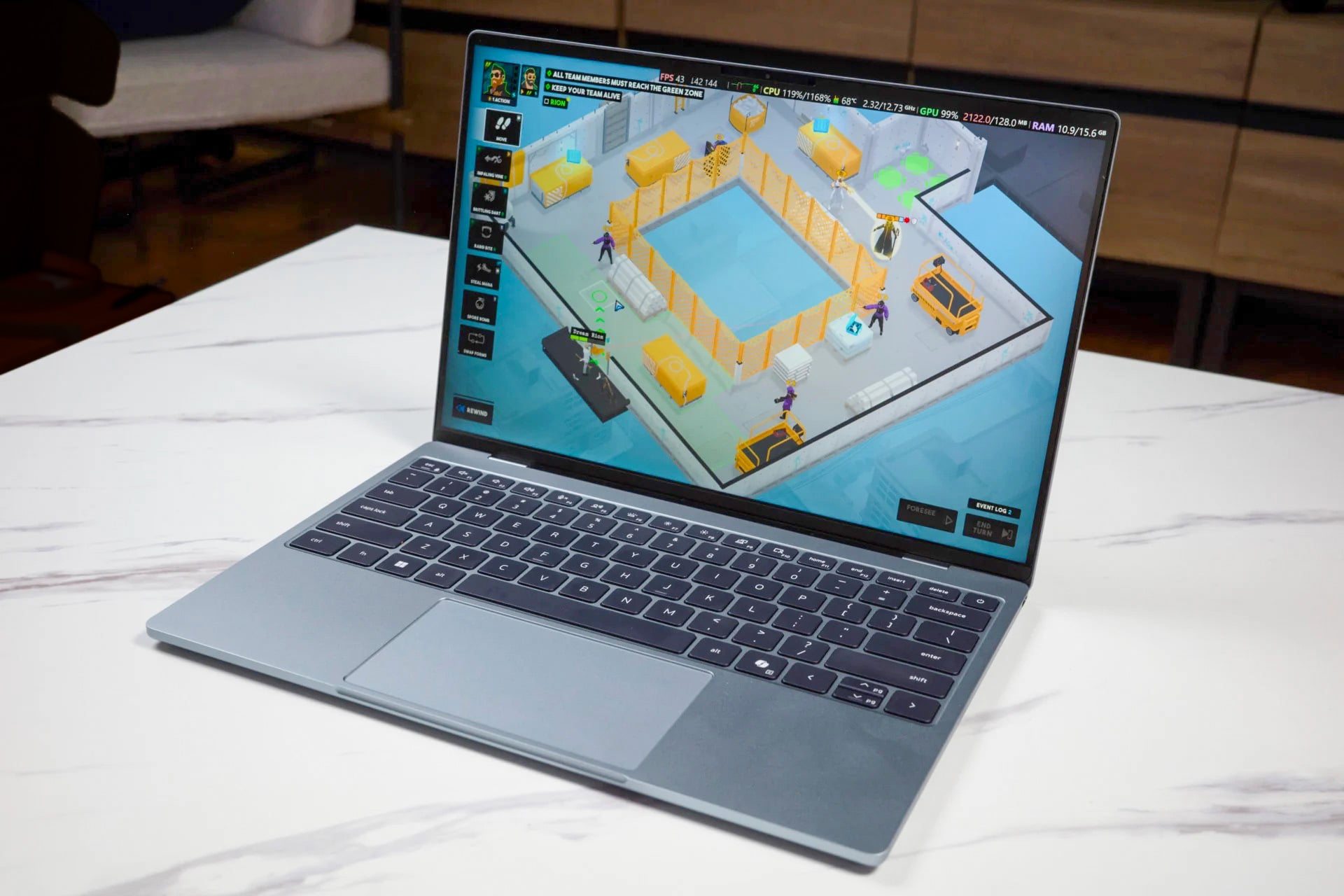
I already reviewed the $900 version of the Dell XPS 13 with its 16GB of RAM. I enjoyed the laptop quite a bit. It became a routine companion, and it’s one of my top suggestions for incoming students who need a low-key back-to-school PC. But there’s a version of the XPS 13 that costs only $700 ($600 with a student discount) and comes with only 8GB of single-channel LPDDR5x, 7467MT/s RAM.
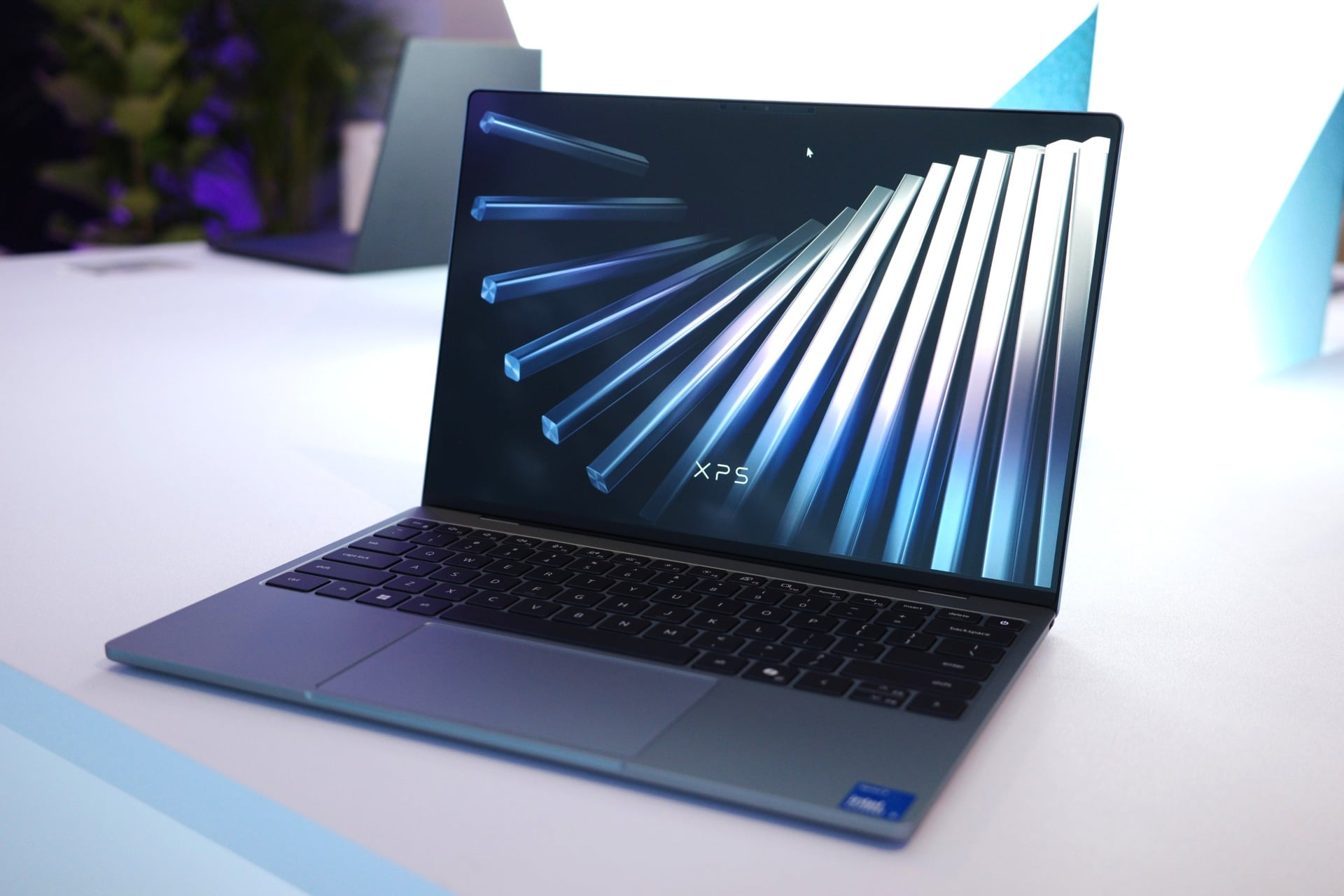
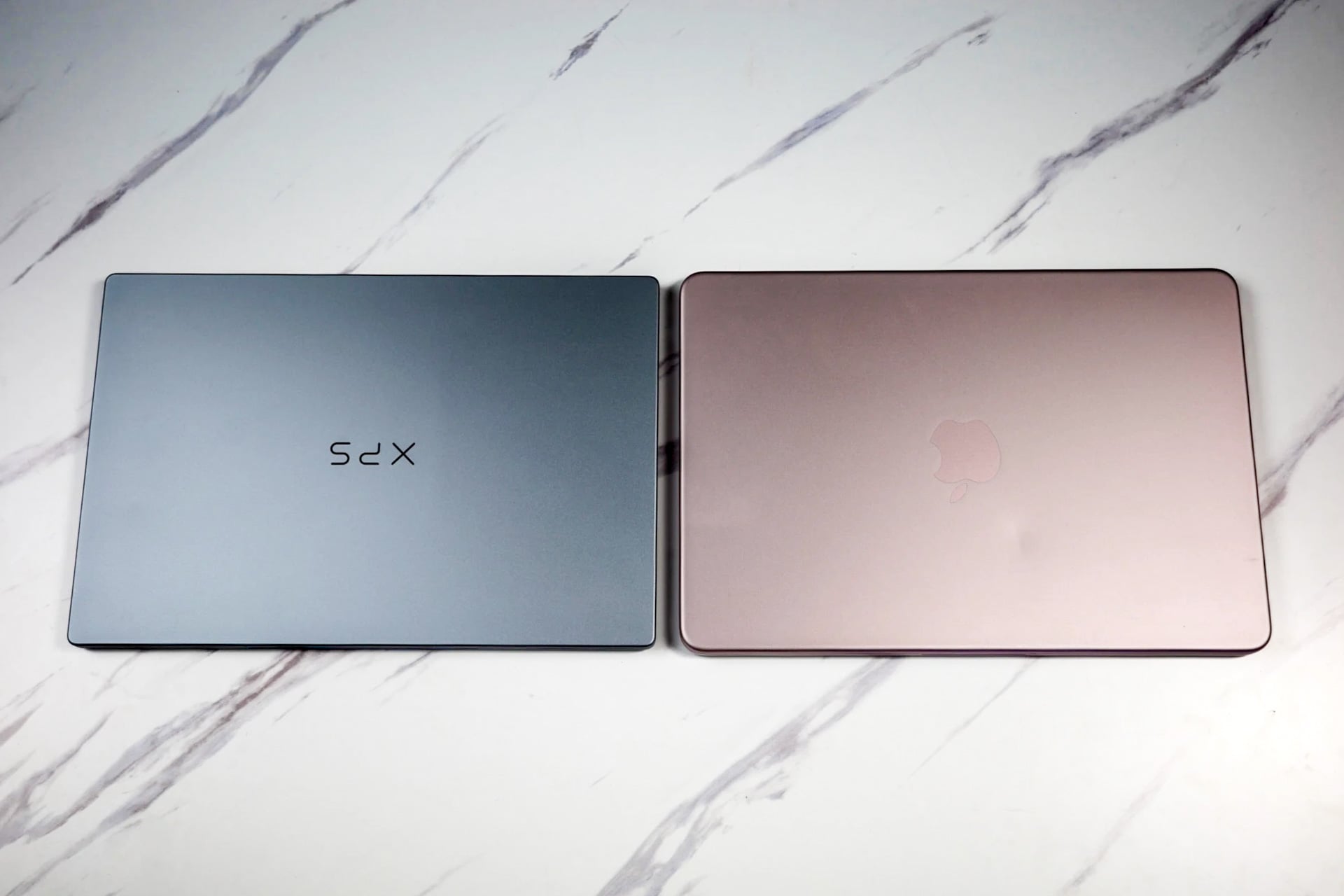
It’s the only version of the laptop that can match the current price of Apple’s $700 MacBook Neo. Apple pushed a laptop with only 8GB of unified memory (a shared memory pool between the CPU and GPU). While that’s enough RAM for a Mac, Windows 11 suffers by that memory spec. I spent the last two weeks with the Dell XPS 13 with 8GB of RAM as my main daily driver. If you want to know how it went, I wrote, blogged, edited photos, and completed all the tasks I need to on a daily basis. The real problem is the small, unavoidable hiccups and slowdowns that turn an average day into a slog.
Today’s web browsers can easily eat up a ton of RAM by themselves. But if I’m running Chrome with a dozen or more tabs open, I still need to have my Slack open to bombard my coworkers with drips and drabs of tech news. I may also want to have my Discord app open to—I’m sure my editor will enjoy hearing this—talk to my friends about anything that doesn’t involve work. That stack of apps alone is enough to max out system memory and cause random seizing and other issues when multitasking.
I could feel this sluggishness take hold during an average work session. Pages that I expect to load quickly took seconds longer than they should. Other apps loaded slower as well. This played out in CPU benchmark tests like Geekbench 7. The XPS 13 with 8GB of RAM performed 9% worse than the 16GB model. In Cinebench 2026, which tests how well the CPU handles rendering tasks, the laptop performed 6% worse.
You don’t have to look far to identify the culprit. Microsoft designed many of the menus and widgets of Windows 11 around the WebView2 engine. It’s based on Chromium, the same infrastructure that powers practically every browser available. It’s also hard to gauge how much memory Windows is actually using, since the OS pre-loads memory that’s not actively in use.
It’s not just Microsoft eating away at memory. Dell also automatically runs Dell Core Services and Dell Instrumentation, which manage the pre-installed security and optimization apps like Dell SupportAssist. While the PC maker claims its apps don’t impact average CPU performance, they certainly eat at the memory pool. You can delete some of these apps and disable most apps on startup, but it won’t stop Windows 11 from tanking the PC’s performance.
Microsoft is working to fix these issues, but that requires reinventing whole aspects of the operating system to rely less on WebView2. So you end up in a situation where I can recommend the Dell XPS 13, but for a consistent experience you have to accept the need to spend more. Qualcomm is working on new, cheap Snapdragon C chips for Windows 11 PCs that will likely come specced with only 8GB of RAM. I have yet to use any of those laptops, but if nothing changes with Windows 11, I doubt any laptop with minimum memory can be worth your time.