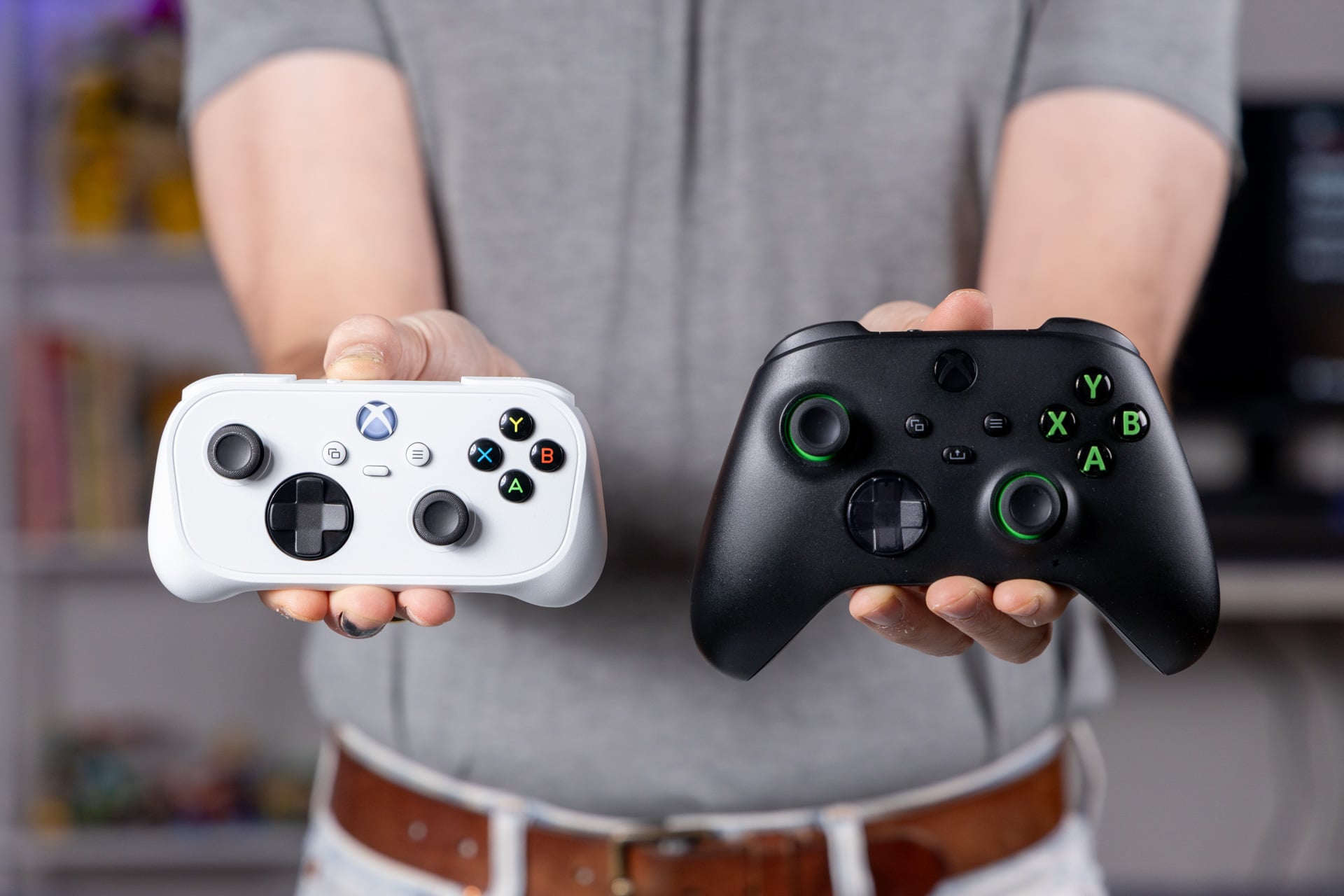
The Xbox Nano Controller is like a bright, funny, and exceptionally cute child split between parents going through the painful stages of divorce. It was built for another era of Xbox when the company still thought “Everything is an Xbox” was a tagline to get the crowds excited. That was an age when Microsoft imagined everybody would be keen to pay a monthly subscription to game on the cloud rather than on their Xbox or PC.
Xbox Nano Controller
When you're looking to avoid hand cramps on the go, the Xbox Nano is your best bet. Still, would it kill Xbox to give us Hall effect sticks?
Pros
- Excellent comfort and feel
- Thonky buttons
- Full analog triggers
- Wireless firmware updates
Cons
- Potentially drift-prone sticks
- Cloud connectivity isn't all there
- Limited battery life
The $50 device has subtle capabilities that few modern controllers can claim. Unfortunately, you likely won’t end up using most of them. Instead, you’ll treat the Nano like you would any Xbox controller, just with a limited built-in battery that may not manage to match an entire extended flight from start to finish.
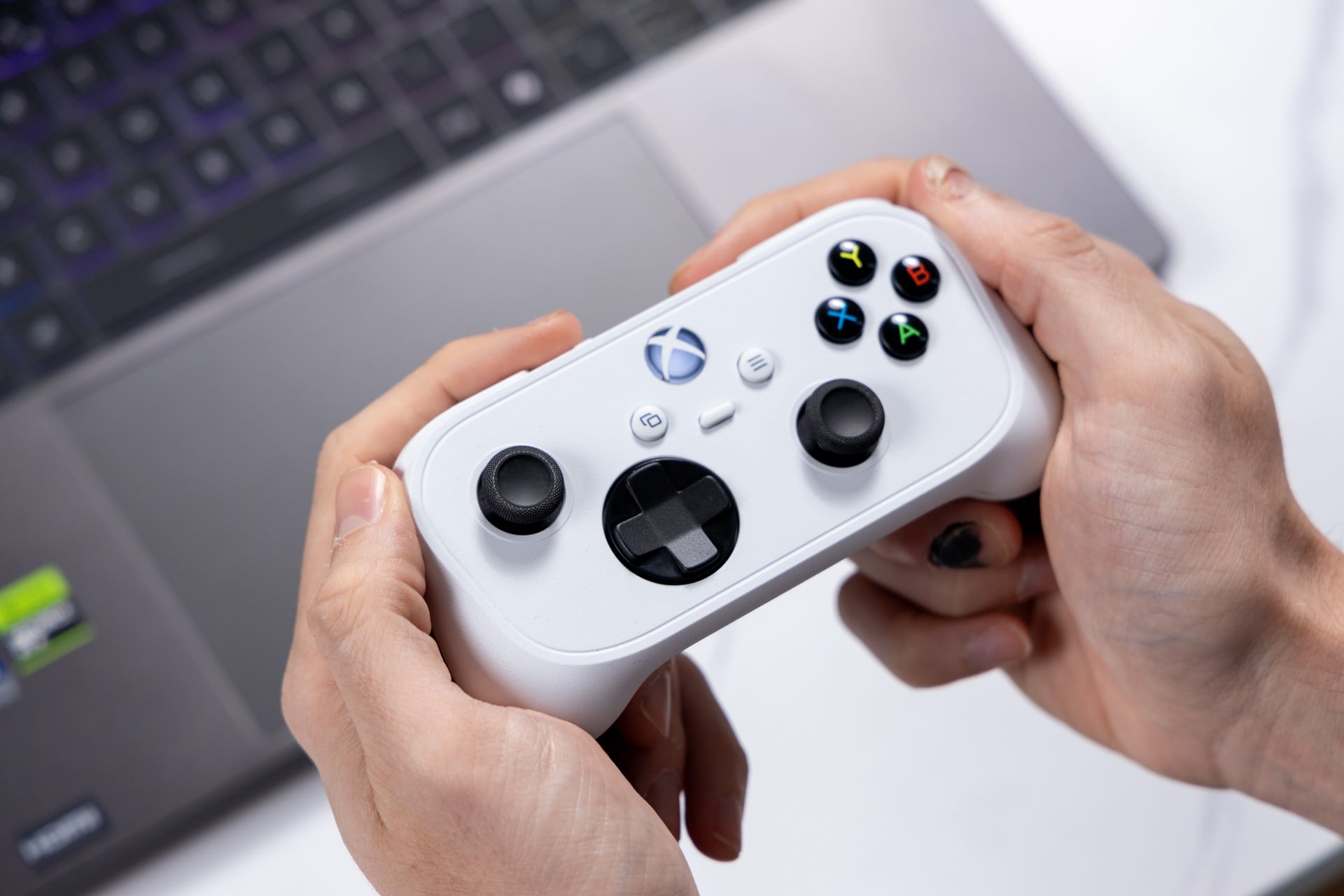
The Nano controller takes inspiration from long-dead services like Stadia with the ability to play Xbox Cloud Gaming with relatively minimal latency via a direct Wi-Fi connection. But none of that actually matters all that much. This is now my favorite little travel controller, and it would be perfect if only it contained some amount of vibration or rumble to make gaming feel more immersive on the go. No, this isn’t what we should expect from future console hardware. It’s still potentially my favorite small-form-factor controller, if only for how well it fits into my massive, meaty claws.
No more claw-like grips
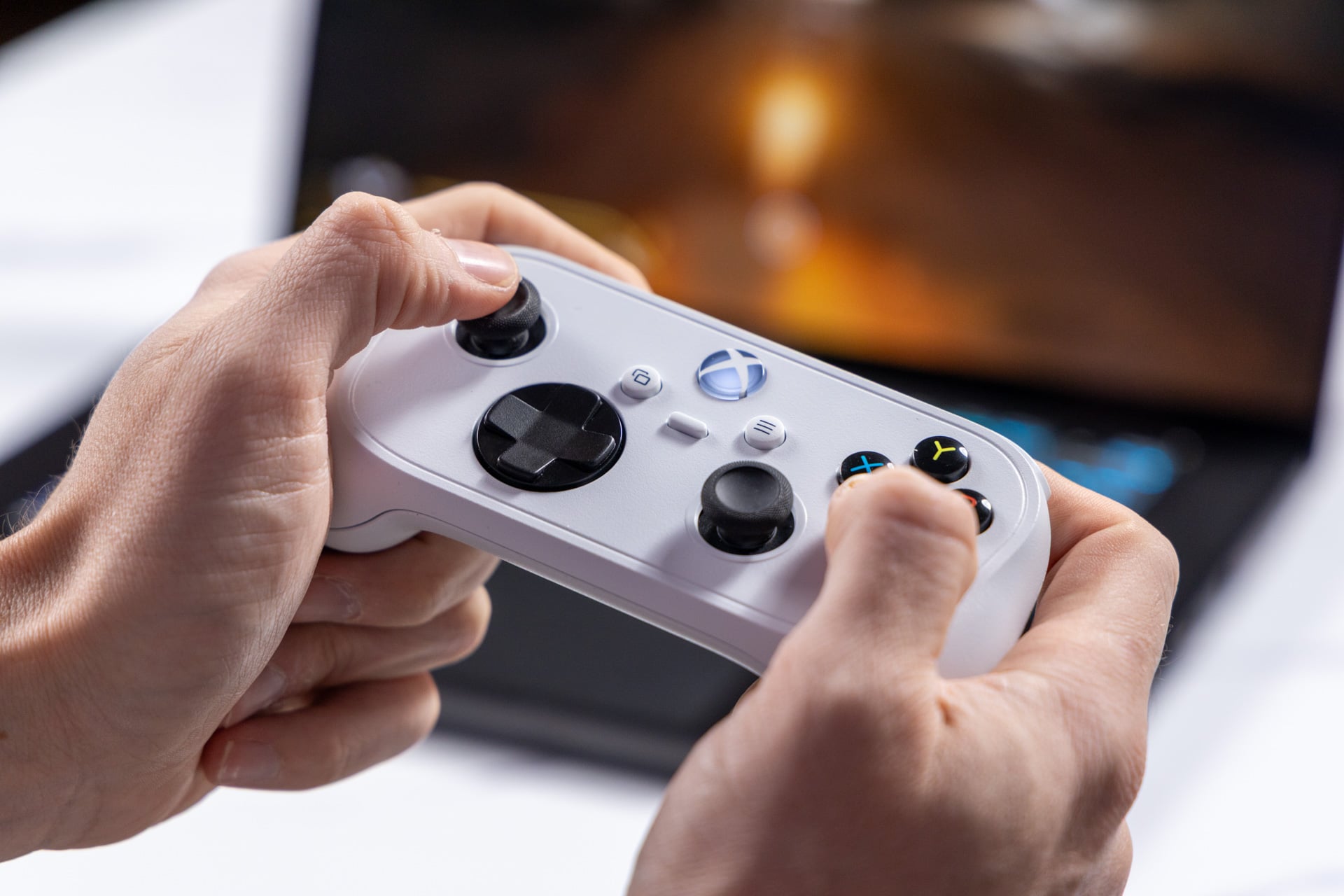
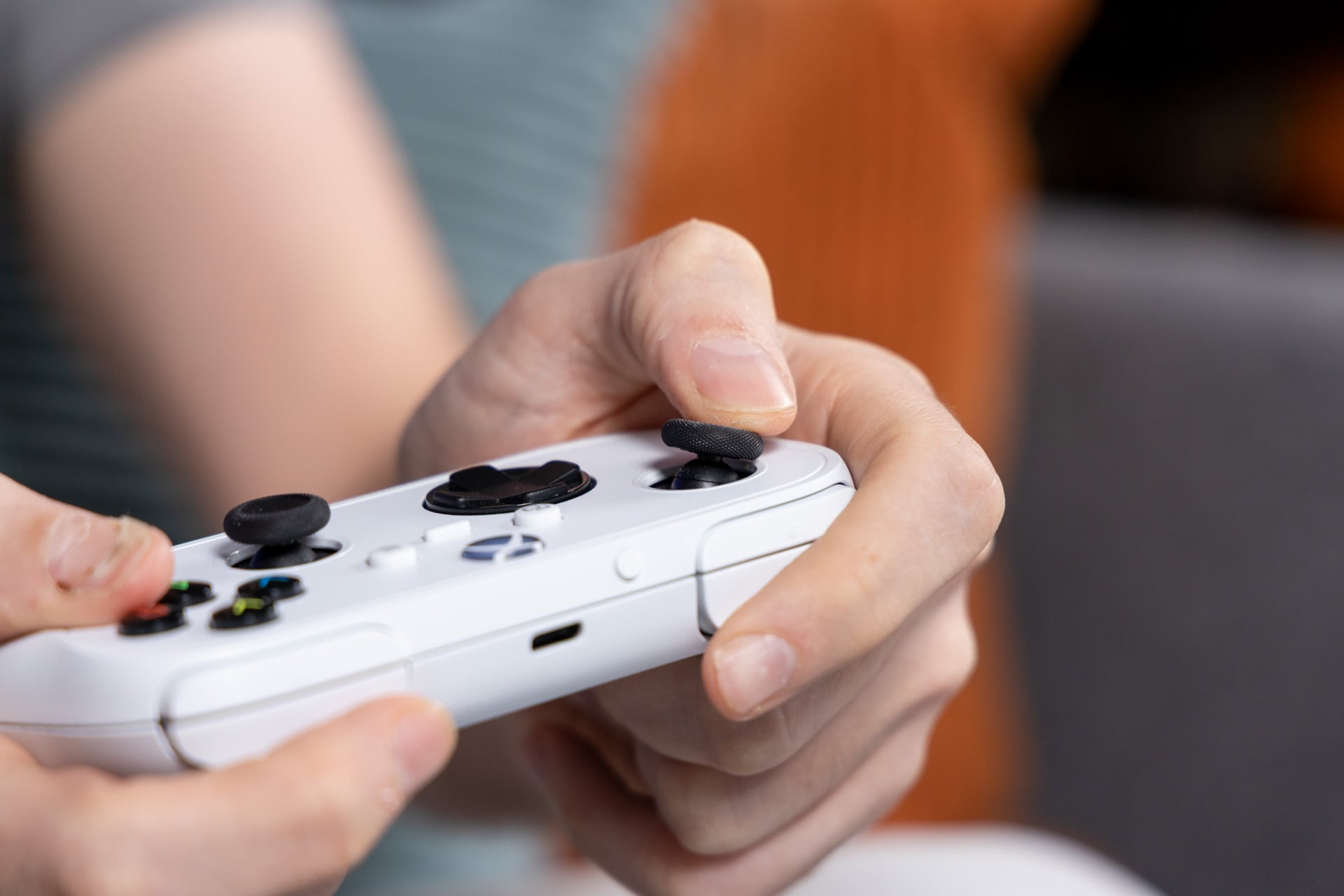
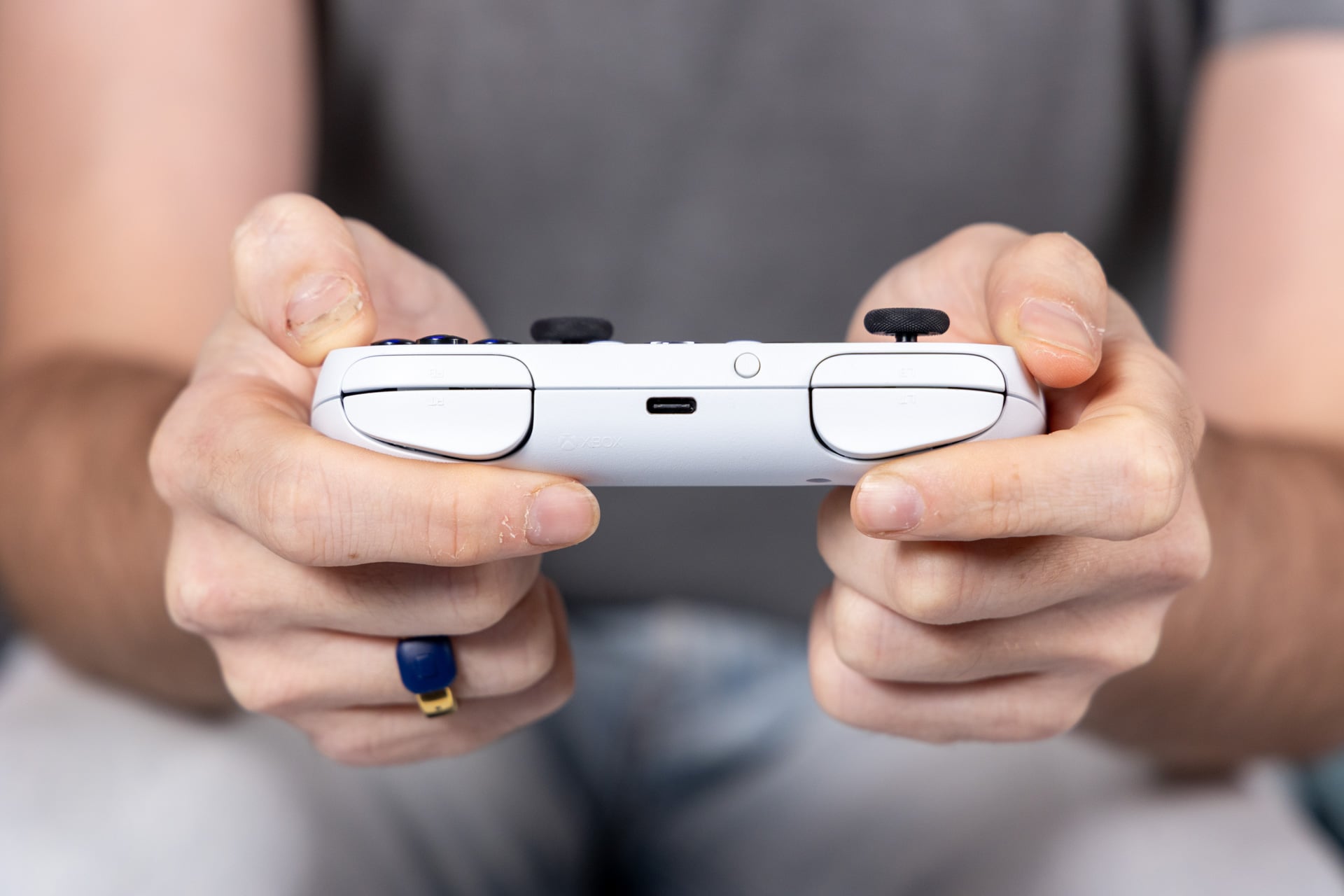
Out of all the companies making portable controllers, it’s Xbox that somehow crafted the one that’s most fine-tuned for adult-sized mitts. Don’t let the small stature and shape of the controller fool you; the Nano slips into my hands without any sense of cramping or button inaccessibility. With the miniaturized grips in the back, my middle fingers find a resting point on the plastic while the rest of my digits can close into a fist. I played several hours of Gears of War: E-Day and Star Wars: Galactic Racer this way, and after a few minutes I was playing without any sense that I was gripping such a small gamepad.
The Nano contains two fully analog triggers rather than the clicky digital triggers you may be used to on a Nintendo Switch 2‘s Joy-Con 2 controllers. The action feels smooth, with a forceful springiness that’s especially pleasant for larger hands. Still, they don’t have the kind of travel you’d expect from a larger Xbox controller. This means it can be more difficult to feather the brake and throttle in a game like Forza Horizon 6 or get the perfect boost start in Galactic Racer.
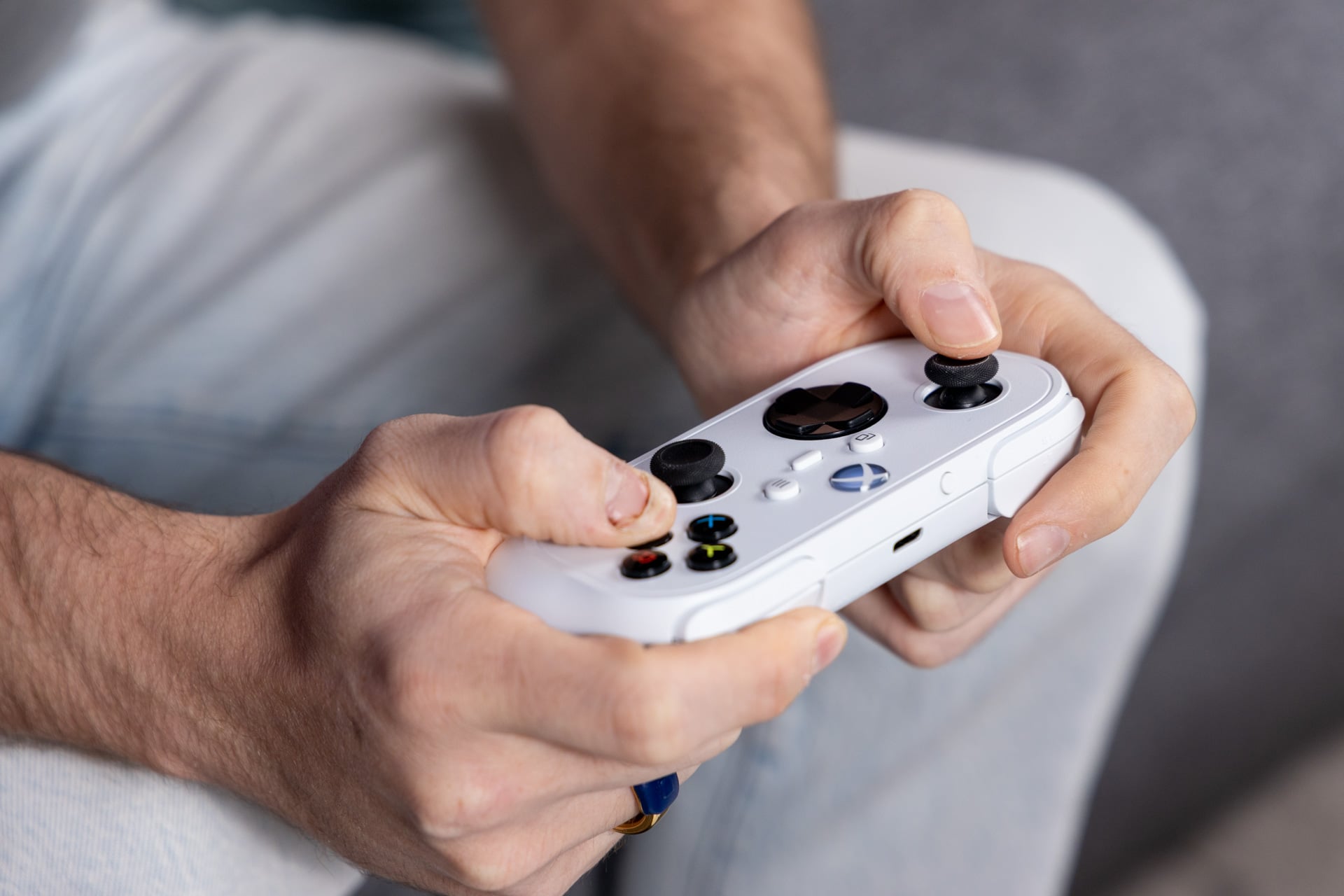
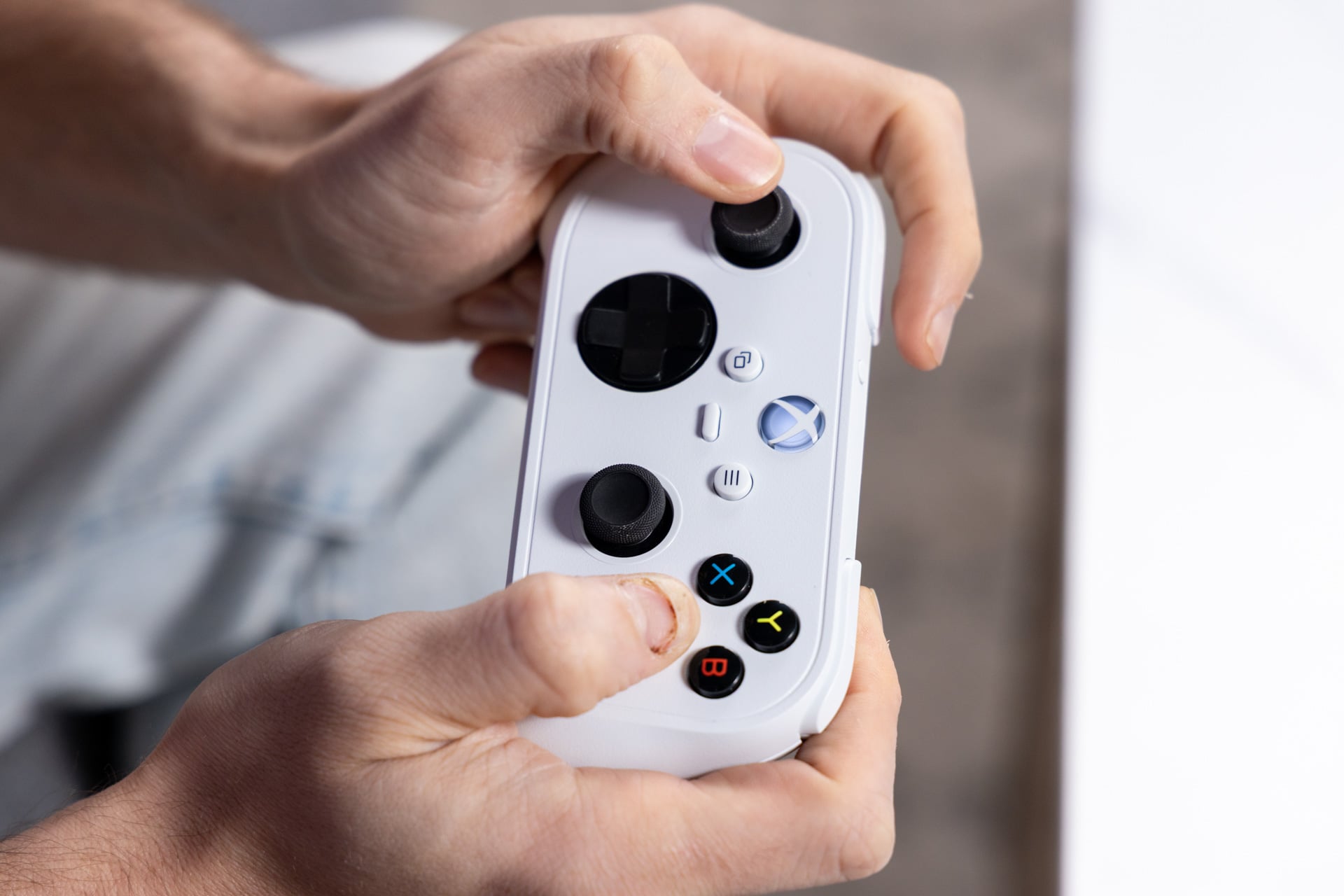
The A,B,X,Y button set has a thonky feel, though your partner may not enjoy the loud, hollow sound of each press while you’re both trying to relax in bed. The D-pad is also surprisingly sturdy. I miss the micro-switch directional pad of the larger Xbox controller, though I appreciate how they kept the same shape and feel on the Nano gamepad.
In addition, Xbox included a single programmable button instead of the typical Share key. You can use the Xbox Accessories app on PC or Xbox Series consoles to set it for different actions, like a long press to take screen recordings on consoles or hit some other macro on PC. There’s nothing wrong with a bit of customizability.
If I have one main complaint, it’s with the joysticks. They don’t feel terrible. They’re full-sized with grippy sides that keep my fingers locked in. They’re thinner than a typical Xbox gamepad, but I didn’t expect more from such a small controller. The main problem is that these are still using the age-old potentiometer stick design. That means the Nano is susceptible to stick drift, where wear and tear leads to inputs you didn’t intend during gameplay.
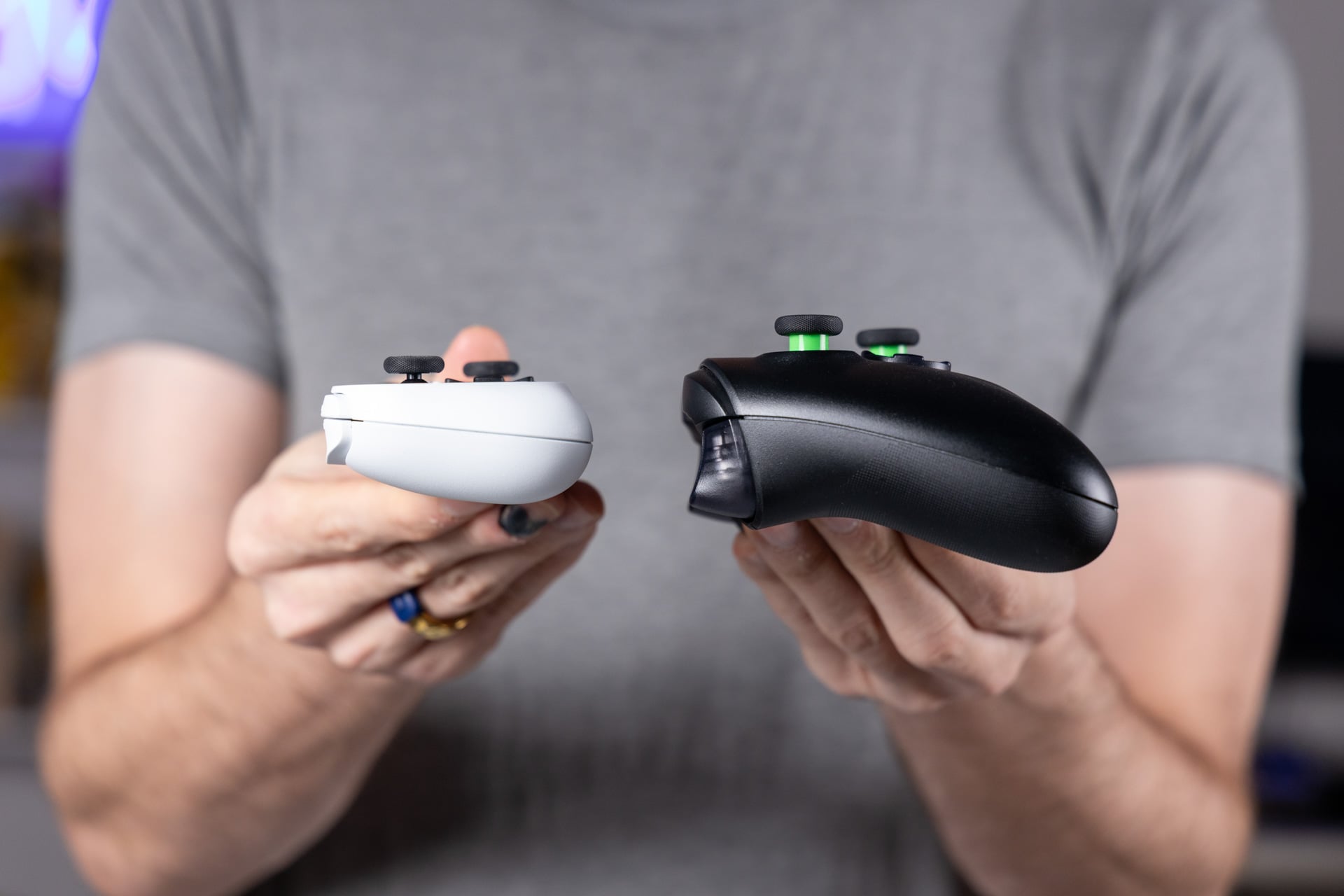
This obsession with old-style sticks is just blatantly annoying. The pint-sized 8BitDo SN30, with its similar Xbox functionality and branding, uses Hall effect sticks that are more drift resistant. There are so many modern technologies that offer precise, drift-resistant controls, from TMR—available on Xbox-branded devices like the Asus ROG Xbox Ally X20—to even more modern capacitive sticks, like we’ve seen on devices like the Razer Prio fold-out mobile controller. No major console maker has yet to abandon the potentiometer, and the first one to do so will claim my kudos with a note that reads, “Took you long enough.”
Is cloud streaming really your plan for mobile gaming?
Xbox didn’t exactly sell the Nano Controller on the back of its cloud connectivity. In fact, it’s a feature that’s so hidden you have to look at the Xbox beta app on Android to find the feature. In essence, the controller works like an old Stadia controller that hooks up to the same Wi-Fi connection you’re streaming games from. This reduces input latency and leads to a cleaner gaming experience.
It took me several attempts to get the Nano connected to my home Wi-Fi with the use of the Xbox beta app. Though multiple guides stated this feature is available through the Xbox accessories app, I couldn’t actually get my controller connected in that fashion. Still, it is an option for gamers still beholden to their Game Pass or Xbox Cloud Gaming subscription.
It’s a shame then that Xbox is actively disuading users from jumping into cloud gaming. This month, Xbox instituted new hourly limitations for how long you’re able to game on the cloud each month. Those with base Game Pass Essential subscriptions can only game on the cloud for five hours each month. Premium subscribers get 10 hours, while Ultimate users can claim 15 hours. I know I’m lucky if I can spend 15 hours in front of my console between work and relationships, but I’d rather know I have access to my games whenever rather than be beholden to both my internet connection and Xbox’s restrictive clock limits.
There are some other benefits to this controller’s Wi-Fi connectivity. You can update the firmware simply by loading up the Xbox Accessories app and downloading the update directly to the Nano; no need to source a USB-C cable. Otherwise, I would have preferred the controller include any semblance of rumble rather than pack a Wi-Fi chip inside.
There’s another limitation for the Nano’s size and weight. A typical Xbox gamepad makes use of two AA batteries. Some gamers prefer this to the shorter lifespans of rechargeable batteries, though the Nano is packing a 500mAH battery inside. That’s enough to get you around five hours of constant game time. The controller charges rather quickly, and if you have access to a power cable, you can easily make it past the 50% mark from empty in under half an hour.
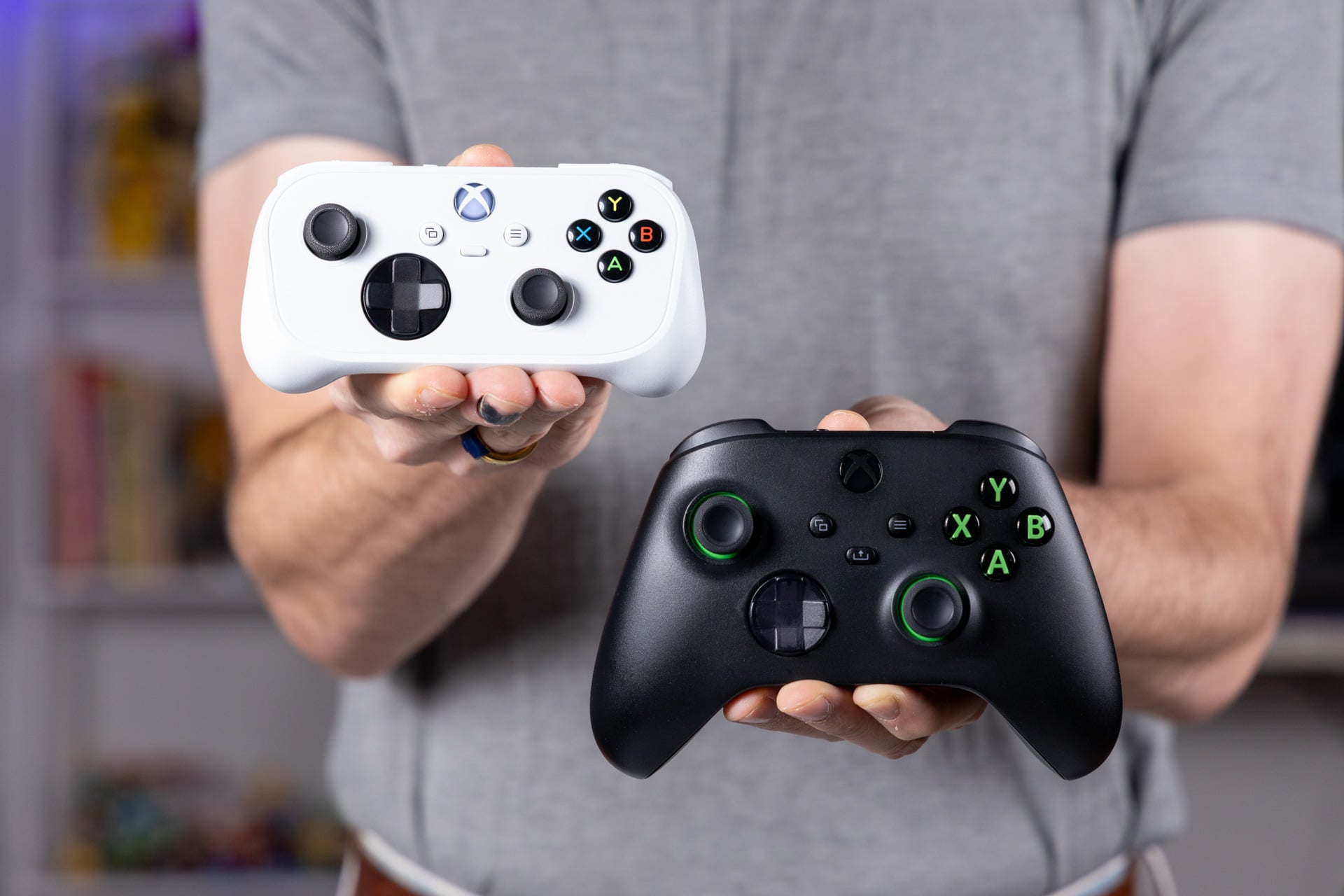
Taken all together, I would have preferred something that feels more premium, with better sticks and a clickier D-pad. At the same time, I enjoy the feel of it so much this could become my number-one travel controller when I’m gaming on a laptop. I’m just waiting for Xbox to truly decide what it wants its company to be and then bring us a controller that will match up to our new expectations. Hopefully, the long-rumored Elite 3 isn’t as much of a hodgepodge as the Xbox Nano is.