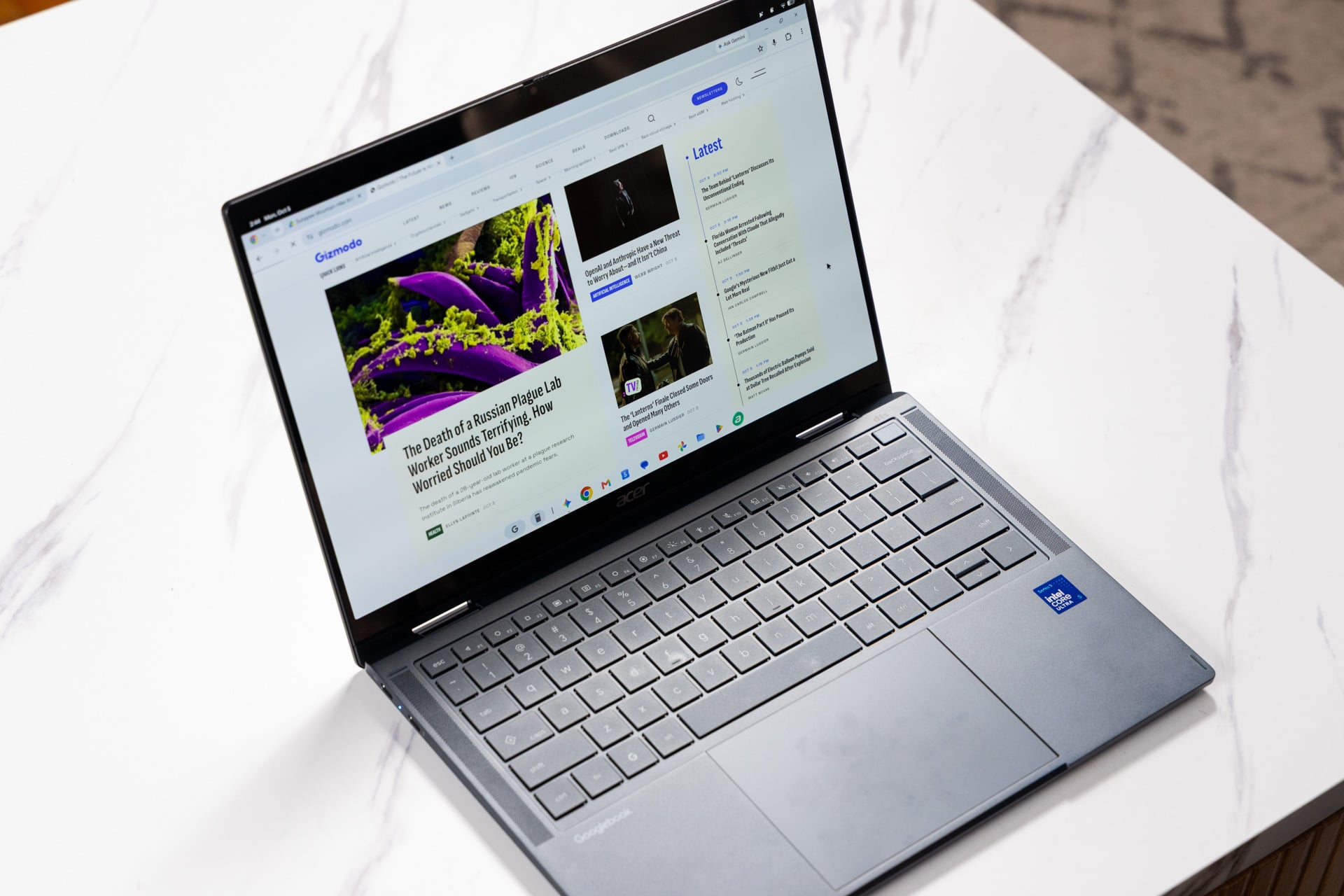
The era of the Chromebook is over, and rising from the ashes is the Googlebook, a reimagining of the previously super-affordable laptops as premium devices with a revamped operating system. The Acer Googlebook 14 is the first among them to hit shelves, and the only 2-in-1 currently available, making it the only option for convertible users who want to try out the new Googlebook OS.
Googlebooks aren’t taking the affordable approach their predecessors did, however, so the buy-in is double or even triple that of the cheapest Chromebooks. You should know what exactly you’re paying for and whether you really need it before taking the plunge.
Acer Googlebook 14
The Acer Googlebook 14 has the makings of a decent sub-$1,000 laptop, but its operating system was pulled out of the oven too early.
Pros
- Ultraportable and durable build
- Punchy keyboard
- Bright OLED display
- Solid performance
Cons
- Light on ports
- Software hiccups
- Battery life could be better
- Lackluster gaming experience
The Acer Googlebook 14 is the cheapest Googlebook OS device announced so far, with a starting price of $899. That gets you an Intel Core Ultra 5 325 processor, 16GB of RAM, and a 512GB SSD. The Intel Core 5-series processor was previously found in budget-to-mid-tier laptops costing around $500, like the HP Laptop AI 15t-fd200, but this generation of Ultra Series 3 bumps the price even closer to the four-digit mark. That’s a bit pricey for my blood, but a few unique features, including build quality and an OLED display, justify the premium of the Acer Googlebook 14.
This laptop’s main calling card is, of course, its operating system. I was excited to get my hands on this successor to ChromeOS, especially since it has been marketed as a great companion for Android devices. However, my experience with the Acer Googlebook 14 wasn’t what I expected. Let me explain.
The Googlebook experience
If I had to describe using the Acer Googlebook 14 in the crudest way possible, it’s like giving an Android smartphone a keyboard and a bigger display (except for real this time without the need to rely on emulation or cloud-based services). That might sound like good news to Android enthusiasts seeking a seamless connection between their phone and laptop, but there’s more friction to the experience than you might expect.
The biggest upgrade we got moving from ChromeOS to Googlebook OS is that Android apps are fully native on the latter. That’s a win for sure, eliminating the performance issues you encounter with emulation like general slowdown and battery drain. However, Googlebook OS still forces you to experience an app the way you would on an Android phone. If I wanted to do that, my first instinct would just be to use my phone. That would be true even if the Googlebook app experience weren’t littered with compatibility problems.
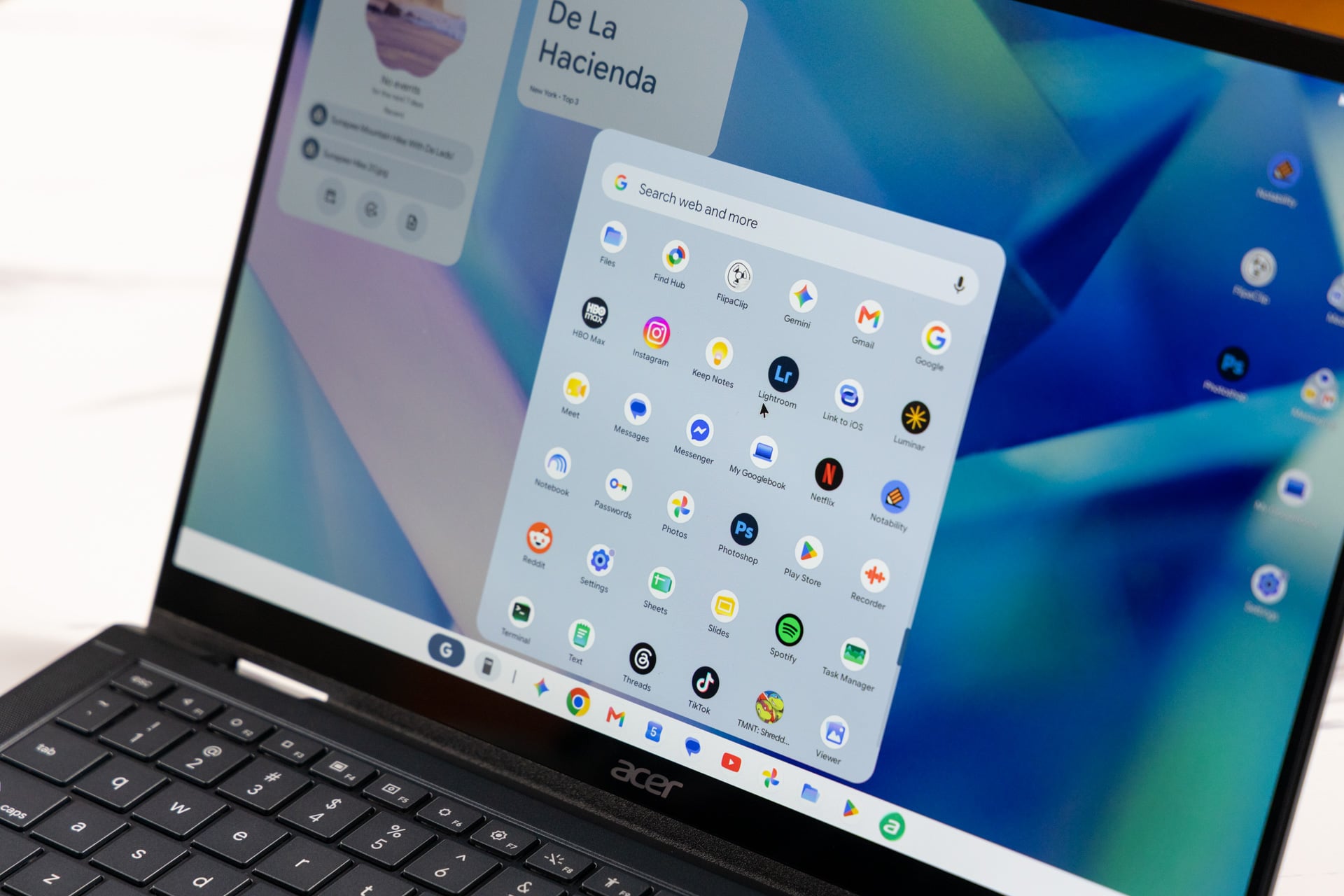
For example, when I set up the Acer Googlebook 14 with my Pixel 9, I attempted to sync all my apps, but the results were hit or miss. Services like Discord and Spotify, which require a login, prompted me to re-enter my credentials. This wasn’t a big deal, but it made for a frustrating setup that took half an hour to get through everything. Meanwhile, the login-free Finch app carried over my data just fine, but then refused to sync with my smartphone’s version of the service, meaning I had essentially signed myself up to care for two distinct virtual pets. This happened because it’s currently up to developers to update their Android apps to play nice with Googlebook OS, so your mileage will vary depending on whether an individual service has bothered to do so yet.
The Google Play Store now identifies apps that are compatible with Googlebook OS desktop, but compatibility doesn’t always equal a good experience. Compared to the same desktop apps on macOS and Windows, apps like Google Chrome don’t look or feel nearly as clean to use (which is a shame because ChromeOS actually ran the desktop version). Simple tasks like making a video fullscreen required the app to pause and readjust. The fact that you’re technically using the mobile version of Google Chrome became more apparent when I was downloading an app, and the browser identified my device as a phone rather than a laptop when requesting permissions. Other apps are also basically blown-up versions of their mobile counterparts, with wider visual elements and certain sections you would find on their desktop counterparts completely missing. On Spotify, a single album takes up the whole app, and you can’t see the navigation to playlists on the left or the album cover on the right. In Discord, I couldn’t see the server members on the right side. This felt similar to using ChromeOS.
A feature called Cast My Apps is supposed to let you pick up where you left off on your smartphone (so you can put it away) by streaming your smartphone screen directly to your Googlebook. However, this is not particularly useful at the moment. For example, Discord via Cast My Apps was almost completely broken and wouldn’t let me navigate anywhere. Brave was more functional but severely laggy, making both trackpad navigation and typing feel staggered. The idea behind Cast My Apps is that it allows you to use smartphone services without installing them on your Googlebook, but there’s obviously no point in doing that if the experience is slow or broken.
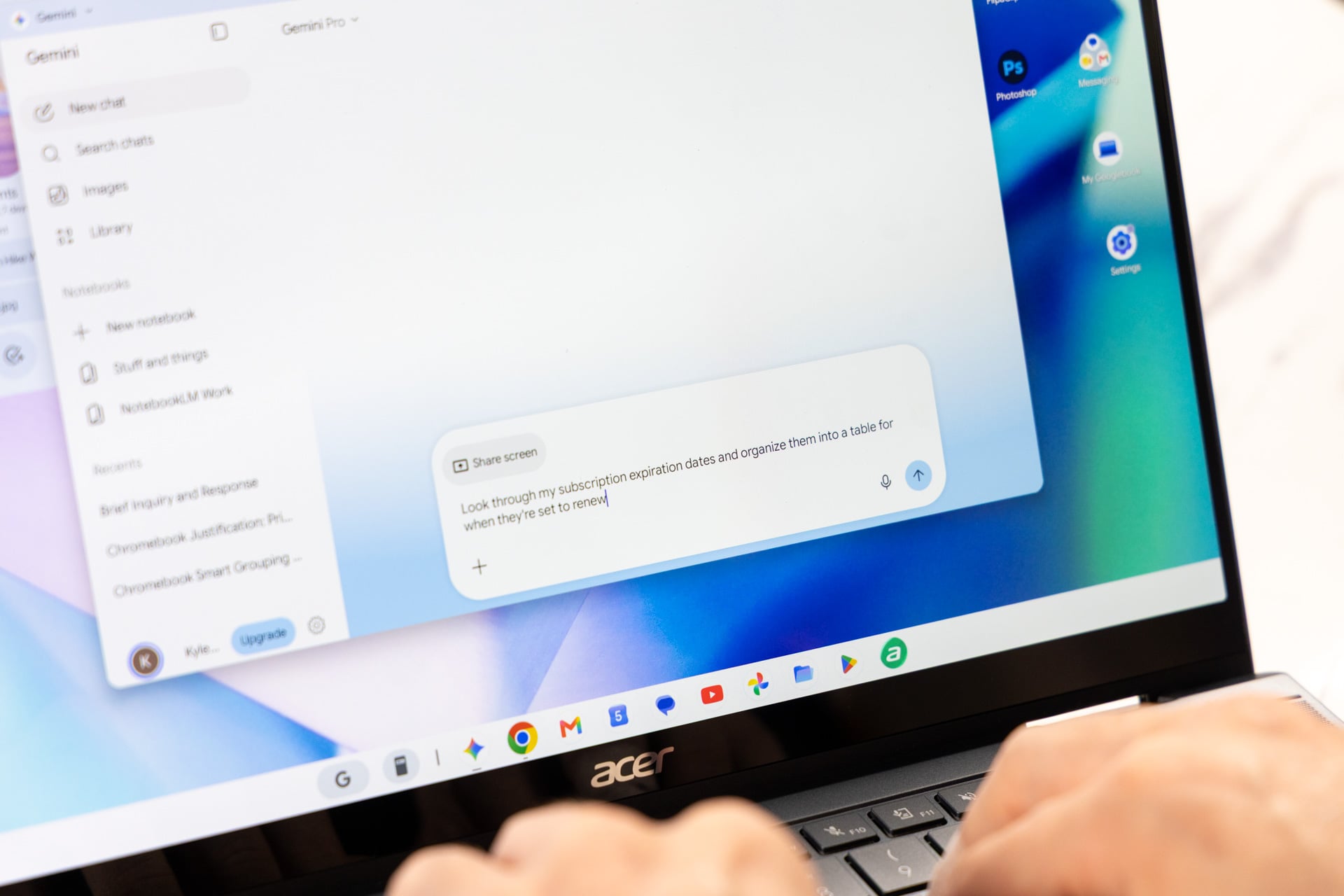
If you’re a fan of Gemini, the standout feature will be Magic Pointer, which lets you wiggle your cursor and ask Gemini about elements on your screen. For me, this was more novel than useful on a day-to-day basis, but I can see it being helpful for shoppers and students trying to summarize or research what they’re looking at.
Premium build with a software hiccup
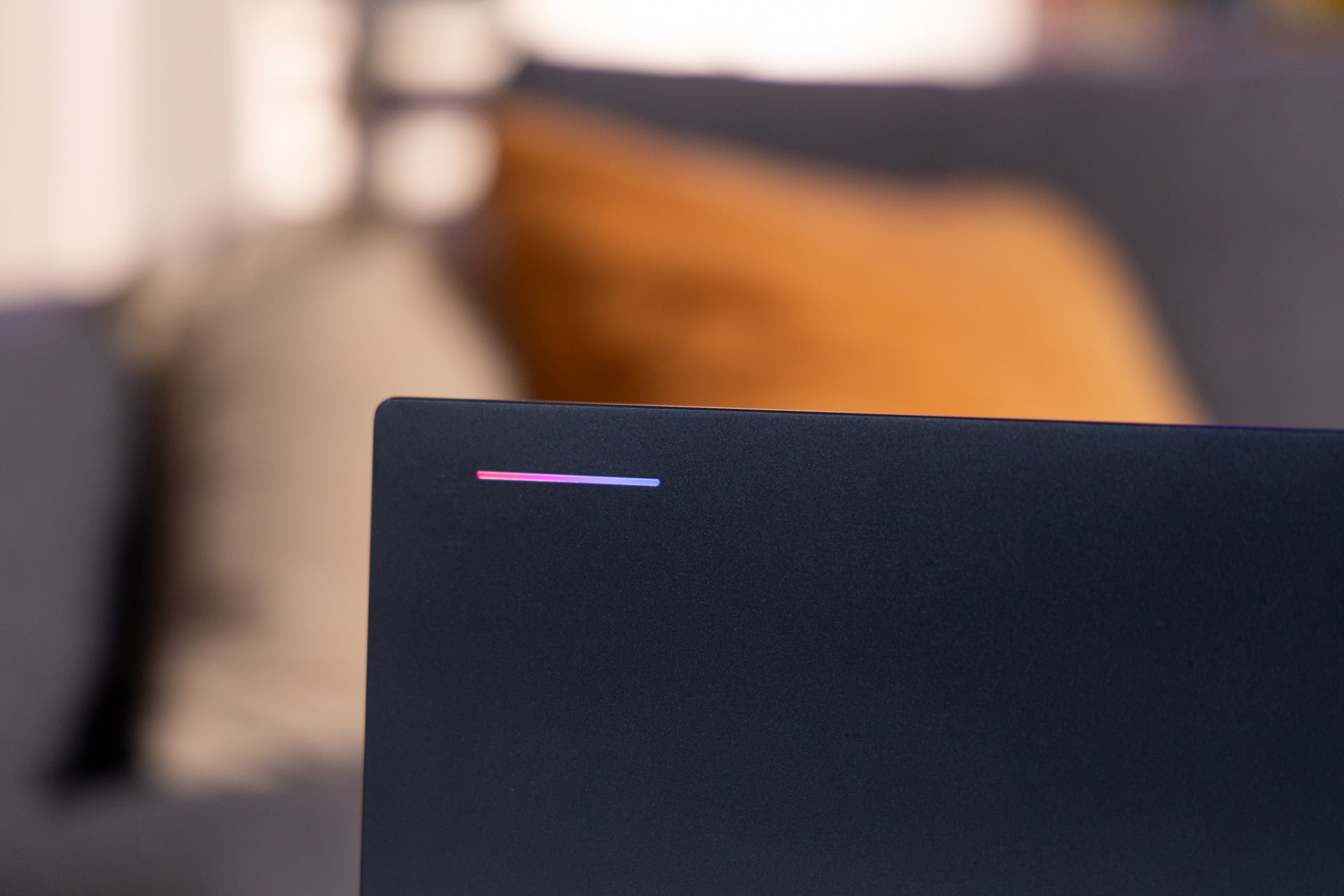
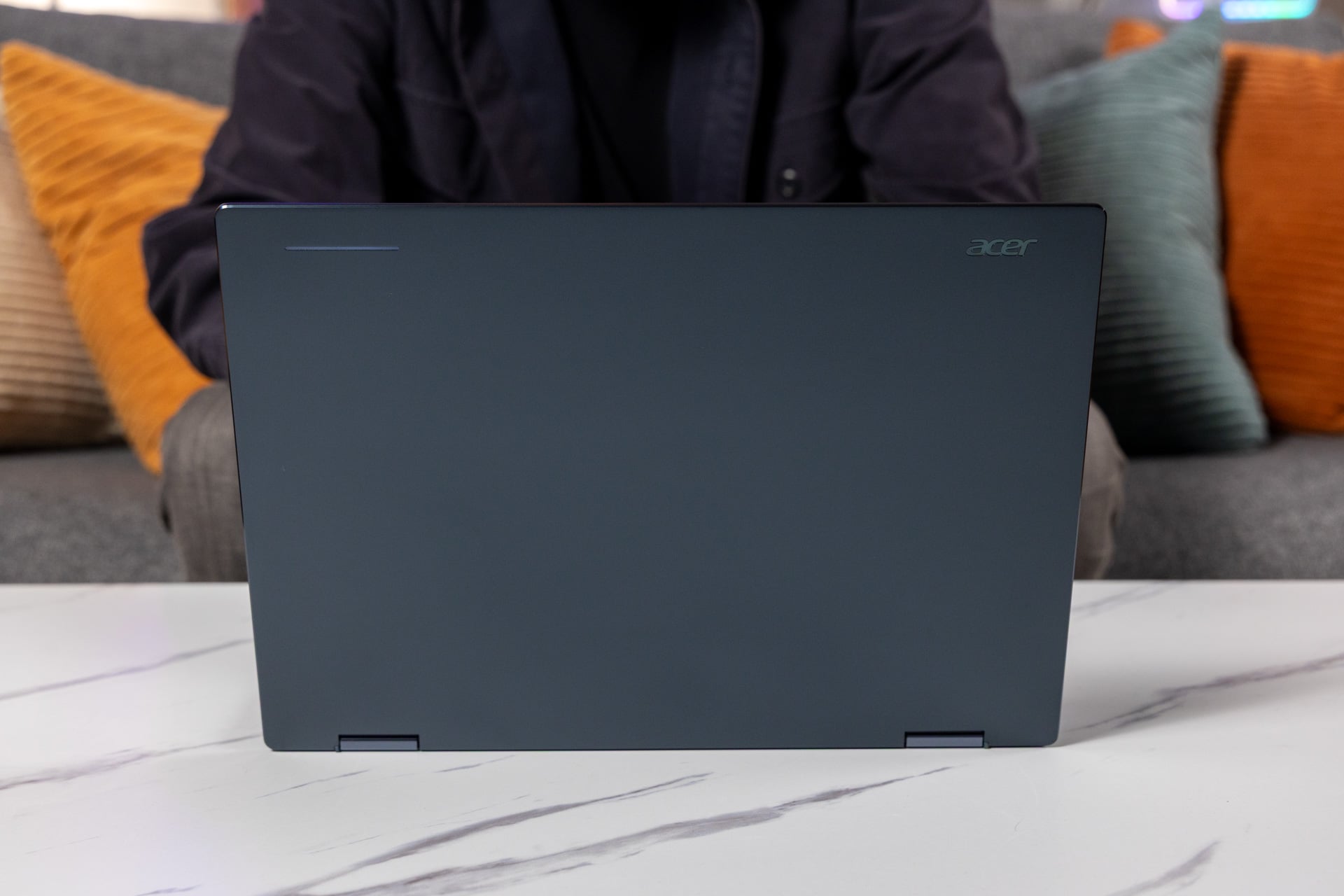
I’m not shocked that Acer’s Googlebook 14 looks relatively unassuming. Its “Elemental Blue” color is noticeable but leans toward black, which is unfortunate because I love bold colors in my tech. There is some color in the glow bar on the lid that changes from white to RGB when you’re using Gemini, but who is that for? I obviously can’t see it when I’m using the laptop.
There is nevertheless a premium aesthetic flair to the aluminum-magnesium chassis, and at 2.5 pounds, the Acer Googlebook 14 is lighter than the 2.7-pound M5 MacBook Air 13. It is a bit thicker, at 0.55 inches to the Mac’s 0.44 inches, but it still maintains an ultraportable design in a durable body that has passed MIL-STD-810H military-grade tests for drops, shocks, and dust.
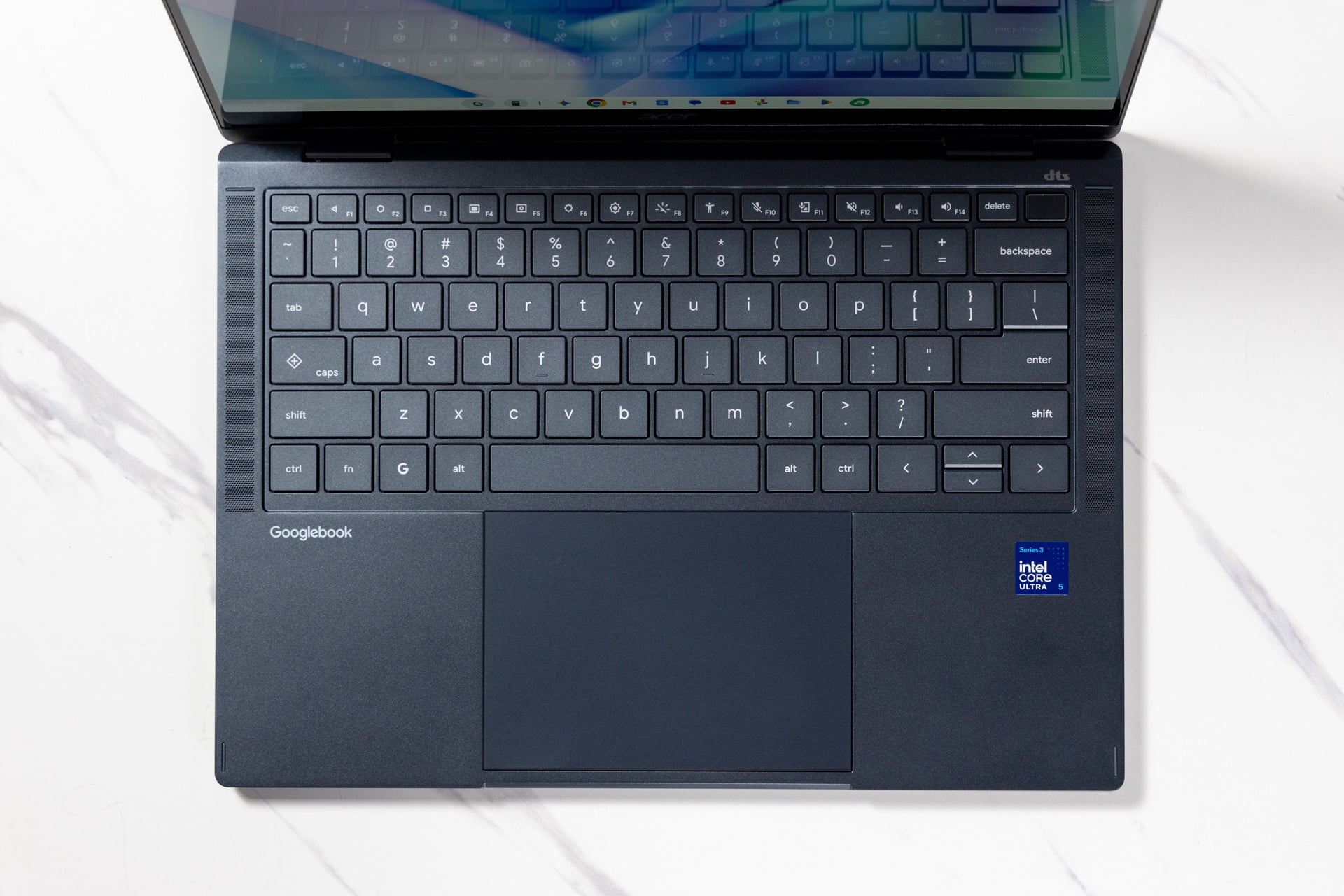
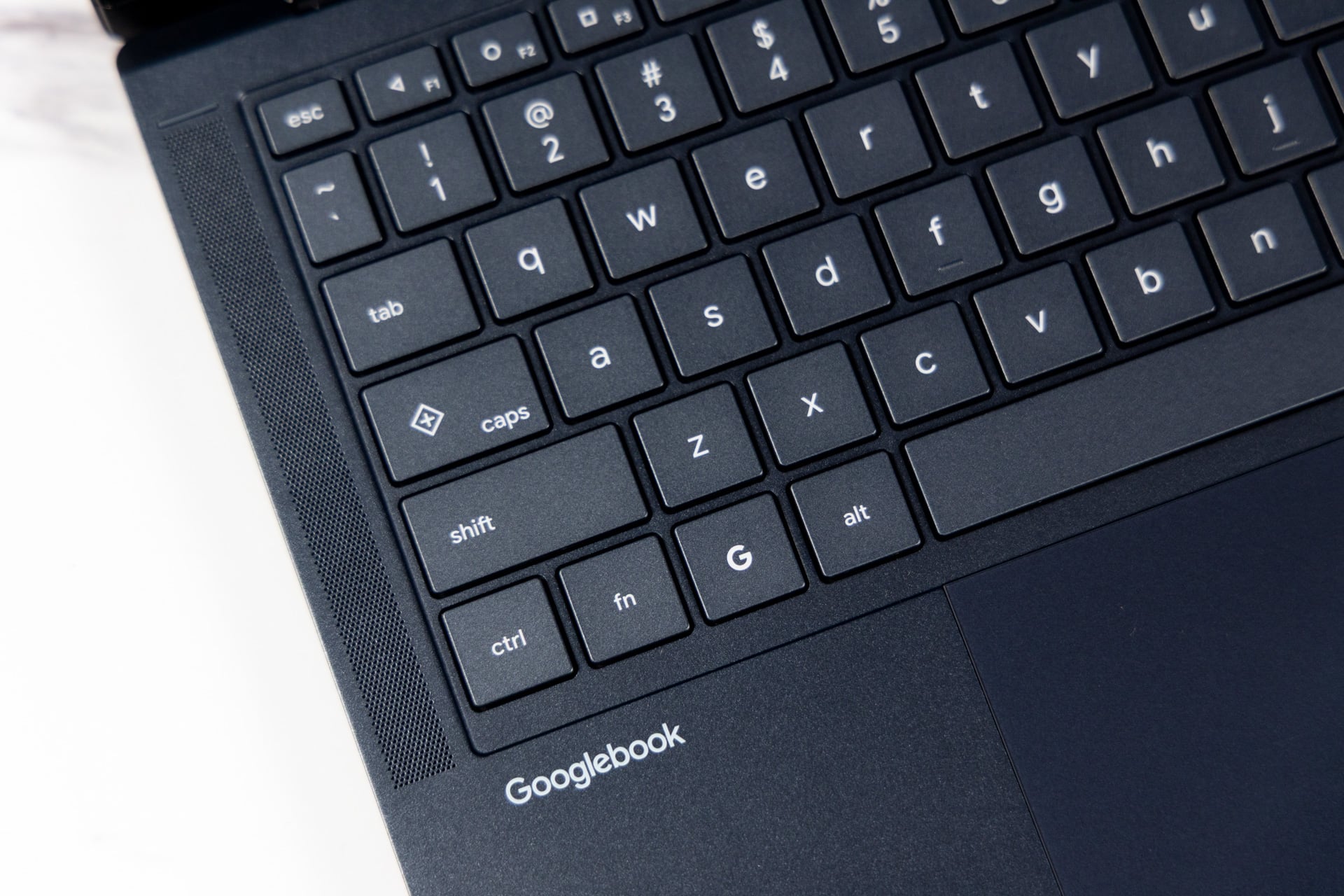
Getting the keyboard experience right on a small notebook is tricky, especially when top-firing speakers are walling in the deck. This is why you often find small keycaps crammed onto this type of device. However, while Acer’s keys are on the smaller side, there was enough space between them that I could touch type with no problem.
They also packed a punch: my fingers bounced across the deck in a blaze throughout the day. I managed a speedy 90 words per minute—higher than my average—with few to no flubs.
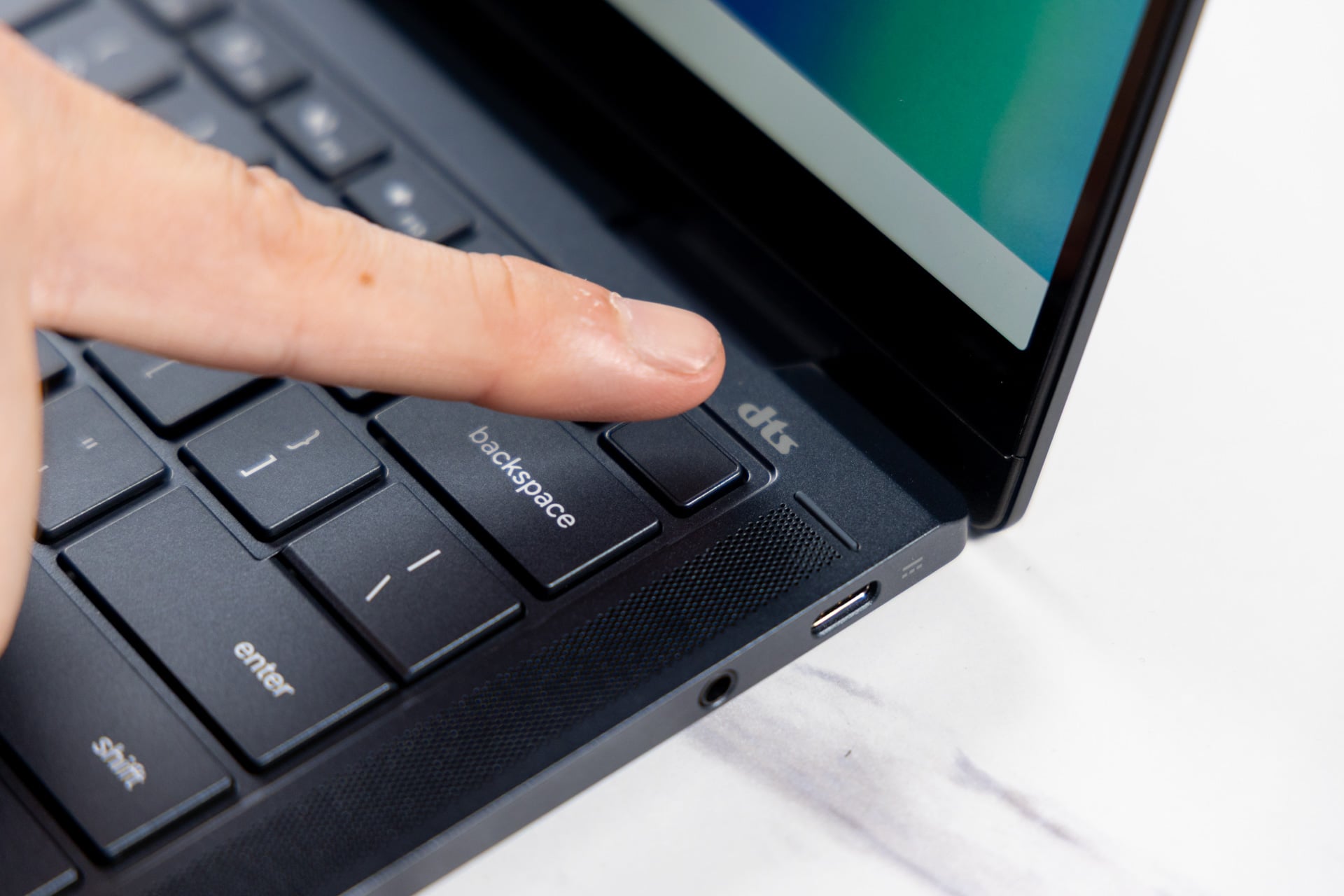
I was also pleasantly surprised to find that Acer used a glass trackpad rather than a cheaper plastic or Mylar one. My fingers glided across it as smoothly as fingers can, and it delivered a sharp, satisfying click. The cursor, however, seemed a bit finicky. It started lagging behind my input at seemingly random times, for seconds to minutes at a time. The trackpad acceleration is also a bit intense, specifically when my fingers start the interaction. And there’s no setting to adjust the sensitivity outside the cursor speed itself.
Ironically, the Acer Googlebook 14 is the only 2-in-1 Googlebook currently available, even though the software is geared toward Android users, an operating system designed for smartphones and tablets. In tablet mode, the touchscreen is quite smooth in both resistance and response accuracy. Using it felt no different from using my Pixel 9, except on a much larger screen.
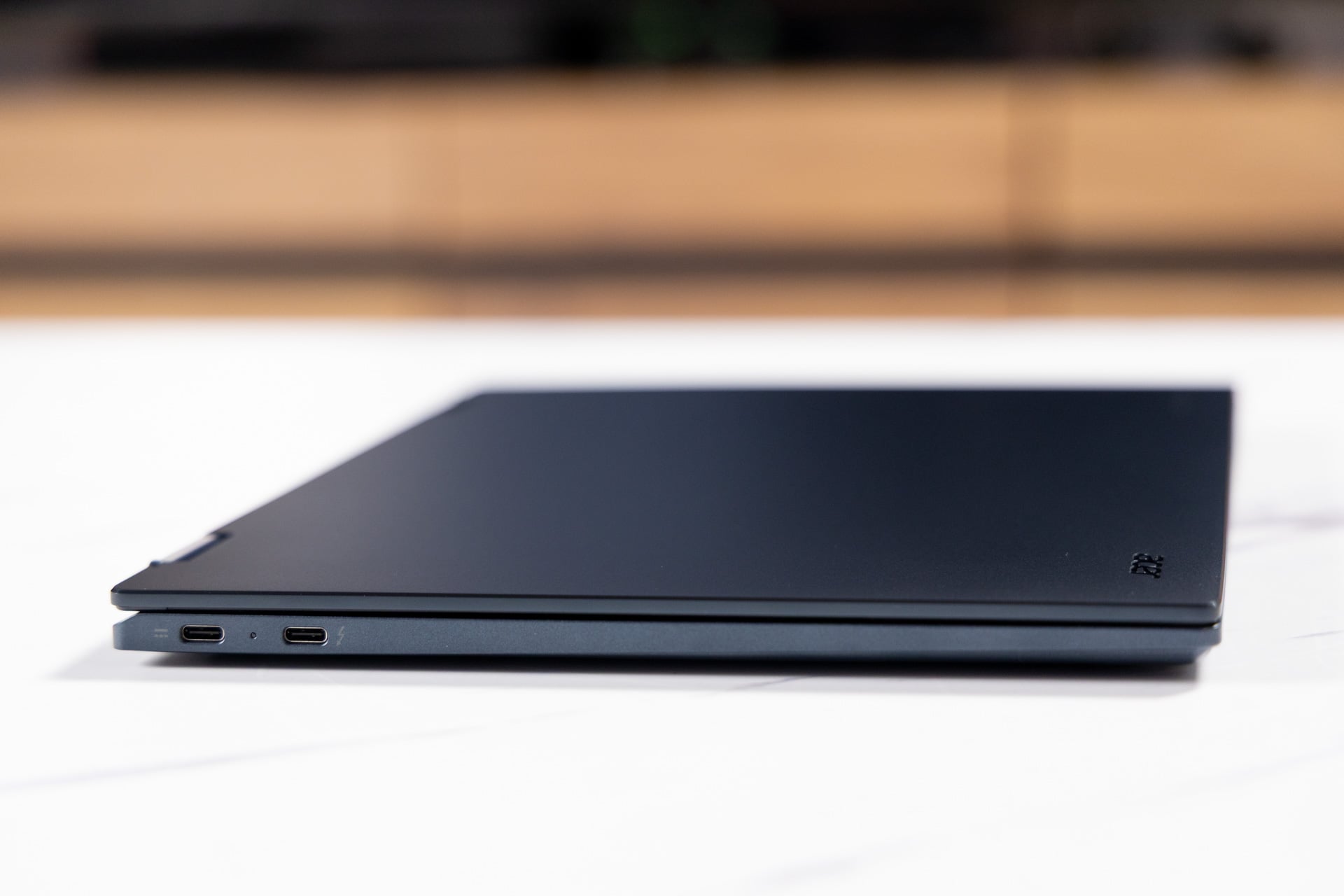
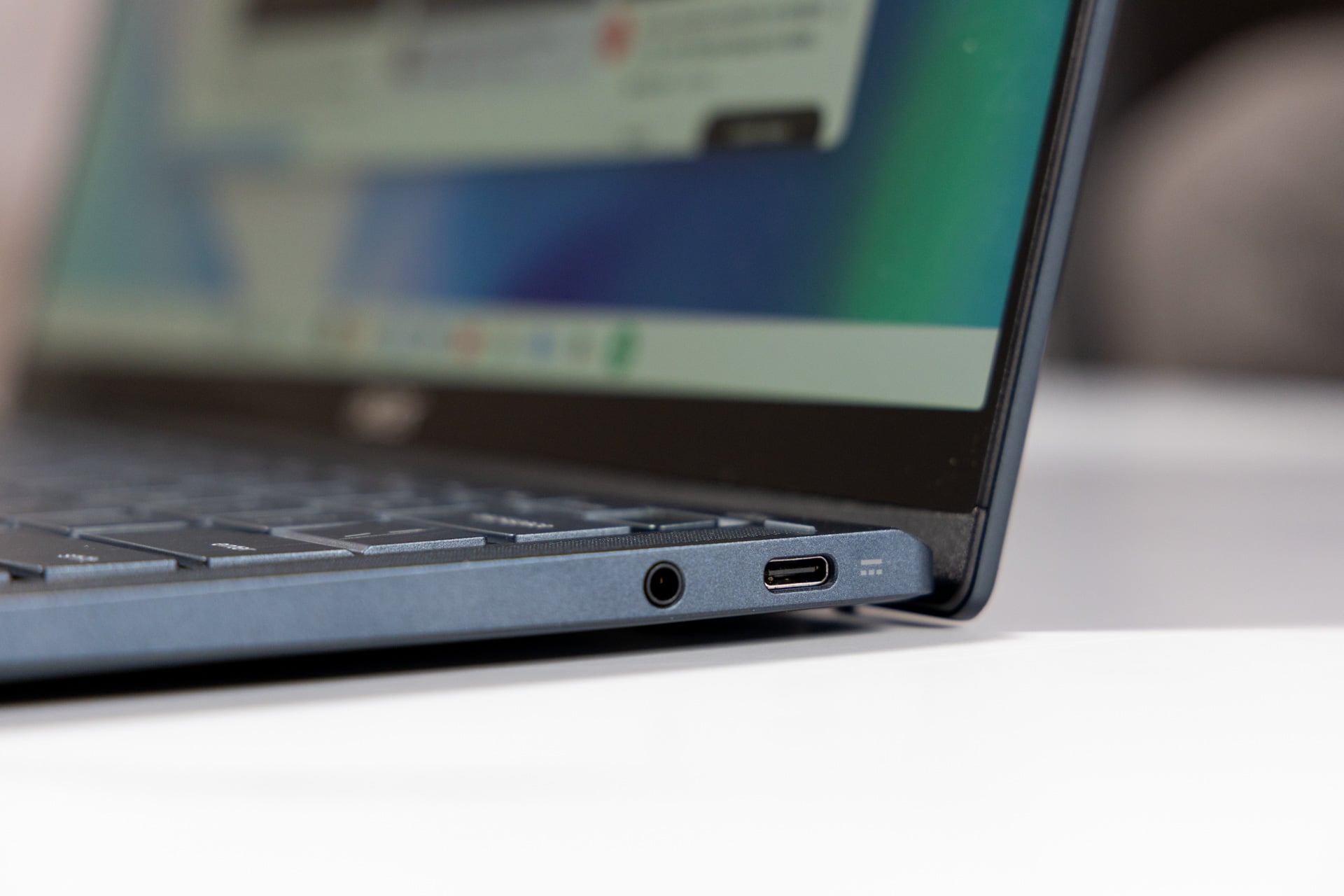
The Acer Googlebook 14 is, unfortunately, lacking in the ports department. There is one Thunderbolt 4 port, two USB Type-C slots, and a headphone jack. No USB Type-A, so wired headphones are the only legacy peripherals you can easily connect.
Overall, the Acer Googlebook 14 is built like a premium machine in most regards—it’s just a shame that its software hasn’t reached the same point.
See Acer Googlebook 14 Laptop at Best Buy
Bright display, okay sound
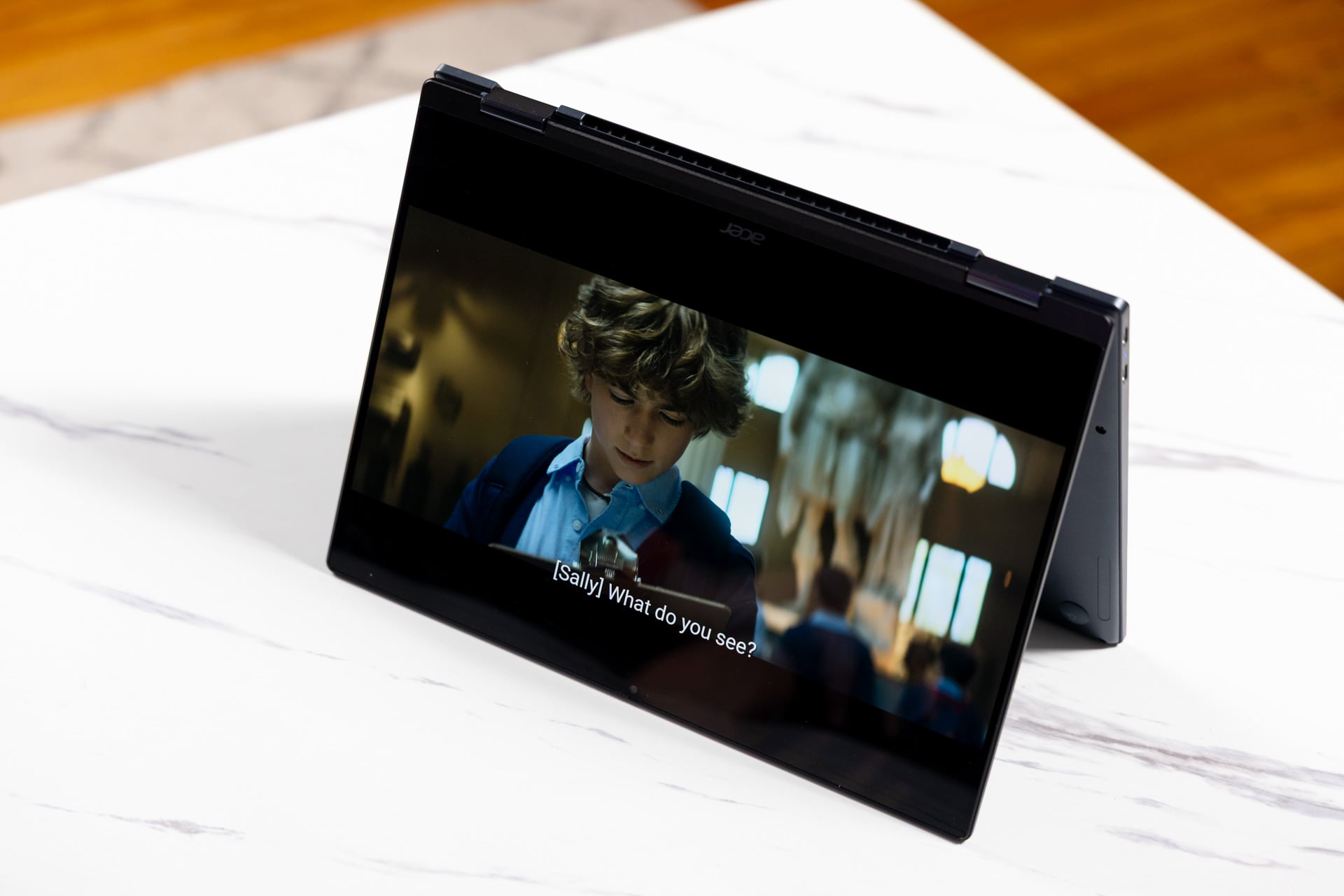
Despite maintaining a triple-digit price point, the Acer Googlebook 14 packs a high-spec OLED display with 2,880 x 1,800 resolution and a 120Hz refresh rate. Pairing this with a smartphone works remarkably well because it simply bumps up the screen size without downgrading the quality.
In Frieren: Beyond Journey’s End, the clash of purple lightning against blue shields exuded bright, bold versions of those respective colors thanks to 100% DCI-P3 gamut coverage. Turning the brightness up to max (rated at 500 nits) highlighted the darker corners of the battlefield and cut most of the ambient light in my room, where I would normally see intense glare on a glossy panel like this. In close-up shots of Frieren’s face, the high resolution captured the sharp edges of her hair without distorting them into a pixelated image, as you might see on laptops with 1080p screens.
The Acer Googlebook 14’s top-firing speakers delivered a mixed reproduction of my favorite Jujutsu Kaisen opening, “AIZO” by King Gnu. It was decently loud and mostly kept the vocals, guitar, and percussion distinct from one another. However, it sounded a bit congested and hollow, lacking deep low-end resonance. I felt similarly while watching Frieren: the sound effects of the magic battle lacked the punchy, wide impact I’d expected. The speakers aren’t bad, but I’d still reach for headphones at the end of the day.
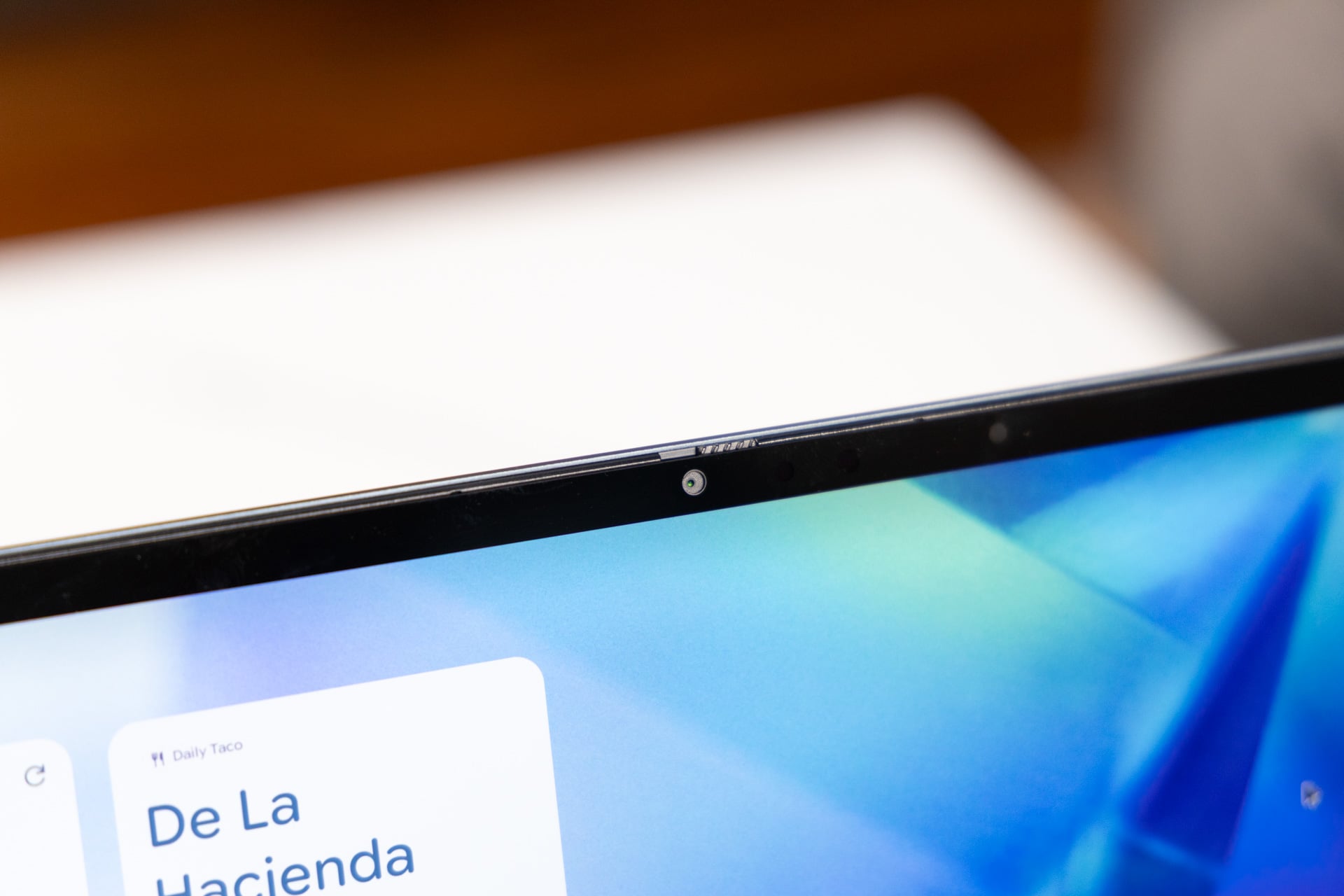
The 3K webcam also delivered mixed results. A photo I took of myself from afar seemed sharp at first, but closer inspection revealed some fuzziness, especially blurring the more defined features of my beard and hair. It was like the picture you get if you crank up the sharpness on a TV—everything looks detailed, but the original image is distorted. The whites of my bedsheets and curtains were also overexposed, erasing the more intricate details in their design. However, the color reproduction was decent, capturing the bold blue of my shirt and the splashes of color on my bookshelves. I wouldn’t mind taking this into an interview, since I don’t imagine your potential employers are going to zoom in on your webcam (and if they do, maybe don’t work there). The privacy shutter is a nice bonus.
Acer knocked it out of the park with the display and did okay with everything else. I’m not setting too high a bar for its speakers and webcam, considering this is a sub-$1,000 device, so while they could be better, I’d say they’re in an acceptable range. If you wanted better speakers and a solid webcam for a lower price, you could consider a MacBook Neo.
Performs as well as it needs to
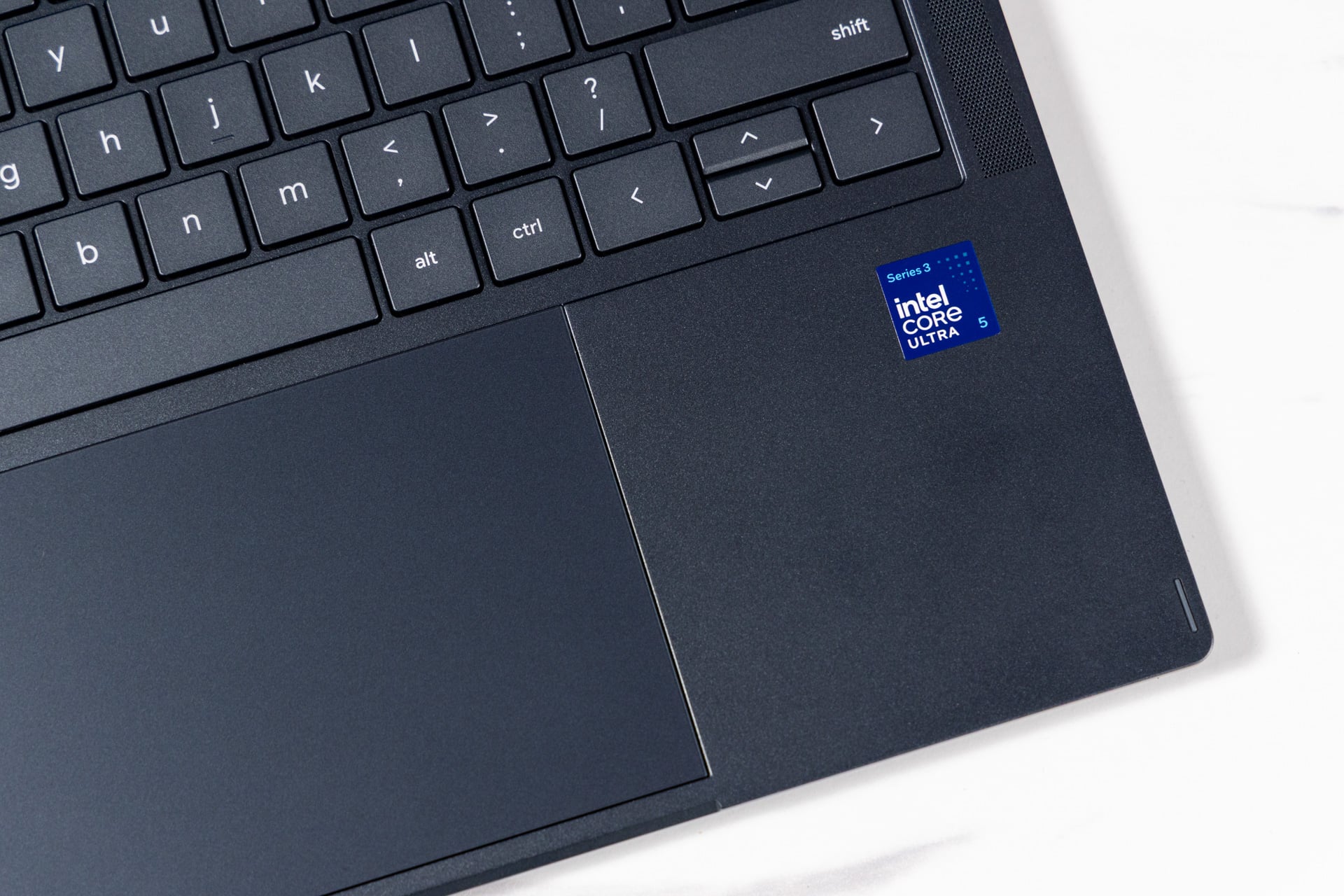
This laptop is outfitted with an Intel Core Ultra 5 325 chipset and 16GB of RAM, which is the only model currently available. I normally wouldn’t pay $900 for a laptop with a Core 5 chip, but this is the era we live in, and the Acer Googlebook 14 has a lot of other features going for it, at the very least. More importantly, similar to the ChromeOS of old, Googlebook OS does not require as much power as Windows 11.
If you’re comparing the Acer Googlebook 14 to any macOS or Windows laptop in terms of raw performance, you’ll be disappointed but also wrong in doing so. For example, the comparable M5 MacBook Air configuration ($1,299 right now) completed the Geekbench 6 synthetic performance test twice as fast as the Googlebook did. But the Acer Googlebook 14 doesn’t need to keep up with a MacBook because it’s running apps designed for smartphones.
During my week of testing, the Googlebook’s performance felt smooth, aside from the aforementioned friction with some apps. While using an egregious number of Google Chrome tabs, chatting with friends on Discord, and listening to Spotify, I noticed very little slowdown compared to the Chromebooks of old.
In terms of battery life, however, I think Acer could’ve eked out a bit more time. Accommodating mixed work and leisure usage at 50% brightness and with battery saver disabled, the Acer Googlebook 14 lasted roughly 10.5 hours unplugged. In this regard, I don’t mind comparing this product with macOS or Windows laptops, especially because Googlebook OS is a more lightweight operating system that should give its users an advantage. Unfortunately, 10.5 hours is on the low side for this price point. For comparison, the $899 Lenovo IdeaPad Slim 5x Gen 11 lasted 16 hours on a single charge, but it has a lower-resolution display that uses less power.
Gaming is awkward
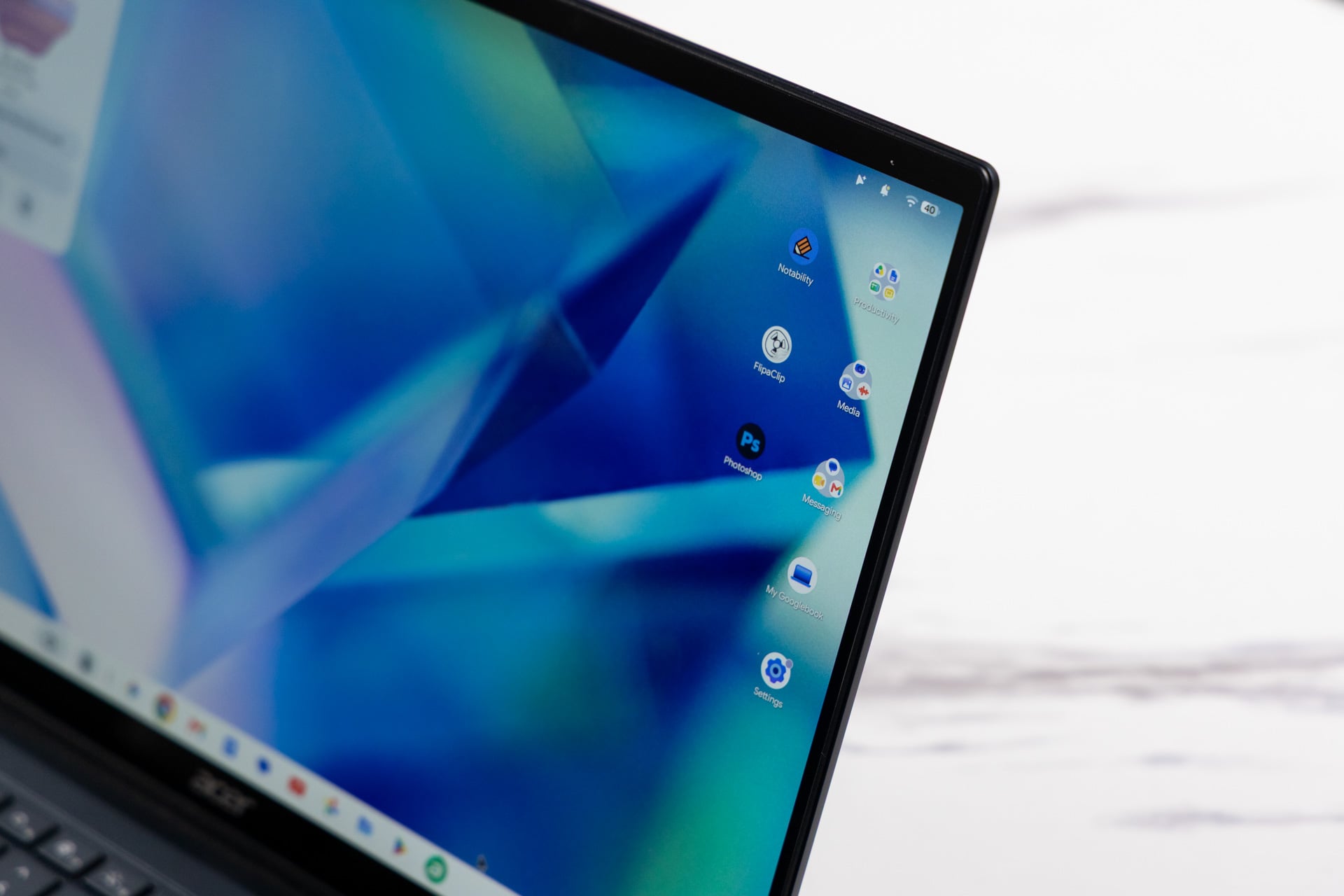
You can’t expect much from an integrated GPU that’s simply called “Intel Graphics,” and while nobody’s likely to buy the Acer Googlebook 14 for heavy-lift gaming, I was disheartened to see it stumble even on mobile titles.
While running Destiny: Rising on its lowest graphics settings, I don’t think I was even getting 30 frames per second. (Unfortunately, Googlebook OS doesn’t feature the Game Dashboard for fps monitoring and game optimization, so all frame rate mentions are eyeballed estimates here.) Moving across the hub, let alone the battlefield, felt sluggish. I got 30 fps and noticeably smoother performance playing the same game on my Pixel 9. Performance was better on other titles, such as Diablo Immortal, but the app wouldn’t let me enable certain graphics settings, like ray tracing, because it claimed the laptop didn’t support them. This is odd, considering the Intel Core Ultra 5 325 does support ray tracing.
How these games felt to play is another story. I imagined that I’d run into trouble when playing games designed to leverage a keyboard and mouse, and that’s partially what happened. Destiny: Rising, for example, has integrated keyboard and mouse controls, so playing it like I would any other PC game translated well—except for the cursor. Even when I used a mouse, the cursor was sluggish, and aiming my rifle was more difficult, if not downright frustrating, compared to Pixel and PC play. (The game took controller input just fine.)
Games like Diablo Immortal, however, don’t have integrated keyboard controls, which means you need to manually assign every single keybinding with a Googlebook OS feature called Game Controls. Once this was done, key assignments generally worked well, with my only complaint being that joystick movement was a bit janky, but it’s clearly not ideal. If Google wants laptops like this to be viable for gaming, it either needs to overhaul Game Controls with Gemini to detect and assign game inputs or convince its developers to add native keyboard support.
Just to experiment, I tried playing Destiny: Rising via Cast My Apps, and it went about as badly as you might expect. It also doesn’t have keyboard integration, which meant keyboard controls simply didn’t work. The gaming experience on this Googlebook is highly title-dependent; it’s nowhere near as reliable as what you can expect from gaming on an Android phone.
Unfulfilled potential
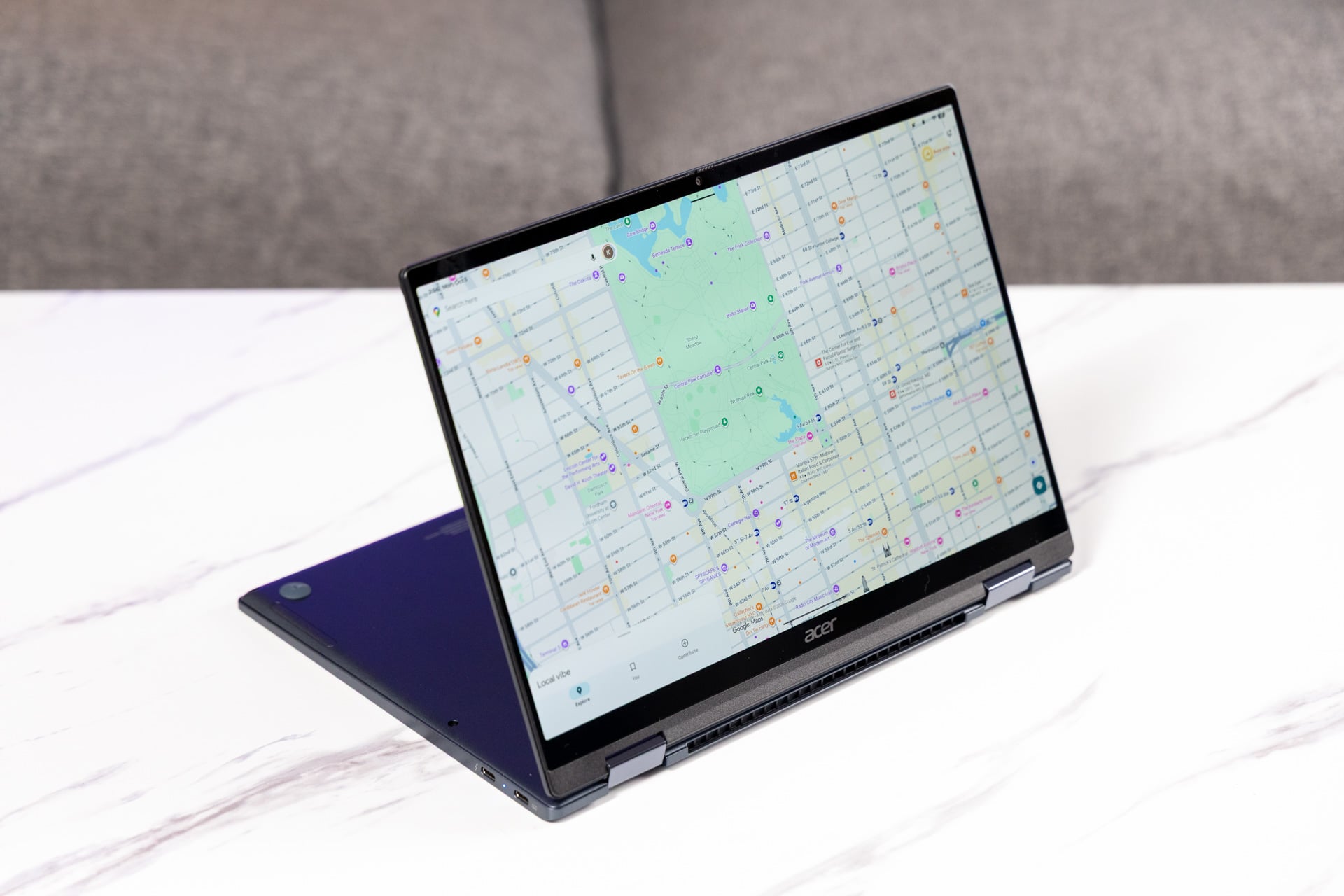
The Acer Googlebook 14 is among the first in a lineup of a great new experiment. I just wish I could say it had been a more successful experiment. I had high hopes for Googlebook OS, but unfortunately, it didn’t live up to what I’d hoped the Google desktop experience would be—Android apps upgraded to look and feel like their respective desktop counterparts. Instead, we got a desktop interface plastered with the smartphone-esque experience anyone who’s used ChromeOS will be all too familiar with.
That doesn’t mean the laptop itself is necessarily bad. The Acer Googlebook 14 delivers a premium, ultraportable chassis that you could accidentally drop without destroying, as well as a gorgeous OLED display and a punchy keyboard. The CPU performance is what we’d expect. What we’re really missing here, aside from a higher-quality OS experience, is longer battery life and more ports. The unreliable gaming compatibility isn’t great either, but that’s moot if you don’t plan to play games.
The allure of a Googlebook is easy to see if you’re a hardcore Android user—native apps with desktop power—but we’re not there yet. For these folks, I don’t have another great laptop recommendation, given the current market: I’d just wait. Googlebook OS has potential, and we could see substantial updates in the coming years, if not months. We might, at minimum, get a 2-in-1 with better battery life.