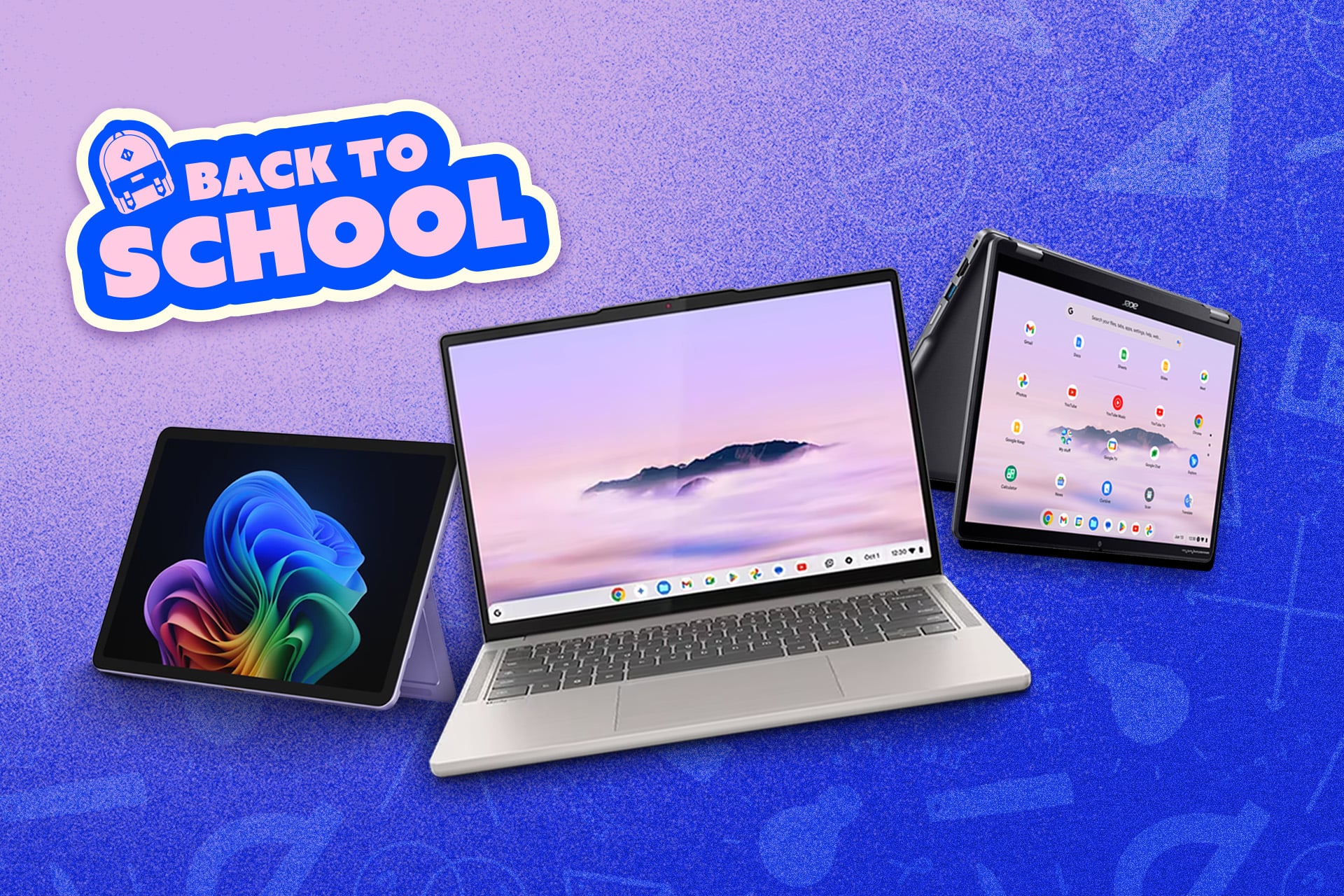
2026 is proving to be the best and, absolutely, the worst time to buy your next big back-to-school laptop. Your choices are more limited than ever if you hope to stick to a sub-$1,000 budget. Thankfully, the laptops on offer at this price point are some of the best in years.
At the same time that both Apple and PC makers are pushing lightweight laptops that don’t feel cheap, the ongoing memory shortage has spiked the cost of all RAM and SSD components. That has had a knock-on effect for components like discrete GPUs—the kind necessary for any more intensive task young engineers or data scientists may require.
Even in the process of writing this list, we found several of our choices of laptop suddenly balloon in price. We can’t guarantee many of the laptops on this list will remain below your budget maximum. However, with some careful shopping, you may be able to find a staple MacBook Air or other high-quality PC for less. If you’re looking beyond this list, I suggest you follow deal-hunting accounts like Wario64 on Bluesky or Twitter. Otherwise, feel free to use this list as a jumping-off point as you look for the one laptop that will treat you well for the next several years.
MacBook Neo
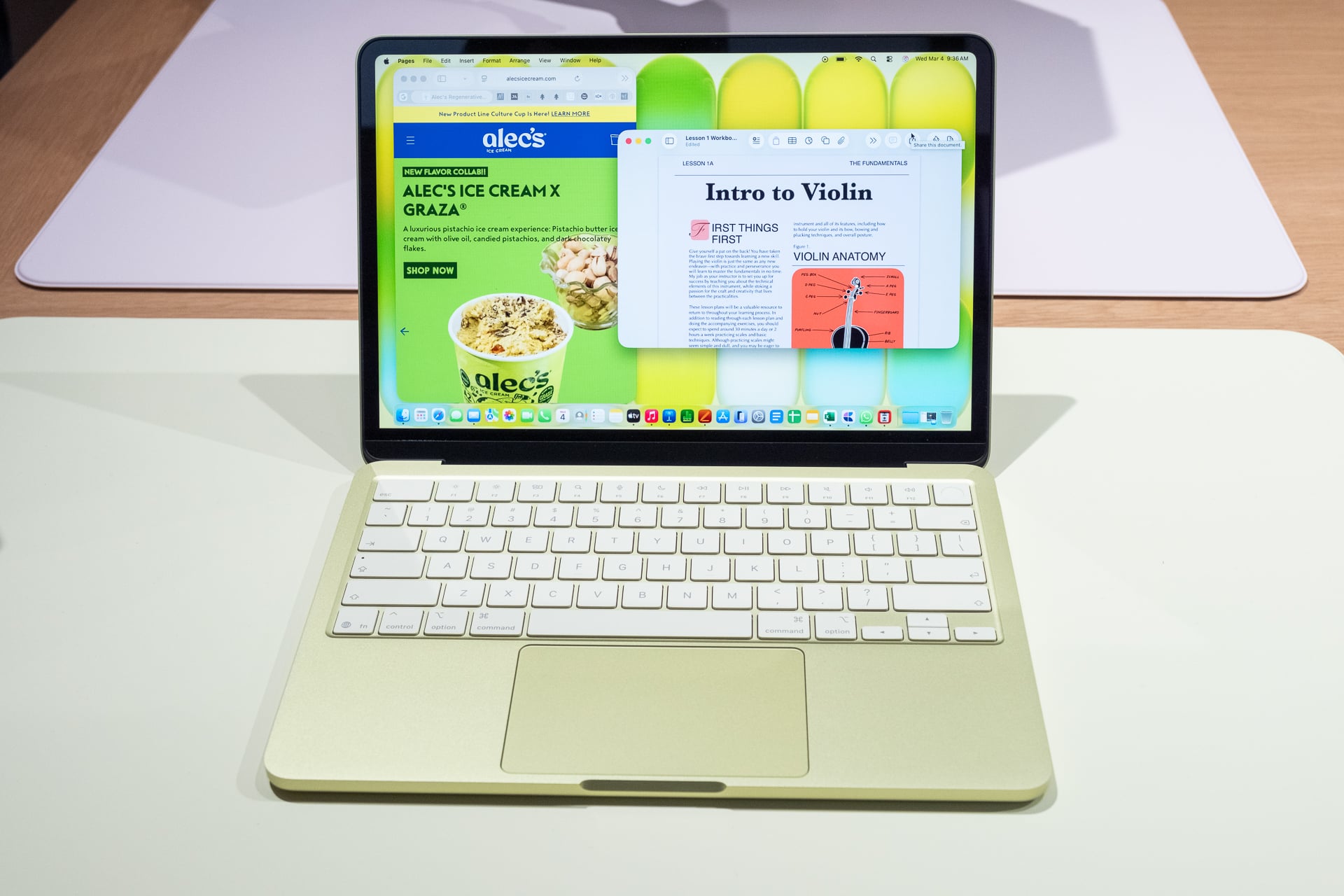
The peppy and colorful MacBook Neo in its suite of calming colors will be a common suggestion for anybody looking for a back-to-school laptop in 2026. It starts at $700 after recent price hikes, but with a student ID you can claim it for $600. The base model comes with 256GB of storage and 8GB of unified memory. If you opt for the $800 model, you’ll double your storage to 512GB and get a Touch ID button for unlocking your laptop. If you plan on using cloud-based storage, you can feel free to opt for the cheaper model.
There’s a reason why the MacBook Neo has set the standard for budget laptops. Its all-aluminum chassis feels much more premium than its price suggests. Its screen and audio suite are also some of the best in this category. If you want a Mac that will service you for all your regular browsing, writing, or light editing tasks, this is the one you want.
Dell XPS 13
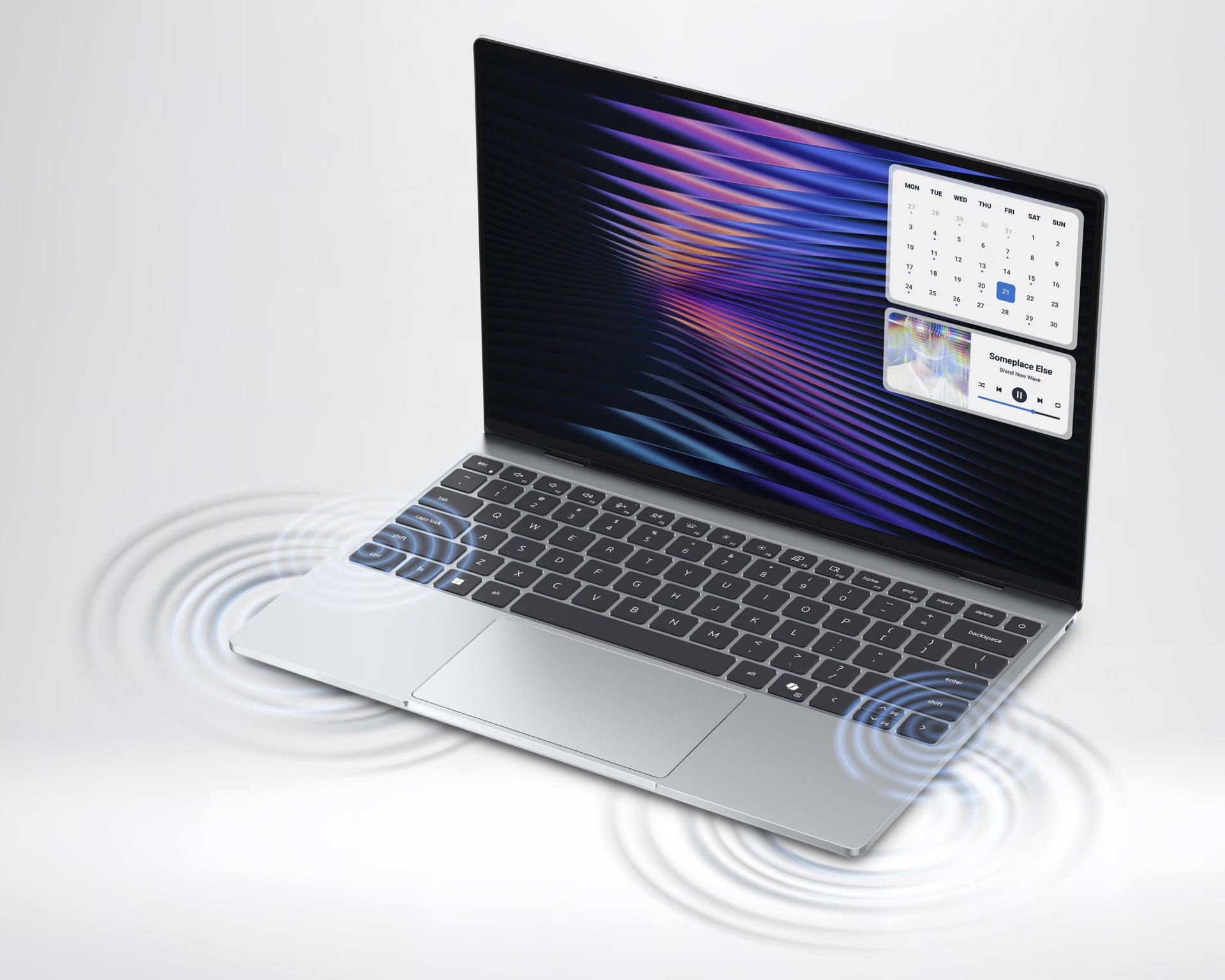
Dell’s direct response to the MacBook Neo tries to up the ante on visual fidelity while maintaining the solid build quality of Apple’s cheapo laptop. The Dell XPS 13 starts at $700 ($600 with a student discount), with the base version coming with 8GB of RAM and 512GB of storage (twice what you get on the MacBook Neo for the same price). It also packs in Intel’s latest Core Series 3 chips, starting with an Intel Core 5-320 CPU.
Is this going to be a powerful laptop? No, not with limited RAM and a chip that may not keep up with Apple’s designs. However, the XPS 13’s 13.4-inch display is a touchscreen and also has a variable refresh rate between 30 and 120Hz. If you want more memory, up to 16GB of RAM, you’ll need to spend $900 ($800 with the student discount).
Asus Zenbook A14
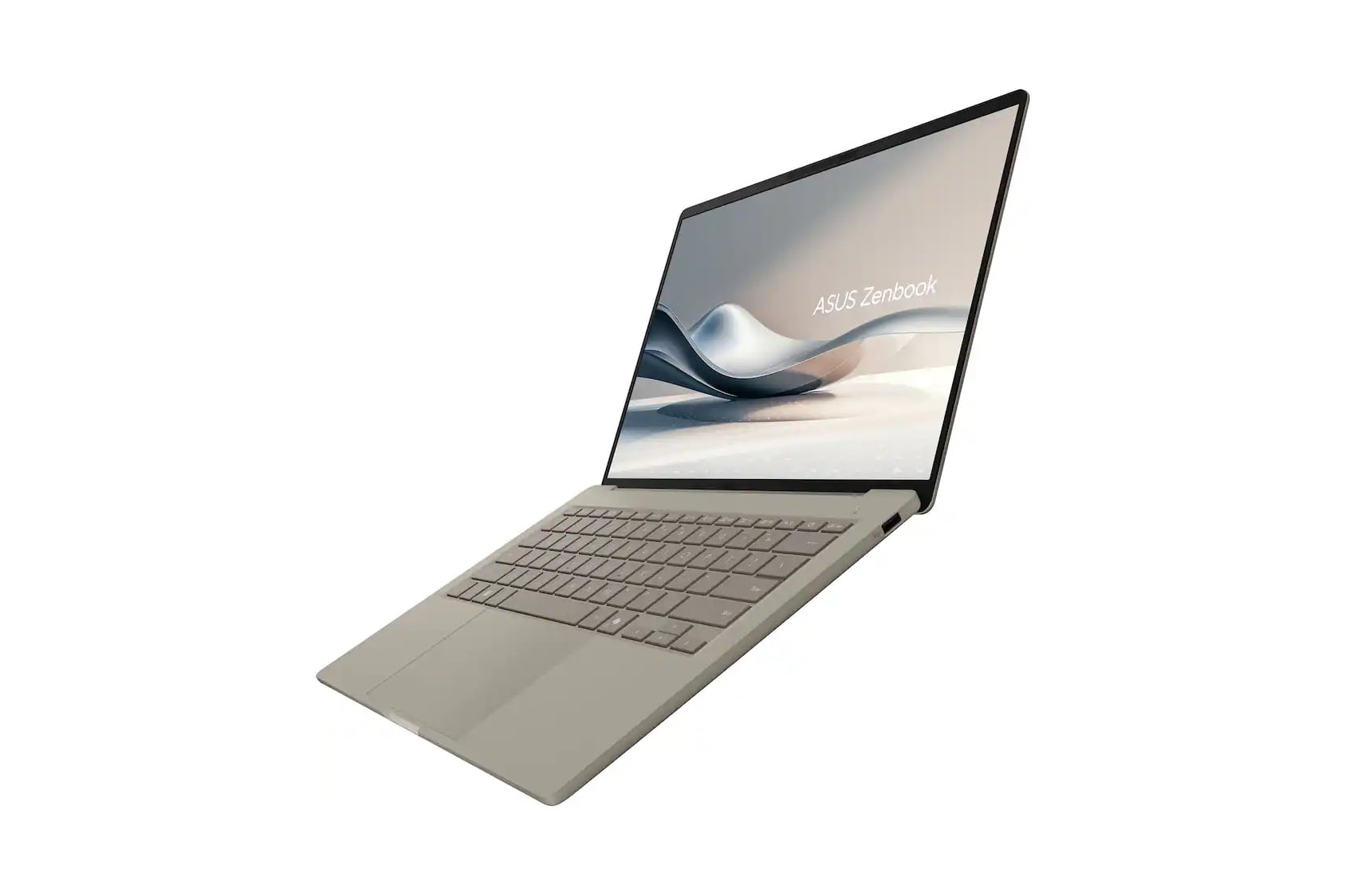
If you’re the type of person who can’t stand the feel of even a 3-pound laptop in your bag, then you may want to consider the Asus Zenbook A14. The laptop uses what Asus calls “ceraluminum,” a kind of anodized material, on all parts of the chassis from the lid to the palm rest. It adds a pleasing ceramic-like texture and also helps this laptop clock in at just 2.4 pounds.
This configuration comes with a last-gen Snapdragon X Plus chip, 16GB of RAM, and 512GB of storage. While you may have heard a lot about ARM-based PCs as of late, chipmaker Qualcomm has done a lot of work to add backward compatibility to many other Windows 11-based software. Performance may not be up to par with the latest chips, but you’ll at least get to stare at a pretty OLED screen.
See Asus Zenbook A14 at Best Buy
Lenovo Yoga 7a 2-in-1
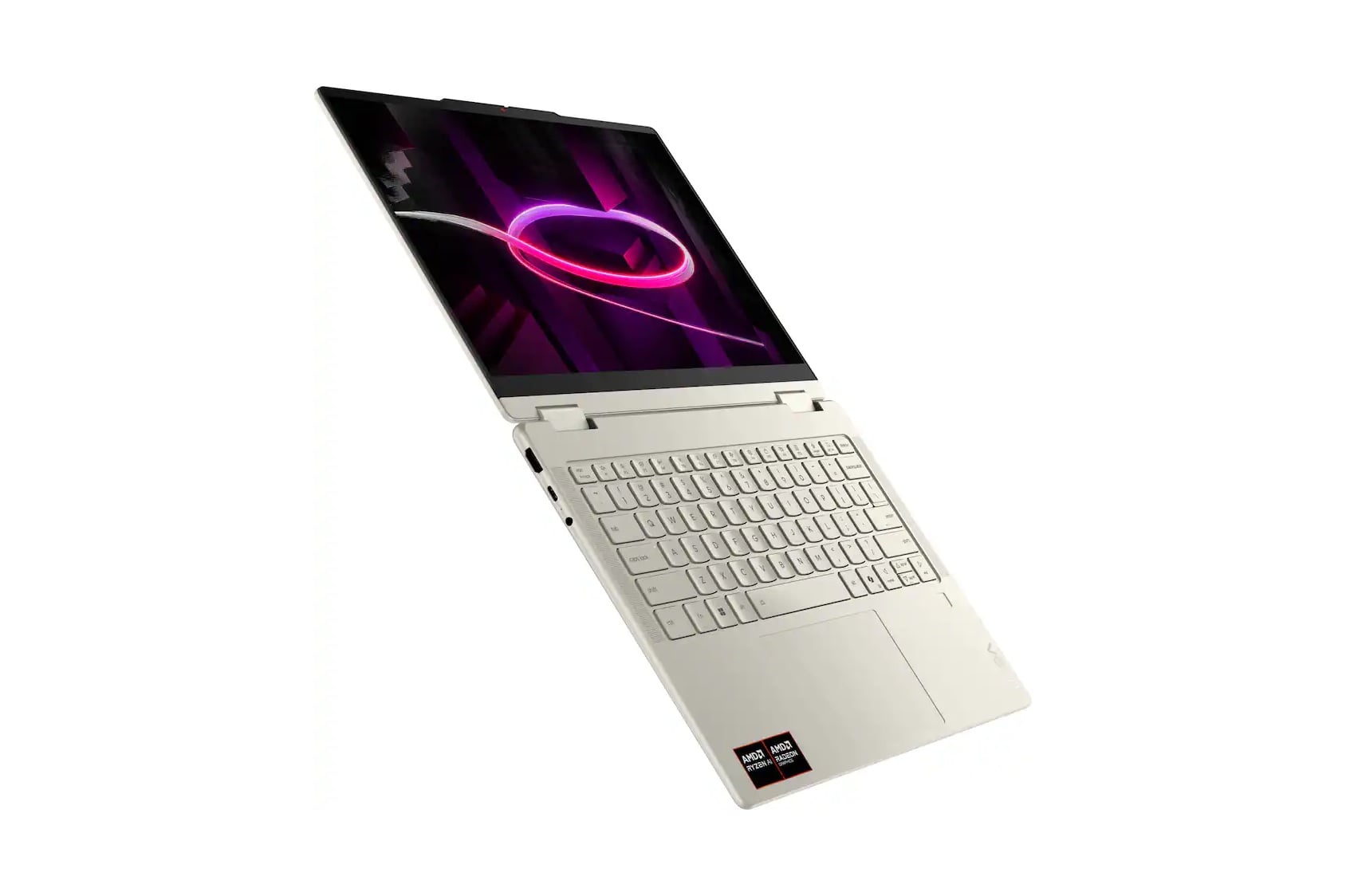
For folks who imagine they need a pseudo-tablet to go along with their laptop, we can’t think of a better 2-in-1 under $1,000 than Lenovo’s Yoga 7a. This configuration has 16GB of RAM and 512GB of storage, as well as an AMD Ryzen AI 5 430 chip from this year. What you should really care about is the OLED touchscreen that maxes out at 1,920 x 1,200 resolution.
We won’t pretend that a solid iPad Air may be a better pick if you’re just looking for something to draw on, but for laptop comforts, Lenovo’s Yoga 7a includes a nice, springy keyboard. In terms of I/O, it also has an HDMI port and microSD card slot.
See Lenovo Yoga 7a 2-in-1 at Best Buy
Lenovo Chromebook Plus 14

As much as you may dislike the idea of ChromeOS relying on browsers to such an extent, you may not actually need anything more complicated than a Chromebook. Lenovo’s Chromebook Plus 14 is simply one of the best Chromebook Plus models around. Its MediaTek Kompanio Ultra chip, plus 16GB of RAM and 256GB of storage, is more than enough to meet the demands of whatever you plan to use a Chromebook for.
The Chromebook Plus 14 contains an OLED display that will make streaming content look rich and vibrant. Not only that, but it also has a very strong battery life that will keep up with your coursework. Just don’t expect to do too much with it. It’s still only a Chromebook.
See Lenovo Chromebook Plus 14 at Best Buy
Acer Chromebook Plus Spin 514
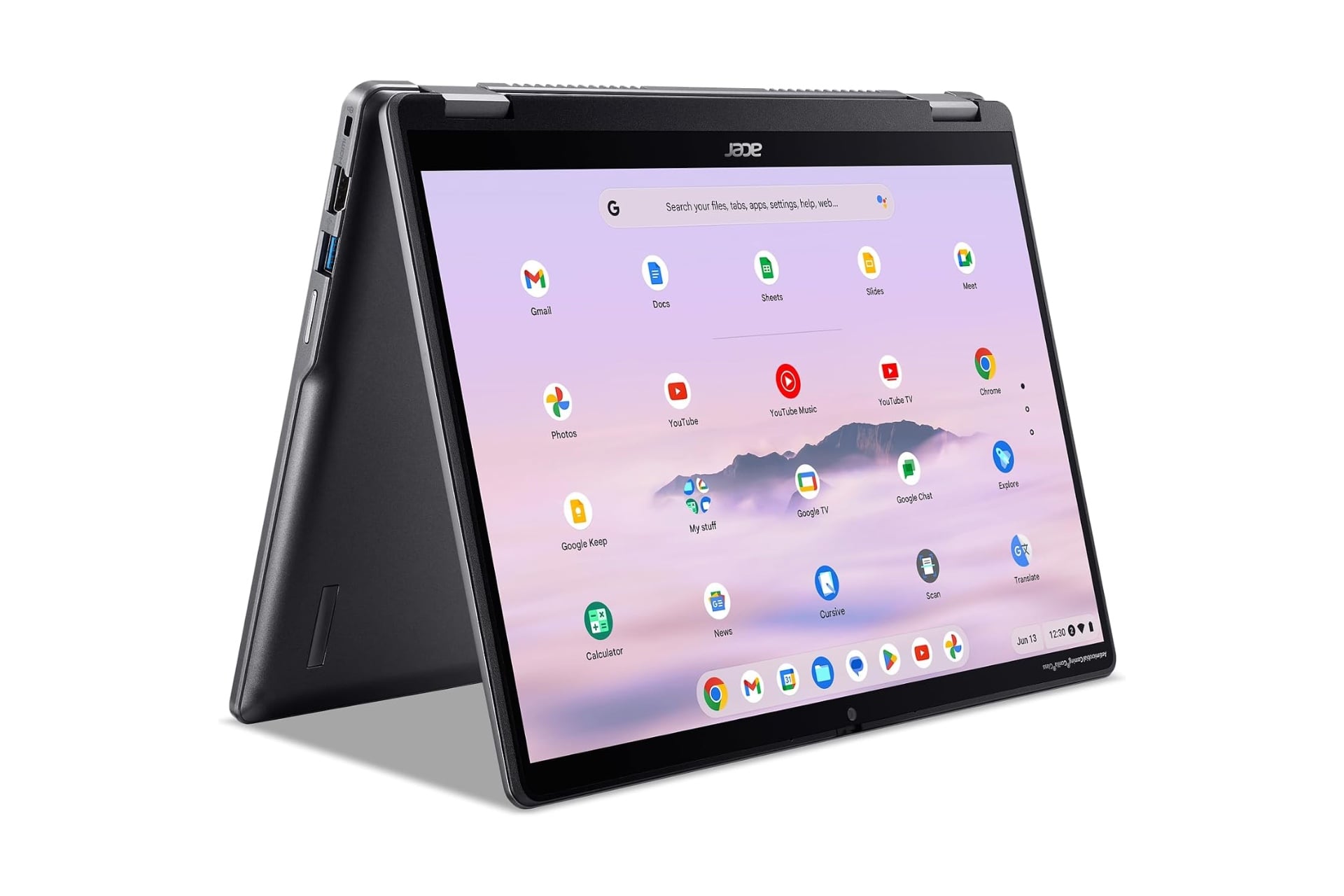
If you’re looking for a 2-in-1 Chromebook, there’s no better option than the Acer Chromebook Plus Spin 514. Like the Lenovo Chromebook Plus 14, it’s powered by a MediaTek Kompanio Ultra chip, though it packs less RAM at just 12GB. That’s not too bad considering it sits at a lower price point than Lenovo’s laptop. You’ll also have to accept it has an LCD display, not OLED.
Despite the differences, the Chromebook Plus Spin 514 feels durable, which is a necessary factor if you plan to flip the screen over and use it as a tablet.
See Acer Chromebook Plus Spin 514 at Best Buy
Microsoft Surface Laptop (13-inch)
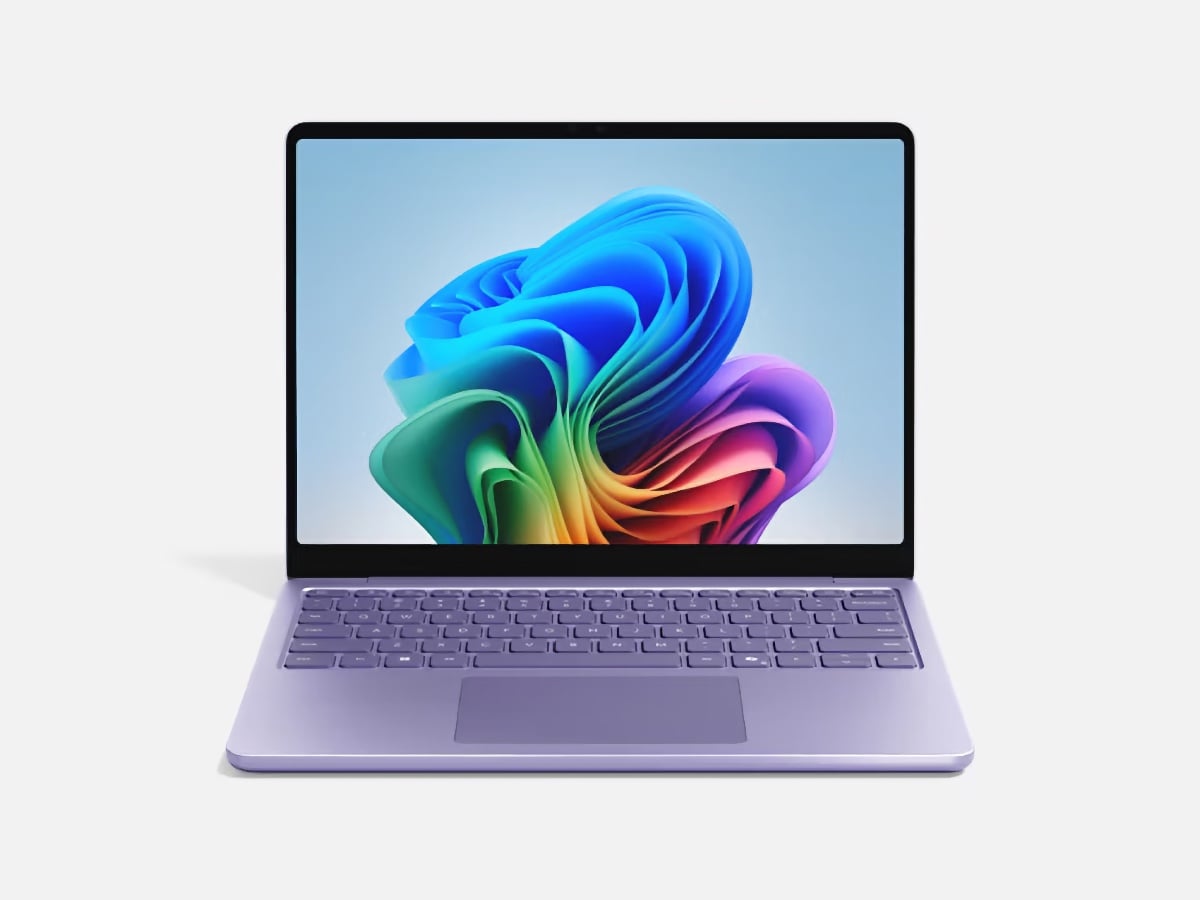
Microsoft’s Surface lineup received a quick and dirty price cut just in time for the back-to-school season. Unfortunately, it came at the loss of memory. The revised Surface Laptop 13-inch sports just 8GB of RAM and 256GB of storage. That’s not a lot, to be sure. However, if you plan to tie your device to a Google or Microsoft cloud account, you can still claim a laptop that feels great in hand.
The Surface Laptop 13-inch has a Snapdragon X Plus chip from last year. That may not equal all the performance you want, but it is plenty if you’re using your laptop for the basics—writing, browsing, and streaming. If you’re looking for a more tablet-sized device, you could instead opt for a Surface Pro 12-inch. There’s a model that comes in at $850, though you’ll need to spend closer to $1,000 to get it with a Flex Keyboard.
See Microsoft Surface Laptop (13-inch) at Best Buy
Acer Nitro V16
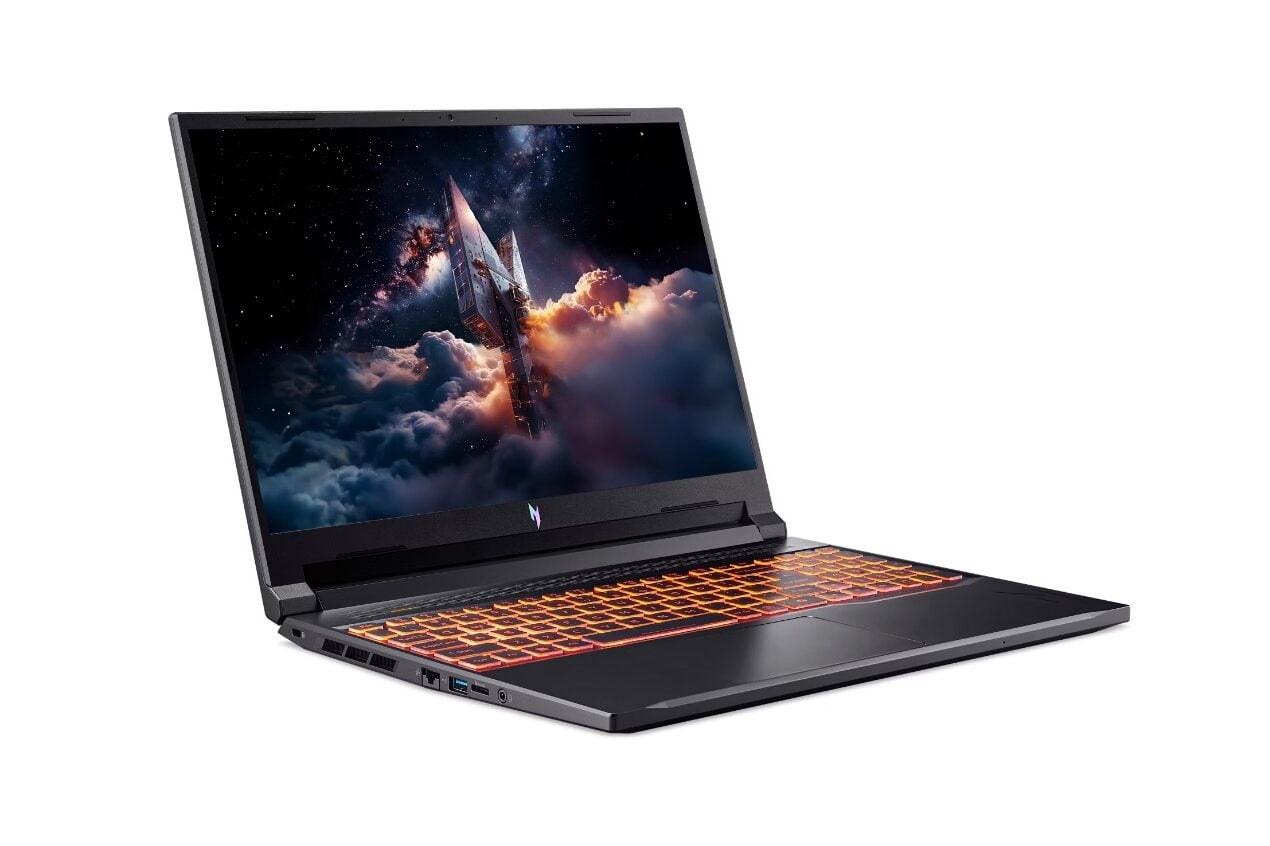
If you desperately need a laptop with a discrete GPU, you’ll have a very hard time finding one new for under $1,000 in 2026. Acer’s Nitro V16 comes closest to offering an all-around budget gaming laptop with its Nvidia GeForce RTX 5050 GPU and an older AMD Ryzen 5 240 CPU. However, you still get access to 16GB of RAM and 512GB of SSD storage.
It’s also packing a 180Hz IPS LCD display that should be enough for lighter gaming or graphics tasks at the laptop’s top 1,920 x 1200 resolution. It’s not hard up for ports, either, with three USB-A, a single USB-C, plus HDMI and an Ethernet port.
At the time of writing, the Acer Nitro V16 was just under $1,000, but then it shot up to $1,059 at publishing time. Maybe you’ll get lucky and the price will drop again.