2. GeForce Now
Availability
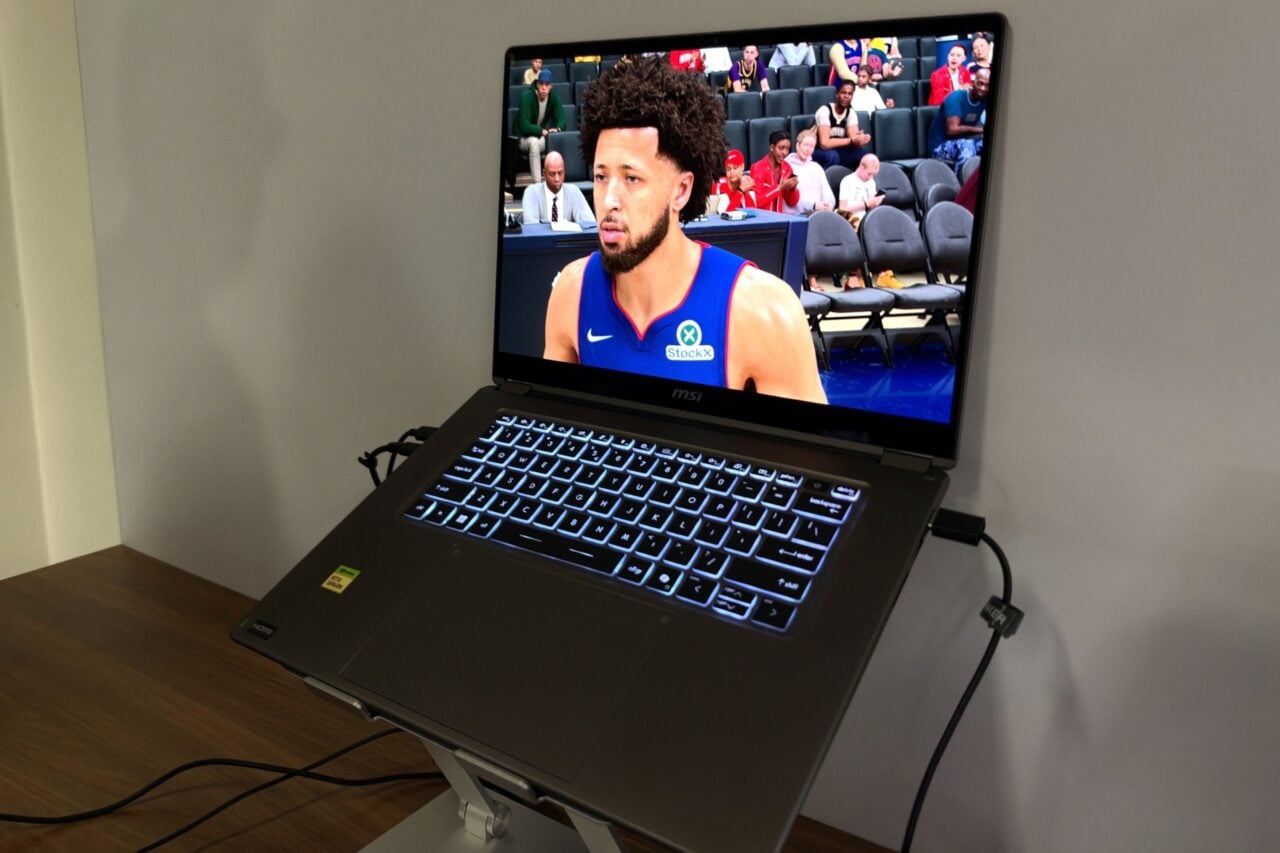
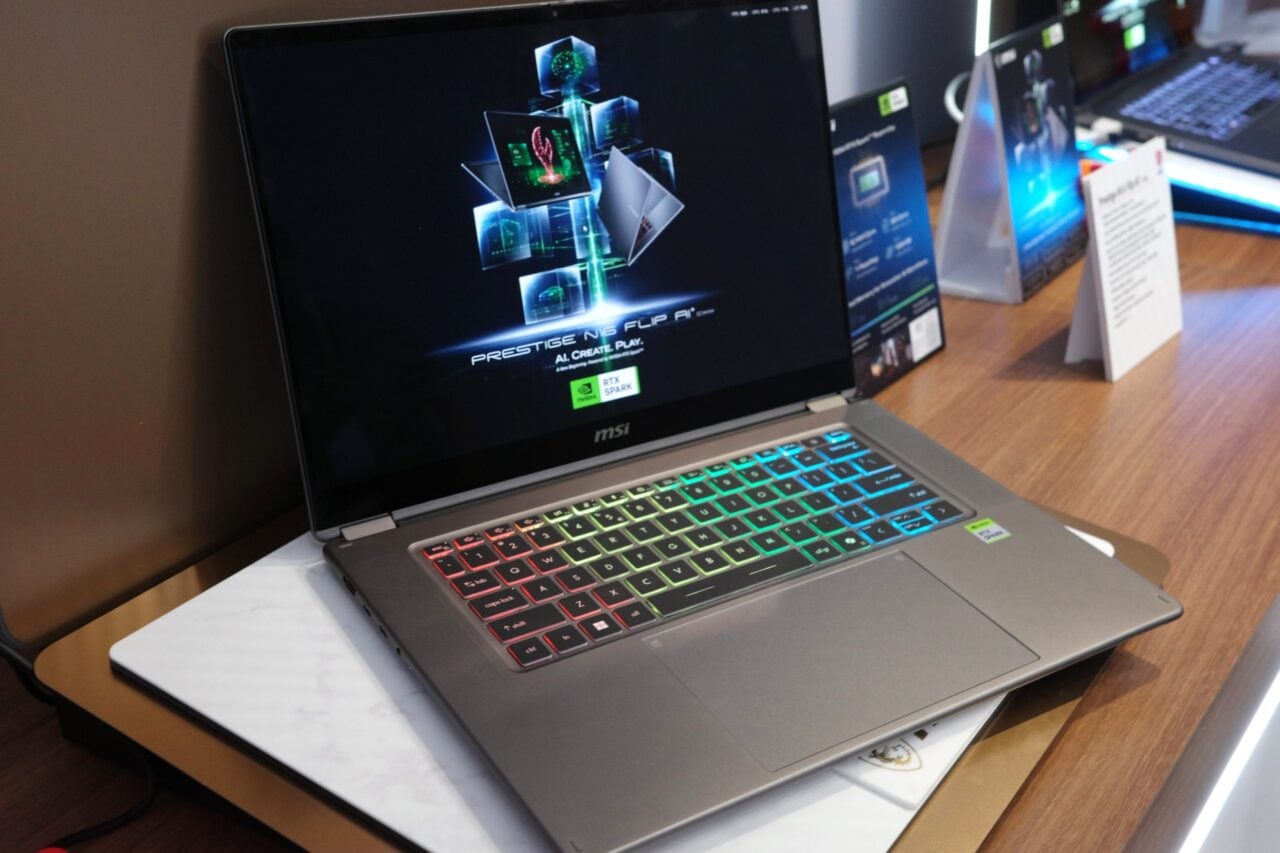
GeForce Now is a close second to Game Pass thanks to its breadth of availability and its versatility. It works on pretty much any Windows PC, Mac, Android, iPhone, iPad, or Smart TV.
Game Library
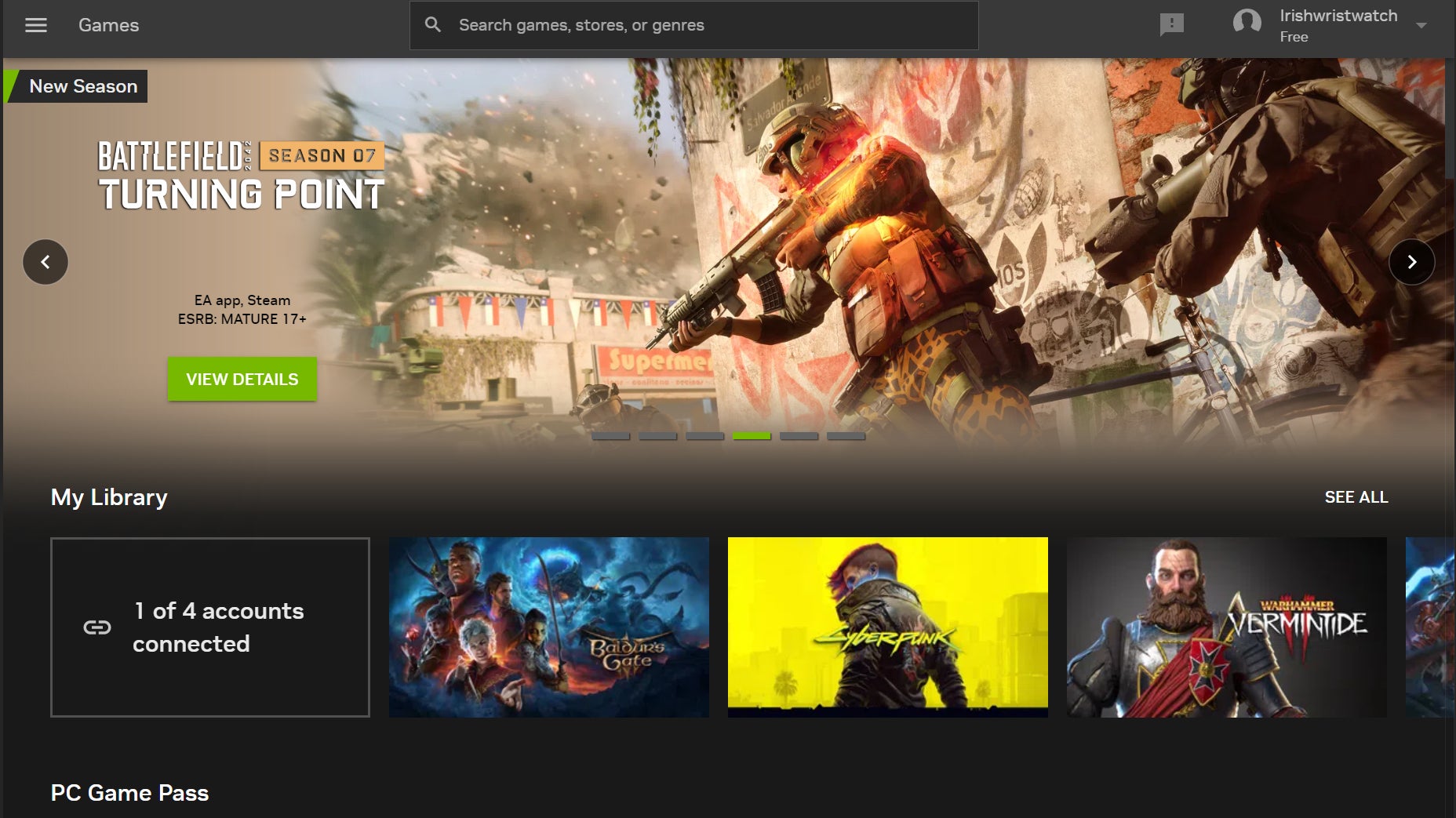
This is the main consideration with GeForce Now. The service offers you access to your entire library on Steam, Epic Games Store, and GOG, as well as the services offered by Ubisoft and EA.
Nvidia boasts a library that includes more than1,800 titles, but you might still want to check and make sure your go-tos are available to stream. That being said, there’s always new games being added all the time, which Nvidia is keen to announce regularly on its blog.
Pricing
GeForce Now comes in three tiers. You can do a free membership, but that should only be taken as a trial run since it limits your session to an hour, plus you’ll have to bear with ads. The $10 a month priority tier ($50 for every six months) allows you to game for six hours at a time with resolutions up to 1080p at 60 FPS max. Priority might be the best option for most gamers on a budget, but Ultimate does grant you access to a computer running a GeForce RTX 4080 and supports resolutions up to 4K at 120 FPS. That subscription goes for $20 a month or $100 every six months. We’d say go with priority if you want a service to let you game on your low-end laptop or Chromebook, but you might consider the higher end if you want GeForce Now to become your main avenue for gaming.
Other Considerations
I’ve used GeForce Now extensively, and just like any server-based operation, nothing is perfect. I have experienced server downtimeand the occasional crash, but nothing that restricted my play. Otherwise, the service was a godsend during a period when my main PC was pretty much out of commission.