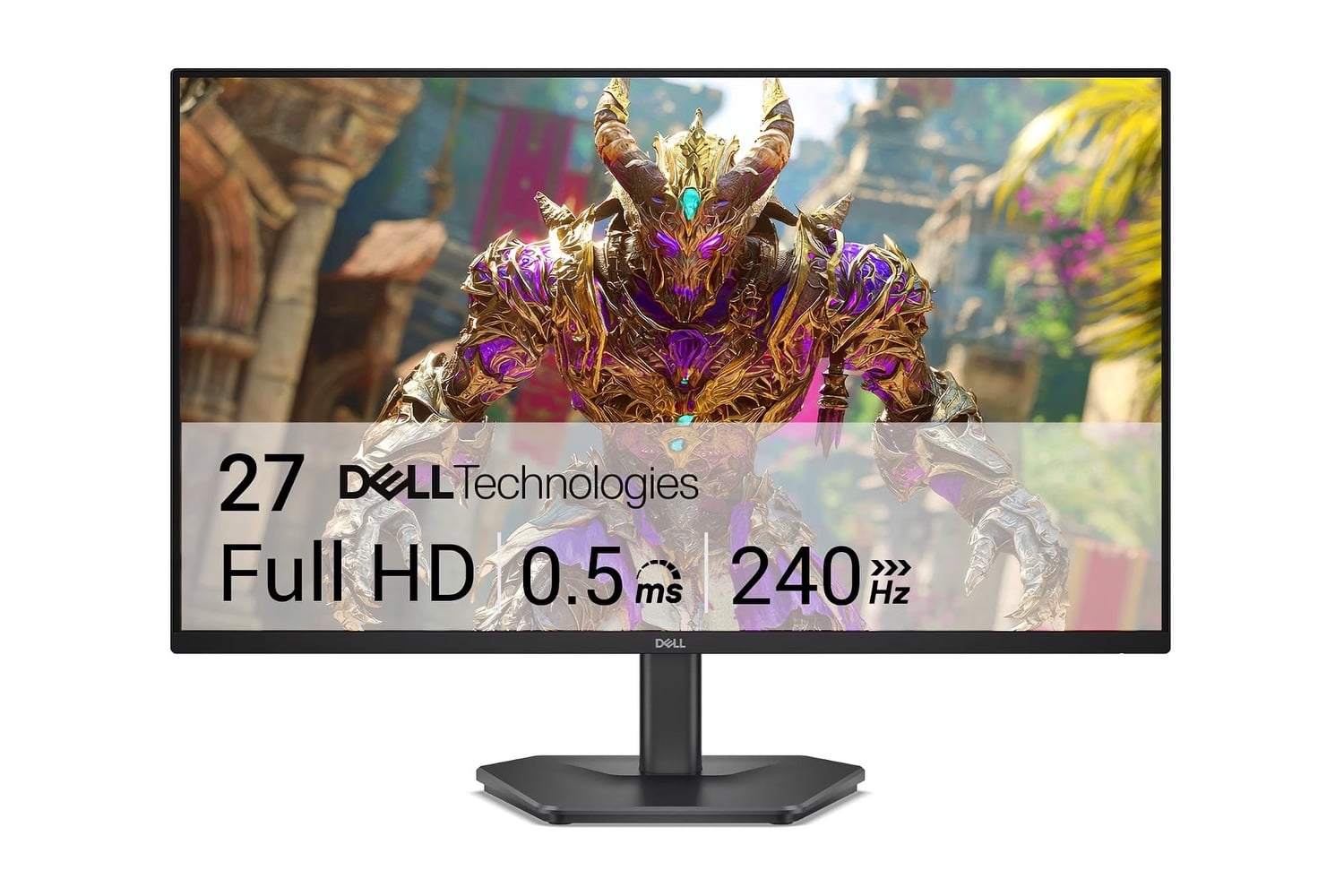
Few 27-inch gaming monitors offer a 240Hz refresh rate at this price. The Dell 27 240Hz Gaming Monitor costs less than almost every other 144Hz gaming monitor. It has a 1ms response time and an IPS panel, and it renders images at 1920 by 1080, keeping images sharp and clear on fast-moving objects instead of smudging them. This monitor also includes AMD FreeSync, which matches the display’s refresh rate to the frames per second your graphics card generates. The stand also lets you raise and tilt the monitor for better positioning, eliminating limitations based on where you sit.
A 27-inch gaming monitor with a fast IPS panel and an adjustable stand
A 240Hz display can show four times as many frames per second as a standard 60Hz office monitor. That increase lets you spot targets earlier in first-person shooters. A 240Hz display also keeps the image sharp as you rapidly pan around a game environment, preventing the picture from becoming blurry. Anyone upgrading from a 60Hz panel will notice the increased speed right away, even during everyday computer usage.
The main benefit of IPS technology is that it delivers consistent colors across the entire display, no matter how you view the screen. IPS maintains that consistency whether you’re looking directly into the display or at an angle. Consistent color reproduction is especially important if two or more people will be using the same monitor at once, or if you’ll be viewing from different angles, as in a multi-monitor setup. If the monitor you choose uses a TN panel, you can expect a loss of color accuracy every time you move your head, which can also cause issues with a secondary monitor.
Artifacts in fast-motion video include ghosting, where objects trail behind each other as they cross the screen. Smooth motion depends on both a fast enough response time and a high enough refresh rate; otherwise, artifacts will appear no matter how many frames the display draws. Combining a 1ms response time with a 240Hz refresh rate ensures smooth motion without creating those artifacts.
AMD FreeSync eliminates tearing by synchronizing the monitor’s refresh rate with the frame rate your graphics card outputs. Tearing occurs when a discrepancy exists between the frame rate the card generates and the monitor’s refresh rate, and it appears as a horizontal tear across the screen that splits the image during rapid motion. Removing that discrepancy eliminates the problem without introducing the input delay V-Sync does, which is why FreeSync has become the preferred method over the previous software-based approach.
At 1920 by 1080 on a 27-inch screen, this display can hit its max framerate with mid-range graphics cards. Hitting 240 frames per second at higher resolutions requires significantly more expensive hardware, so the screen’s resolution and refresh rate were chosen to match what most people already own rather than demand an upgrade.
The adjustable stand allows height and tilt adjustments, and most monitors in this price range don’t offer one. Keeping the top of your monitor at eye level during extended sessions matters, and adjusting a fixed stand typically involves placing books beneath it. VESA arm mounts are also supported, so you can remove the base from your desk entirely and create extra space below.