Figure out how you want to activate it
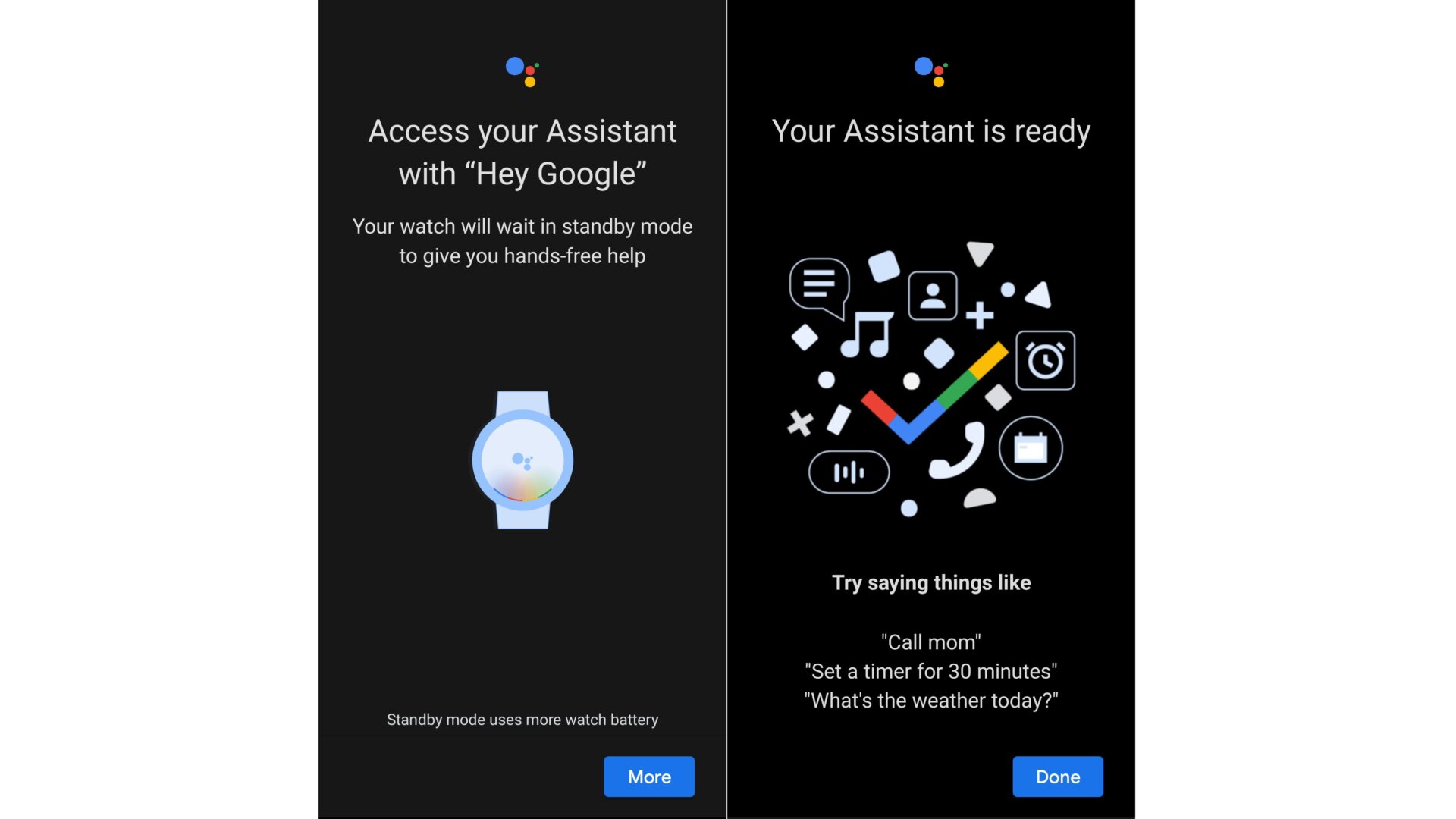
There are three ways to summon the Google Assistant on the Galaxy Watch 4. You can do it manually by navigating to the option in the app drawer or setting the watch to always listen for the “Hey Google” prompt. You can also program a shortcut, but I’ll show you how to do that in a later slide. I’m a stickler for a smartwatch with battery life, so I chose the first option for accessing Google Assistant. (Although, that still didn’t help my battery life.)
If you’re keen on shouting into your watch like some futuristic cartoon character, follow along with the prompts on your smartphone to set up “Hey Google.” (But again, beware if you’re doing that on top of using the Always On Display, and other perks of the Galaxy Watch 4.) If you’ve already set it up with a smart speaker or your Android device, you won’t have to go through retraining your voice.