Translate using the Camera app
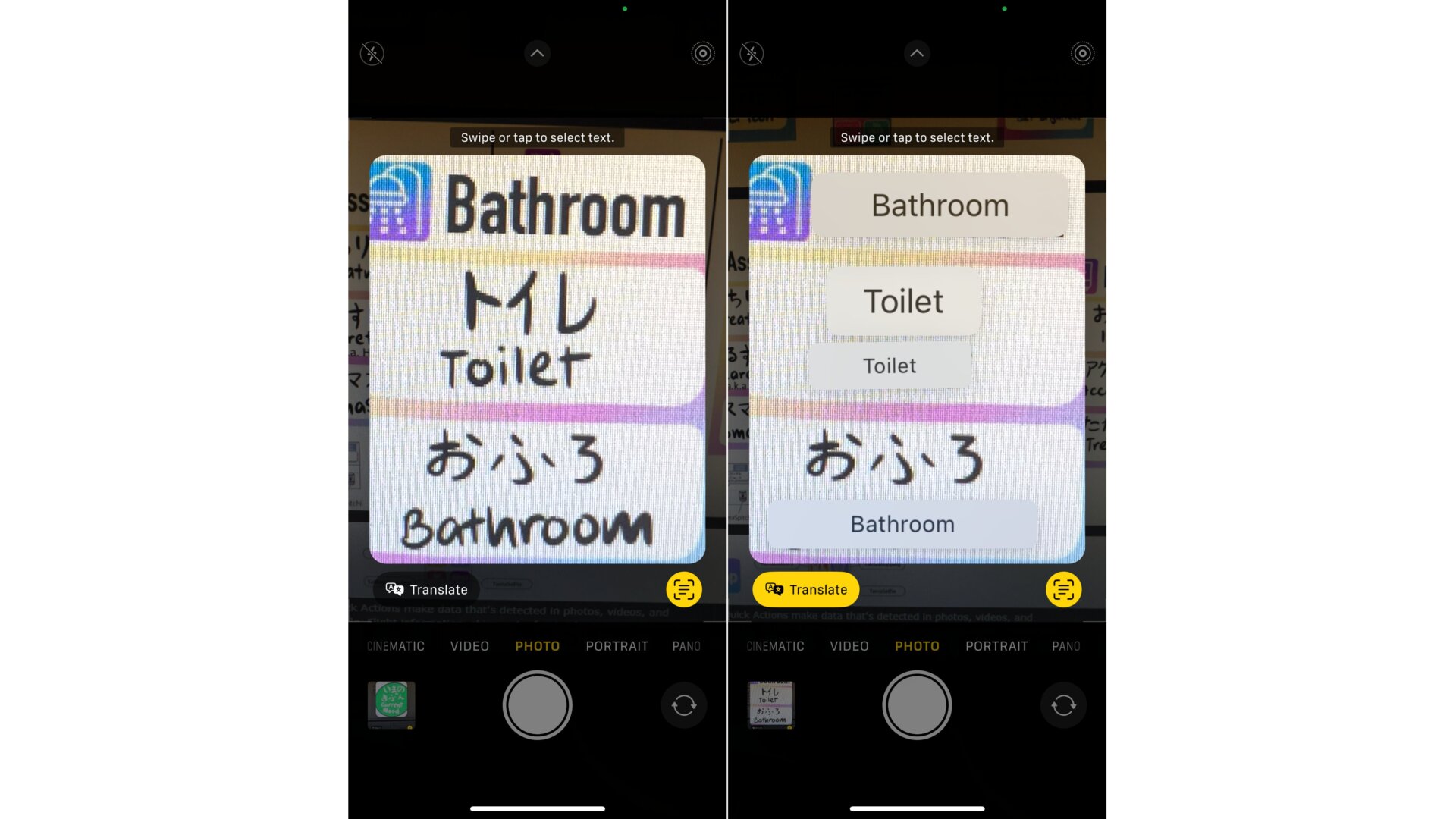
This is definitely something you’re going to want to use if you’re on vacation abroad! While your camera preview is on, tap on the screen to select visible text, and you’ll see a little icon pop up in the lower right-hand corner. Tap on that, and a Translate option appears below the selected area. Once you select that, iOS 16 will translate the text for you. Note that available languages for this ability are still limited.