Switch to the Dev channel
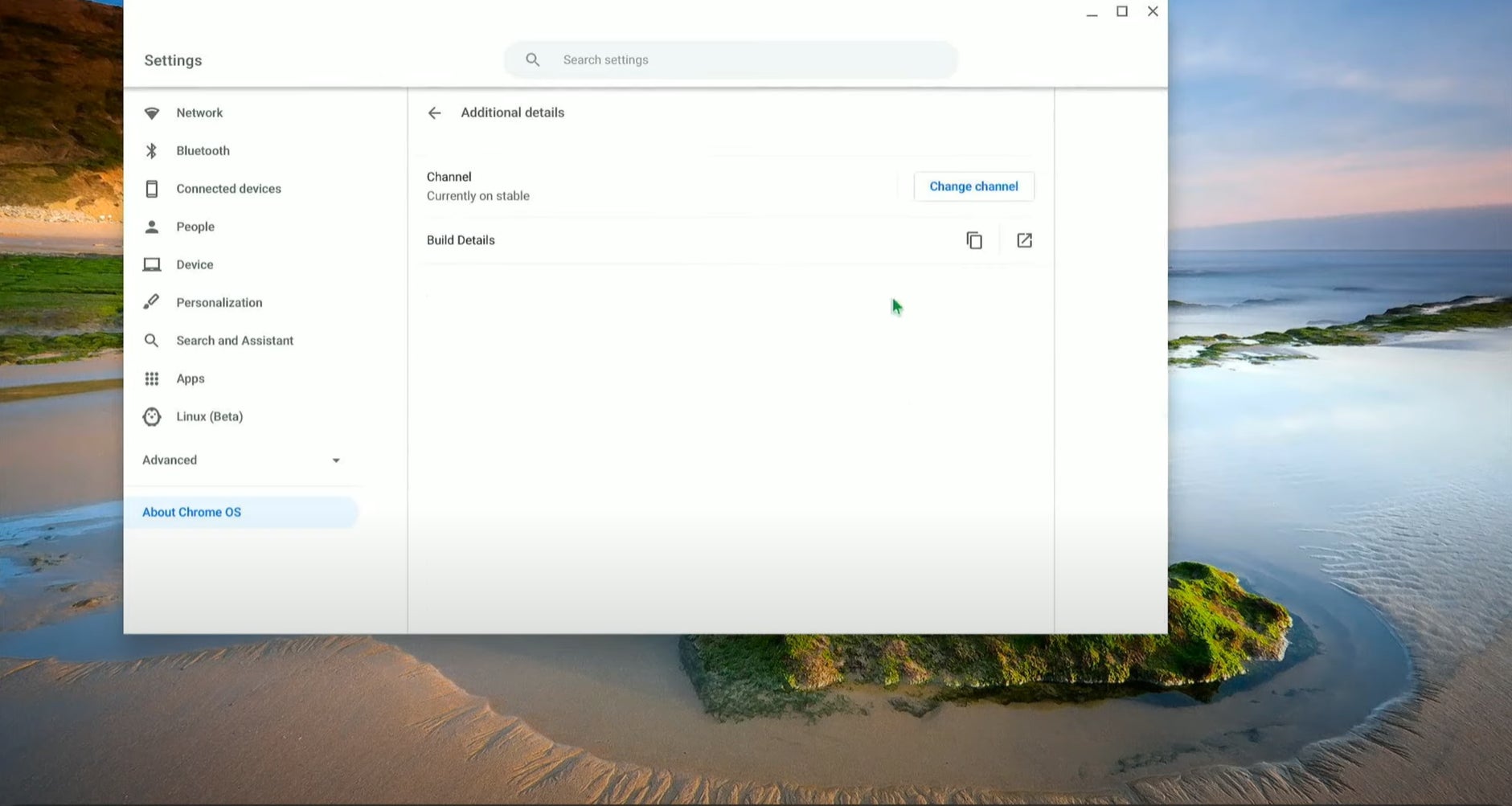
Since this feature is being tested, it can only be accessed on systems running a more experimental software channel. In this case, you’ll need to be in the “Dev channel.” Switching out of the default “Stable channel” comes with all of the warnings I listed before. Please, only do so on a system that isn’t housing any sensitive information. Always assume the worst!
With that in mind, to switch to the Dev channel, sign in to your device using the owner account. Then click the time in the bottom-right corner and choose the Settings (gear) icon. At the bottom of the left panel, select “About Chrome OS” and “Detailed build information.” Next to “Channel,” choose “Change Channel” and choose “Dev Channel.”
Your device will start to download an update and need to restart.