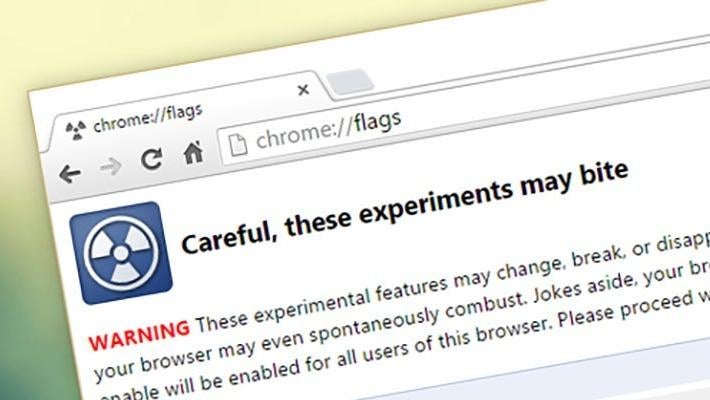
Once your system is updated to the Dev channel, navigate to the Chrome Flags by typing chrome://flags in the address bar. Scroll down until you see the flags #borealis and #exo-pointer-lock.
Enable both and restart your system one more time.
What good is investing in offense if you’ve hobbled your own defense?
Microsoft is completely redesigning parts of its OS so it doesn't hog all the resources of lower-end PCs with 8GB of RAM.
The Microsoft Surface Laptop Ultra isn't just a MacBook Pro for PCs. It's a strong sign that local compute power is what we actually need in the so-called "AI era."
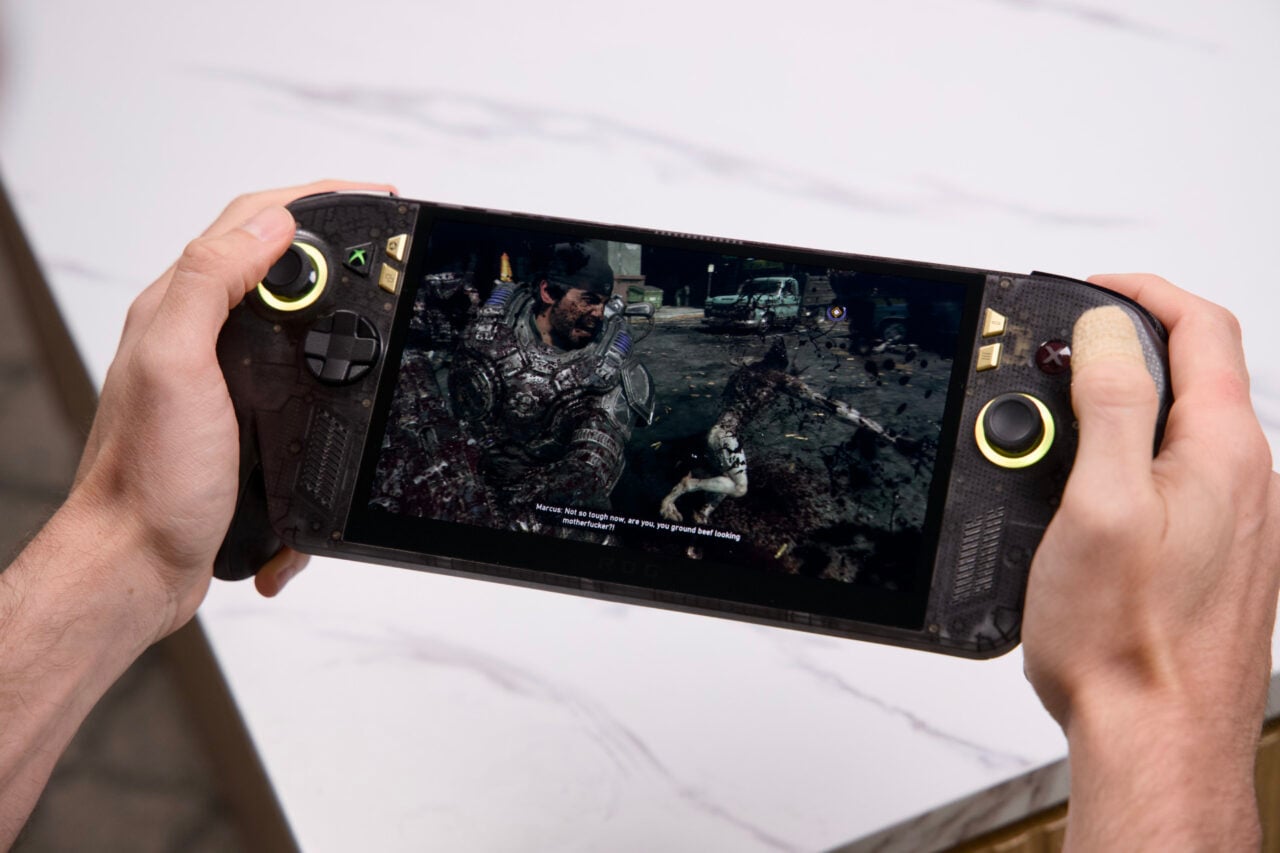
The OLED Xbox Ally looks, feels, and plays better than ever. That doesn’t mean it's offering the best performance.
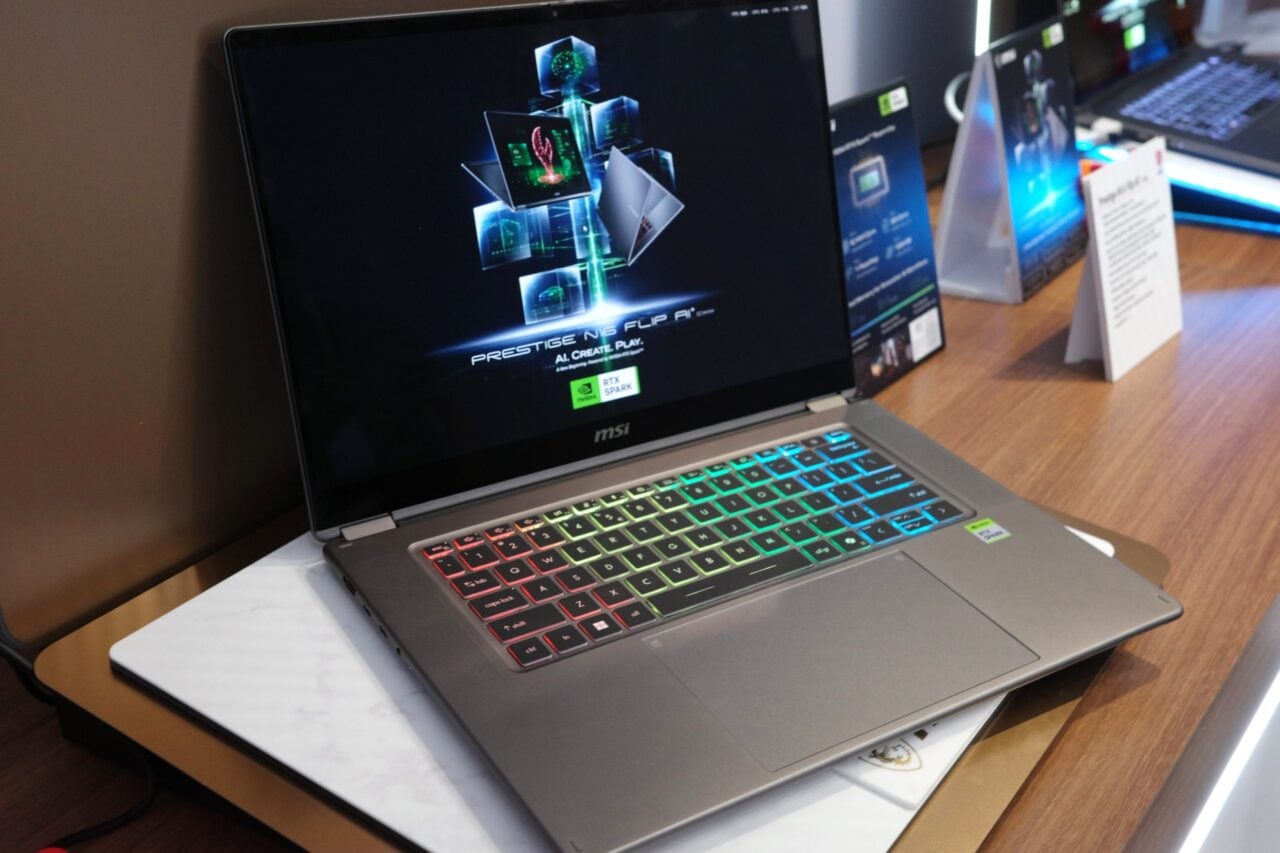
Get ready for the MacBook Pro-ification of PCs. The real test will be how they perform with all the emulation and AI running inside.
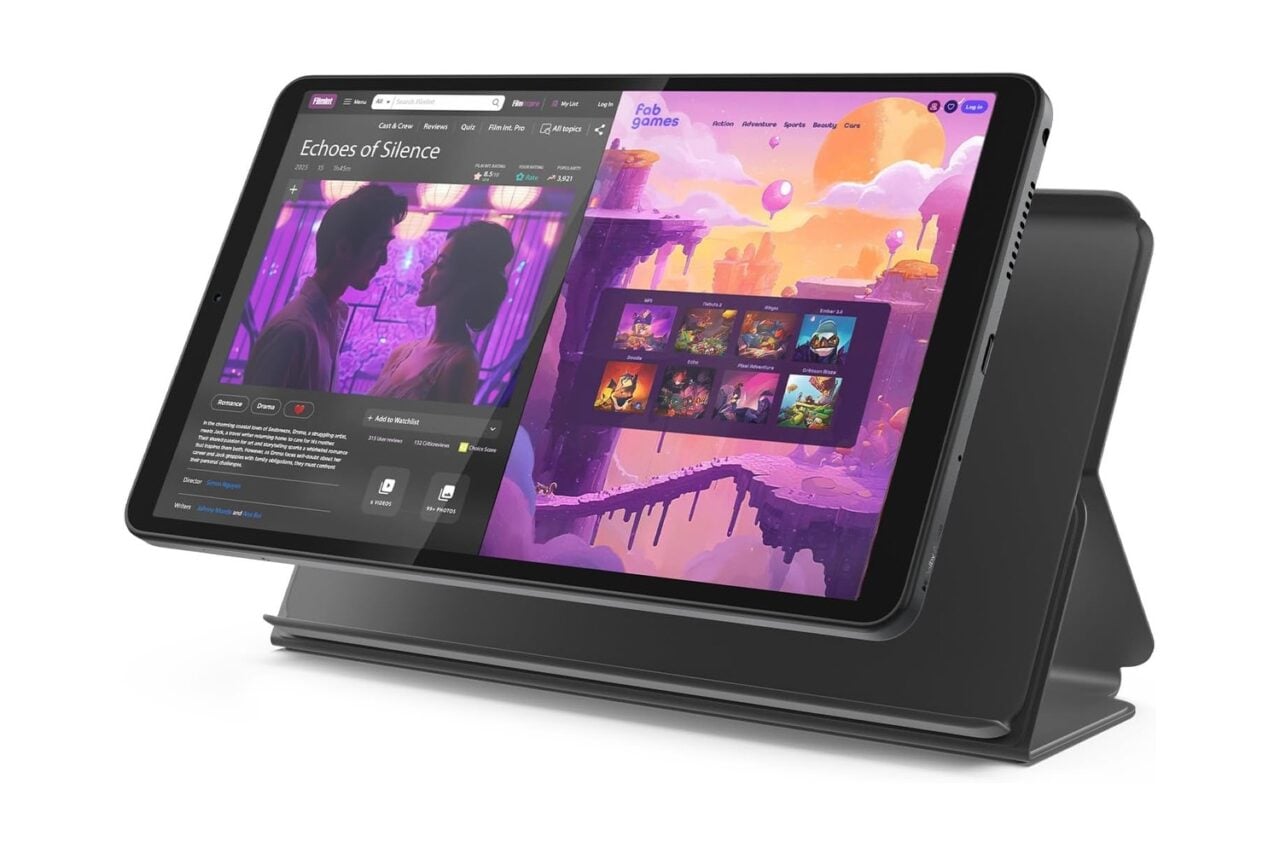
Three popular tablets are the latest victims of the company's growing enthusiasm for price hikes.