Enter a command into the Crosh terminal
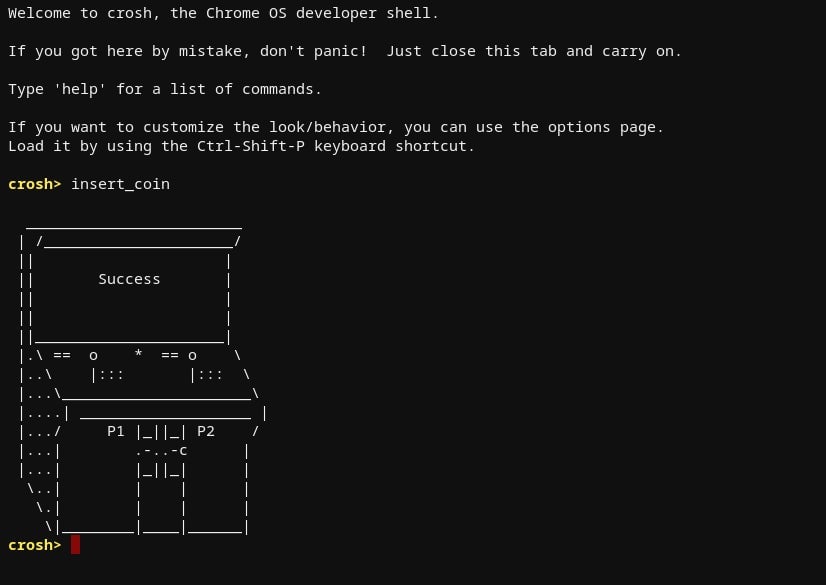
This step sounds scary, but don’t worry, it’s rather straightforward. First, you need to open the Crosh terminal using the ctrl+alt+t keyboard shortcut. When the window opens, type the following command: “insert_coin volteer-JOlkth573FBLGa” and hit enter.
You should see a fun “success” image surface and a new window open with the setup process for installing Steam. Follow those instructions.