1) Use all the filters you need
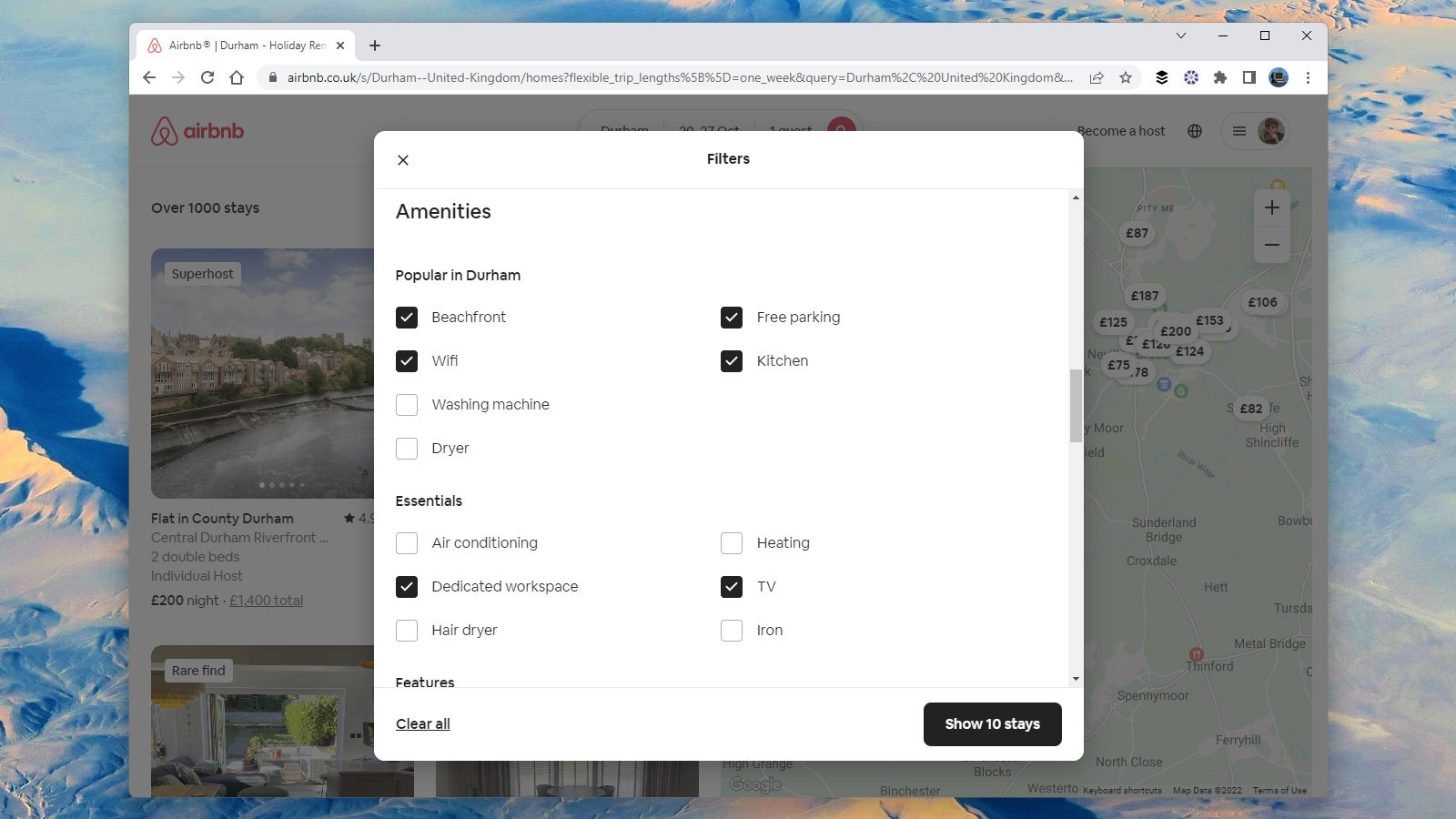
Fire up the Airbnb website, start looking for somewhere to stay, and you’ll see a Filters button above the results—ensure you make full use of this feature, especially in dense, built-up areas where there are a lot of Airbnbs to pick from.
Among the filters you can use, you’ve got price range, bedrooms, amenities like wifi and car parking, and even the languages that the host speaks (very handy if you’re going abroad and don’t want there to be any potential problems with a language barrier).
Even if you’ve used these filters before, you might not have realized just how many of them there are. You can also look for places with free cancellation, or that are run by a Superhost, or that meet a higher Airbnb Plus standard for quality and design.